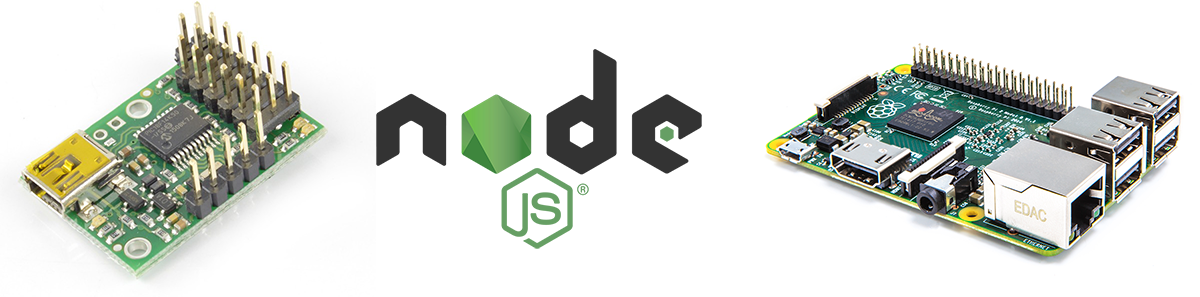
npm install maestro-servo-controllerMicro Maestro 6-Channel + Node.js + RaspberryPi
Install
``
npm install maestro-servo-controller
Platforms
Typical device names for:
$3
- RaspberryPi: `
/dev/ttyACM0`
- Ubuntu: /dev/ttyAMA0`$3
- Mac: /dev/cu.usbmodem00115481`NOTE: _The trailing numbers in the device path name are likely to be different for your specific system. To discover the exact device path name for your system, simply run_
_before connecting the device to your host computer. Next, connect your device to the host machine. Now, run_ ls /dev/ _once again, and the newest device paths belong to your maestro device. Of the newly visible device path names, the one with the lower number is the device path name to use._Usage
`
var servo = require('maestro-servo-controller');
$3
To connect to the maestro device through the serial connection, use the following command with your device's path name:
//--------------------------------------------------------------------
//  connect(device_path)
//    - device_path: the path to the Maestro device
//
//  NOTE: The Maestro's serial mode must be set to "USB Dual Port".
//--------------------------------------------------------------------
servo.connect('/dev/cu.usbmodem00115481');
$3
To set a specific servo's speed, use the following command:
//--------------------------------------------------------------------
//  setSpeed(channel, speed)
//    - channel: servo number
//    - speed: servo speed
//--------------------------------------------------------------------
servo.setSpeed(0, 25);
$3
To set a specific servo's acceleration, use the following command:
//--------------------------------------------------------------------
//  setAccel(channel, accel)
//    - channel: servo number
//    - accel: servo acceleration
//--------------------------------------------------------------------
servo.setAccel(0, 2);
$3
Here is where things get truly interesting! To set a specific servo's target position, causing the servo shaft to progress to a desired position, use the following command:
//--------------------------------------------------------------------
//  setTarget(channel, target)
//    - channel: servo number
//    - target: the target servo posistion in quarter-microseconds
//
//  servo protections:
//    - servo min: 2000 (500us)
//    - servo max: 10000 (2500us)
//
//  for reference:
//    - servo center: ~6000 (1500us)
//--------------------------------------------------------------------
servo.setTarget(0, 6000);
$3
If you need to retrieve the current position of a specific servo, use the following command:
//--------------------------------------------------------------------
//  getPosition(channel)
//    - channel: servo number
//
//  returns: an integer representing the servo's current position;
//            is a quarter-microsecond value like the target value
//--------------------------------------------------------------------
console.log('Servo position:', servo.getPosition(0));
$3
To disconnect to the maestro device attached to your computer's serial connection, use the following command:
//--------------------------------------------------------------------
//  disconnect()
//    - close connection to Maestro device
//--------------------------------------------------------------------
servo.disconnect();
References
- Purchase a Maestro device from Pololu
- View supporting documentation in the User Manual
- Test and configure your device, with the official Maestro Servo Application