miniprogram-wecalendar
v1.3.0
A miniprogram date component that supports sliding, weekly folding, and brisk
miniprogram-CalendarEsbuild buildWeek Fold CalendarTouch Sliding CalendarModern; Fast; miniprogram-Calendar
0/weekUpdated 1 years agoAnti 996Unpacked: 35.4 KB
Published by ruoduan
npm install miniprogram-wecalendarminiprogram-wecalendar
> A miniprogram date component that supports sliding, weekly folding, and brisk
> Built with ESbuild, now responsive
---


---
$3
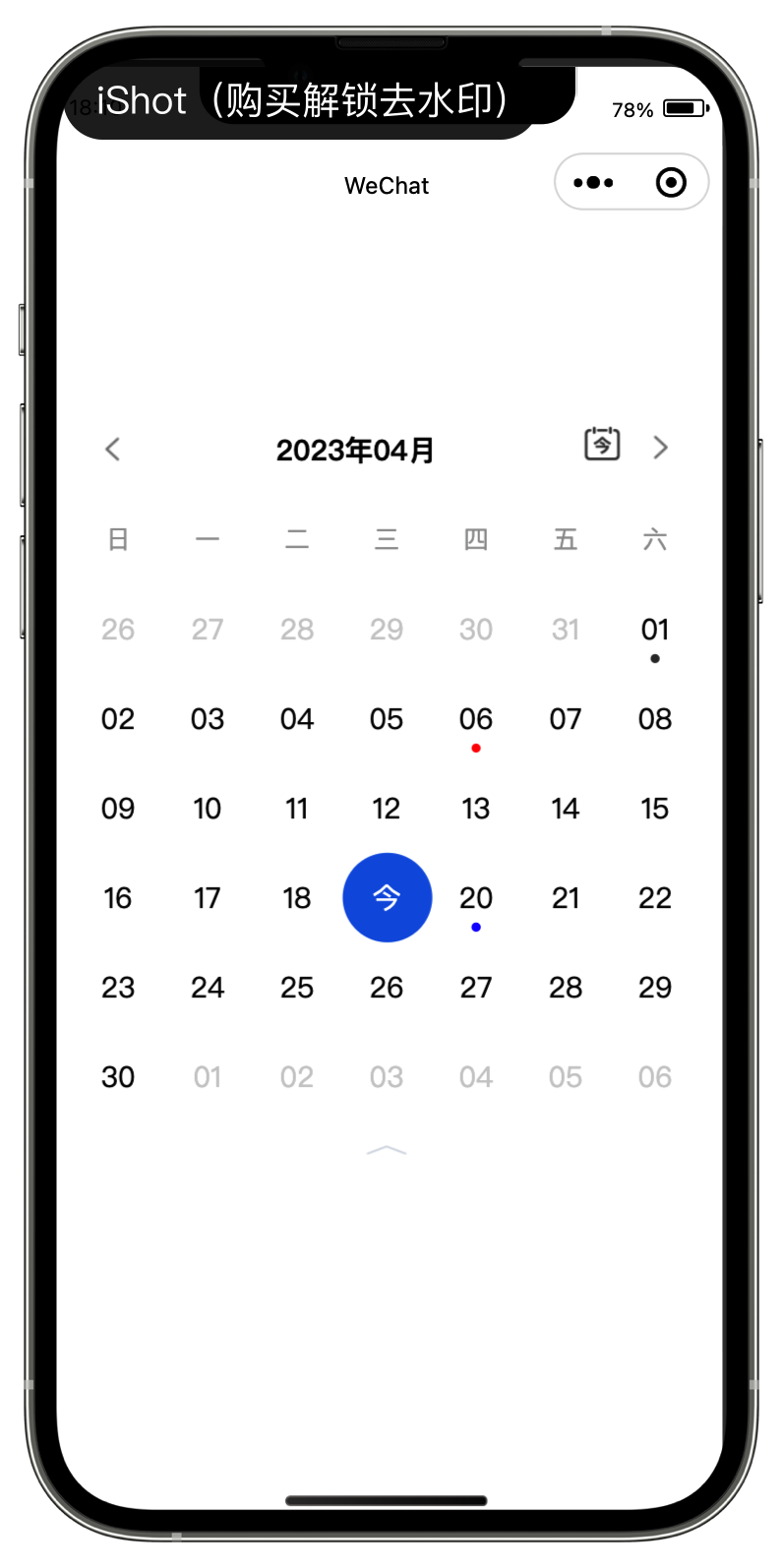
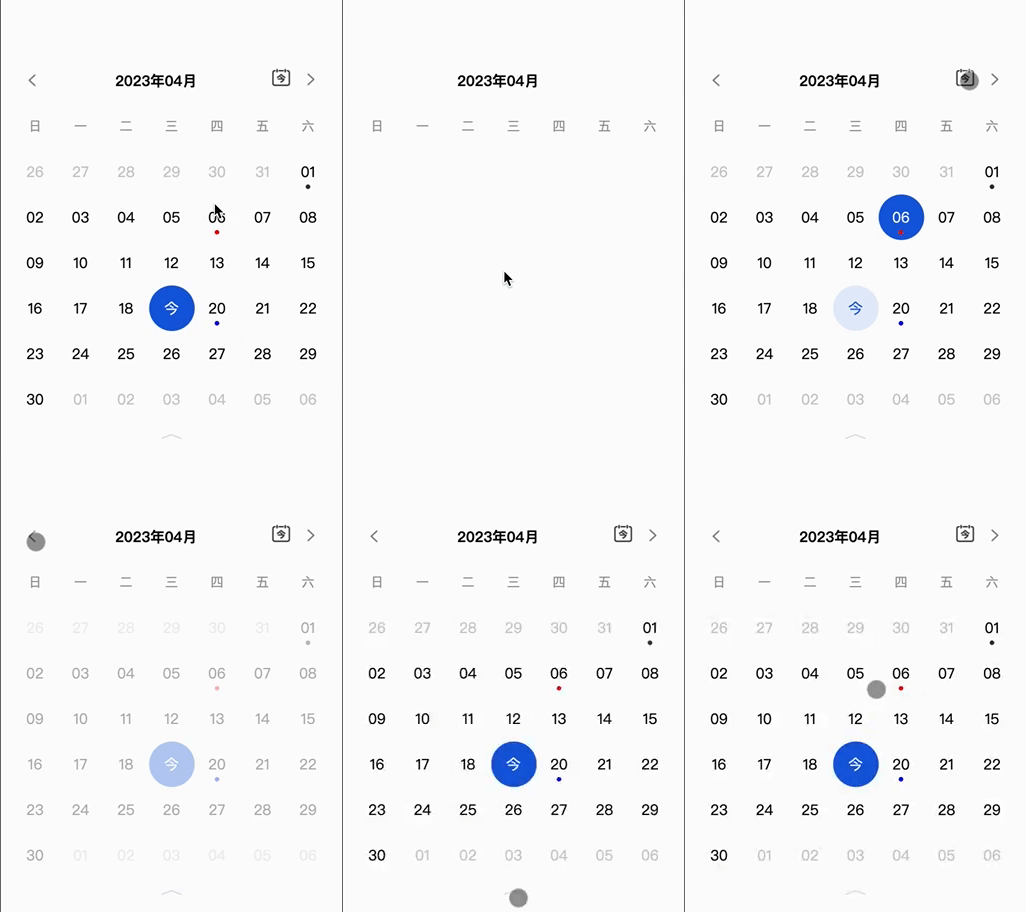
$3
``js`
npm i miniprogram-wecalendar
or
`
yarn add miniprogram-wecalendar
$3
> Add the calendar custom component configuration to the page page.json or app.json that needs to use the calendar
`json`
{
"usingComponents": {
"WeCalendar": "miniprogram-wecalendar"
}
}
> ~~open Development tools mode ~~
>
> 1.2.0 Support wxss
`json`
"useCompilerPlugins": [
"less"
]
- Use 👇🏻 in wxml
`html`
$3
| Property | Type | Default | required | Description |
| ---------------- | ---------------------------------------------- | ------- | -------- | ----------------------------------------- |
| isToday | Boolean | False | 0 | Whether to show today button |
| markCalendarList | Array[{ date: YYYY-MM-DD pointColor: #ccc }] | [] | 0 | Calendar markers, color can be customized |
| defaultDate | String: YYYY-MM-DD | Null | 0 | Default date |
| showFolding | Boolean | True | 0 | Calendar folding function |
| weeekLayer | Number | 1 | 0 | Number of rows in collapsed state |
$3
| Property | Type | Description |
| ----------- | ----------------- | ------------------------------------------- |
| onSelect | Function Callback | How to choose a date |
| onRangeDate | Function Callback | The scope of each rendering of the calendar |
$3
- onSelect
`js`
onSelect: (e) => {
const {day} = e.detail
// ...
}
- onRangeDate
`js`
onRangeDate: (e) => {
const {beginTime, endTime} = e.detail
// ...
}
$3
`js`
npm run dev
- - Use the WeChat applet development tool to open the demo folder, change the file under src` and it will be automatically built