msc-ar
v1.2.5
web augmented reality framework
5/weekUpdated 2 years agoMITUnpacked: 12.9 MB
Published by hiukim
npm install msc-arMindAR
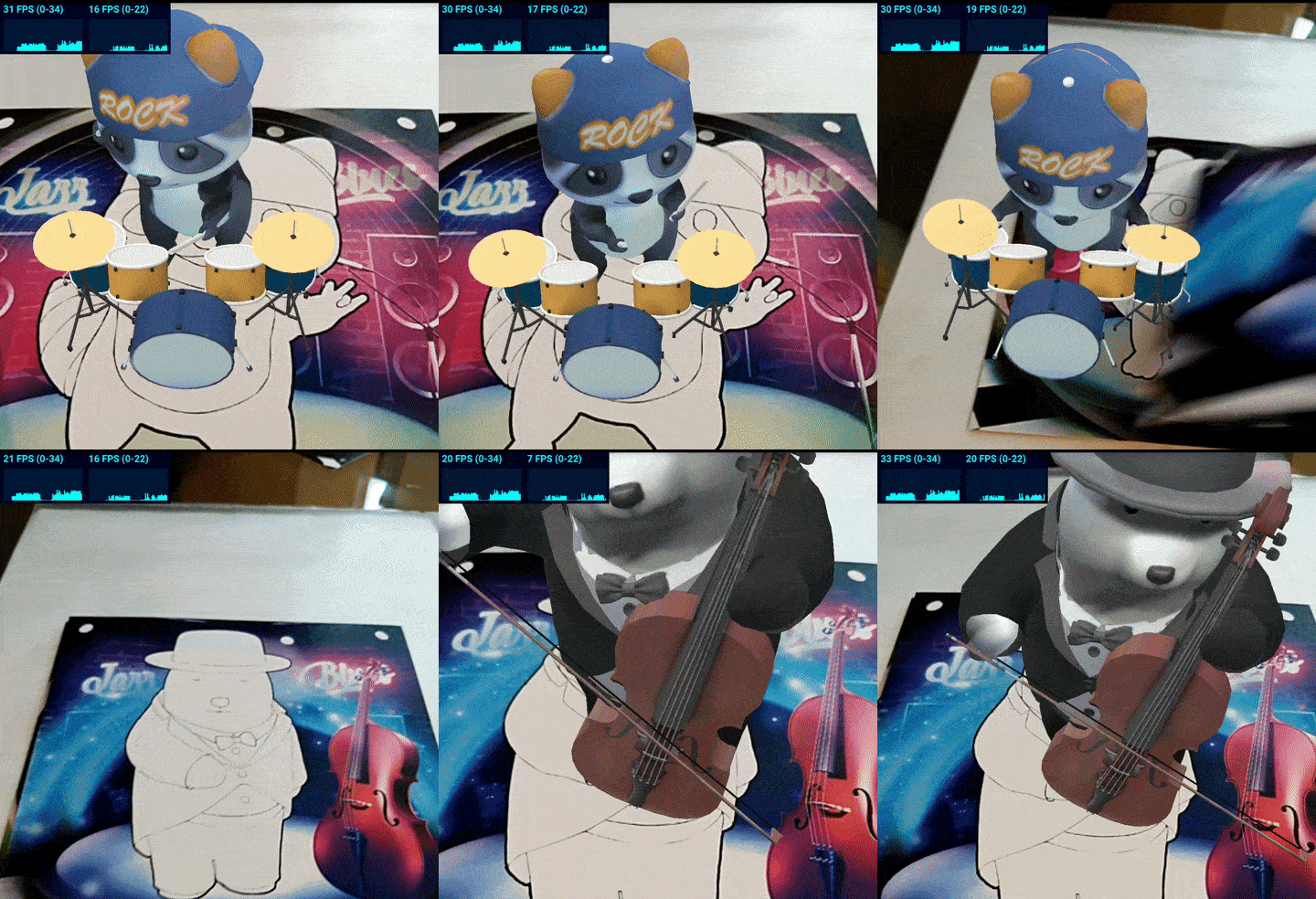


MindAR is a web augmented reality library. Highlighted features include:
:star: Support Image tracking and Face tracking. For Location or Fiducial-Markers Tracking, checkout AR.js
:star: Written in pure javascript, end-to-end from the underlying computer vision engine to frontend
:star: Utilize gpu (through webgl) and web worker for performance
:star: Developer friendly. Easy to setup. With AFRAME extension, you can create an app with only 10 lines of codes
Fund Raising
MindAR is the only actively maintained web AR SDK which offer comparable features to commercial alternatives. This library is currently maintained by me as an individual developer. To raise fund for continuous development and to provide timely supports and responses to issues, here is a list of related projects/ services that you can support.
Unity WebAR Foundation
|  |
Web AR Development CourseI'm offering a WebAR development course in Udemy. It's a very comprehensive guide to Web AR development, not limited to MindAR. Check it out if you are interested: https://www.udemy.com/course/introduction-to-web-ar-development/?referralCode=D2565F4CA6D767F30D61 |  |
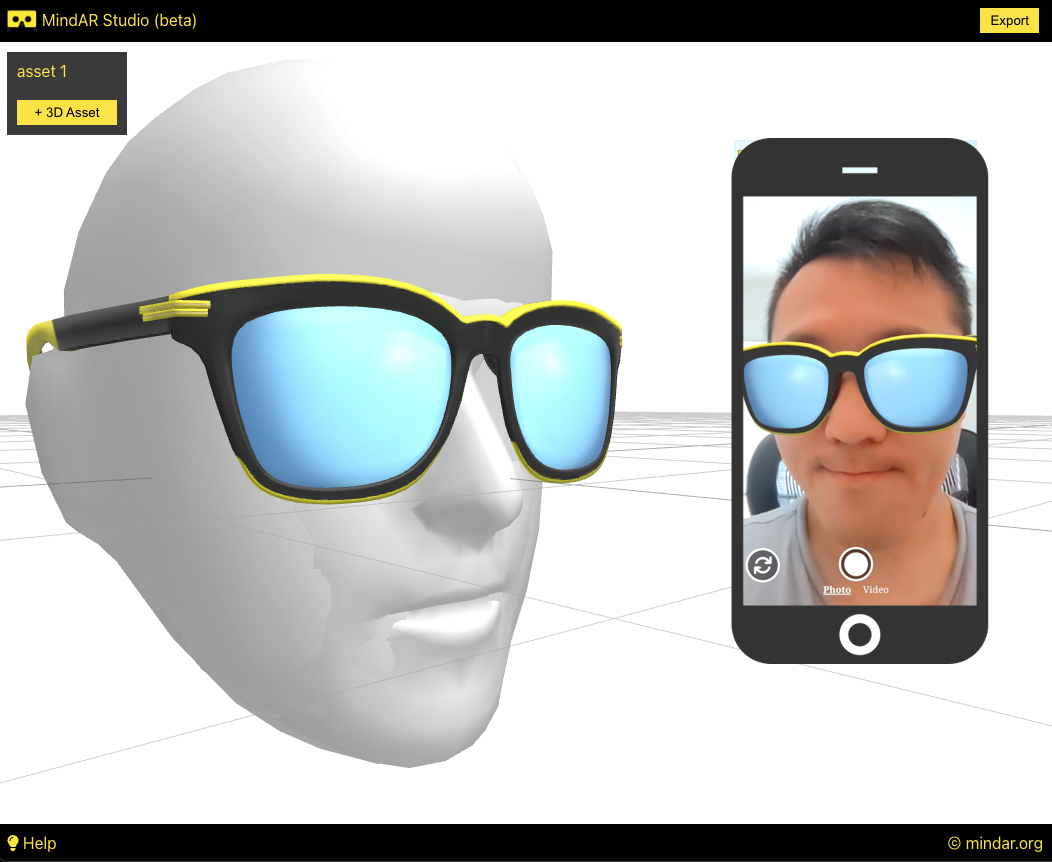
MindAR Studio
|  |
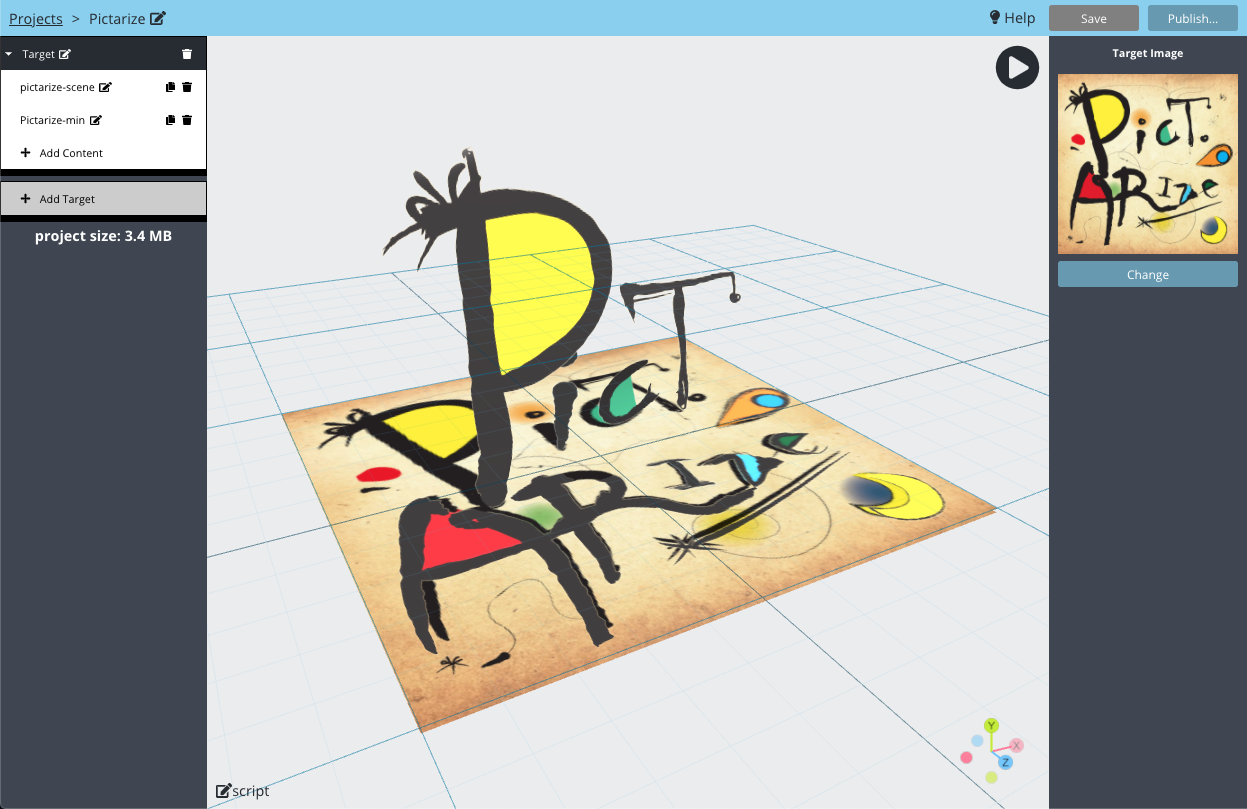
Pictarize
|  |
Documentation
Official Documentation: https://hiukim.github.io/mind-ar-js-doc
Demo - Try it yourself
Image Tracking - Basic ExampleDemo video: https://youtu.be/hgVB9HpQpqY Try it yourself: https://hiukim.github.io/mind-ar-js-doc/examples/basic/ | 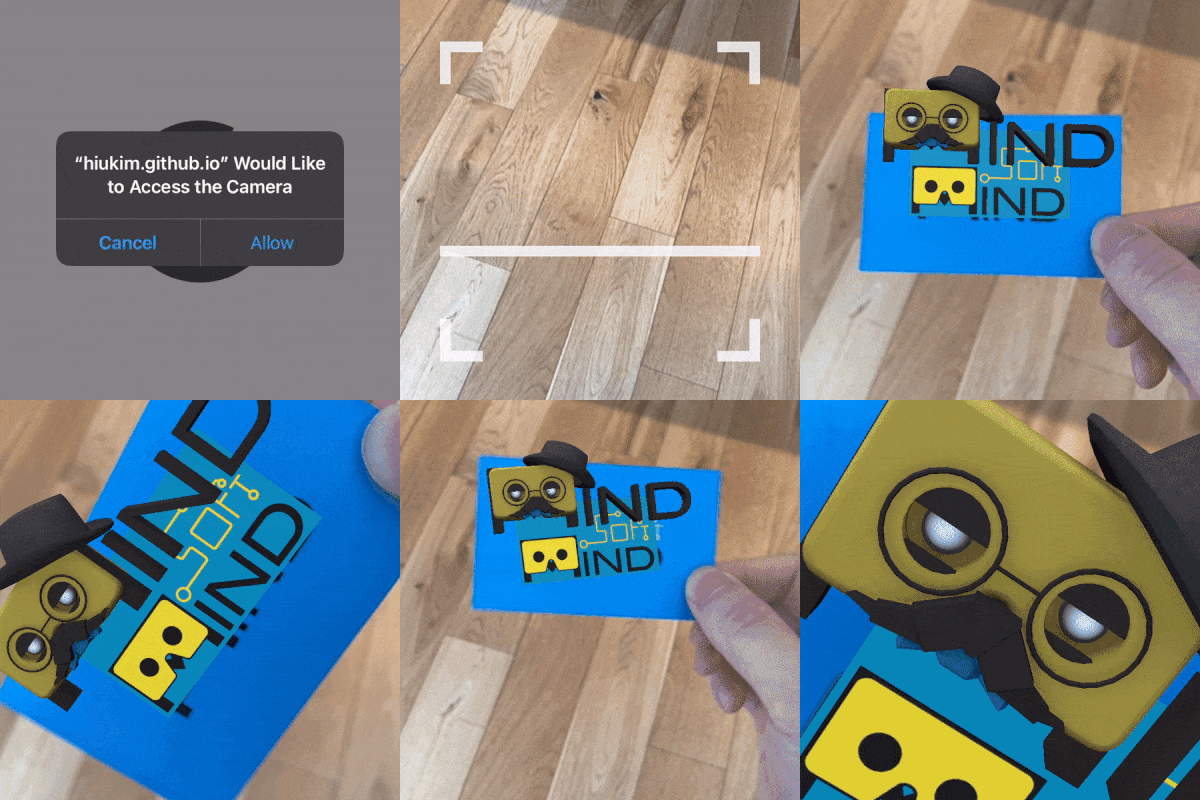 |
Image Tracking - Multiple Targets ExampleTry it yourself: https://hiukim.github.io/mind-ar-js-doc/examples/multi-tracks | |
Image Tracking - Interactive ExampleDemo video: https://youtu.be/gm57gL1NGoQ Try it yourself: https://hiukim.github.io/mind-ar-js-doc/examples/interative | |
Face Tracking - Virtual Try-On ExampleTry it yourself: https://hiukim.github.io/mind-ar-js-doc/face-tracking-examples/tryon | |
Face Tracking - Face Mesh EffectTry it yourself: https://hiukim.github.io/mind-ar-js-doc/more-examples/threejs-face-facemesh | 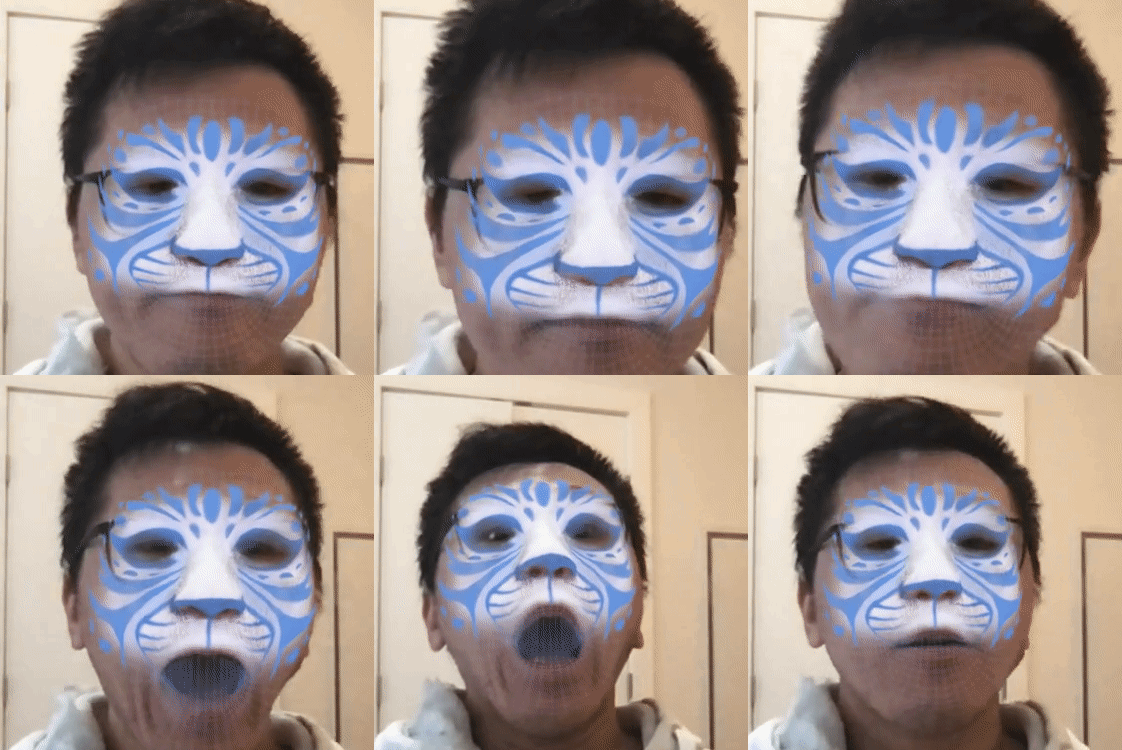 |
$3
More examples can be found here: https://hiukim.github.io/mind-ar-js-doc/examples/summary
Quick Start
Learn how to build the Basic example above in 5 minutes with a plain text editor!
Quick Start Guide: https://hiukim.github.io/mind-ar-js-doc/quick-start/overview
To give you a quick idea, this is the complete source code for the Basic example. It's static HTML page, you can host it anywhere.
``

`
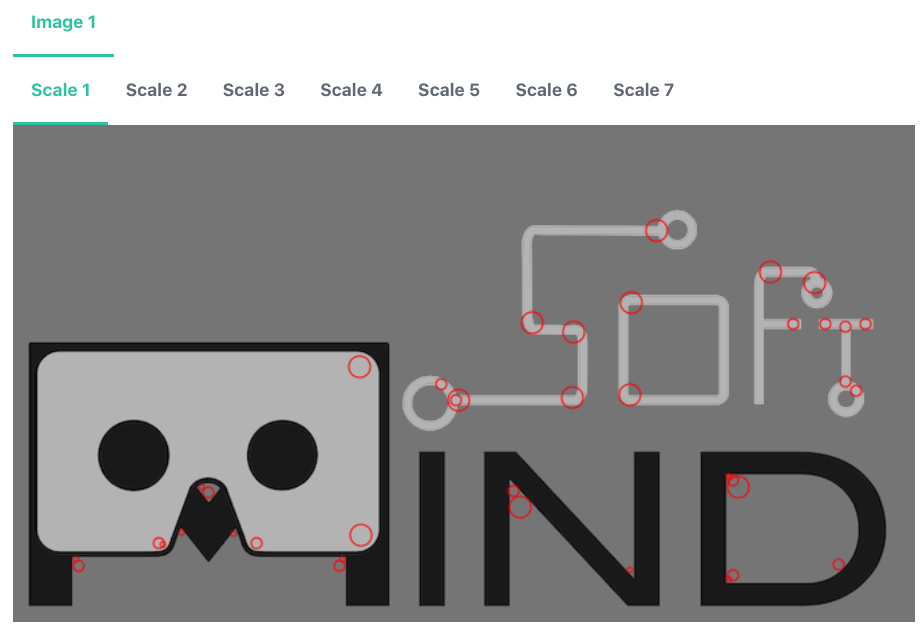
Target Images Compiler
You can compile your own target images right on the browser using this friendly Compiler tools. If you don't know what it is, go through the Quick Start guide
https://hiukim.github.io/mind-ar-js-doc/tools/compile
Roadmaps
1. Supports more augmented reality features, like Hand Tracking, Body Tracking and Plane Tracking
2. Research on different state-of-the-arts algorithms to improve tracking accuracy and performance
3. More educational references.
Contributions
I personally don't come from a strong computer vision background, and I'm having a hard time improving the tracking accuracy. I could really use some help from computer vision expert. Please reach out and discuss.
Also welcome javascript experts to help with the non-engine part, like improving the APIs and so.
If you are graphics designer or 3D artists and can contribute to the visual. Even if you just use MindAR to develop some cool applications, please show us!
Whatever you can think of. It's an opensource web AR framework for everyone!
Development Guide
#### Directories explained
1. /src folder contains majority of the source code/examples
2. folder contains examples to test out during development
#### To create a production build
run > npm run build. the build will be generated in dist folder
#### For development
To develop threeJS version, run > npm run watch. This will observe the file changes in src folder and continuously build the artefacts in dist-dev.
To develop AFRAME version, you will need to run >npm run build-dev everytime you make changes. The --watch parameter currently failed to automatically generate mindar-XXX-aframe.js.
All the examples in the examples folder is configured to use this development build, so you can open those examples in browser to start debugging or development.
The examples should run in desktop browser and they are just html files, so it's easy to start development. However, because it requires camera access, so you need a webcam. Also, you need to run the html file with some localhost web server. Simply opening the files won't work.
For example, you can install this chrome plugin to start a local server: https://chrome.google.com/webstore/detail/web-server-for-chrome/ofhbbkphhbklhfoeikjpcbhemlocgigb?hl=en
You most likely would want to test on mobile device as well. In that case, it's better if you could setup your development environment to be able to share your localhost webserver to your mobile devices. If you have difficulties doing that, perhaps behind a firewall, then you could use something like ngrok (https://ngrok.com/) to tunnel the request. But this is not an ideal solution, because the development build of MindAR is not small (>10Mb), and tunneling with free version of ngrok` could be slow.
#### webgl backend
This library utilize tensorflowjs (https://github.com/tensorflow/tfjs) for webgl backend. Yes, tensorflow is a machine learning library, but we didn't use it for machine learning! :) Tensorflowjs has a very solid webgl engine which allows us to write general purpose GPU application (in this case, our AR application).
The core detection and tracking algorithm is written with custom operations in tensorflowjs. They are like shaders program. It might looks intimidating at first, but it's actually not that difficult to understand.
Credits
The computer vision idea is borrowed from artoolkit (i.e. https://github.com/artoolkitx/artoolkit5). Unfortunately, the library doesn't seems to be maintained anymore.
Face Tracking is based on mediapipe face mesh model (i.e. https://google.github.io/mediapipe/solutions/face_mesh.html)