nativescript-numeric-keyboard
v5.0.2TypeScript
Handy and elegant numeric keyboard for iOS NativeScript apps. On Android we fall back to the regular numeric keyboard.
0/weekUpdated 3 years agoMITUnpacked: 25.7 KB
Published by Eddy Verbruggen
npm install nativescript-numeric-keyboardNativeScript Numeric Keyboard
[![NPM version][npm-image]][npm-url]
[![Downloads][downloads-image]][npm-url]
[![Twitter Follow][twitter-image]][twitter-url]
[build-status]:https://travis-ci.org/EddyVerbruggen/nativescript-numeric-keyboard.svg?branch=master
[build-url]:https://travis-ci.org/EddyVerbruggen/nativescript-numeric-keyboard
[npm-image]:http://img.shields.io/npm/v/nativescript-numeric-keyboard.svg
[npm-url]:https://npmjs.org/package/nativescript-numeric-keyboard
[downloads-image]:http://img.shields.io/npm/dm/nativescript-numeric-keyboard.svg
[twitter-image]:https://img.shields.io/twitter/follow/eddyverbruggen.svg?style=social&label=Follow%20me
[twitter-url]:https://twitter.com/eddyverbruggen
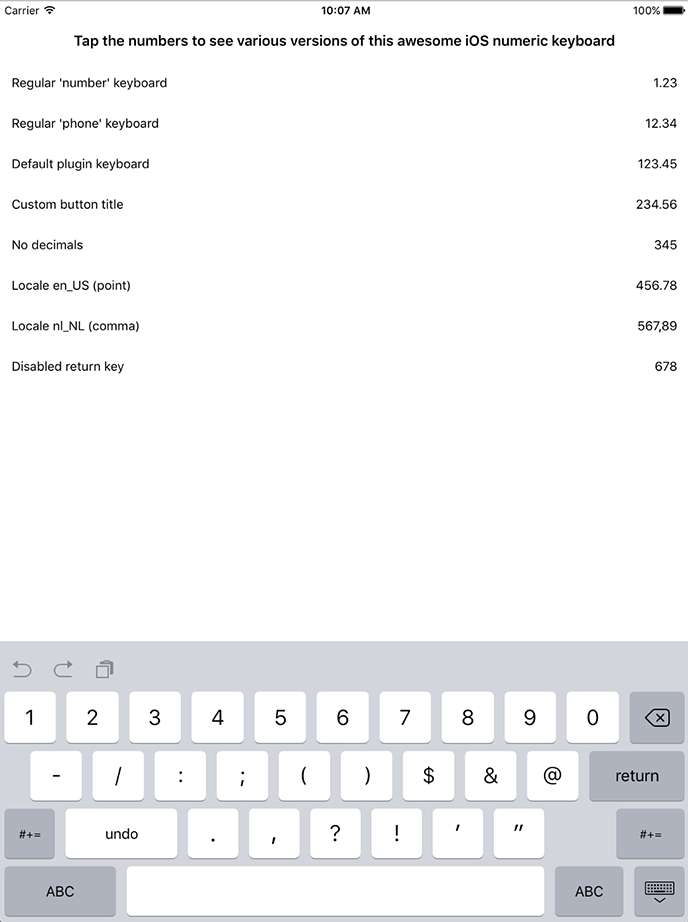
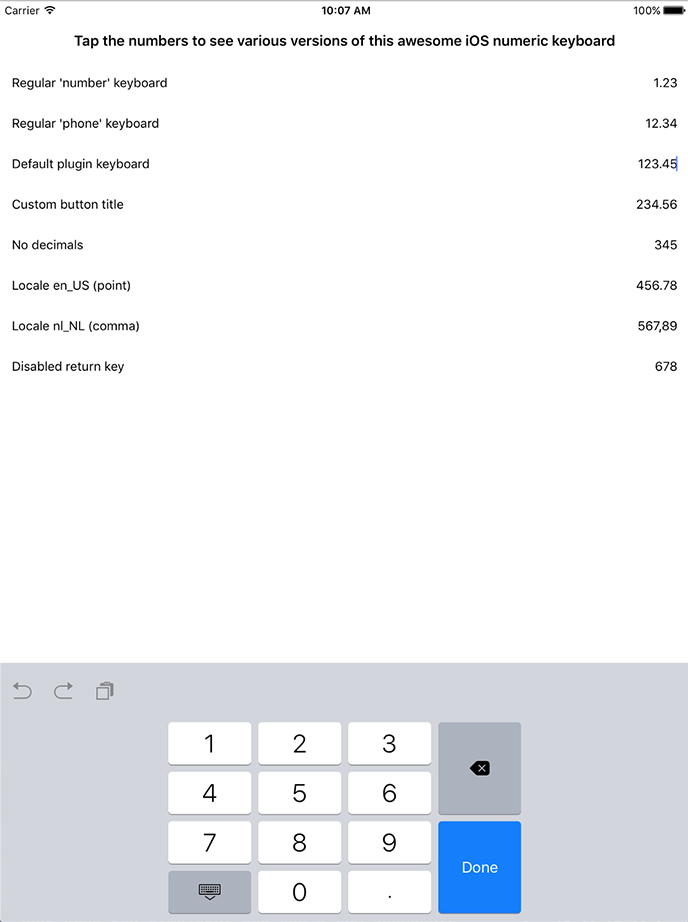
For iOS. Falls back to the best platform-provided numeric keyboard on Android. Note that the iPad UI looks a bit sleeker than shown in the screenshot below.
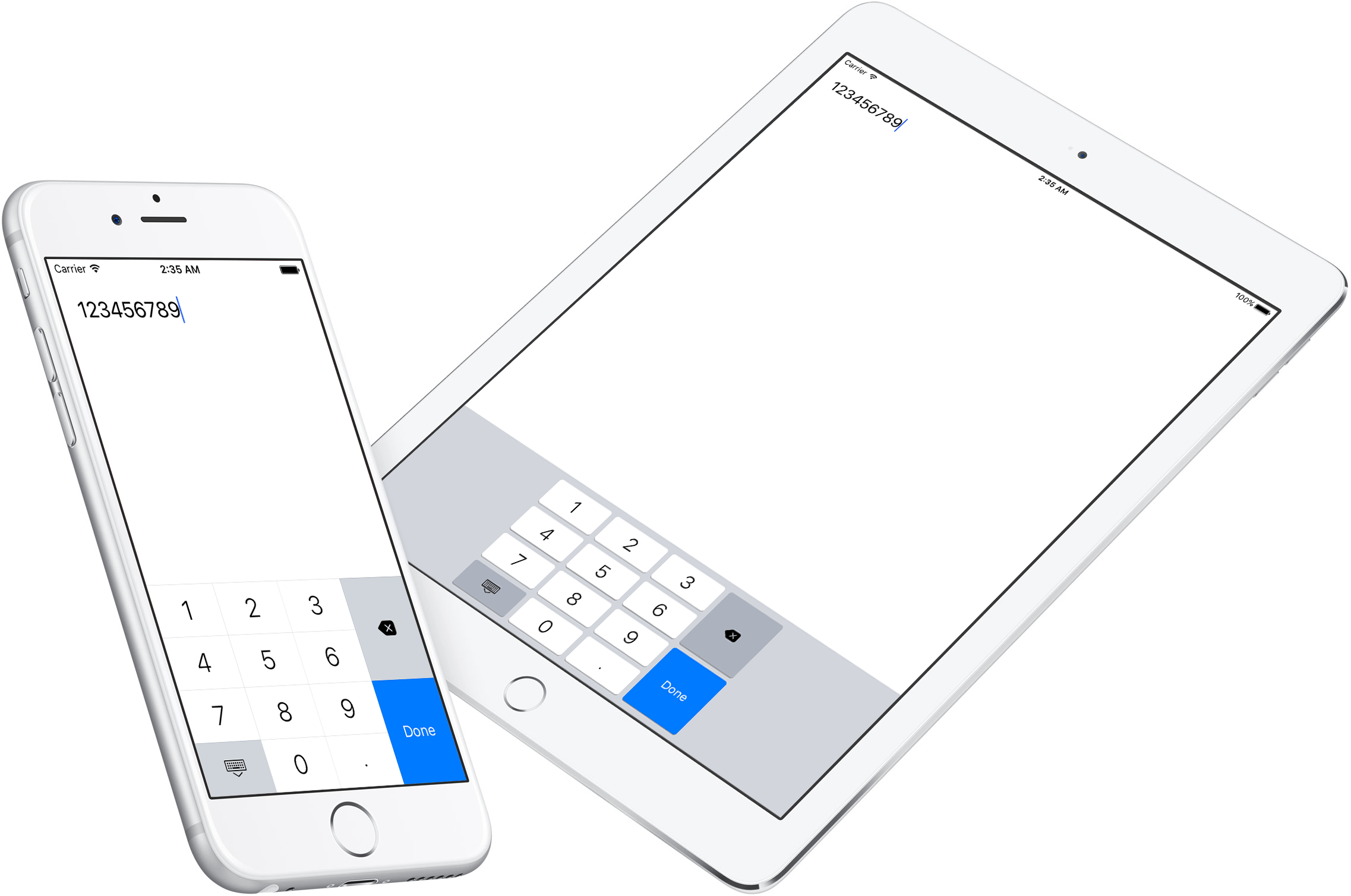
> BREAKING CHANGE in plugin version 4.0.0: we used to extend a TextView, now it's a TextField, because I finally hacked my way around a problem that prevented a TextField from emitting a textChange event. Note that unless you use the decorate() function this will not affect you (bar some now-fixed UI glitches).
Installation
From the command prompt go to your app's root folder and execute:
#### Since NativeScript 7
``
tns plugin add nativescript-numeric-keyboard
#### Before NativeScript 7
`
tns plugin add nativescript-numeric-keyboard@4
> mind the @4 on the end, because since plugin version 5 we require NativeScript 7.
Demo app
Check out the demo to play with the keyboard. You can run it by typing npm run demo.iphone
/ npm run demo.ipad at the root of the project.How it works
This plugin wraps a native keyboard library and extends a regular NativeScript TextField.
You can set any property you'd normally set on this widget (class, text, etc) and a few plugin-specific properties as well.You can either define the keyboard in XML or in code - use whichever tickles your fancy.
Screenshot-driven documentation
After adding the plugin you can add a namespace to your view (using NumKey below) and use the NumericKeyboardView tag to render a TextField powered by this plugin.`xml
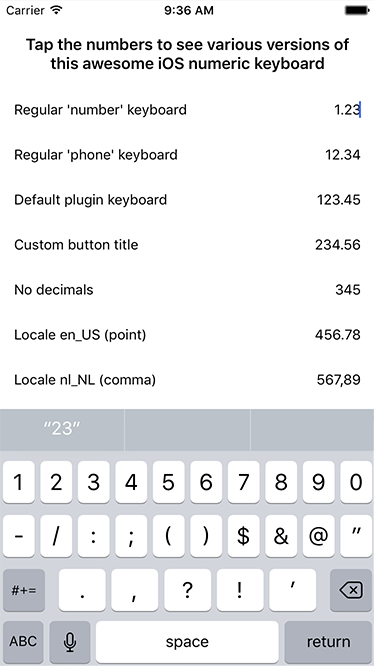
`For comparison sake we kick off with the default appearance of a
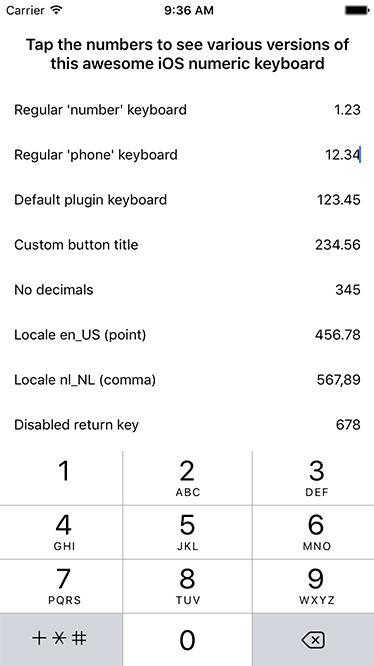
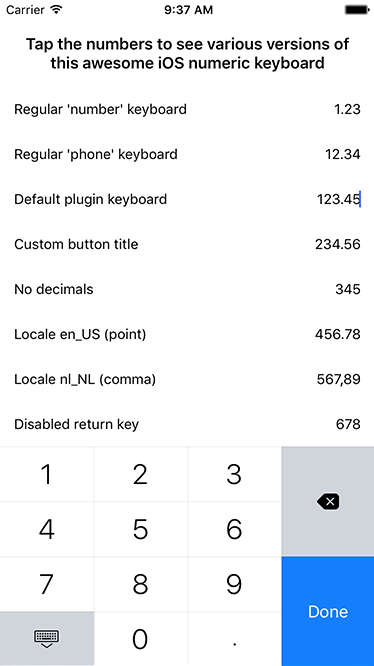
and then showcase the various properties this plugin exposes:| Appearance | Declaration |
| --- | --- |
|  |
|
|
|  |
| |
|  |
| |
| 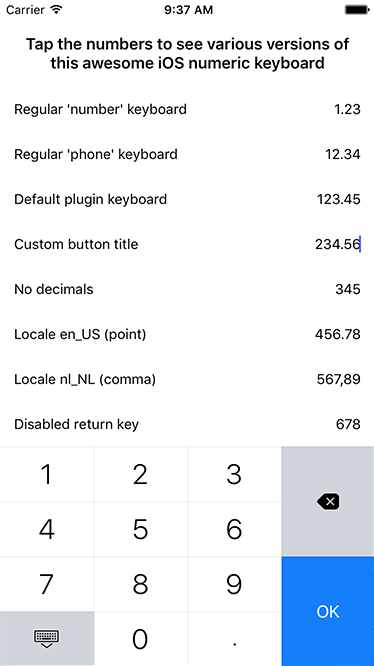 |
| |
| 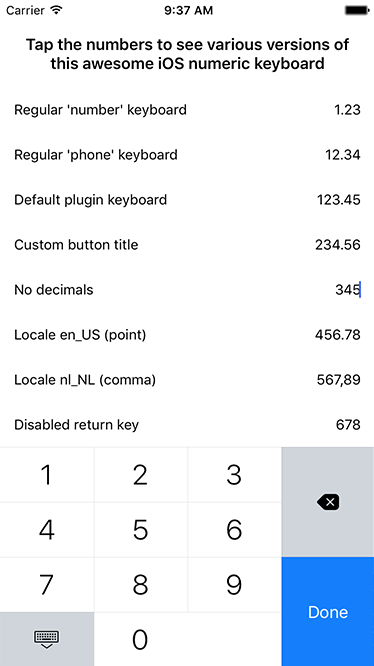 |
| |
|  |
| |
| 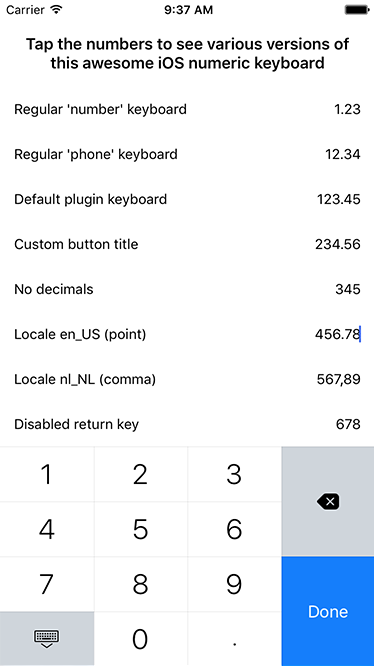 |
| |
| 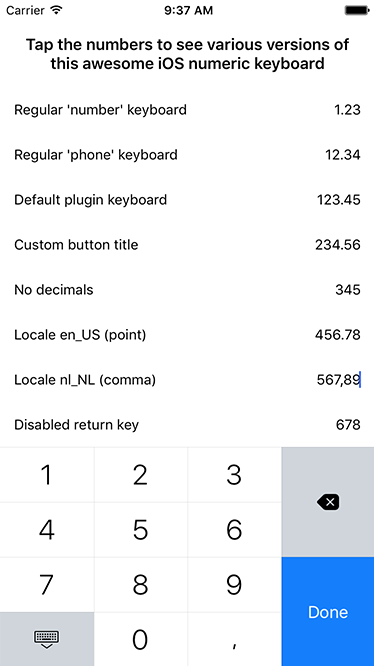 |
| |
$3
It's similar (although a bit cleaner than in these screenshots), except for some padding on both sides of the keyboard:| Appearance | Declaration |
| --- | --- |
|  |
|
|
|  |
| |Usage with Vue
Open main.ts (or .js) and add this:`typescript
Vue.registerElement('NumericKeyboard', () => require('nativescript-numeric-keyboard').NumericKeyboardView);
`Check this
 example, and this usage example.Usage with Angular
Open
app.module.ts and add:`typescript
import { registerElement } from "nativescript-angular";
registerElement("NumericKeyboard", () => require("nativescript-numeric-keyboard").NumericKeyboardView);
`For the views you can take a look at the examples above and just replace
by NumericKeyboard :`html
`Programmatic usage
Say you have a plain old in your view:`html
`Now you can enhance the
with this plugin by doing fi. this in the pageLoaded event you've defined in the tag above:`typescript
import { NumericKeyboard } from "nativescript-numeric-keyboard";
import { Color } from "tns-core-modules/color";export function pageLoaded(args: observable.EventData) {
const page = args.object;
const textField = page.getViewById("myTextField");
// or even textField.ios
// this is an example with all possible properties, not that they make sense combined :)
new NumericKeyboard().decorate({
textField: textField,
returnKeyTitle: "Go!",
locale: "en_US", // or "nl_NL", or any valid locale really (to define the decimal char)
noReturnKey: true,
noDecimals: true,
noIpadInputBar: true, // suppress the bar with buttons iOS renders on iPad since iOS 9
returnKeyButtonBackgroundColor: new Color("red"), // optional, set this to change the (default) blue color of the 'return' key
onReturnKeyPressed: (): boolean => {
// Your code here
return true; // Return true to hide/collapse the keyboard, use false to keep the keyboard in place.
}
});
}
`Note that on Android you'll just get a numeric keyboard as usual (since we specified