ngx-loading-buttons
v20.0.0TypeScript
<p align="center"> <img width="20%" height="20%" src="https://raw.githubusercontent.com/dkreider/ngx-loading-buttons/main/logo.png"> </p>
0/weekUpdated 7 months agoMITUnpacked: 25.8 KB
Published by dkreider
npm install ngx-loading-buttons

!npm
!npm


![PRs]()


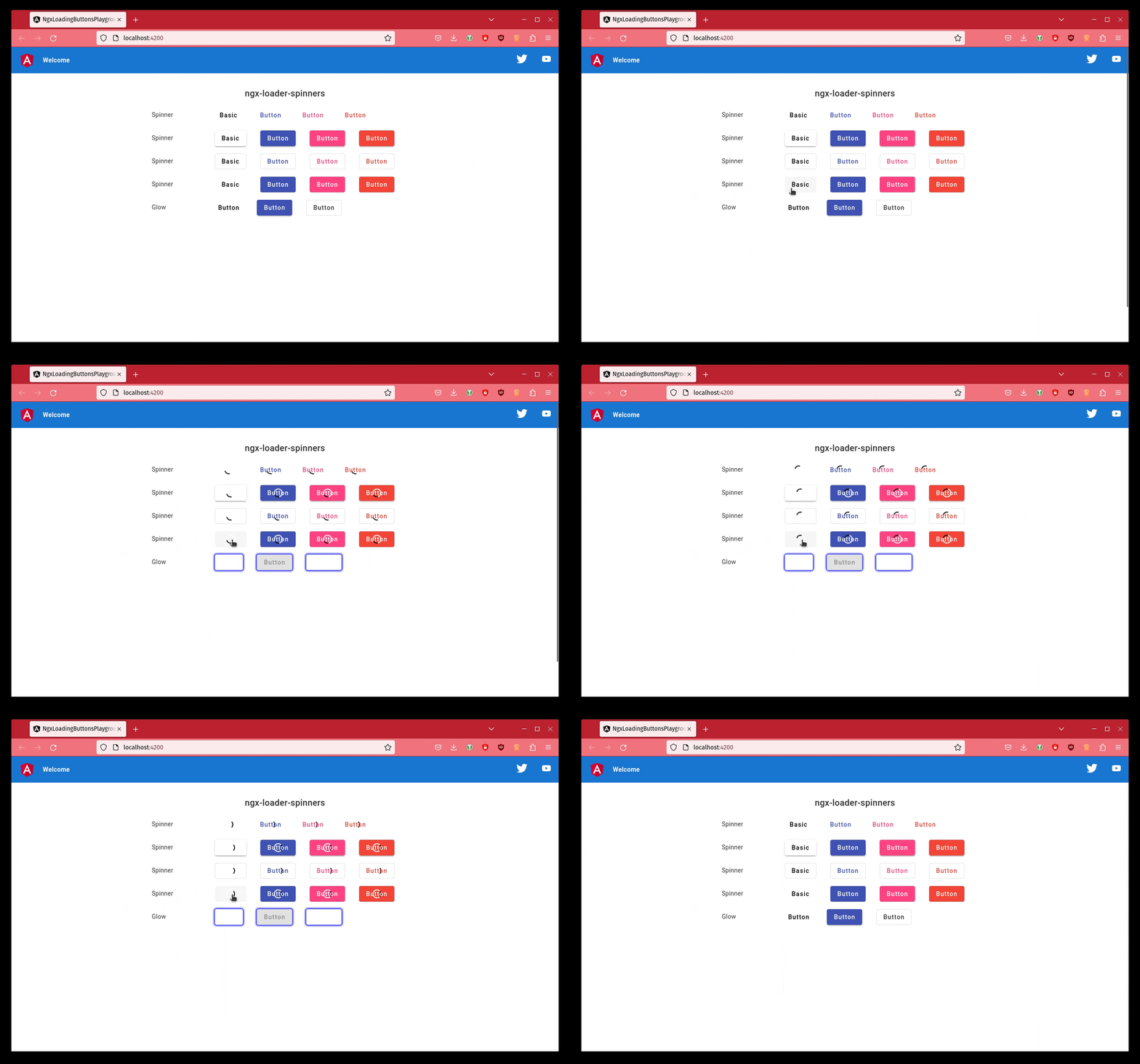
A lightweight Angular library to add a loading spinner to your Angular Material buttons.
$3
``
ng add ngx-loading-buttons
Usage
Import the NgxLoadingButtonsModule into your AppModule. You can configure it as shown below:
`ts
import { NgModule } from '@angular/core';
import { BrowserModule } from '@angular/platform-browser';
import { NgxLoadingButtonsModule } from 'ngx-loading-buttons';
import { AppComponent } from './app.component';
@NgModule({
declarations: [
AppComponent
],
imports: [
BrowserModule,
NgxLoadingButtonsModule,
],
providers: [],
bootstrap: [AppComponent]
})
export class AppModule { }
`
And last of all, add it to your
`html`
You can also hide the button's text like this.
`html`
A "real-world component" would likely look like this.
`typescript
import { Component } from '@angular/core';
@Component({
selector: 'app-root',
templateUrl: './app.component.html',
styleUrls: ['./app.component.css']
})
export class AppComponent {
saving: boolean = false;
save(): void {
this.saving = true;
// Juggle 5 hens while wiggling your toes and other magic... 🤡
}
}
`
And our template file.
`html`
Add our styles to yours
`scss``
@import 'ngx-loading-buttons/styles';
Issues 🐛
Found a bug? Want to request a feature? Confused? Or wanna simply comment on how useful this library is?
Open an issue here.
Contributors ✨
Thanks goes to these wonderful people (emoji key):
 Daniel Kreider 💻 |  Totto 💻 |  Raphaël Balet 💻 |  Arthur Ming 💻 |  Thomas Renger 💻 |  mixer904 💻 |  Fabien Wautriche 🐛 |  tux1337 🐛 |  Milán Németh 🐛 |  Adrien 🐛 |
This project follows the all-contributors specification.
Contributions of any kind welcome!
Credits
- Fidget-spinner icons created by Smashicons - Flaticon