node-server-ar-drone
v1.0.8
Fly a Parrot AR Drone 2.0 using REST calls.
0/weekUpdated 3 years agoMIT
Published by Sirar Salih
npm install node-server-ar-dronenode-server-ar-drone
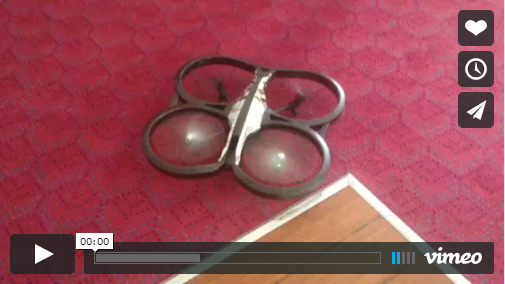
A Node.js Express server for the Parrot AR Drone 2.0. The server uses the node-ar-drone and ardrone-autonomy libraries to fly the drone with REST calls.
Installation
``
npm install node-server-ar-drone
`
Usage

Once the drone is turned on, it will send out WiFi signals like a router. Connect your device (laptop, desktop /w wireless WiFi transmitter, tablet or smart phone) to the drone via WiFi. Like a router, the drone uses the IP `192.168.1.1` by default. Once connected, simply:
`
var NodeServerArDrone = require('node-server-ar-drone');

var nsArDrone = new NodeServerArDrone();
``
Start up your browser and go to http://localhost:1337. Control the drone by sending POST requests to your local node server:
http://localhost:1337/takeofftakes off the drone, starts hovering it for 5 seconds and then lands it.http://localhost:1337/takeoffAndSpintakes off the drone, starts hovering it for 4 seconds, spins it clockwise and then lands it after 1 second.http://localhost:1337/landlands the drone immediately.
We can also automate the flight path of the drone, by providing predefined
x,y coordinates. You can do this by doing a call to http://localhost:1337/takeoffAndFly and then appending the call with the coordinates. Here is an example:
-
http://localhost:1337/takeoffAndFly?c=8,5&c=4,5takes off the drone, flies it tox,ycoordinates[8,5],[4,5]and then lands it.
Other Topics
* Using from Source