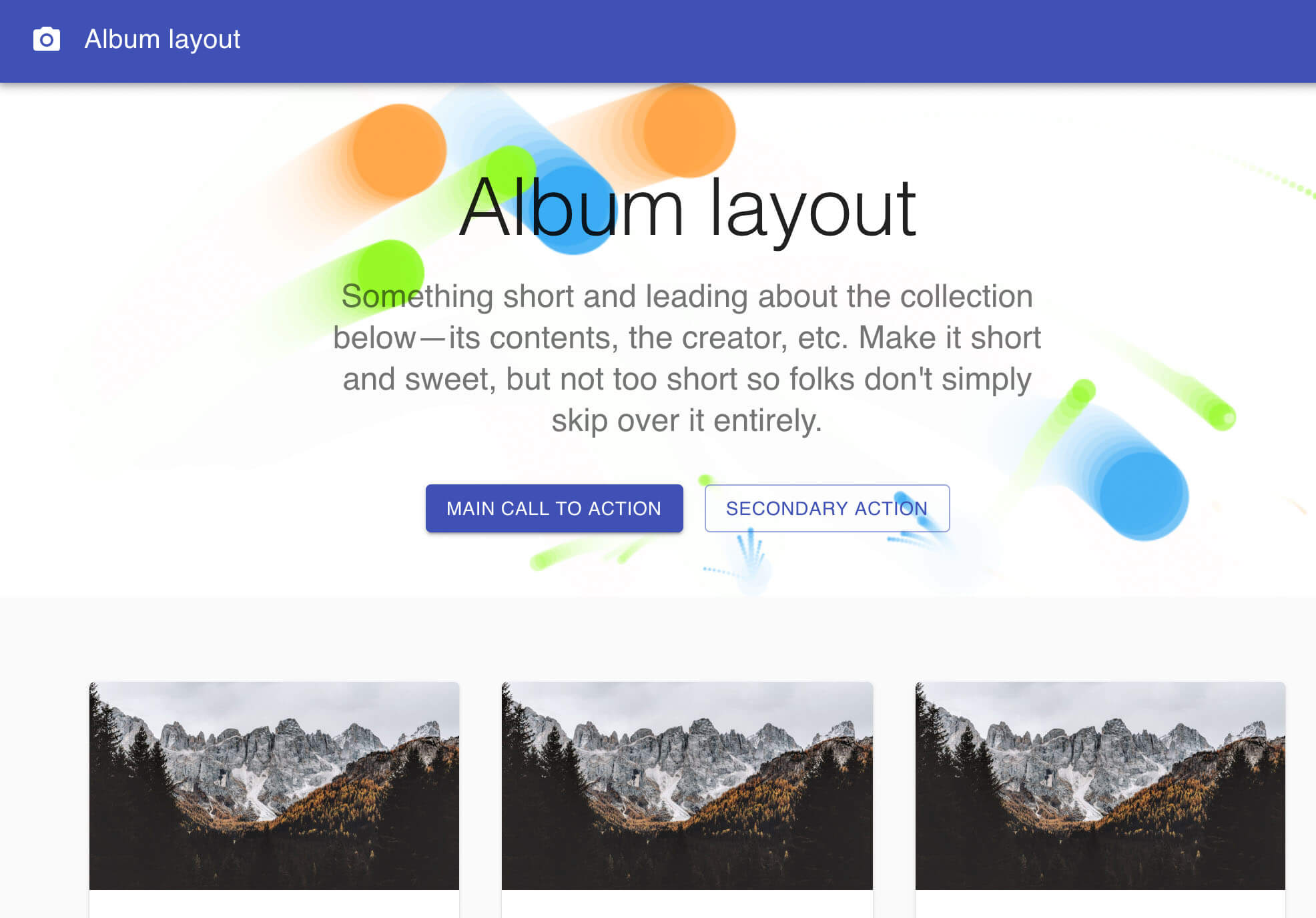
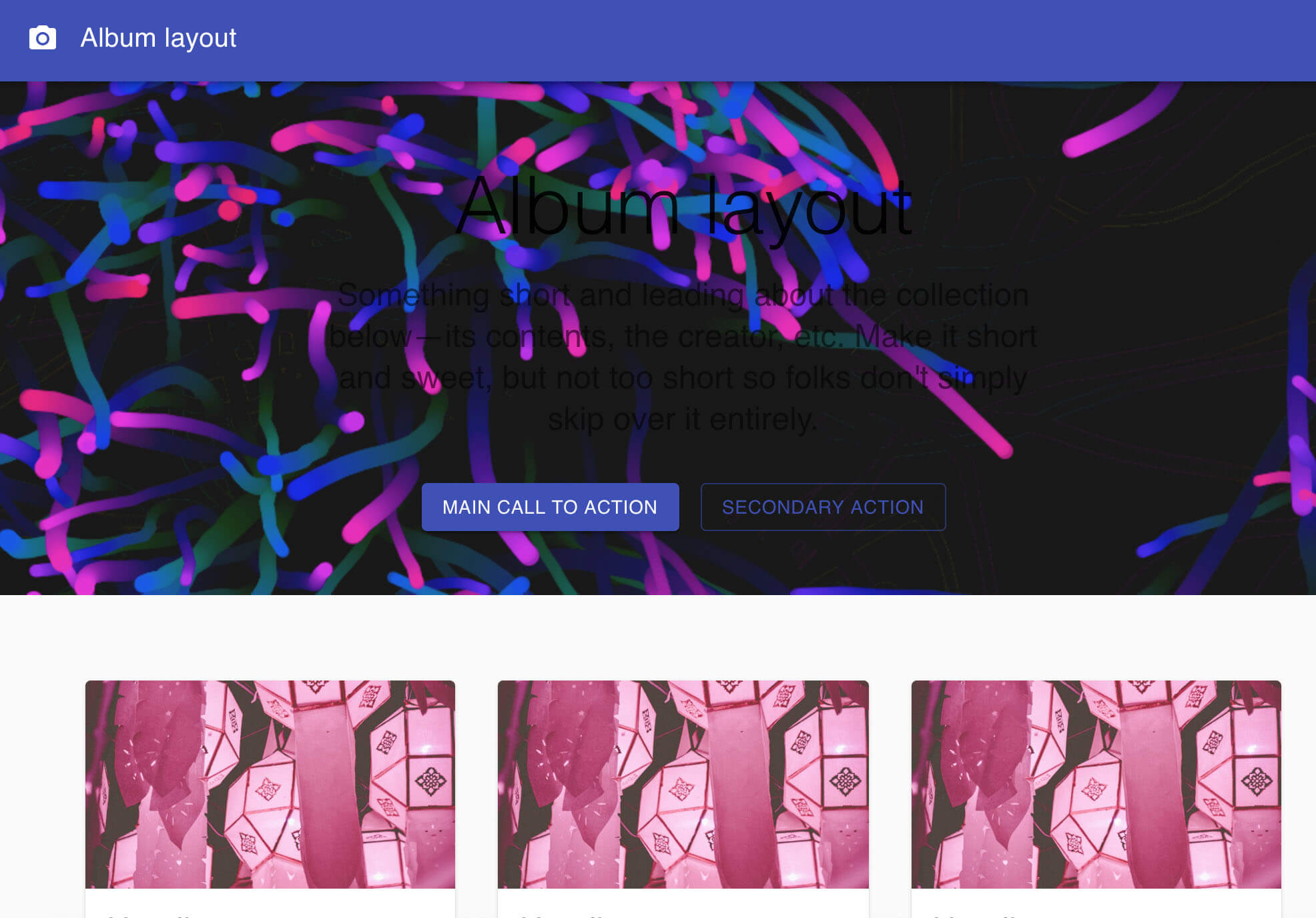
a particles background for react
npm install particles-bg  
> React component for particles backgrounds
This project refers to the source code of the __Proton__ official website, I packaged it into a component. You can use it casually in your own projects. Thanks to the great author.
#### A vue.js version of particles-bg-vue is here https://github.com/lindelof/particles-bg-vue




``bash`
npm install --save particles-bg
`jsx
import React, { Component } from 'react'
import ParticlesBg from 'particles-bg'
class Example extends Component {
render () {
return (
<>
Parameter Description
jsx
`
#### * type - Is the type of particle animation
Is the type of particle animation, is a random selection. You are also free to customize use custom.`js
"color"
"ball"
"lines"
"thick"
"circle"
"cobweb"
"polygon"
"square"
"tadpole"
"fountain"
"random"
"custom"
`#### * num - The number of particles emitted each time, generally not set
#### * color - The background color or particle color of the particle scene
Notice: which should be an array under type=
#### * bg - Set to html background
#### If set the bg value to
html
bg={true} />
`css
position: "absolute",
zIndex: -1,
top: 0,
left: 0
`
##### If set the bg value to html
bg={{
position: "absolute",
zIndex: 999,
width: 200
}} />
`Of course, you can also set class
to modify the style.About Custom

You can use type="custom" to achieve a higher degree of freedom for the particle background.
`jsx
let config = {
num: [4, 7],
rps: 0.1,
radius: [5, 40],
life: [1.5, 3],
v: [2, 3],
tha: [-40, 40],
// body: "./img/icon.png", // Whether to render pictures
// rotate: [0, 20],
alpha: [0.6, 0],
scale: [1, 0.1],
position: "center", // all or center or {x:1,y:1,width:100,height:100}
color: ["random", "#ff0000"],
cross: "dead", // cross or bround
random: 15, // or null,
g: 5, // gravity
// f: [2, -1], // force
onParticleUpdate: (ctx, particle) => {
ctx.beginPath();
ctx.rect(particle.p.x, particle.p.y, particle.radius 2, particle.radius 2);
ctx.fillStyle = particle.color;
ctx.fill();
ctx.closePath();
}
}; return (
)
``https://opensource.org/licenses/MIT