pear3
v1.1.2
Undetectable Chrome automation with a fully automated Chromium using extension APIs. 😎
0/weekUpdated 3 months agoMITUnpacked: 267.7 KB
Published by DeveloperKubilay
npm install pear3🍐 PearSystem
A Node.js-based automation framework that simplifies web automation, working with its own Chromium-based browser and extension.
⚡️ Usage
``
js
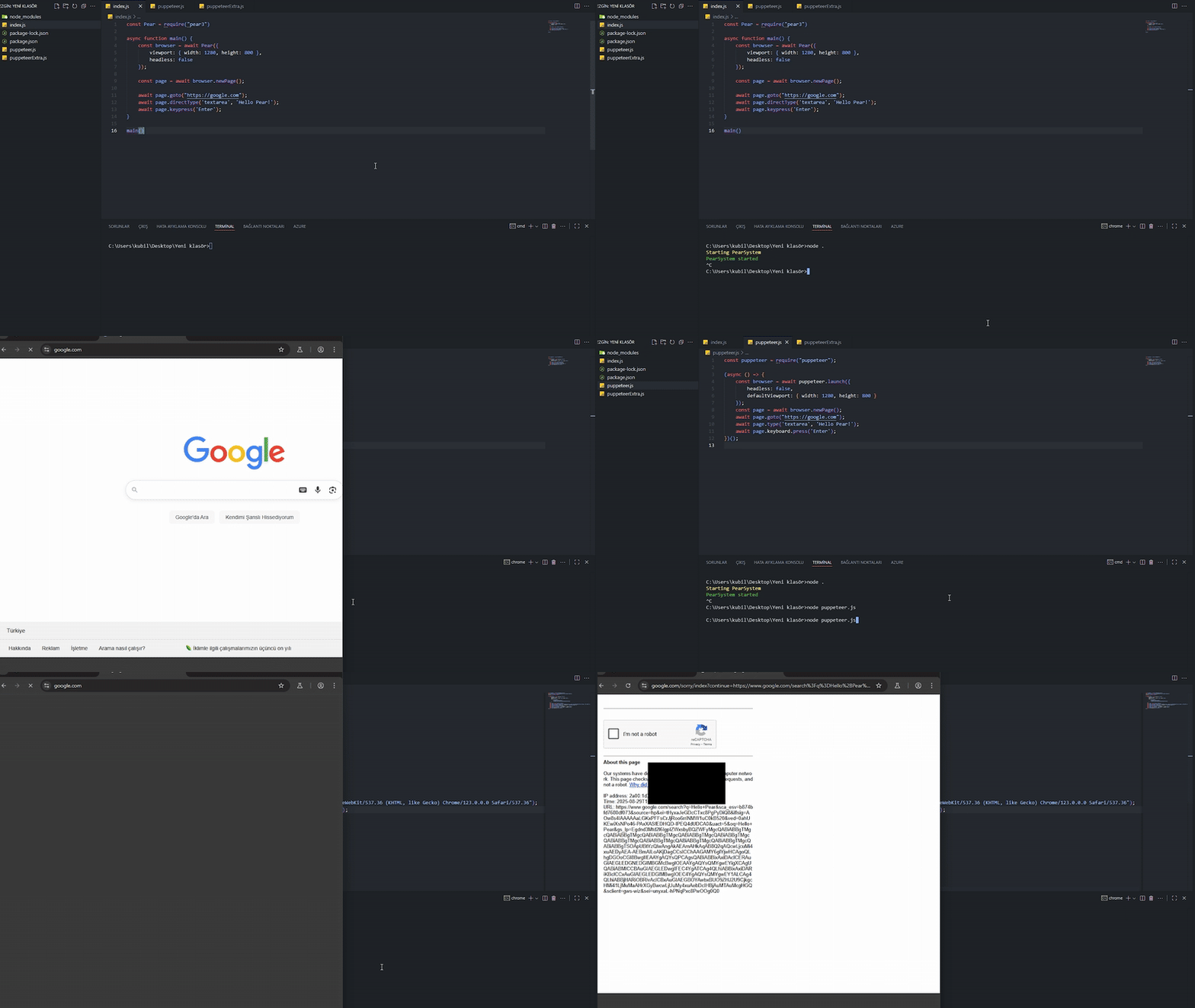
const Pear = require("pear3")async function main() {
const browser = await Pear({
viewport: { width: 1280, height: 800 },
headless: false
});
const page = await browser.newPage();
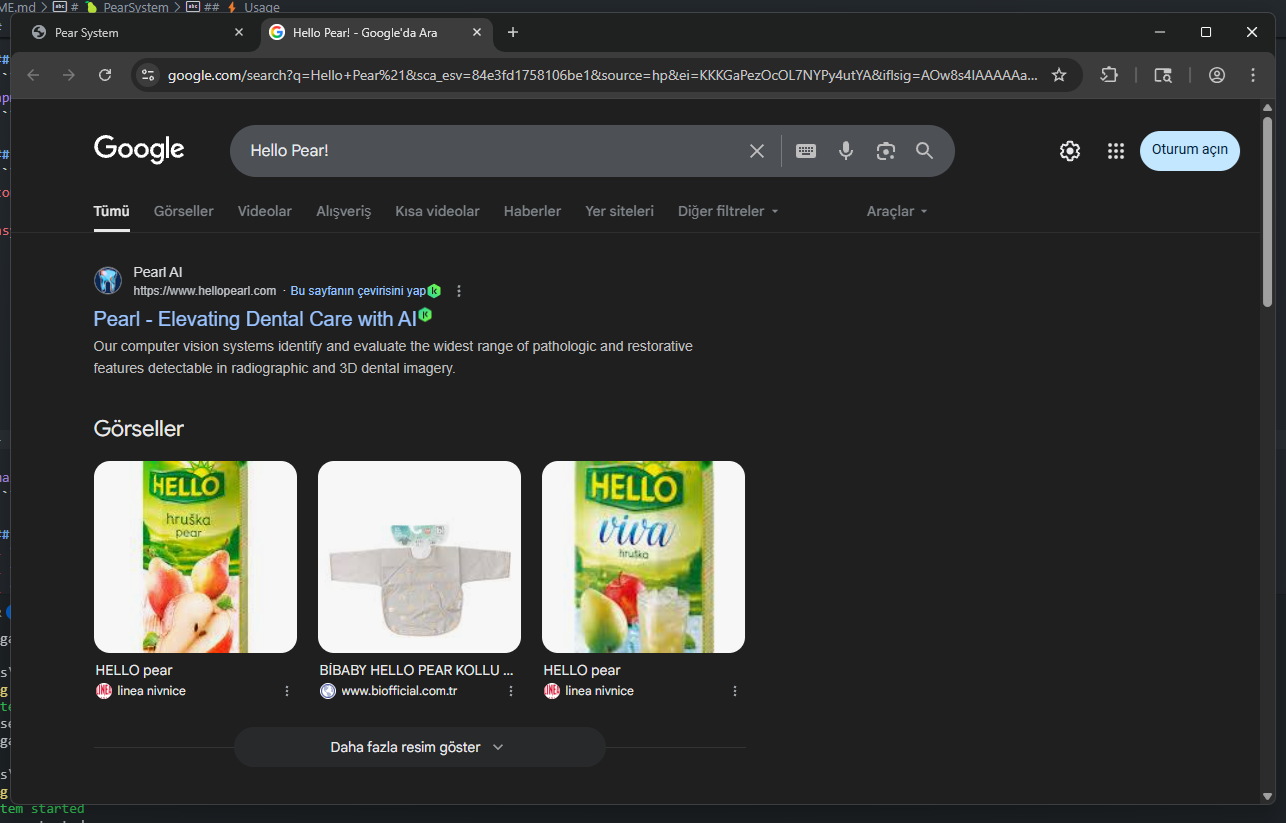
await page.goto("https://google.com");
await page.directType('textarea', 'Hello Pear!');
await page.keypress('Enter');
}
main()
`
📦 Installation
bash
npm install pear3
`
🚀 Features
- Automatic Chromium installation and launch
- Fast communication via WebSocket
- Simulate keyboard and mouse events
- Wait for and interact with dynamic content
- File upload, screenshot capture, fetch content and URL
- Comprehensive API: , click, type, scroll, waitForSelector, uploadFile, getAttribute, getText, screenshot, and more
🧩 API
- goto(url) → Navigate to page
- click(selector) → Click element
- type(selector, text) → Type into element
- scroll(selector, {x, y}) → Scroll on page
- waitForSelector(selector, options) → Wait for element
- uploadFile(selector, filePath) → Upload file
- getAttribute(selector, attr) → Get attribute
- getText(selector) → Get element text
- screenshot()` → Take screenshot👨💻 Contribution
You can open pull requests and issues. All feedback is welcome!
📄 License
MIT