perf-cascade
v3.0.3TypeScript
Har file visualizer
0/weekUpdated 3 years agoMITUnpacked: 604.8 KB
Published by Michael Mrowetz
npm install perf-cascadePerfCascade
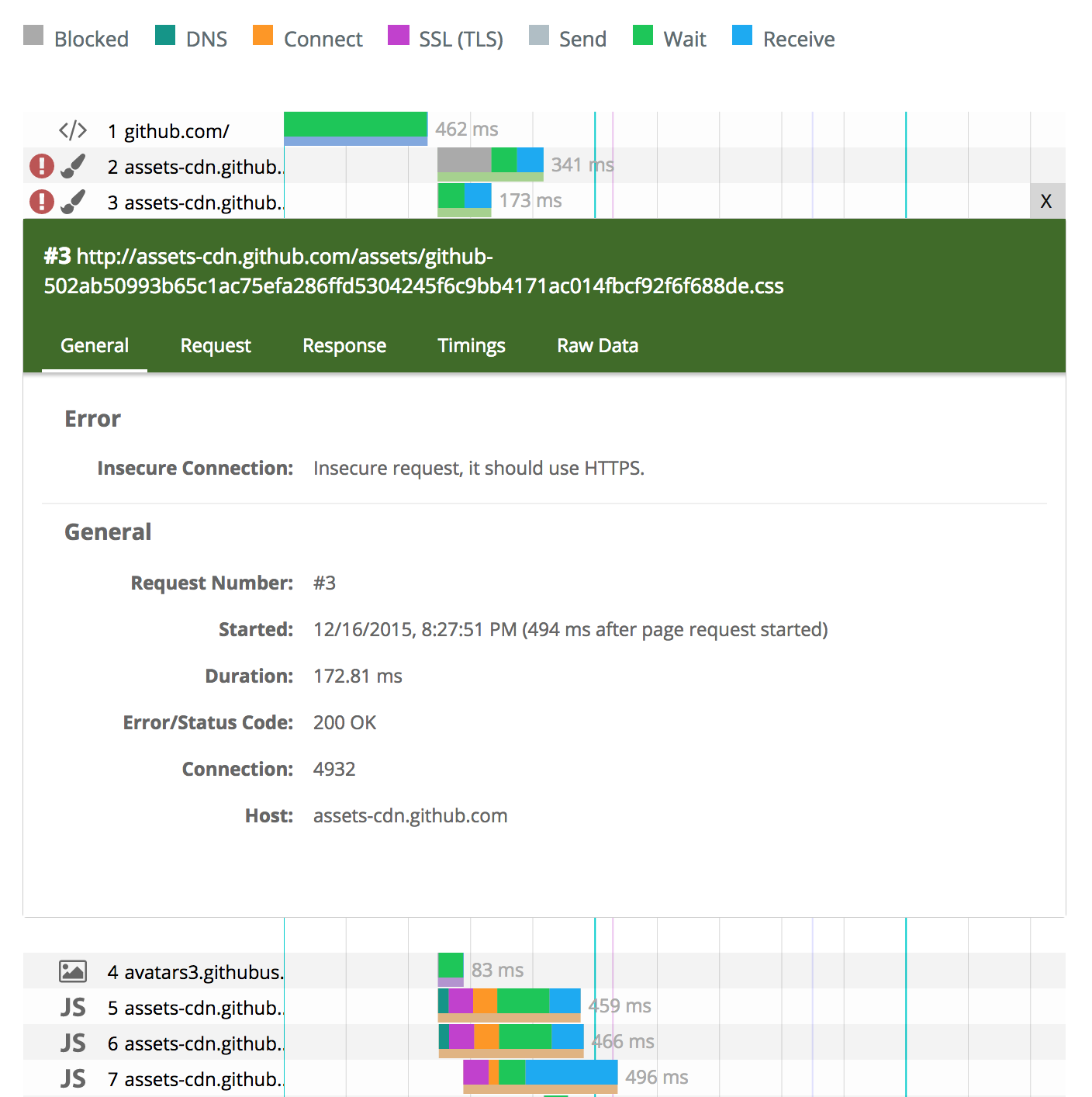
Responsive, SVG based HAR waterfall viewer .


[![Build status][travis-image]][travis-url]
Install via npm install perf-cascade
Live example: https://micmro.github.io/PerfCascade/
Contents
- How to use PerfCascade
* With ES6 Compatible Module Loader (Webpack, Babel, Typescript...)
* As Global Object
* Use via npm
- Options
- *.zhar - zipped HAR files
- Rendering other formats (than HAR)
- Dev
- Specs and resources
How to use PerfCascade
PerfCascade is exported with UMD, so you can use it as global object, via AMD (e.g. requireJS) or commonJS (internally it uses ES6 modules).
$3
Install the package
``
npm install perf-cascade --save
javascript
import {fromHar} from 'perf-cascade'//
myHarDoc represents your HAR docconst perfCascadeSvg = fromHar(myHarDoc)
document.appendChild(perfCascadeSvg)
`_With TypeScript you can additionally import TypeDefinitions for
(PerfCascade Options) and harFormat (namespace for HAR Typings)_$3
When using PerfCascade without any module system it just exports as a global object perfCascade, you can use as following:
`javascript
/* pass HAR perfCascade.fromHar to generate the SVG element/
var perfCascadeSvg = perfCascade.fromHar(harData)
document.appendChild(perfCascadeSvg)
`Or with options:
javascript
/* override selected options for PerfCascade (all have defaults) /
var options = {
  showIndicatorIcons: false, //default: true
  leftColumnWidth: 30 //default: 25
}var perfCascadeSvg =  perfCascade.fromHar(harData, options)
document.appendChild(perfCascadeSvg)
`You can find the compiled (and minified) JS in the releases tab. For the basic version without zHAR support you need
and some basic CSS styles perf-cascade.css.$3
You can install PerfCascade via NPM as well:
`
npm install perf-cascade
Directories:
-
: bundled UMD modules and the css file in the directory.
- node_modules/perf-cascade/lib: contains the full project exported as separate ES6 modules
- node_modules/perf-cascade/types: Typescript typingsOptions
see options.d.ts for source| Option | Type | Default Value | Description |
| ----------- | ---- | ------- | ----------- |
|
rowHeight | number | 23 | Height of every request bar block plus spacer pixel (in px) default: 23 |
| showAlignmentHelpers | boolean | true | Show vertical lines to easier spot potential dependencies/blocking between requests |
| showMimeTypeIcon | boolean | true | Show mime type icon on the left |
| showIndicatorIcons | boolean | true | Show warning icons for potential issues on the left |
| leftColumnWidth | number | 25 | Relative width of the info column on the left (in percent) |
| pageSelector | HTMLSelectElement | undefined | DOM