picgo-plugin-pic-migrater-piclist
v1.0.1TypeScript
A PicList plugin for pictures in markdown files migrating from one picBed to another one.
0/weekUpdated 2 years agoMITUnpacked: 71.7 KB
Published by Kuingsmile
picgo-plugin-pic-migrater

A PicGo plugin for pictures in markdown files migrating from one picBed to another one.
中文说明
Features
1. This plugin can be used in CLI & GUI version of PicGo!
2. It supports absolute and relative path of images, and the url path of images.
3. It supports both markdown format and html format image url in markdown file. (Since v1.3.0)
For example, a
test.md:
``
md


`
if you choose imgur as your migrated picBed, after migrating:
`md



`
Installation


$3
`bash
picgo install pic-migrater
`
Then pic-migrater will registe a command named migrate.
$3
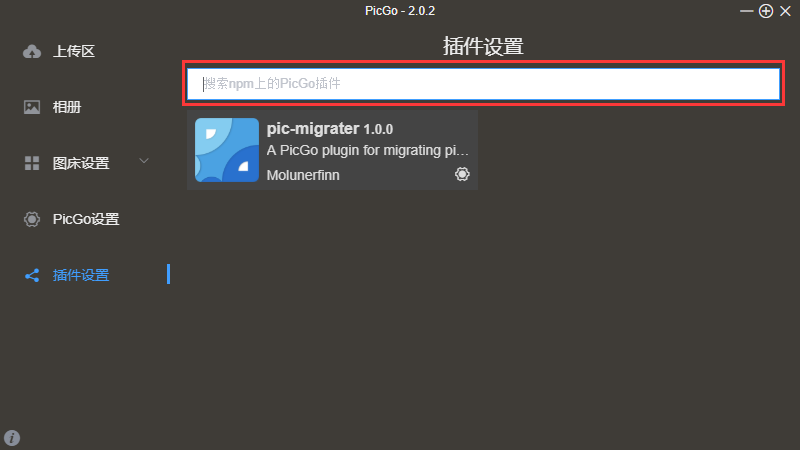
> search for pic-migrater
Configuration
Please configurate this plugin first!
After migrating, a new markdown file will be written in the same folder. So you should configurate this new file name's suffix first.
$3
`bash
picgo set plugin pic-migrater
`
$3
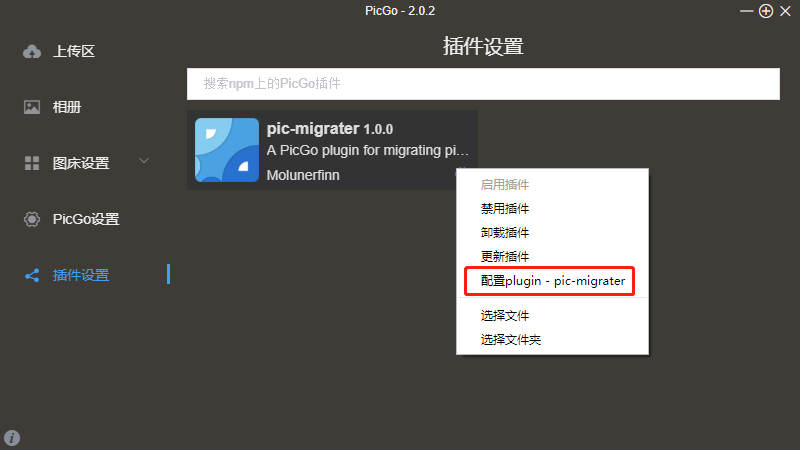
Open the setting page in the menu of the plugin.
$3
#### newFileSuffix
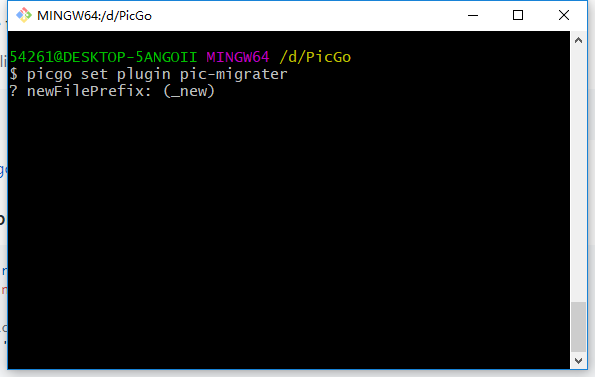
For example, if your origin file named 2019.md & if you set the newFileSuffix to _new, then after migrating, a new file named 2019_new.md will be created.
#### include
If you set the include configuration then migrator will only migrate the files' path or url which match the include.
For example, if your set the include to sinaimg.cn, then migrator will only migrate the url or path includes sinaimg.cn.
#### exclude
If you set the exclude configuration then migrator will only migrate the files' path or url which don't match the exclude.
For example, if your set the exclude to sinaimg.cn, then migrator will only migrate the url or path doesn't includes sinaimg.cn.
#### oldContentWriteToNewFile
> Since v1.3.0
If you set the oldContentWriteToNewFile to true, then the old content will be written to the new file and the migrated content will be written to the old file.
Usage
$3
`bash
$ picgo migrate -h
Usage: migrate [options]
migrating pictures url from markdown files
Options:
-h, --help output usage information
Note:
You should configurate this plugin first!
picgo set plugin pic-migrater
Examples:
# migrate file or files
$ picgo migrate ./test.md ./test1.md
# migrate markdown files in folder
$ picgo migrate ./test/
`
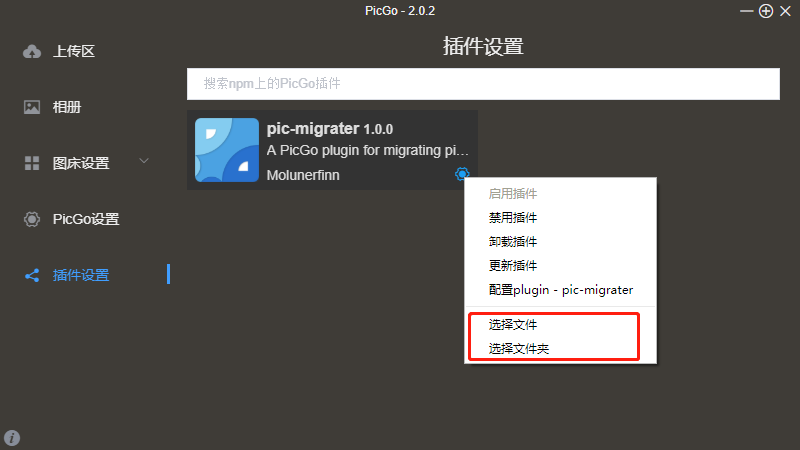
$3
$3
`js
const { PicGo } = require('picgo')
const PluginMigrater = require('picgo-plugin-pic-migrater')
const picgo = new PicGo()
picgo.setConfig({
'picgo-plugin-pic-migrater': {
newFileSuffix: '_new',
include: '',
exclude: ''
}
})
const plugin = PluginMigrater(picgo)
plugin.migrateFiles(['/xxx/yyy.md']) // { total: number, success: number }
``
Thanks
Thanks to @Moyf with the python version of this plugin.