pretty-html-log is a npm module that pretty prints a raw html string to the console. It indents and highlights your code.
npm install pretty-html-log!Logo
pretty-html-log is a tool that allows you to highlight and pretty print your html string to console.
- Pretty HTML log
- Getting started 🚀
- API
- Themes 🎨
- Usage over Javascript or Typescript 👨💻
- Simple usage
- Choose your theme
- Use as Script 📜
- Simple usage
- Choose your theme
- Help menu
- Credits
There are two ways to use pretty-html-log
- Use it in your typescript / javascript code
- Use it via command line or in your npm scripts
The module is available as node module and can
be installed with the following command.
``
npm install pretty-html-log
> ☝️ If you use it via command line tool you can always directly execute
> the bin with npx (no npm install needed).
>
> npx pretty-html-log '
- htmlString _(required)_ a raw html string
- theme _(optional)_ an optional theme (more bellow)
Currently pretty-html-log provides 3 different themes:
- Dracula _(default)_
- Material
- Vscode
If you want to use this module inside your code you can simply import the hightlight function from
_pretty-html-log_.
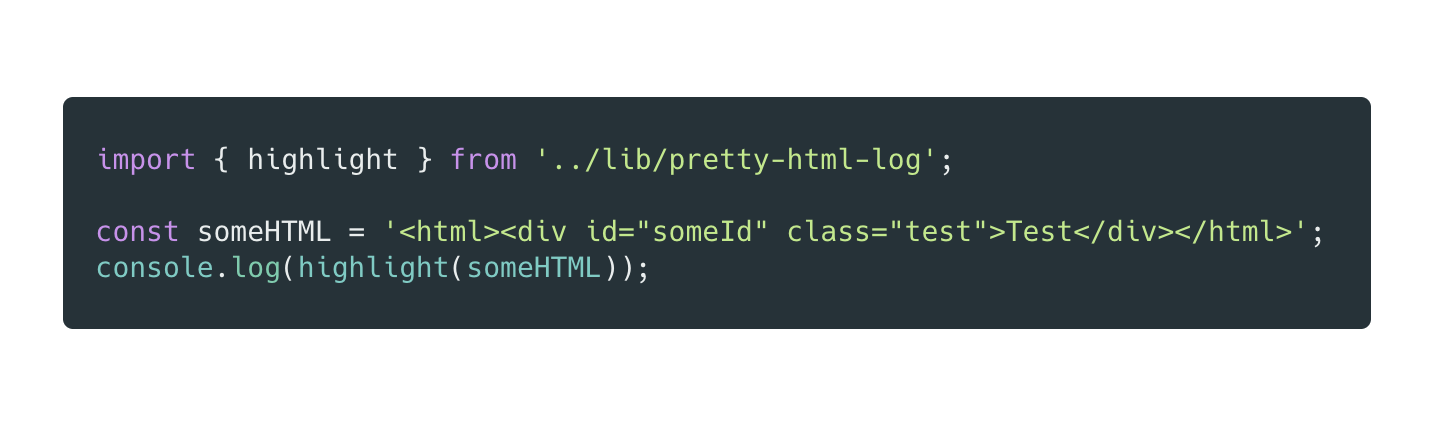
The highlight function also accepts a theme as a second optional argument.
A theme can be imported and then passed to the module.
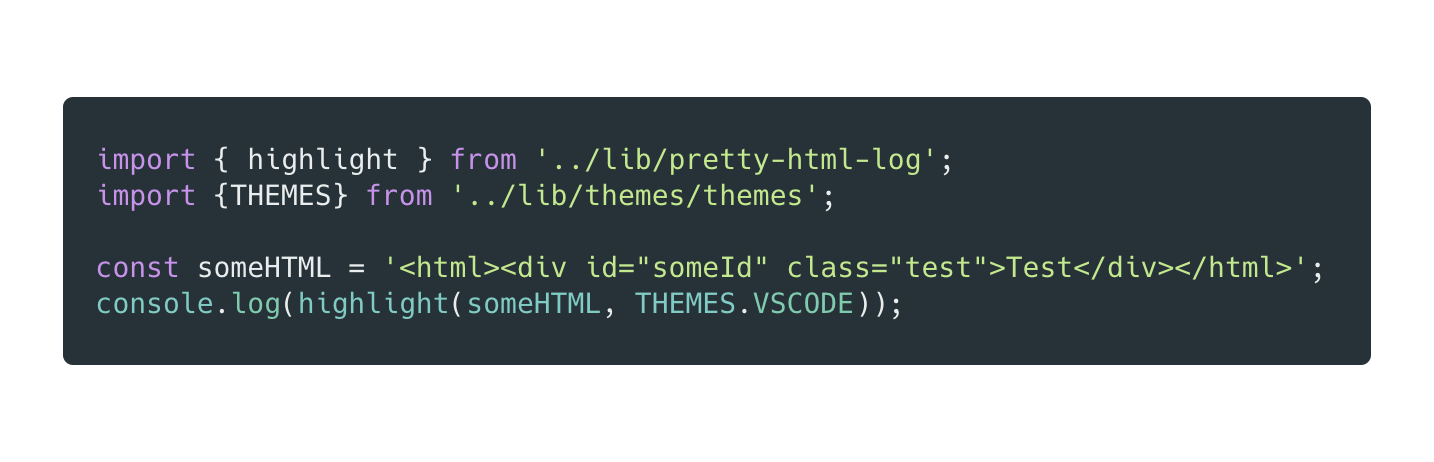
Sometimes it makes sense to pretty print an HTML string inside your build process
or maybe you want to just pretty print a string over the console.
To just pretty print and highlight a HTML string simply type the following command:
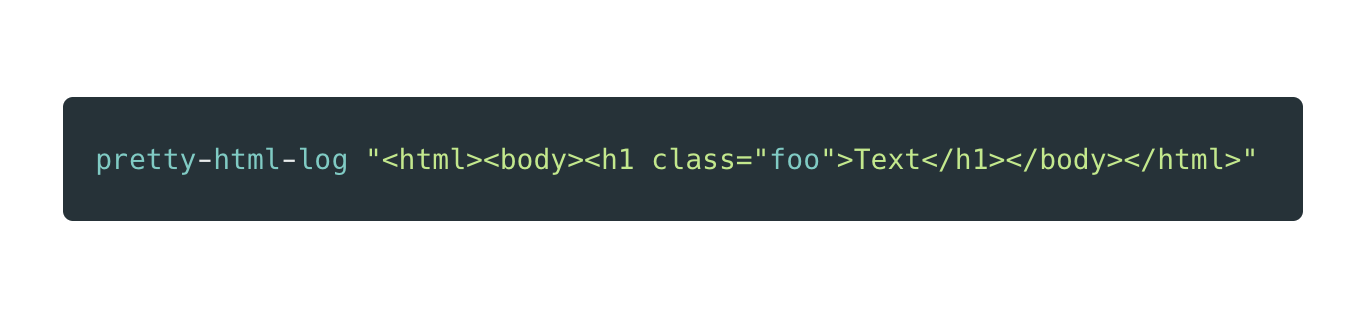
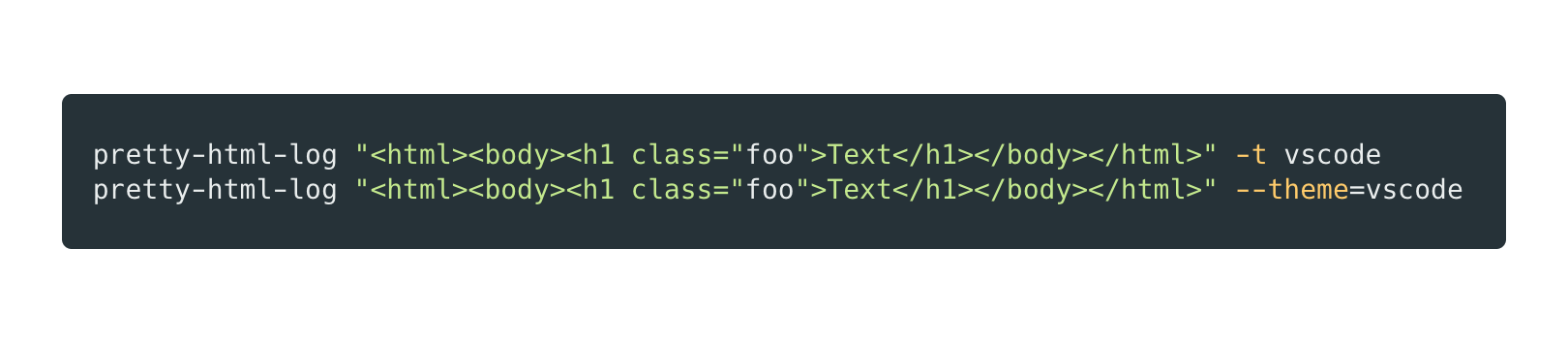
The command line tool also allows you to choose your theme. Simply use -t or --theme and pass
one of the following strings as an argument:
- vscode
- material
- dracula
Of course you don't have to remember those commands - theres a help menu available which you
can use at any point to look up the docs.
Simply type
`
pretty-html-log --help
or
`
pretty-html-log -h
The core alogrithm is taken from highlight.js.
The algorithm from highlight has been rewritten in this module to specifically support HTML and not all languages.
Therefore the engine is much smaller. Furthermore the code of pretty-html-log is written in Typescript and optimized for HTML highlighting in the console.