qr-code-styling-next
v1.5.1TypeScript
Add a style and an image to your QR code
0/weekUpdated 1 years agoMITUnpacked: 169.7 KB
Published by Denys Kozak
npm install qr-code-styling-nextQR Code Styling

I am collecting community thoughts about future development of this library, please take a small poll to help me.
JavaScript library for generating QR codes with a logo and styling.
Try it here https://qr-code-styling.com
If you have issues / suggestions / notes / questions, please open an issue or contact me. Let's create a cool library together.
$3

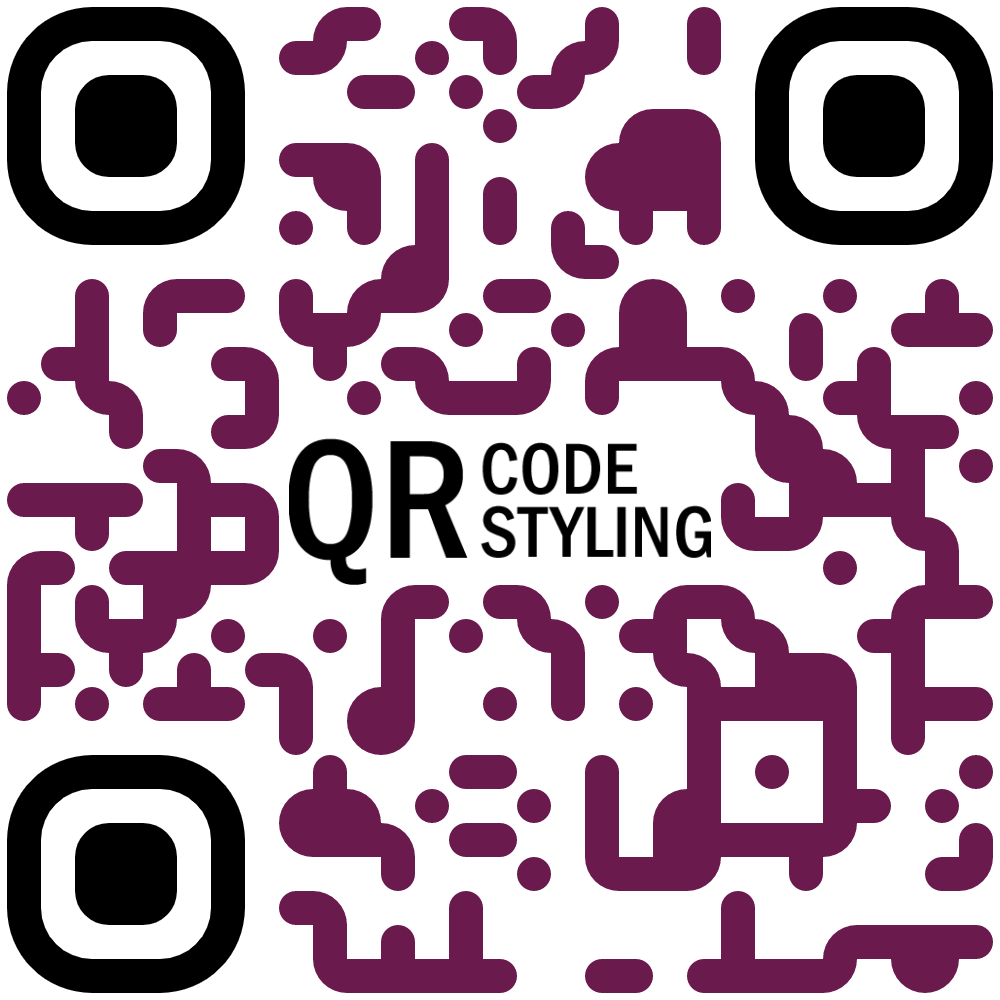

$3
``
npm install qr-code-styling
$3
`HTML`
---
---
---
$3
#### QRCodeStyling instance
new QRCodeStyling(options) => QRCodeStyling
Param |Type |Description
-------|------|------------
options|object|Init object
options structure
Property |Type |Default Value|Description
-----------------------|-------------------------|-------------|-----------------------------------------------------
width |number |300 |Size of canvas300
height |number | |Size of canvas'canvas' 'svg'
type |string ()|canvas |The type of the element that will be rendered0
data |string | |The date will be encoded to the QR code
image |string | |The image will be copied to the center of the QR code
margin |number | |Margin around canvasqrcode-generator
qrOptions |object | |Options will be passed to lib
imageOptions |object | |Specific image options, details see below
dotsOptions |object | |Dots styling options
cornersSquareOptions |object | |Square in the corners styling options
cornersDotOptionsHelper|object | |Dots in the corners styling options
backgroundOptions |object | |QR background styling options
nodeCanvas |node-canvas | |Only specify when running on a node server for canvas type, please refer to node section below
jsDom |jsdom | |Only specify when running on a node server for svg type, please refer to node section below
options.qrOptions structure
Property |Type |Default Value
--------------------|--------------------------------------------------|-------------
typeNumber |number (0 - 40) |0
mode |string ()|'L' 'M' 'Q' 'H'
errorCorrectionLevel|string () |'Q'
options.imageOptions structure
Property |Type |Default Value|Description
------------------|---------------------------------------|-------------|------------------------------------------------------------------------------
hideBackgroundDots|boolean |true |Hide all dots covered by the image0.4
imageSize |number | |Coefficient of the image size. Not recommended to use ove 0.5. Lower is better0
margin |number | |Margin of the image in px'anonymous' 'use-credentials'
crossOrigin |string()| |Set "anonymous" if you want to download QR code from other origins.false
saveAsBlob |boolean | |Saves image as base64 blob in svg type, see bellow
When QR type is svg, the image may not load in certain applications as it is saved as a url, and some svg applications will not render url images for security reasons. Setting saveAsBlob to true will instead save the image as a blob, allowing it to render correctly in more places, but will also increase the file size.
options.dotsOptions structure
Property|Type |Default Value|Description
--------|------------------------------------------------------------------------------|-------------|-------------------
color |string |'#000' |Color of QR dots'rounded' 'dots' 'classy' 'classy-rounded' 'square' 'extra-rounded'
gradient|object | |Gradient of QR dots
type |string ()|'square' |Style of QR dots
options.backgroundOptions structure
Property|Type |Default Value
--------|------|-------------
color |string|'#fff'
gradient|object|
options.cornersSquareOptions structure
Property|Type |Default Value|Description
--------|-----------------------------------------|-------------|-----------------
color |string | |Color of Corners Square
gradient|object | |Gradient of Corners Square
type |string ('dot' 'square' 'extra-rounded')| |Style of Corners Square
options.cornersDotOptions structure
Property|Type |Default Value|Description
--------|-------------------------|-------------|-----------------
color |string | |Color of Corners Dot
gradient|object | |Gradient of Corners Dot
type |string ('dot' 'square')| |Style of Corners Dot
Gradient structure
options.dotsOptions.gradient
options.backgroundOptions.gradient
options.cornersSquareOptions.gradient
options.cornersDotOptions.gradient
Property |Type |Default Value|Description
----------|----------------------------|-------------|---------------------------------------------------------
type |string ('linear' 'radial')|"linear" |Type of gradient spread[{ offset: 0, color: 'blue' }, { offset: 1, color: 'red' }]
rotation |number |0 |Rotation of gradient in radians (Math.PI === 180 degrees)
colorStops|array of objects | |Gradient colors. Example
Gradient colorStops structure
options.dotsOptions.gradient.colorStops[]
options.backgroundOptions.gradient.colorStops[]
options.cornersSquareOptions.gradient.colorStops[]
options.cornersDotOptions.gradient.colorStops[]
Property|Type |Default Value|Description
--------|----------------|-------------|-----------------------------------
offset |number (0 - 1)| |Position of color in gradient range
color |string | |Color of stop in gradient range
#### QRCodeStyling methods
QRCodeStyling.append(container) => void
Param |Type |Description
---------|-----------|-----------
container|DOM element|This container will be used for appending of the QR code
QRCodeStyling.getRawData(extension) => Promise
Param |Type |Default Value|Description
---------|------------------------------------|-------------|------------
extension|string ('png' 'jpeg' 'webp' 'svg')|'png' |Blob type on browser, Buffer type on Node
QRCodeStyling.update(options) => void
Param |Type |Description
-------|------|--------------------------------------
options|object|The same options as for initialization
QRCodeStyling.download(downloadOptions) => Promise
Param |Type |Description
---------------|------|------------
downloadOptions|object|Options with extension and name of file (not required)
Promise returned will resolve into the data URI of the QR code image.
downloadOptions structure
Property |Type |Default Value|Description
---------|------------------------------------|-------------|-----------------------------------------------------
name |string |'qr' |Name of the downloaded file'png' 'jpeg' 'webp' 'svg'
extension|string ()|'png' |File extension
$3
You can use this on a node server by passing through the node-canvas or jsdom object depending if your creating a non-svg or svg respectively. You must pass both if using imageOptions.saveAsBlob
.Calling
getRawData in node will return a Buffer instead of a Blob.`js
const { QRCodeStyling } = require("qr-code-styling/lib/qr-code-styling.common.js");
const nodeCanvas = require("canvas");
const { JSDOM } = require("jsdom");
const fs = require("fs");const options = {
width: 300,
height: 300,
data: "https://www.facebook.com/",
image: "https://upload.wikimedia.org/wikipedia/commons/5/51/Facebook_f_logo_%282019%29.svg",
dotsOptions: {
color: "#4267b2",
type: "rounded"
},
backgroundOptions: {
color: "#e9ebee",
},
imageOptions: {
crossOrigin: "anonymous",
margin: 20
}
}
// For canvas type
const qrCodeImage = new QRCodeStyling({
nodeCanvas, // this is required
...options
});
qrCodeImage.getRawData("png").then((buffer) => {
fs.writeFileSync("test.png", buffer);
});
// For svg type
const qrCodeSvg = new QRCodeStyling({
jsdom: JSDOM, // this is required
type: "svg",
...options
});
qrCodeSvg.getRawData("svg").then((buffer) => {
fs.writeFileSync("test.svg", buffer);
});
// For svg type with the inner-image saved as a blob
// (inner-image will render in more places but file will be larger)
const qrCodeSvgWithBlobImage = new QRCodeStyling({
jsdom: JSDOM, // this is required
nodeCanvas, // this is required
type: "svg",
...options,
imageOptions: {
saveAsBlob: true,
crossOrigin: "anonymous",
margin: 20
}
});
qrCodeSvgWithBlobImage.getRawData("svg").then((buffer) => {
fs.writeFileSync("test_blob.svg", buffer);
});
``$3
MIT License. Copyright (c) 2021 Denys Kozak