qrcode-reader-vue3
v4.1.0TypeScript
A set of Vue.js components for detecting and decoding QR codes.
624/weekUpdated 1 months agoMITUnpacked: 5.1 MB
Published by Niklas Gruhn
npm install qrcode-reader-vue3








A set of Vue.js components, allowing you to detect and decode QR codes, without leaving the browser.
- :movie_camera:
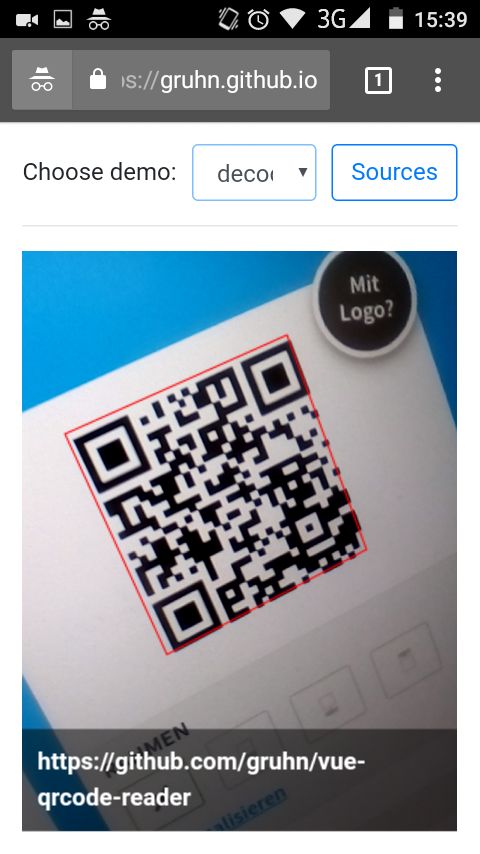
QrcodeStream accesses the device camera and continuously scans incoming frames.
- :put_litter_in_its_place:
QrcodeDropZone renders to an empty region where you can drag-and-drop images to be decoded.
- :open_file_folder:
QrcodeCapture is a classic file upload field, instantly scanning all files you select.
All components are responsive. Beyond that, close to zero styling. Make them fit your layout. Usage is simple and straight forward:
``
html
`
`js
methods: {
onDecode (decodedString) {
// ...
}
}
`
$3
Please donate algorand to support this project:
$3
qrcode reader vue3 is used for example in this production environment: Algorand Wallet - https://github.com/scholtz/wallet/blob/master/src/pages/Pay.vue
$3
Installation :package:
With NPM
Run
`bash
npm install --save qrcode-reader-vue3
`
If you are looking for QR Code generator, see qrcode-vue3 project
`bash
npm install --save qrcode-vue3
`
You can import the components independantly
`javascript
import { QrcodeStream, QrcodeDropZone, QrcodeCapture } from 'qrcode-reader-vue3'
const MyComponent = {
components: {
QrcodeStream,
QrcodeDropZone,
QrcodeCapture
},
// ...
))
`
or register all of them globally right away
`javascript
import Vue from "vue";
import QrcodeReaderVue3 from "qrcode-reader-vue3";
Vue.use(QrcodeReaderVue3);
`
Without NPM


Include the following JS file:


https://unpkg.com/qrcode-reader-vue3/dist/QrcodeReaderVue3.umd.min.js


Make sure to include it after Vue:
`html
`
All components are automatically registered globally.

Use kebab-case to reference them in your templates:
`html
`
Troubleshooting :zap:


#### I don't see the camera when using QrcodeStream.
- Check if it works on the demo page. Especially the Decode All demo, since it renders error messages. If you see errors, consult the docs to understand their meaning.
- The demo works but it doesn't work in my project: Listen for the init` event to investigate errors.
- The demo doesn't work: Carefully review the Browser Support section above. Maybe your device is just not supported.
#### I'm running a dev server on localhost. How to test on my mobile device without HTTPS?
- If your setup is Desktop Chrome + Android Chrome, use Remote Debugging which allows your Android device to access your local server as localhost.
- Otherwise use a reverse proxy like ngrok or serveo to temporarily make your local server publicly available with HTTPS.
- There are also loads of serverless/static hosting services that have HTTPS enabled by default and where you can deploy your web app for free (e.g. GitHub Pages, GitLab Pages, Google Firebase, Netlify, Heroku, ZEIT Now, ...)
#### Some of my QR codes are not being detected.
- Make sure, there is some white border around the QR code.
- Color inverted QR codes are not supported (dark background, light foreground).
- Model 1 QR codes are also not supported.
Thanks :pray:
- https://github.com/gruhn/vue-qrcode-reader Original QR code reader (vue2 support)