react-bootstrap-autocomplete-list
v1.0.9TypeScript
React autocomplete list component for bootstrap
0/weekUpdated 3 years agoISCUnpacked: 14.7 KB
Published by ily-salamat
npm install react-bootstrap-autocomplete-listreact-bootstrap-autocomplete-list
$3
$3
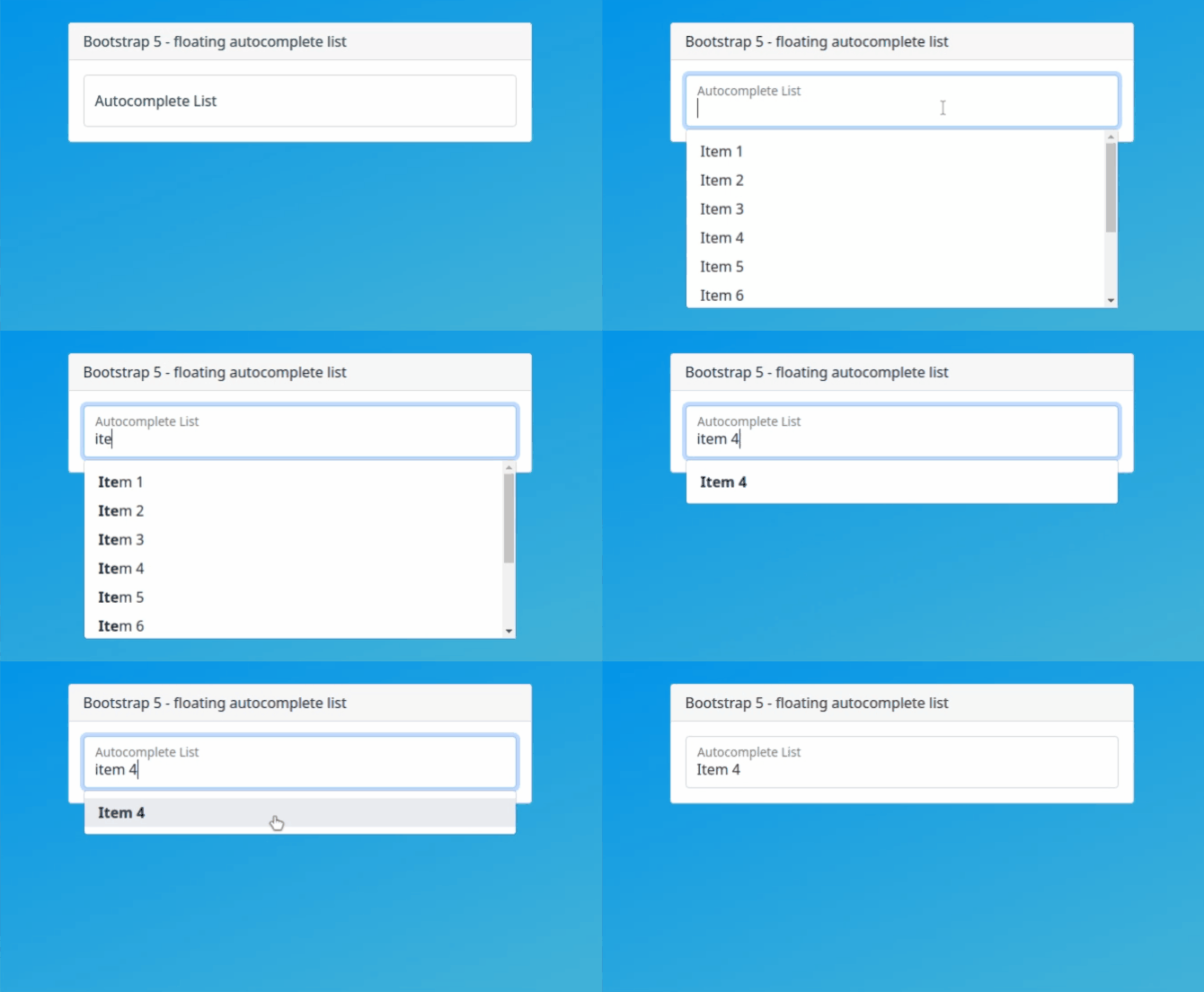
Installation
~~~
npm install react-bootstrap-autocomplete-list
~~~
⚠️ Important
This package depends on
react, bootstrap 5 and popperjs. Please make sure you have them installed.
Also make sure you have imported
bootstrap css & js into your react project.
Example
~~~
import { BS5FloatingAutocompleteList } from 'react-bootstrap-autocomplete-list';
export default function Example() {
const items = ['Item 1','Item 2','Item 3','Item 4','Item 5','Item 6'];
function getSelectedValue(item) {
console.log(item);
}
return (
<>
);
}
~~~
Properties
|Prop|Type|Default|Description|
|:----|:----|:----|:----|
|id|string|'autocompleteList'|Component identifier, if you use several instances of this component, it's important to use a different identifier for each instance|
|label|string|'Autocomplete List'|Label for input element|
|list|string[]|['Item1', 'Item2', 'Item3']|List of items|
|startAt|number|0|Set character index to start searching for items, useful for large lists to avoid performance issues|
|selectedValue|function| |Execute a function to get the selected item|
|valueOnChange|function| |Execute a function when a user changes the content of the input field|
|maxHeight|string|'200px'|Set maximum list item height|
Contribute
Fork and clone react-bootstrap-autocomplete-list from GitHub
Install npm packages
~~~
npm install
~~~
Run the react app in dev mode
~~~
npm start
~~~
That's all, you can start contributing now ❤️