react-curse
v1.0.23TypeScript
Fastest terminal UI for react (TUI, CLI, curses-like)
13/weekUpdated 3 months agoMITUnpacked: 88.4 KB
Published by Oleksandr Vasyliev
npm install react-cursereact-curse
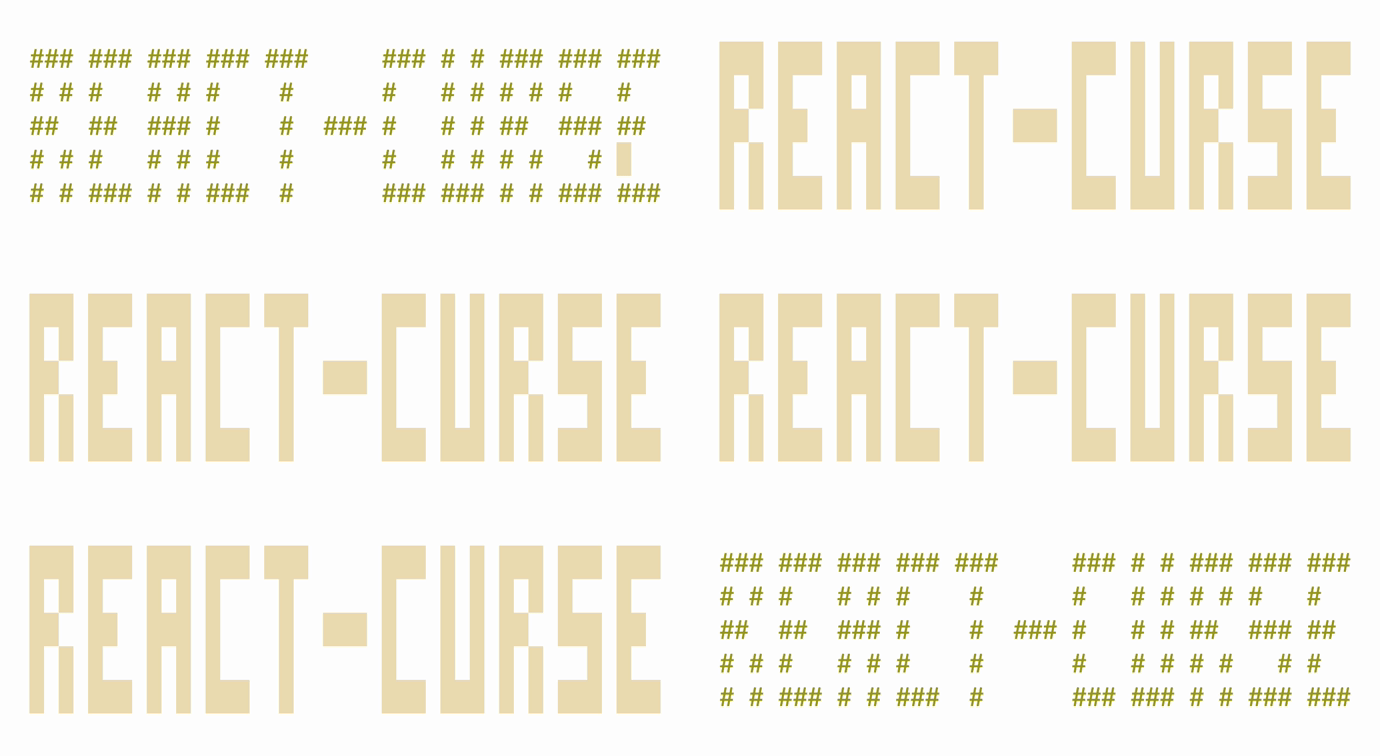
Fastest terminal UI for react (TUI, CLI, curses-like)
- It is fast, intuitive and easy to use
- It draws only changed characters
- It uses a small amount of SSH traffic
See it in action:

Still here? Let's go deeper:
- It has fancy components that are ready to use or can be tree-shaked from your final bundle
- It supports keyboard and mouse
- It works in fullscreen and inline modes
- It has cool hooks like animation with trail
- It is solely dependent on react
- It can generate an all-in-one bundle around 100 kb
You can easily build full-scale terminal UI applications like:
Apps that use it
- mngr - Database manager supports mongodb, mysql/mariadb, postgresql, sqlite and json-server
- nfi - Simple nerd fonts icons cheat sheet that allows you to quickly find and copy glyph to clipboard
- cosmo - A tool for visualizing graphs on terminal. And it allows you to pan around and search by id/value nodes, and in the near future edit/remove/add nodes too
Installation
Just run npm init react-curse answer a few questions and you are ready to go
Examples
#### Hello world
``jsx
import ReactCurse, { Text } from 'react-curse'
const App = ({ text }) => {
return
}
ReactCurse.render(
`

#### How to handle input
`jsx
import { useState } from 'react'
import ReactCurse, { Text, useInput, exit } from 'react-curse'
const App = () => {
const [counter, setCounter] = useState(0)
useInput(
input => {
if (input === 'k') setCounter(counter + 1)
if (input === 'j') setCounter(counter - 1)
if (input === 'q') exit()
},
[counter]
)
return (
counter:
)
}
ReactCurse.render(
`

#### How to animate
`jsx
import ReactCurse, { useAnimation } from 'react-curse'
const App = () => {
const { interpolate, interpolateColor } = useAnimation(1000)
return
}
ReactCurse.render(
`

Contents
- Components
-
-
-
-
-
- ,
-
-
-
-
-
-
-
- Hooks
- useAnimation, useTrail,
- useChildrenSize
- useClipboard
- useInput
- useMouse
- useSize
- useWordWrap
- API
- render
- inline
- bell
- exit
Components
$3
Base component\
The only component required to do anything\
Every other component uses this one to draw
##### y?, x?: number | string
Position from top left corner relative to parent\
Content will be cropped by parent\
See absolute to avoid this behavior\32, '100%', '100%-8'
Example:
##### height?, width?: number | string
Size of block, will be cropped by parent\
See absolute to avoid this behavior
##### absolute?: boolean
Makes position and size ignoring parent container
##### background?, color?: number | string
Background and foreground color\
Example: 31, 'Red', '#f04020', '#f42'
##### clear?: boolean
Clears block before drawing content\
height and width
##### block?: boolean
Moves cursor to a new line after its content relative to parent
##### bold?, dim?, italic?, underline?, blinking?, inverse?, strikethrough?: boolean
Text modifiers
#### Examples
`jsx`

$3
Text input component with cursor movement and text scroll support\
If its height is more than 1, then it switches to multiline, like textarea\
Most terminal shortcuts are supported
##### focus?: boolean = true
Makes it active
##### type?: 'text' | 'password' | 'hidden' = ‘text'
##### initialValue?: string
##### cursorBackground?: number | string
##### onCancel?: () => void
##### onChange?: (string) => void
##### onSubmit?: (string) => void
#### Examples
`jsx`


$3
Displays big text
##### y?, x?: number | string
##### background?, color?: number | string
##### children: string
#### Examples
`jsx`

$3
Displays vertical or horizontal bar with 1/8 character resolution
##### type: 'vertical' | 'horizontal'
##### y & height, x & width: number
#### Examples
`jsx`
<>
{[...Array(24)].map((_, index) => (
))}

Compare to

$3
Aligns content
##### width?: number
##### align?: 'left' | 'center' | 'right' = 'left'
#### Examples
`jsx`

$3
Create a canvas for drawing with one these modes
##### mode: { h: 1, w: 1 } | { h: 2, w: 1 } | { h: 2, w: 2 } | { h: 4, w: 2 }
Pixels per character
##### height, width: number
Size in pixels
##### children: (Point | Line)[]
####
Draws a point at the coordinates
##### y, x: number
##### color?: number | string
####
Draws a line using coordinates
##### y, x, dy, dx: number
##### color?: number | string
#### Examples
`jsx`

Braille's font demo ({ h: 4, w: 2 })

$3
Draws frame around its content
##### children: string
##### type?: 'single' | 'double' | 'rounded' = 'single'
##### height?, width?: number
#### Examples
`jsx`
single border type
double border type
rounded border type

$3
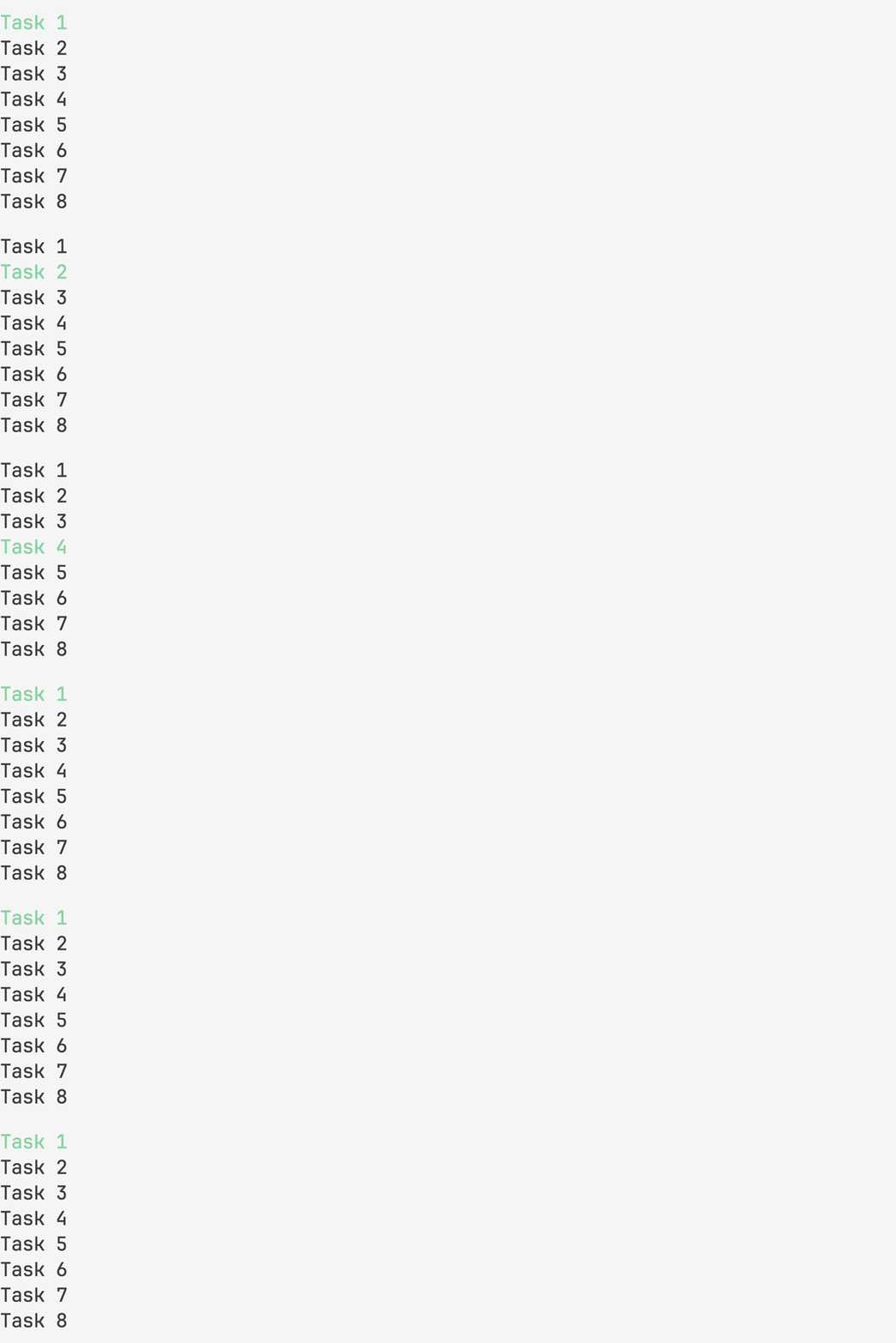
Creates a list with navigation support\
Vim shortcuts are supported
##### focus?: boolean
##### initialPos?: { y: number }
##### data?: any[]
##### renderItem?: (object) => JSX.Element
##### height?, width?: number
##### scrollbar?: boolean
##### scrollbarBackground?: boolean
##### scrollbarColor?: boolean
##### vi?: boolean = true
##### pass?: any
##### onChange?: (object) => void
##### onSubmit?: (object) => void
#### Examples
`jsxTask ${index + 1}
const items = [...Array(8)].map((_, index) => ({ id: index + 1, title: }))`
return (
renderItem={({ item, selected }) =>
/>
)
$3
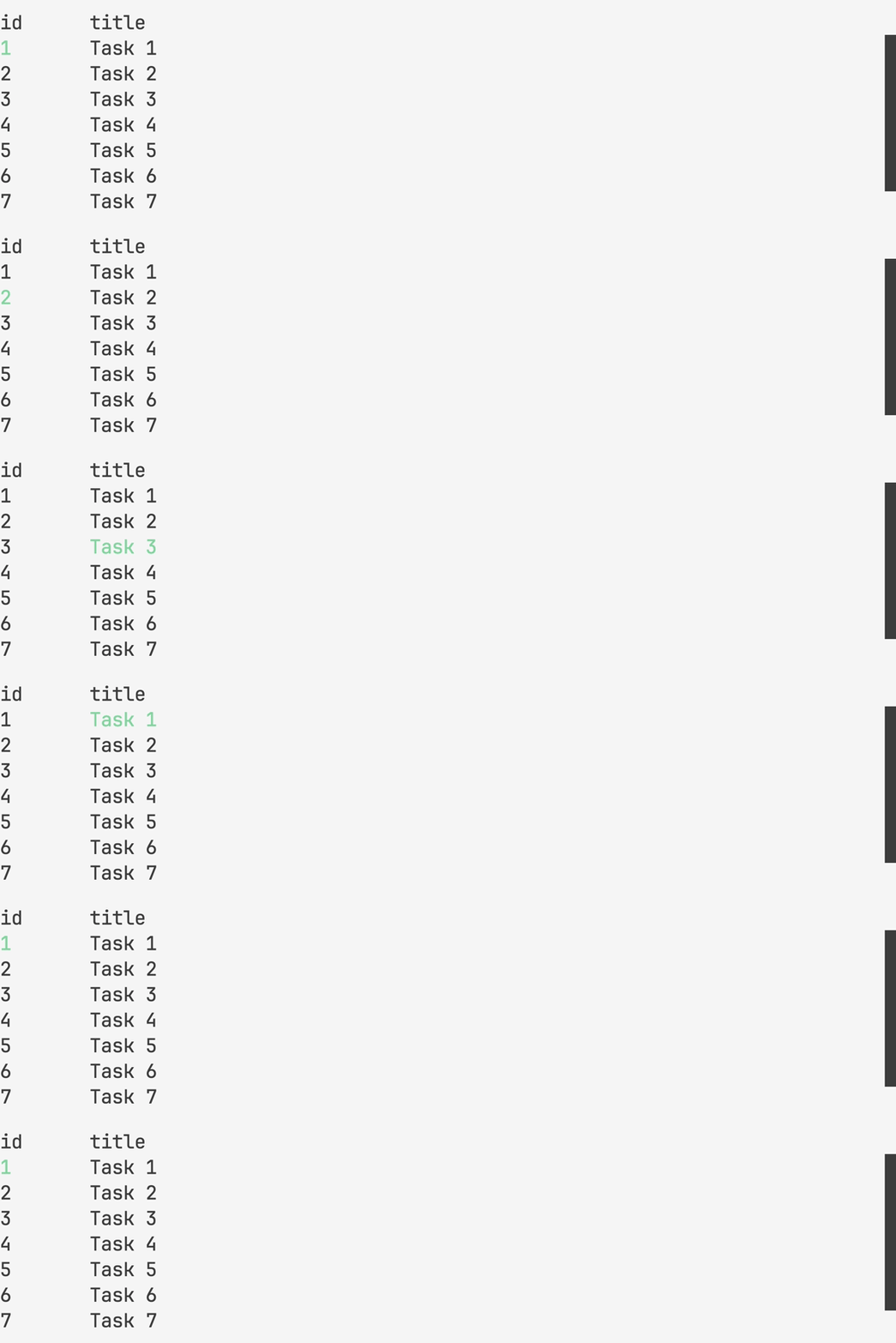
Creates a table with navigation support\
Vim shortcuts are supported
##### mode?: 'cell' | 'row' = 'cell'
##### head?: any[]
##### renderHead?: (object) => JSX.Element
##### data?: any[][]
#### Examples
`jsxTask ${index + 1}
const head = ['id', 'title']
const items = [...Array(8)].map((_, index) => [index + 1, ])`
return (
renderHead={({ item }) =>
item.map((i, key) => (
{i}
))
}
data={items}
renderItem={({ item, x, y, index }) =>
item.map((text, key) => (
{text}
))
}
/>
)
$3
Draws a scrollbar with 1/8 character resolution
##### type?: 'vertical' | 'horizontal' = 'vertical'
##### offset: number
##### limit: number
##### length: number
##### background?, color?: number | string
#### Examples
`jsx`

$3
Draws a vertical or horizontal line
##### type: 'vertical' | 'horizontal'
##### height, width: number
#### Examples
`jsx`

$3
Draws an animated spinner
##### children?: string
#### Examples
`jsx`

$3
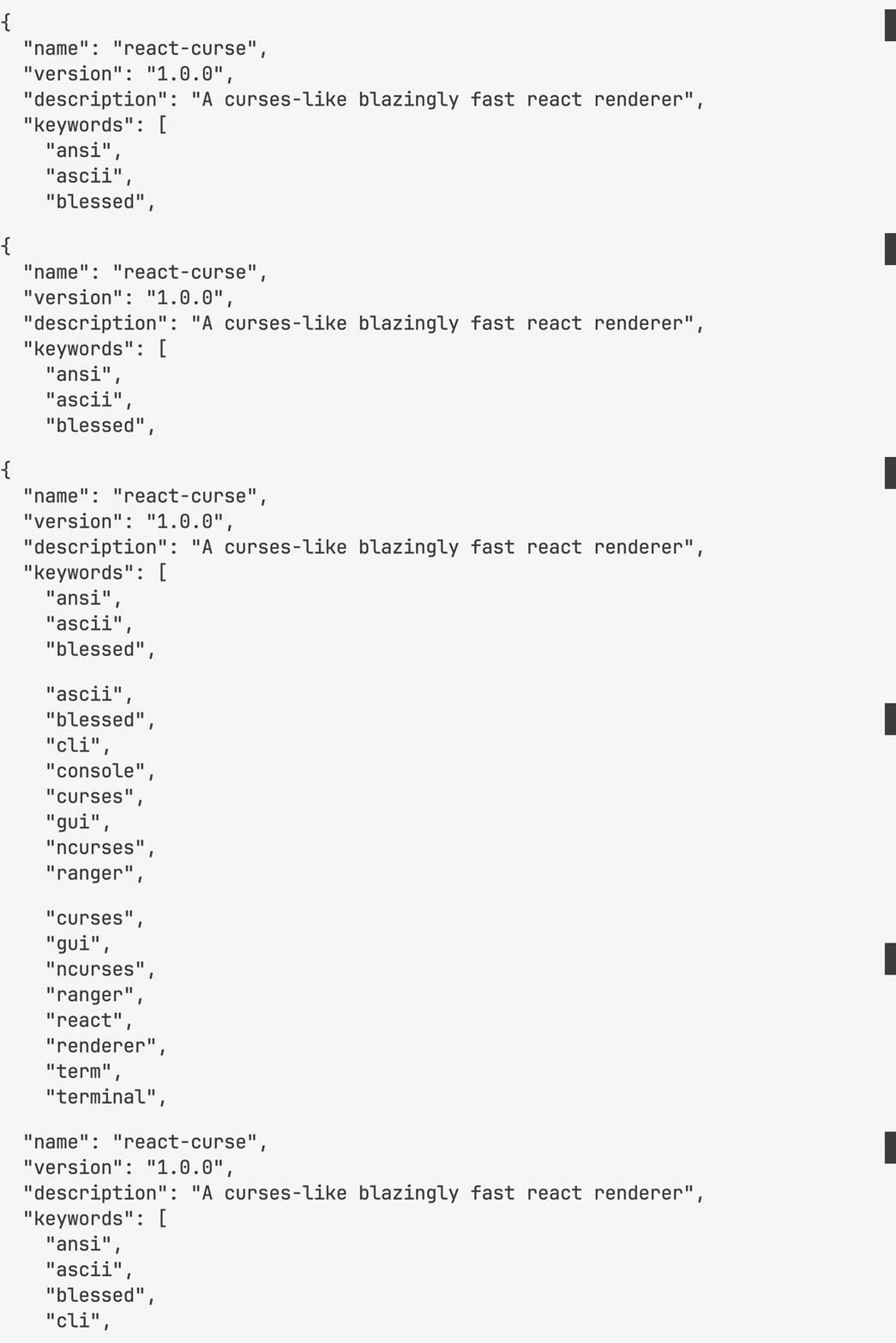
Creates a scrollable viewport\
Vim shortcuts are supported
##### focus?: boolean
##### height?: number
##### scrollbar?: boolean
##### vi?: boolean = true
##### children: any
#### Examples
`jsx`
hooks
$3
##### (time: number, fps?: 'number' = 60) => object
Creates a timer for a specified duration\
That gives you time and interpolation functions each frame of animation
#### return
##### ms: number
##### interpolate: (from: number, to: number, delay?: number)
##### interpolateColor: (from: string, to: string: delay?: number)
#### Examples
`jsx`
const { ms } = useAnimation(1000, 4)
return ms // 0, 250, 500, 750, 1000
`jsx`
const { interpolate } = useAnimation(1000, 4)
return interpolate(0, 80) // 0, 20, 40, 60, 80
`jsx`
const { interpolateColor } = useAnimation(1000, 4)
return interpolateColor('#000', '#0f8') // #000, #042, #084, #0c6, #0f8

####
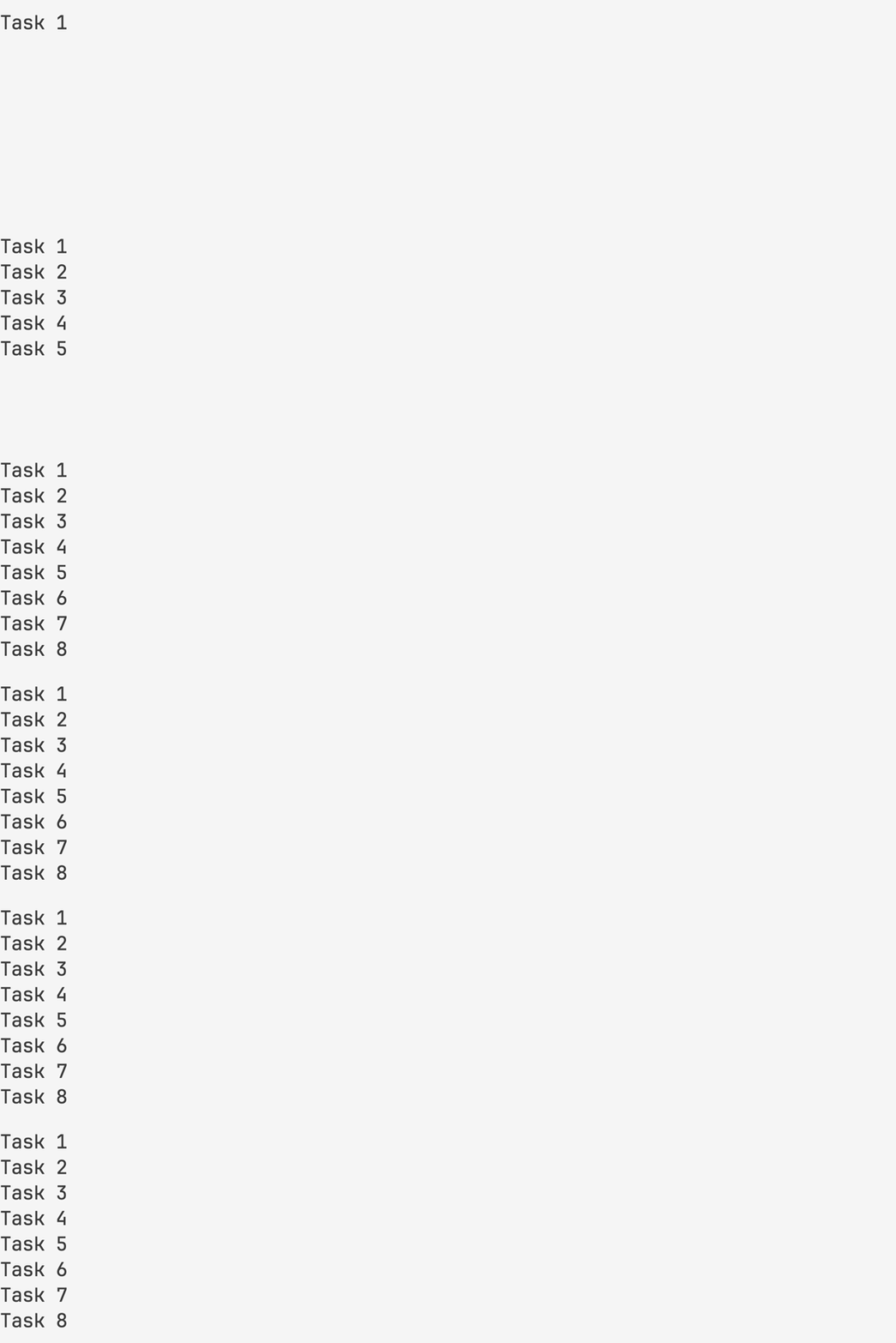
Mutate array of items to show one by one with latency
##### delay: number
##### children: JSX.Element[]
#### Examples
`jsxTask ${index + 1}
const items = [...Array(8)].map((_, index) => ({ id: index + 1, title: }))`
return (
{items.map(({ id, title }) => (
{title}
))}
)
#### useTrail
##### (delay: number, items: JSX.Element[], key?: string = 'key') => JSX.Element[]
Same as but hook\data
You can pass it to property of component for example
#### Examples
`jsx`
$3
##### (value: string) => object
Gives you content size
#### return
##### height, width: number
#### Examples
`jsx`
useChildrenSize('1\n22\n333') // { height: 3, width: 3 }
$3
#### () => array
Allows you to work with the system clipboard
#### return
##### getClipboard: () => string
##### setClipboard: (value: string) => void
#### Examples
`jsx`
const { getClipboard, setClipboard } = useClipboard()
const string = getClipboard()
setClipboard(string.toUpperCase()) // copied
$3
##### (callback: (string) => void, dependencies: any[]) => void
Allows you to handle keyboard input
#### Examples
`jsx
set[(counter, setCounter)] = useState(0)
useInput(
input => {
if (input === 'k') setCounter(counter + 1)
if (input === 'j') setCounter(counter - 1)
},
[counter]
)
`
$3
##### (callback: (object) => void, dependencies: any[])
Allows you to handle mouse input
#### Examples
`jsx
set[(counter, setCounter)] = useState(0)
useMouse(
event => {
if (event.type === 'wheelup') setCounter(counter + 1)
if (event.type === 'wheeldown') setCounter(counter - 1)
},
[counter]
)
`
$3
##### () => object
Gives you terminal size\
Updates when size is changing
#### return
##### height, width: number
#### Examples
`jsx`
useSize() // { height: 24, width: 80 }
$3
##### (text: string, width?: number) => object
Gives your text a word wrap
#### return
##### height, width: number
#### Examples
`jsx`
useWordWrap('hello world', 5) // hello\nworld
API
$3
Renders your fullscreen application to stdout
$3
Renders your inline application to stdout
$3
#### () => void
Makes a terminal bell
`jsx`
bell() // ding
$3
##### (code: number = 0) => void
Allows you to exit from an application that waits for user input or has timers
#### Examples
`jsx``
useInput(input => {
if (input === 'q') exit()
})