react-datetime-inputs
v0.0.6
React components for datetime input elements
0/weekUpdated 3 years agoMIT
Published by g1eb
npm install react-datetime-inputsReact component for datetime input
This component is designed to provide easy and intuitive input of moment.js datetime objects.
Desgined to be as simple as possible in order to afford intuitive interactions.
Demo
Click here for a live demo.
$3
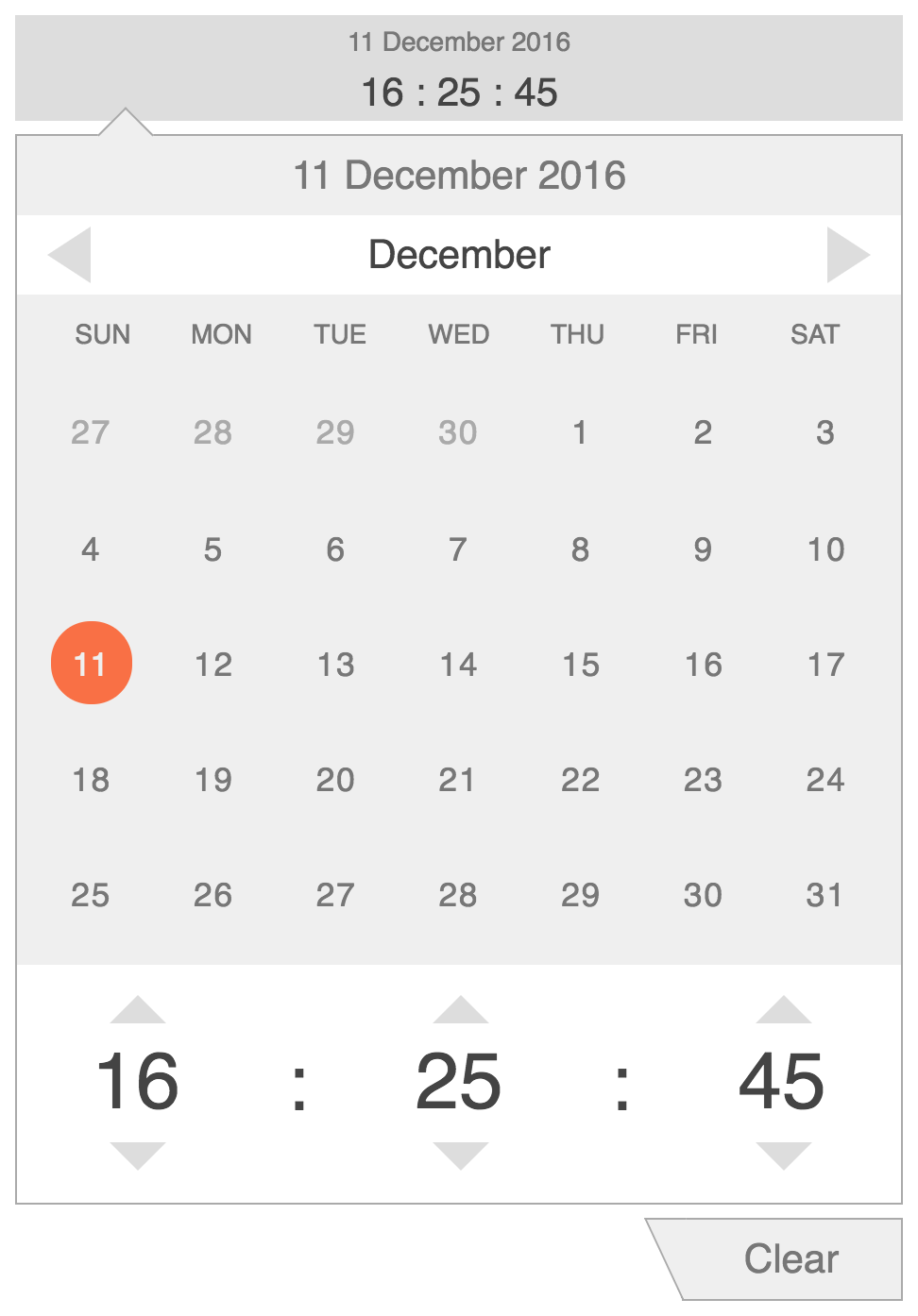
Install
1) Install 'react-datetime-inputs' with npm
``
npm install react-datetime-inputs --save
or with yarn
`
yarn add react-datetime-inputs
2) Import DatetimeInput component
`javascript`
import { DatetimeInput } from 'react-datetime-inputs'
3) Render DatetimeInput component
`javascript`
render() {
return (
onChange={this.handleOnChange.bind(this)}>
)
}
$3
|Property | Usage | Default | Required |
|:------------- |:-------------|:-----:|:-----:|
| datetime | moment.js datetime object or a datetime string | none | no |
| date-format | moment.js compatible date format used for display in date and datetime input directives | 'DD MMMM YYYY' | no |
| time-format | moment.js compatible time format used for display in time and datetime input directives | 'HH : mm : ss' | no |
| minDate | moment.js datetime object min datetime | none | no |
| maxDate | moment.js datetime object max datetime | none | no |
| placeholder | Placeholder is shown when input object is undefined | none | no |
| allowClear | Allow users to clear selected datetime value | false | no |
| clearText | Clear text shown in the button to clear date object | Clear | no |
| onChange | Handler function that is fired on change of datetime object | none | no |
| onClose | Handler function that is fired on close of the edit popover | none | no |
| customDisplay | custom display component for presentation | none | no |
| naturalScroll | scroll direction | true | no |
Note that when custom display component is used you need to format display value and include a button to toggle datetime editor/popover. Additionally one can use active and warning properties to change display (or alert user of invalid input when used together with minDate and/or maxDate properties).
For example:
`javascript``
{this.props.datetime.format('DD MMM HH:mm')}
Angular directives
If you are looking for datetime input widgets as angular directices, check out angular-datetime-inputs and angular-datetime-range