React file dropzone and uploader: fully customizable, progress indicators, upload cancellation and restart, zero deps and excellent TypeScript support
npm install react-dropzone-uploader


React Dropzone Uploader is a customizable file dropzone and uploader for React.
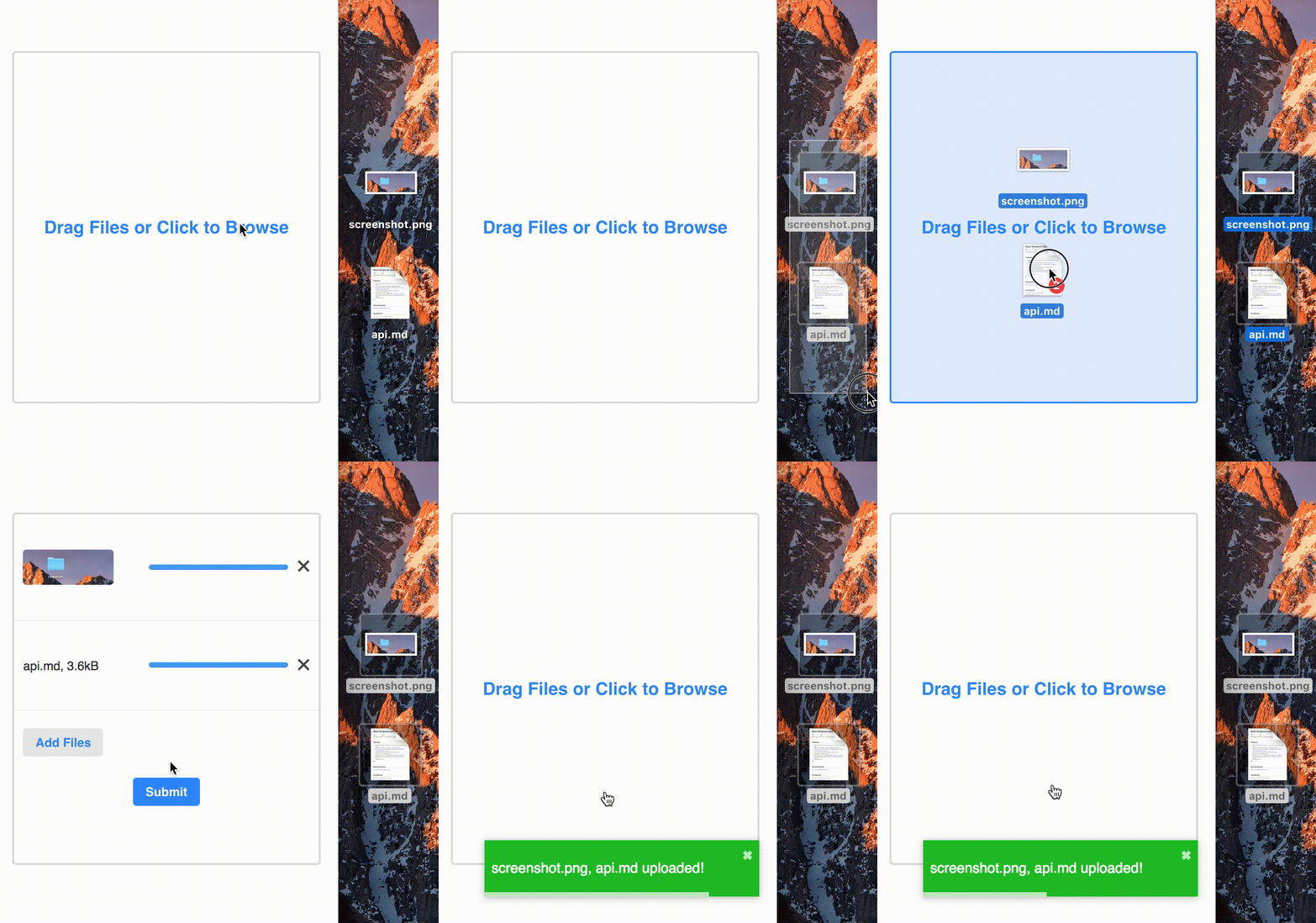
npm install --save react-dropzone-uploaderImport default styles in your app.
~~~js
import 'react-dropzone-uploader/dist/styles.css'
~~~
https://httpbin.org/post, and renders a button to submit files that are done uploading. Check out a live demo.~~~js
import 'react-dropzone-uploader/dist/styles.css'
import Dropzone from 'react-dropzone-uploader'
const MyUploader = () => {
// specify upload params and url for your files
const getUploadParams = ({ meta }) => { return { url: 'https://httpbin.org/post' } }
// called every time a file's status changes
const handleChangeStatus = ({ meta, file }, status) => { console.log(status, meta, file) }
// receives array of files that are done uploading when submit button is clicked
const handleSubmit = (files) => { console.log(files.map(f => f.meta)) }
return (
onChangeStatus={handleChangeStatus}
onSubmit={handleSubmit}
accept="image/,audio/,video/*"
/>
)
}
~~~
\* requires Promise polyfill, e.g. @babel/polyfill
If you want to include it in your page, you need to include the dependencies and CSS as well.
~~~html
~~~
For example, RDU has solid core functionality, but has a minimalist look and feel. It would be more beginner-friendly with a larger variety of built-in components.
~~~sh
git clone git://github.com/fortana-co/react-dropzone-uploader.git
cd react-dropzone-uploader
yarn
npm run dev
~~~
This runs code in examples/src/index.js, which has many examples that use Dropzone. The library source code is in the /src directory.
react-dropzone, react-select, and redux-form for inspiration.