react-immutable-treeview
v0.3.7
React Tree View Component Accept Immutable.js Data
0/weekUpdated 3 years agoApache-2.0
Published by Hapood Wang
npm install react-immutable-treeviewreact-immutable-treeview


React Tree View Component. Take Advantage of Immutable.js.
Example
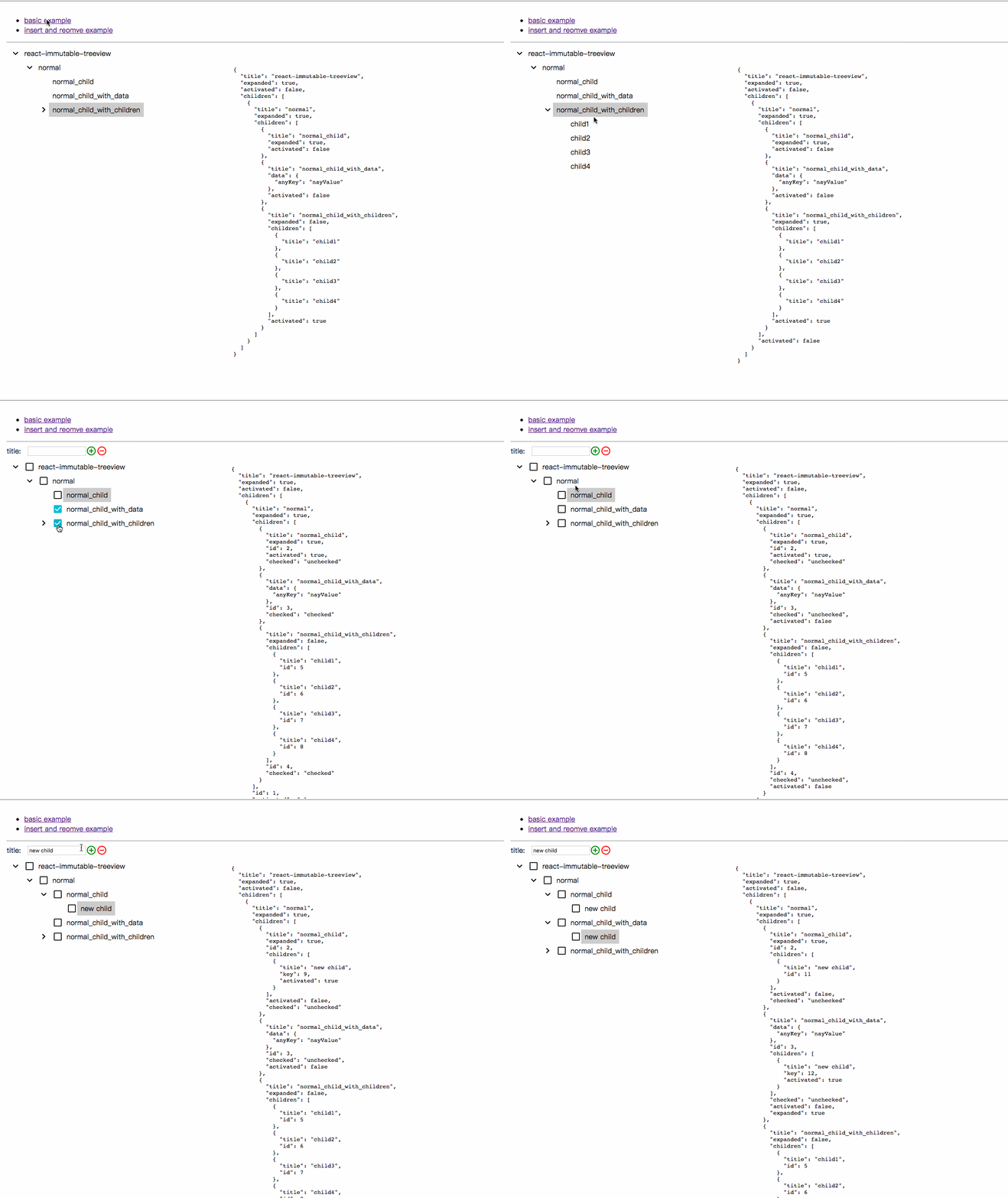
An online example from the /example directory can be found here: Here
$3
Install
``
npm install react-immutable-treeview --save
Quick Start
`javascript
import React from 'react';
import ReactDOM from 'react-dom';
import ImmutableTree from 'react-immutable-treeview';
import Immutable from "immutable";
const data = {
title: "react-immutable-treeview",
expanded: true,
activated: true,
children: [
{
title: "normal",
expanded: true,
children: [
{
title: "normal_child",
expanded: true
},
{
title: "normal_child_with_data",
data: {
anyKey: "anyValue"
}
},
{
title: "normal_child_with_children",
expanded: false,
children: [
{
title: "child1"
},
{
title: "child2"
},
{
title: "child3"
},
{
title: "child4"
}
]
}
]
}
]
};
class TreeExample extends React.Component {
constructor(){
super();
this.state = {immutableTreeData:Immutable.fromJS(data)};
this.onExpand = this.onExpand.bind(this);
}
onExpand(e, nodePath, toggled) {
const { immutableTreeData } = this.state;
this.setState({
immutableTreeData: immutableTreeData.setIn(
nodePath.concat('expanded'), toggled)
})
}
render(){
return (
onExpand={this.onExpand}
/>
);
}
}
const content = document.getElementById('app');
ReactDOM.render(
`
Prop Values
$3
PropTypes.oneOfType([ImmutablePropTypes.map, ImmutablePropTypes.list]).isRequired
Immutable Data that drives the tree view. State-driven effects can be built by manipulating the attributes in this object. An example can be found in
$3
javascript
{
    nodeHeight: '[optional] string',
    expandButtonWidth: '[optional] string',
    checkboxWidth: '[optional] Immutable.List',
    checkboxDisplay: '[optional] boolean',
}
`Display options of treeview, you can set it here as global or specify every single node in data attributes.
$3
Callback function when expand button of a node is clicked. Passes 3 attributes: dom event object, node path and it's expand boolean state.
$3
Callback function when label of a node is clicked. Passes 2 attributes: dom event object, node path.
Data Attributes
javascript
{
    id: '[optional] string',
    title: 'string',
    children: '[optional] Immutable.List',
    expanded: '[optional] boolean',
    activated: '[optional] boolean',
    checkboxDisplay: '[optional] boolean',
    checked: '[optional] string',
}
``$3
The component key. If not defined, an auto-generated index is used.
$3
The title prop passed into the TreeNode component.
$3
The children attached to the node. This value populates the subtree at the specific node. Each child is built from the same basic data structure.
$3
Visibility of a node's children. False by default.
$3
If true, the node will be highlighted.
$3
override global checkboxDisplay options.
$3
setting checkbox by [checked], [unchecked] or [indeterminate].