react-messenger-chat-plugin
v3.0.5TypeScript
A react component for Facebook Messenger Chat Plugin with extra Customer Chat SDK features
0/weekUpdated 3 years agoMITUnpacked: 20.7 KB
Published by Alexander Charles Huang
npm install react-messenger-chat-pluginreact-messenger-chat-plugin :speech_balloon:   !size !language
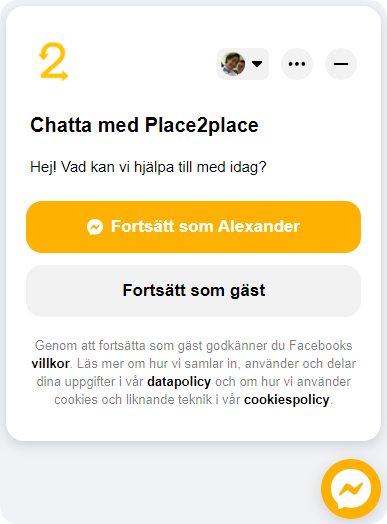

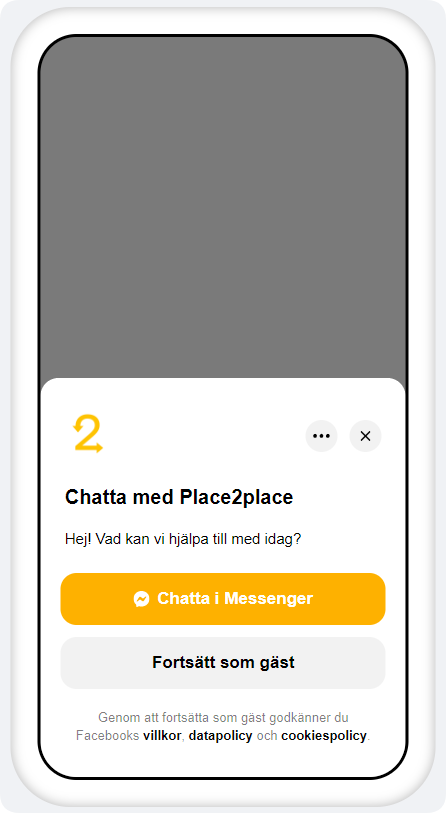

Table of contents
- Installation
- Usage
- MessengerChat Component
- MessengerChat Control Functions
- Official docs
Installation
First, whitelist your domain to be eligible to use the messenger chat in facebooks page settings:
Facebook page > Settings > Messaging (in sidebar) > Add messenger to your website > Whitelist domain
> :warning: NOTE: Facebook doesn't allow whitelisting localhost, so for dev-mode use a wrapper like ngrok.
$3
``
sh

npm install react-messenger-chat-plugin
`
$3
`sh
yarn add react-messenger-chat-plugin
`
Usage


$3
`js
import React from "react";
import ReactDOM from "react-dom";
import { MessengerChat } from "react-messenger-chat-plugin";
ReactDOM.render(
language="sv_SE"
themeColor={"#000000"}
bottomSpacing={300}
loggedInGreeting="loggedInGreeting"
loggedOutGreeting="loggedOutGreeting"
greetingDialogDisplay={"show"}
debugMode={true}
onMessengerShow={() => {
console.log("onMessengerShow");
}}
onMessengerHide={() => {
console.log("onMessengerHide");
}}
onMessengerDialogShow={() => {
console.log("onMessengerDialogShow");
}}
onMessengerDialogHide={() => {
console.log("onMessengerDialogHide");
}}
onMessengerMounted={() => {
console.log("onMessengerMounted");
}}
onMessengerLoad={() => {
console.log("onMessengerLoad");
}}
/>,
document.getElementById("demo")
);
`
| Attribute                        |                                             Description                                             | Default |

| -------------------------------- | :-------------------------------------------------------------------------------------------------: | :-----: |

| pageId (string) Required     |                         Id of page which can be found on the facebook page                          |         |

| language (string)                |                  Language locale, e.g. 'en_US' for english or 'sv_SE' for swedish                   | "en_US" |

| themeColor (string)              |                                  Hexcode color of the theme color                                   |         |

| bottomSpacing (number)           |                                         Bottom spacing (px)                                         |         |

| greetingDialogDisplay (string)   |     Determine how the greeting dialog will be displayed. One of "hide", "show", "fade", "icon"      |         |

| greetingDialogDelay (number)     | Sets the number of seconds of delay before the greeting dialog is shown after the plugin is loaded. |    0    |

| loggedInGreeting (string)        |                           Greeting message displayed if user is logged in                           |         |

| loggedOutGreeting (string)       |                          Greeting message displayed if user is logged out                           |         |

| onMessengerMounted (function)    |                     Callback which is called when the messenger chat is mounted                     |         |

| onMessengerLoad (function)       |                                  Callback which is called on load                                   |         |

| onMessengerShow (function)       |                        Callback which is called when the component is shown.                        |         |

| onMessengerHide (function)       |                        Callback which is called when the component is hidden                        |         |

| onMessengerDialogShow (function) |                      Callback which is called each time the dialog is expanded                      |         |

| onMessengerDialogHide (function) |                       Callback which is called each time the dialog is hidden                       |         |

| debugMode (bool)                 |                 Enables debug mode which console.logs every event in the component                  |  false  |

| version                          |                                    Version of the messenger chat                                    | "v13.0" |


> :warning: NOTE: some attributes can be controlled from your facebook page messenger chat plugin configurations. These are by default overriden by the props, so if you want more control from facebook -> populate less props.


$3


This package also supports control functions for the messenger chat which can be accessed globally. The control functions will only work after the messenger chat has succesfully mounted.
`js
import { MessengerChat, showMessenger, hideMessenger, showDialog, hideDialog, setMessengerHeight } from 'react-messenger-customer-chat';
function App() {
return (
);
}
export default App;
``
| Function | Description |
| ------------------------------------------ | :-------------------------------------------------------------------------: |
| setMessengerBottomSpacing(spacing: number) | Immediately sets height of messenger chat in pixels from bottom of the page |
| showMessenger(shouldShowDialog: bool) | Shows the whole component |
| hideMessenger() | Hides the whole component |
| showDialog() | Expands dialog |
| hideDialog() | Hides dialog |
Official docs
Facebook provides official docs for messenger customer chat plugin and chat plugin sdk which the package is based on.
Author
My name is Alexander Huang and you can find my linkedin here! Don't hesitate to contact and thank you for tuning in :raised_hands: