react-multi-email
v1.0.25TypeScript
[](https://badge.fury.io/js/react-multi-email) [](https://www.npmjs.com/package/react-multi-email) [


react-multi-email
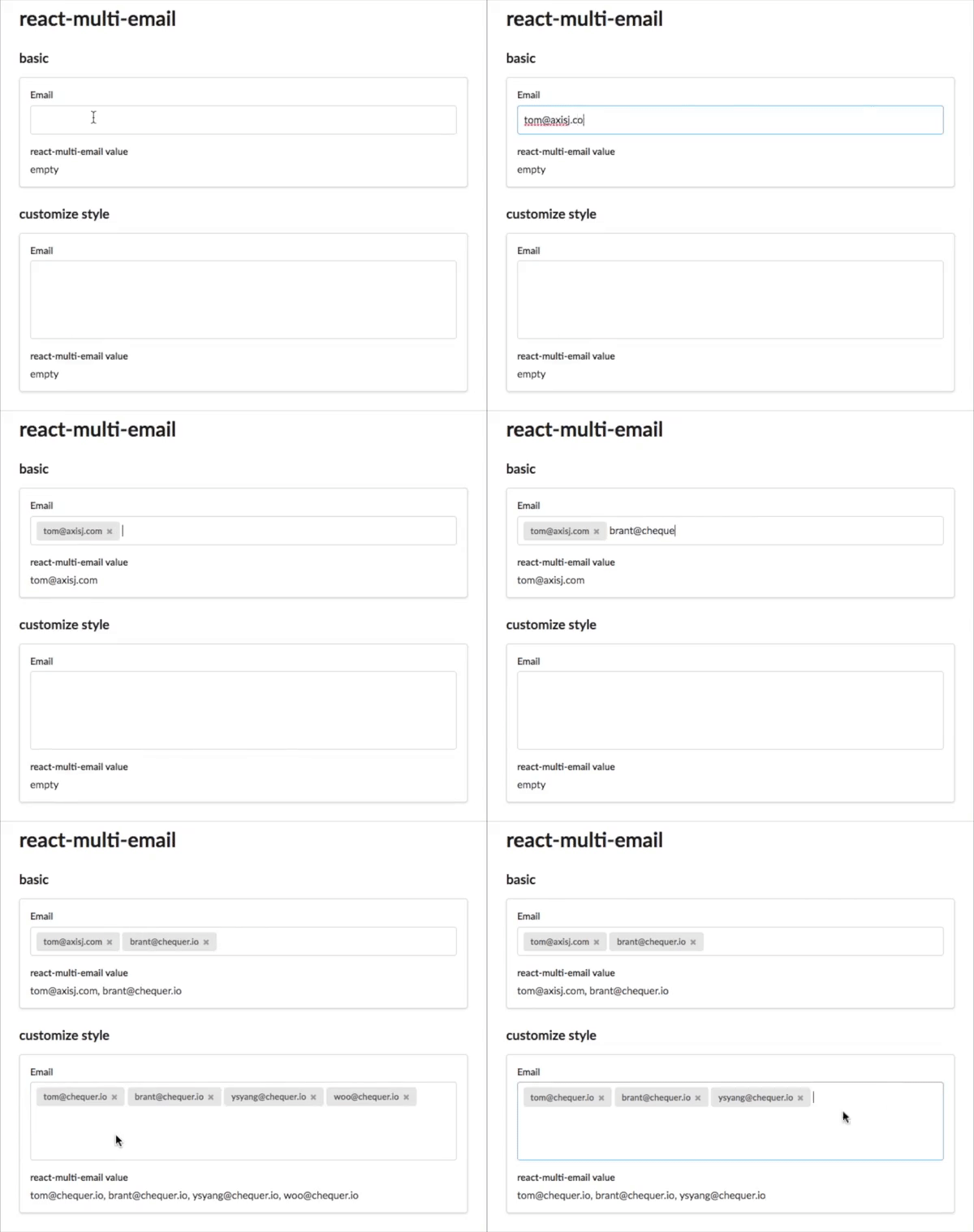
A simple react component to format multiple email as the user types.
- Simple code
- No dependency
- Small size
- Simple customization
Installation
``shell-script`
npm install react-multi-email
Usage
`typescript jsx
import * as React from 'react';
import { ReactMultiEmail, isEmail } from 'react-multi-email';
import 'react-multi-email/dist/style.css';
interface Props {}
function BasicExample(props: Props) {
const [emails, setEmails] = React.useState
const [focused, setFocused] = React.useState(false);
return (
);
}
export default BasicExample;
``
Props
| Property | Type | Default | Description |
|---|---|---|---|
| id | string | ||
| emails | string[] | ||
| onChange | (emails: string[]) => void; | ||
| enable | ({ emailCnt }: { emailCnt: number }) => boolean; | ||
| onDisabled | () => void; | ||
| onChangeInput | (value: string) => void; | ||
| onFocus | () => void; | ||
| onBlur | () => void; | ||
| onKeyDown | (evt: React.KeyboardEvent | ||
| onKeyUp | (evt: React.KeyboardEvent | ||
| noClass | boolean | ||
| validateEmail | (email: string) => boolean | Promise | ||
| enableSpinner | boolean | ||
| style | React.CSSProperties | ||
| getLabel | ( email: string, index: number, removeEmail: (index: number, isDisabled?: boolean) => void, ) => React.ReactNode; | ||
className | string | '' | |
inputClassName | string | '' | |
placeholder | string | React.ReactNode; | ||
autoFocus | boolean; | ||
spinner | () => React.ReactNode; | ||
delimiter | string; | '[ ,;]' | |
autoComplete | string | undefined | ||
| initialInputValue | string | undefined | '' | |
disableOnBlurValidation | boolean | undefined | false | |
| inputValue | string | undefined | undefined |
License
> If you don't mind, don't forget to press "star" before leaving.