react-native-animated-colors
v1.0.11
Animate between Background Colors super smoothly
0/weekUpdated 2 years agoISCUnpacked: 10.7 KB
Published by Aswin C
npm install react-native-animated-colorsReact Native Animated Colors
🚀 Elevate your React Native app's user interface with React Native Animated Colors – a powerful library that makes animating background colors a breeze, delivering a seamless and native-like experience for your users.
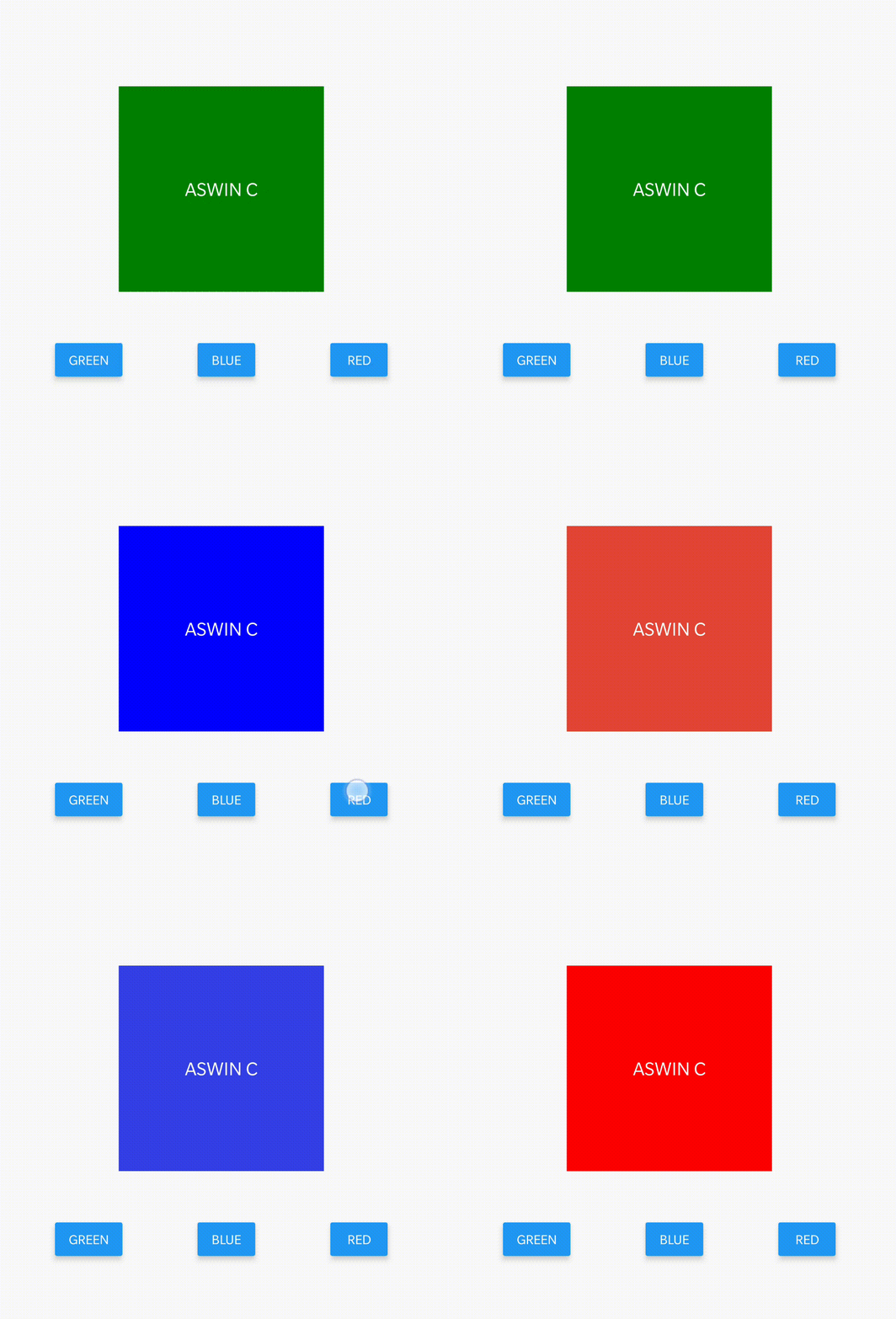

Key Features
- Smooth Animations: Achieve silky-smooth background color transitions without compromising on performance.
- No Native Driver Limitations: Bypass the limitations of useNativeDriver: true. Our library provides you with an intuitive solution for animating background colors, ensuring your app's visuals are always engaging.
- Enhanced Visuals: Take your app's visual appeal to the next level with dynamic and eye-catching background animations. Captivate your users and keep them engaged with your content.
Installation
``bash`
npm install react-native-animated-colors
Usage
`javascript`
import AnimatedColorView from 'react-native-animated-colors';
Properties
name | description | type | default
:--------------------------- |:-------------------------------------- | ----------------:|:------------
colors | List of background colors | Array | [ ]
activeIndex | Active index of color to be displayed | Number | 0
duration | Duration of animation on transition | Number | 500
easing | Animation easing function | EasingFunction | Easing.linear
loop | Loop the background colors | Boolean | false
startDelay | Loop start delay | Number | 0
animatedStyle | Animating view style | Object | {}
style | Container view style | Object | {}
$3
- colors: An array of background colors that you want to animate. For example: ['green', 'blue', 'red'].
- activeIndex: Set this property to the index of the color you want to be displayed initially. For example, if activeIndex is 0, setting it to 1 will transition the background color from green to blue.
- duration: Specify the duration (in milliseconds) of the color transition animation.
- easing: The easing function for the animation. You can use standard easing functions provided by React Native or provide your custom easing function.
- loop: When set to true, the background color will loop through the provided colors.
- startDelay: If you want to introduce a delay before animating the colors, set this property with the desired delay duration (in milliseconds).
- animatedStyle: Use this property to define additional style properties for the animating view.
- style: Set the style properties for the container view.
Example
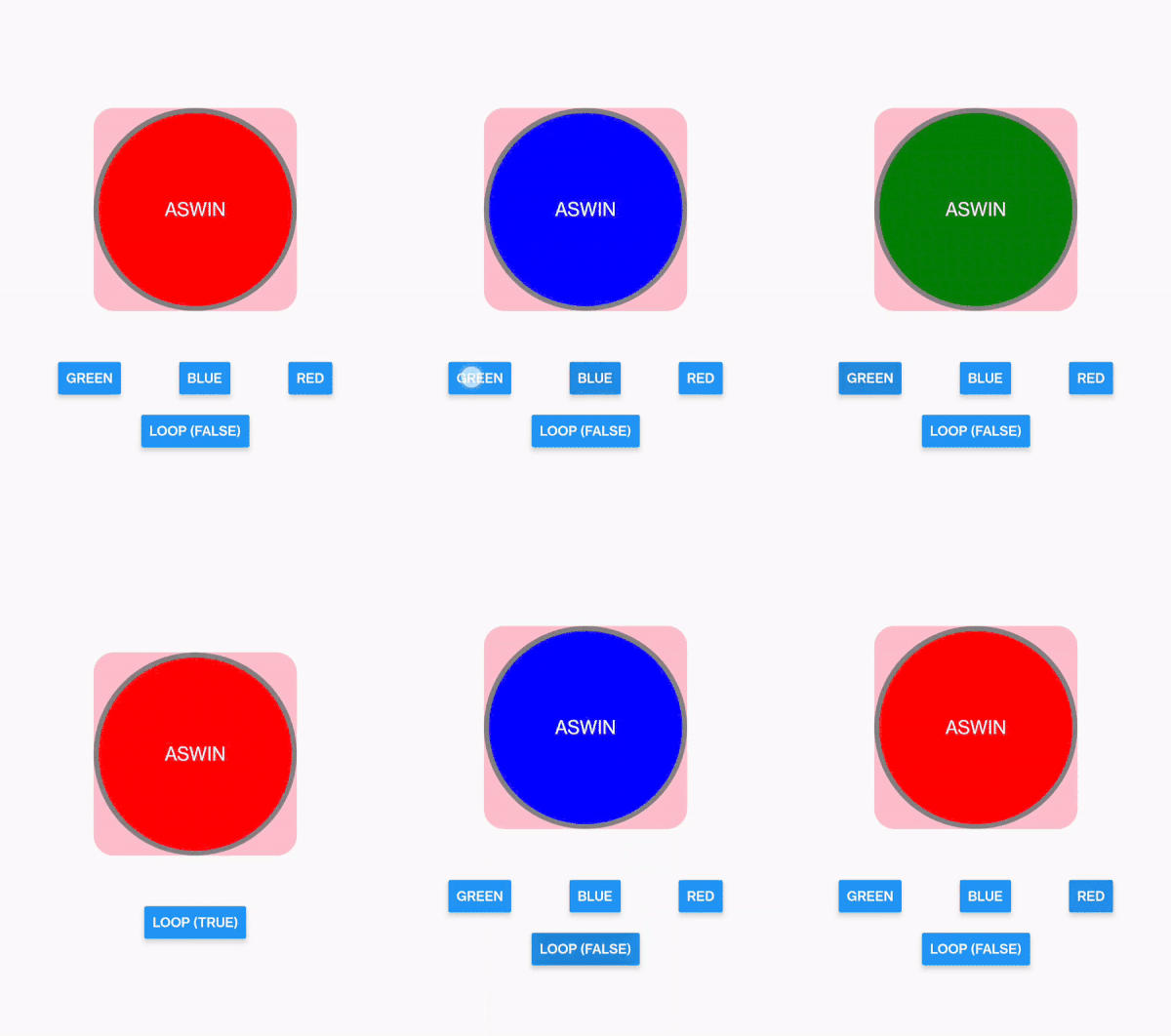
`javascript
import React, { useState } from 'react';
import { Button, StyleSheet, Text, View } from 'react-native';
import AnimatedColorView from 'react-native-animated-colors';
const TestAnimation = () => {
const [activeIndex, setindex] = useState(0);
const [loop, setLoop] = useState(false);
return (
colors={['green', 'blue', 'red']}
loop={loop}
style={styles.containerStyle}
animatedStyle={styles.animatedStyle}
duration={500}
// Supports all View Props
onTouchStart={() => console.log('pressed')}
>
{!loop &&
const styles = StyleSheet.create({
container: {
flex: 1,
alignItems: 'center',
justifyContent: 'center'
},
containerStyle: {
height: 200,
width: 200,
alignItems: 'center',
justifyContent: 'center',
borderRadius: 20,
backgroundColor: 'pink',
marginBottom: 50,
},
animatedStyle: {
borderWidth: 5,
borderColor: 'grey',
borderRadius: 100
},
text: {
fontSize: 20,
},
btn: {
width: '100%',
flexDirection: 'row',
justifyContent: 'space-evenly',
marginBottom: 20
},
});
export default TestAnimation;
`
Skelton Loader Example
`javascript
import React from 'react';
import { View, StyleSheet } from 'react-native';
import AnimatedColorView from 'react-native-animated-colors';
export default function SkeltonLoader() {
return (
{[1, 2, 3, 4, 5].map((x, i) => (
style={styles.row}
colors={['lightgrey', 'transparent']}
loop={true}
startDelay={i * 100}
/>
))}
);
}
const styles = StyleSheet.create({
container: {
flex: 1,
padding: 20
},
row: {
height: 60,
marginBottom: 10,
},
});
``
Copyright and License
ISC License
Copyright Aswin C. All rights reserved.