react-native-animated-splash-screen
v2.0.5
Animated splash screen component for React Native project.
397/weekUpdated 3 years agoMITUnpacked: 1.0 MB
Published by Fabio Freitas
npm install react-native-animated-splash-screen
React Native Animated Splash Screen
Animated splash screen for Android and iOS. It is based on Implementing Twitter’s App Loading Animation in React Native topic from RN. This use an Image instead of MaskedView to work on both platforms.
![license]()


!GitHub issues


!GitHub followers
!GitHub stars
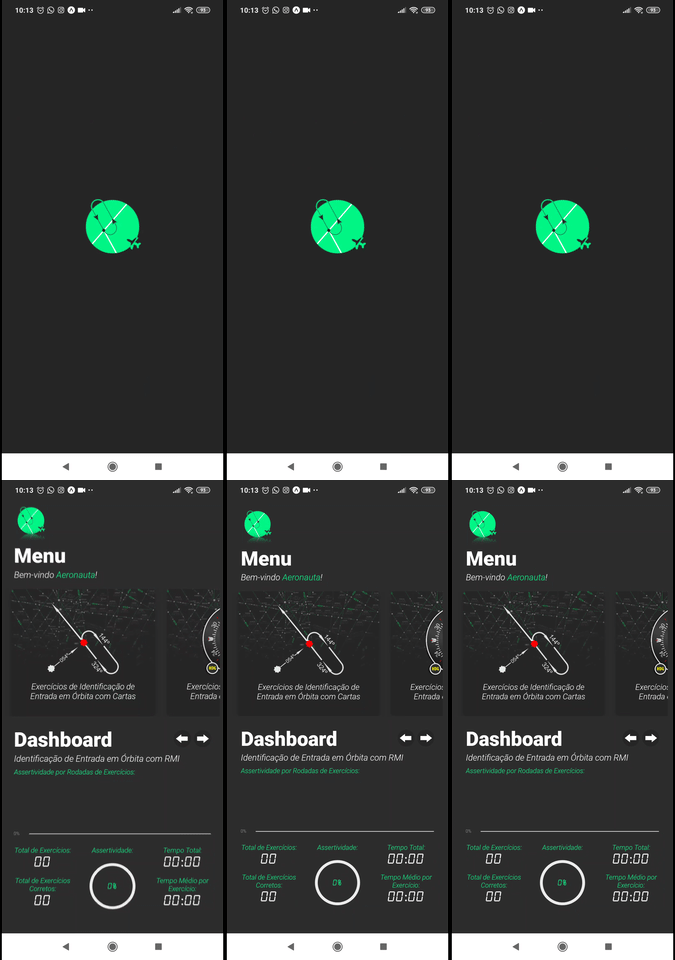

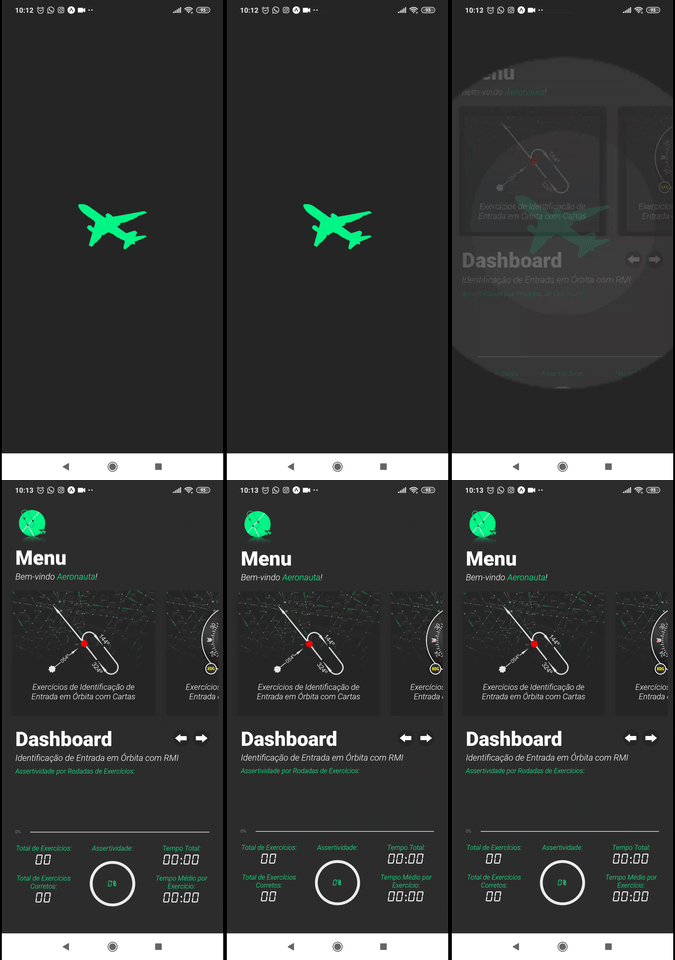
SplashAnimated example app.
Features
- [x] Custom background color.
- [x] Custom background image.
- [x] Custom logo.
- [x] Custom logo size.
- [x] It works both: Expo and Pure React Native. (Thanks to WrathChaos!)
Installation
yarn add react-native-animated-splash-screen
or
npm install --save react-native-animated-splash-screen
Usage
``
javascript
import AnimatedSplash from "react-native-animated-splash-screen";
render() {
return (
isLoaded={this.state.isLoaded}
logoImage={require("./assets/logo.png")}
backgroundColor={"#262626"}
logoHeight={150}
logoWidth={150}
>
);
}
`
Props


| Name                   | Description                                                                                                                                                                                      | Type            | Required |                        Default Value                        |

| :--------------------- | :----------------------------------------------------------------------------------------------------------------------------------------------------------------------------------------------- | :-------------- | :------: | :---------------------------------------------------------: |

| isLoaded               | Condition to show children component and finish the animation.                                                                                                                                   | Boolean         |    ✓     |                            false                            |

| backgroundColor        | Splash screen background color.                                                                                                                                                                  | String          |          | !#f00
'#f00' |
| logoImage | Splash screen logo image. | Object | | null |
| logoWidth | Logo image width in px. | Number | | 150 |
| logoHeight | Logo image height in px. | Number | | 150 |
| children | Children to render inside this component. | Node | | null |
| preload | Condition to load children component while wait isLoaded prop be True. | Boolean | | true |
| disableBackgroundImage | Disable the background image | Boolean | | false |
| translucent | When translucent is set to true, the app will draw under the status bar. Example: here! | Boolean | | false |
| customComponent | Add a logo component instead of a logo image. | React Component | | null |
Example with React Navigation
`javascript
const AppNavigator = createStackNavigator(
{
home: {
screen: HomeScreen,
navigationOptions: {
header: null,
},
},
dashboard: {
screen: DashboardScreen,
navigationOptions: {
title: "Dashboard",
},
},
},
{
initialRouteName: "home",
}
)
const Container = createAppContainer(AppNavigator)
class App extends React.Component {
state = {
isLoaded: false,
}
async componentDidMount() {
await loadAsync()
this.setState({ isLoaded: true })
}
render() {
return (
isLoaded={this.state.isLoaded}
logoImage={require("./assets/logo.png")}
backgroundColor={"#262626"}
logoHeight={150}
logoWidth={150}
>
)
}
}
export default App
`
Example with React Navigation (setting isLoaded inside a screen of navigator)


#### Navigator
`javascript
const AppNavigator = createSwitchNavigator(
{
home: {
screen: props => (
),
},
dashboard: { screen: DashboardScreen },
},
{
initialRouteName: "home",
}
)
const Container = createAppContainer(AppNavigator)
class App extends React.Component {
state = {
isLoaded: false,
}
setAppLoaded = () => {
this.setState({ isLoaded: true })
}
render() {
return (
isLoaded={this.state.isLoaded}
logoImage={require("./assets/logo.png")}
backgroundColor={"#262626"}
logoHeight={150}
logoWidth={150}
>
)
}
}
export default App
`
#### HomeScreen
`javascript
class HomeScreen extends React.Component {
...
async componentDidMount() {
await loadAsync();
this.props.setAppLoaded();
}
...
}
export default HomeScreen
``
Example of translucent prop
translucent={true}
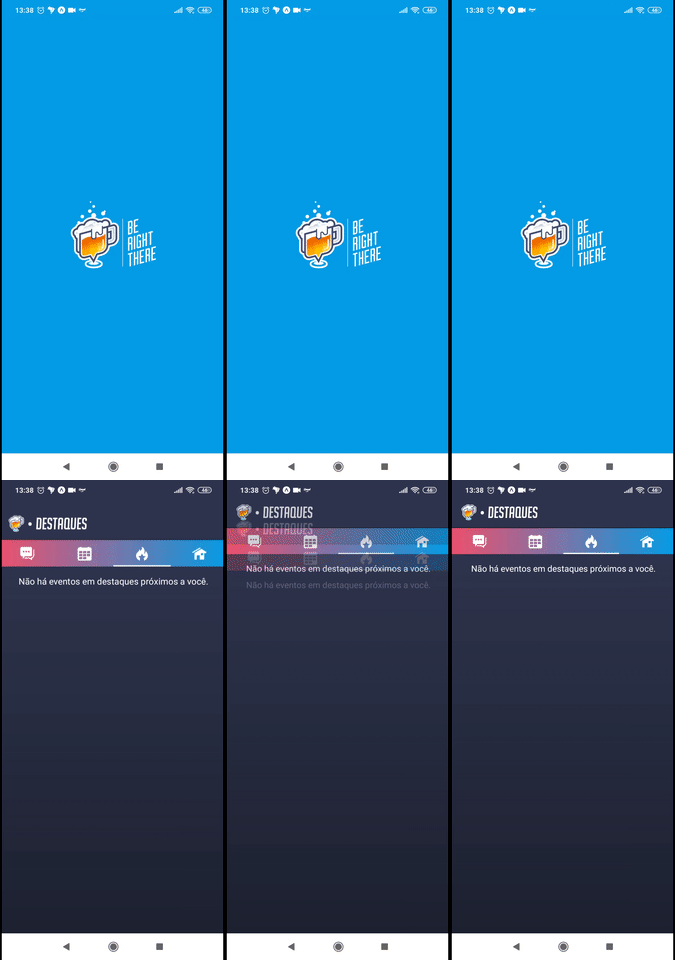
translucent={false}
Author
Fabio Freitas
License
MIT