npm install react-native-another-toastreact-native-another-toast
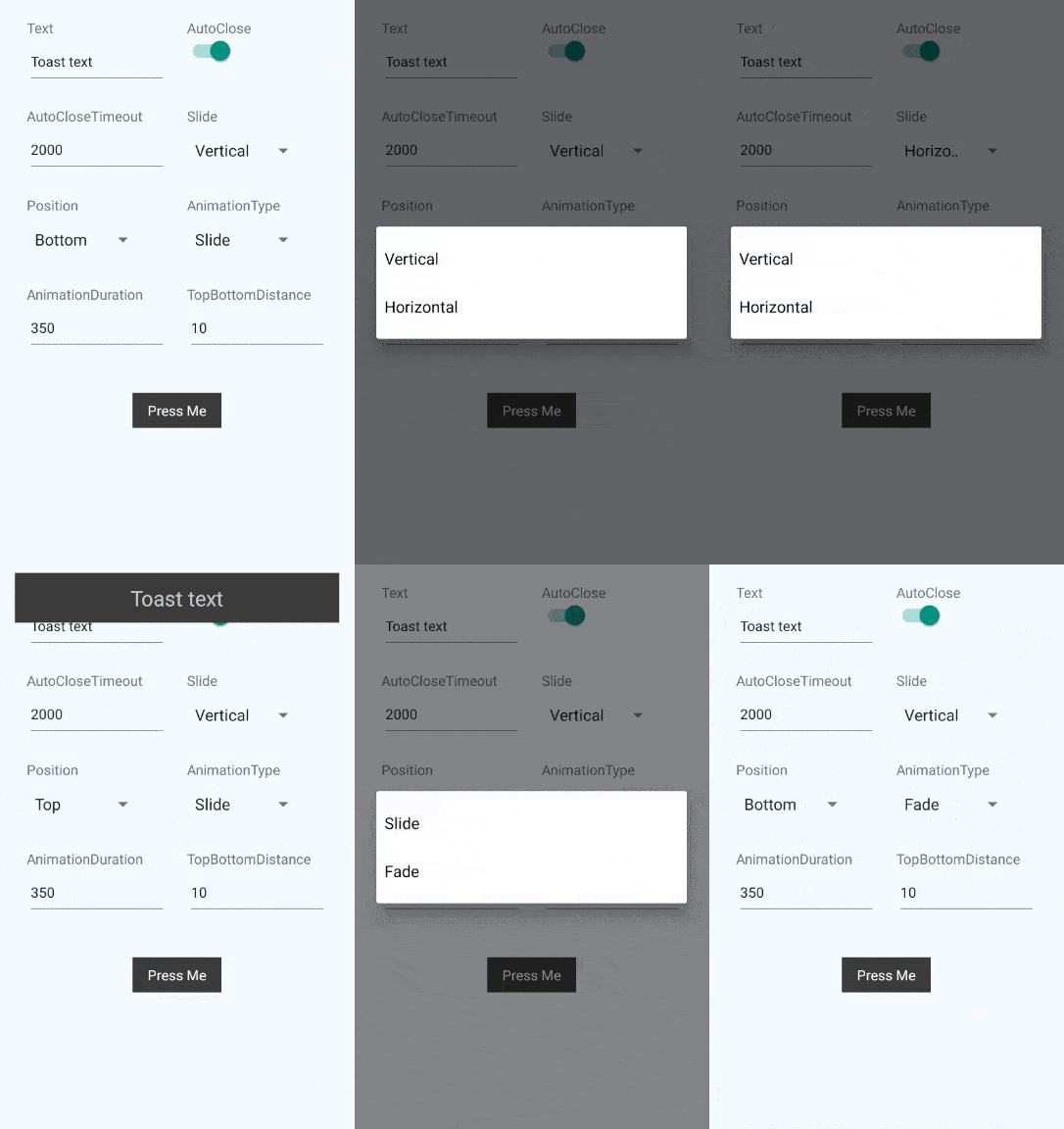
React Native Toast done in JS for better compatibility and customizability.

$3
npm install --save react-native-another-toast$3
``
javascript
import Toast from 'react-native-another-toast'class Example extends Component {
render () {
return (
showToast={true]
/>
)
}
}
`
$3
js
//Simple toast that fades at the top via the state change
class Example extends Component { constructor(props) {
super(props)
this.onClose = this.onClose.bind(this)
this.showToast = this.showToast.bind(this)
}
state = {
showToast: false,
}
onClose() {
this.setState({
showToast: false,
})
}
showToast() {
this.setState({
showToast: true,
})
}
render() {
return (
Press Me
position='top'
animationType='fade'
onClose={this.onClose}
showToast={this.state.showToast}
/>
)
}
}
`
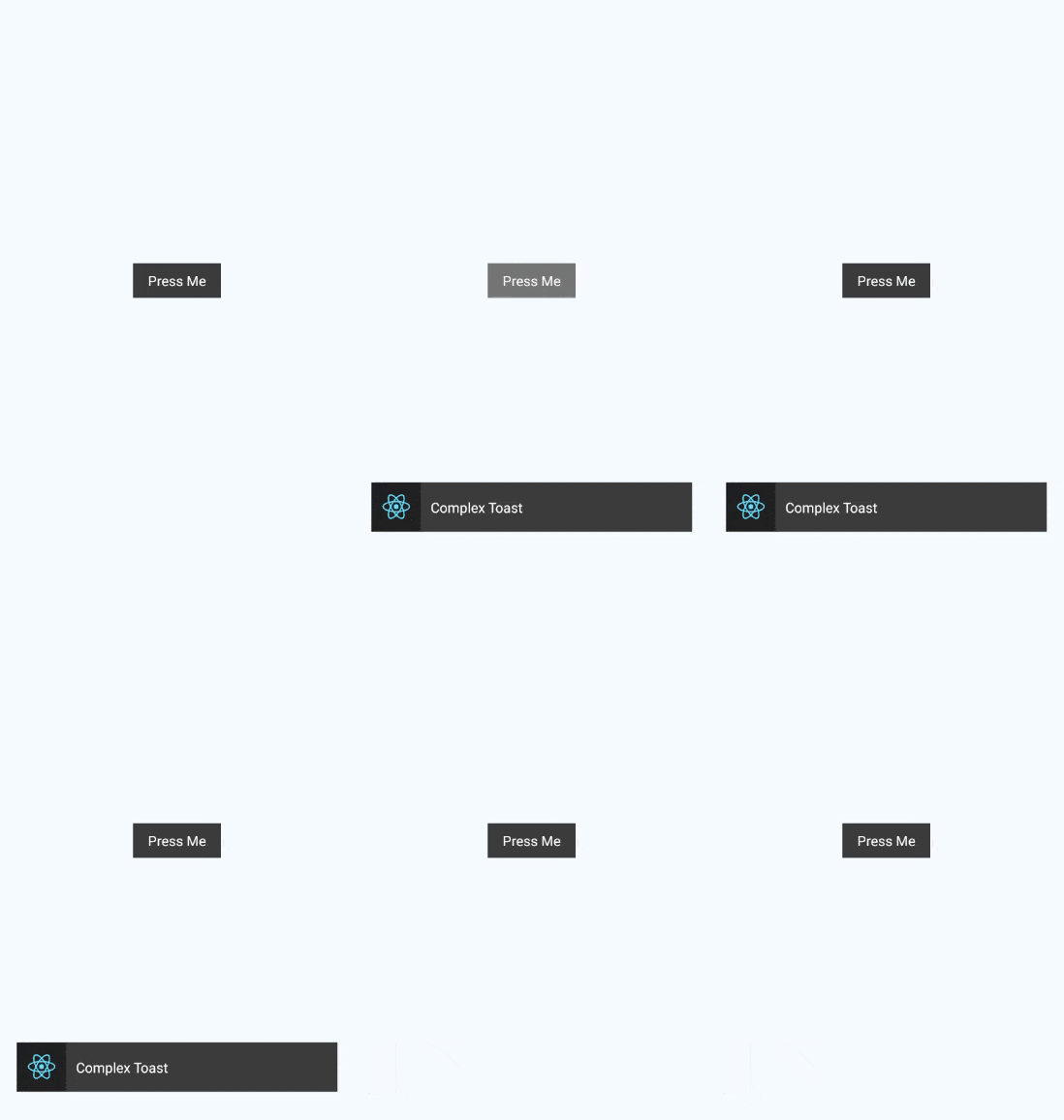
js
//Toast with image that slides from the side via refs
class Example extends Component { constructor(props) {
super(props)
this.showToast = this.showToast.bind(this)
}
showToast() {
this.toast.showToast()
}
render() {
return (
Press Me
source={{ uri: 'https://facebook.github.io/react/img/logo_og.png' }}
/>
Complex toast
}
slide='horizontal'
ref={(c) => { this.toast = c }}
/>
)
}
}
`$3
-
- (React.Component) null - Component inside the toast. Replaces the text.
- text - (String) Toast - text that will be shown in the toast, if content is null.
- textStyle - (Object) - Styles for the text element.
- toastStyle - (Object) - Styles for the toast element.
- underlayColor - (String) #515151 - Color of the underlay for TouchableHighlight element of the toast. Recommended to be slightly lighter or darker than main background.
- onToastTap - (Function) null - Will be called on the tap on the toast element. By default (if null) will call internal function that will close the toast. If provided - internal function will not be called.
- autoClose - (Boolean) true - Decides if we should close the toast automatically after timeout.
- autoCloseTimeout - (Number) 2000 - Timeout for autoClose.
- onClose - (Function) - Will be called after the toast close animation.
- showToast - (Boolean) false - If true - toast will be shown. Please note, that you should revert this to false if you want to show the toast again(You probably want to use onClose event for this).
- slide - (String: [vertical, horizontal]) vertical - Decides how animation will occur for slide animation type.
- position - (String: [top, bottom]) bottom - Position of the toast on screen.
- topBottomDistance - (Number) 10 - Gap between the edge of the screen and the toast(either from the bottom, or from the top, depend on the position).
- animationType - (String: [slide, fade]) slide - Decides on the animation type.
- animationDuration - (Number) 350 - Animation duration.$3
-
showToast - Will show the toast.
`js
this.toast.showToast()
`
- - Will close the toast.
`js
this.toast.closeToast()
`$3
*
*
* iOS
* Open in xcode
* command+r (in xcode)
* Android
* Run android simulator / plug in your android device
* Run react-native run-android` in terminal$3
The following is left to be done:
- [ ] Different Touchable components per platform.
- [ ] Customizable animation function.