react-native-pull


This is the
PullView &
PullList component in React Native both for Android and iOS, pull to refresh, very useful & easily!
This is a JavaScript-only implementation of
PullView &
PullList in React Native.
PullView can host multiple components and views like
ScrollView,
PullList can efficient display of vertically scrolling lists of changing data like
ListView. Better than ScrollView & ListView in Android, this
PullView &
PullList can be pull down, then show top indicator, the top indicator have three state:
pulling,
pullok,
pullrelease. And more,
PullView also can make you use refreshControl to provide pull-to-refresh same as scrollview.
PullList also can make you use any props like ListView. You also can design yourself topIndicator with animation during the process of pulling or pushing using function
topIndicatorRender and
onPushing.
PullView &
PullList demo project: https://github.com/greatbsky/react-native-pull-demo
PullView Demo
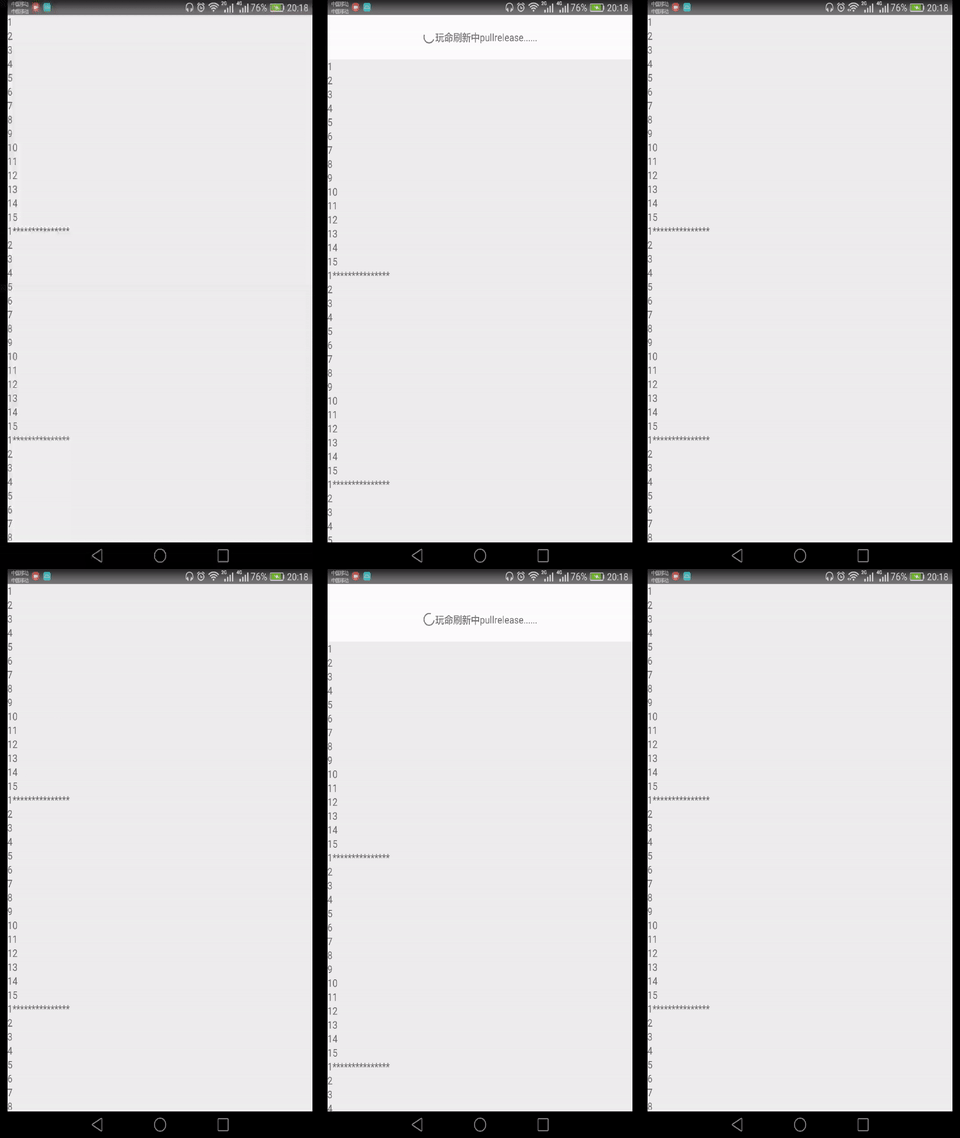
PullView Usage
1. Run
npm install react-native-pull --save
2. Code like this:
``
  import {PullView} from 'react-native-pull';


  onPullRelease(resolve) {

    //do something

    setTimeout(() => {

            resolve();

        }, 3000);

  }


    //
`
3. Full demo code: https://github.com/greatbsky/react-native-pull-demo/blob/master/PullViewDemo/app.js
PullList
Demo
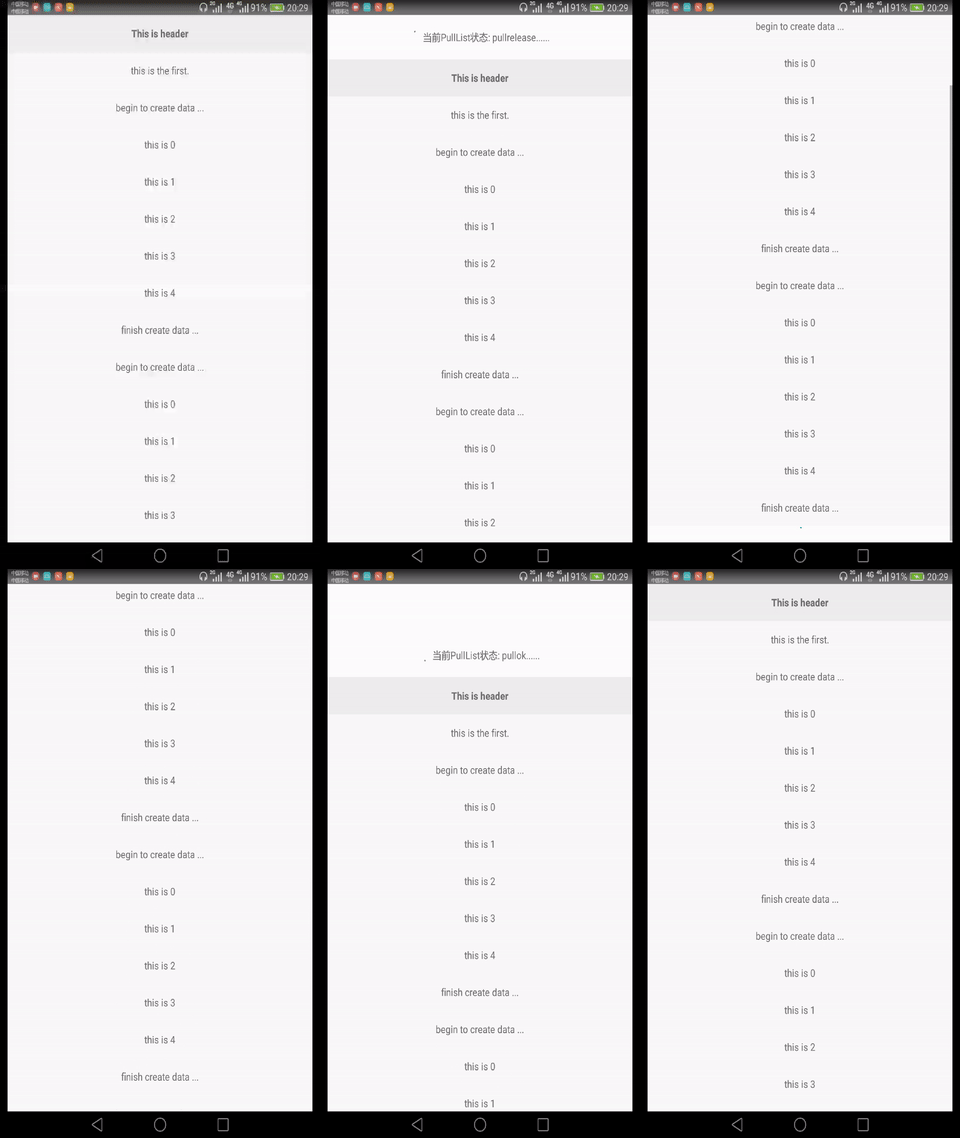
PullList
 Usage

  1. Run
npm install react-native-pull --save
2. Code like this:
`
    import {PullList} from 'react-native-pull';


    onPullRelease(resolve) {

      //do something

      setTimeout(() => {

            resolve();

        }, 3000);

    }
`
3. Full demo code: https://github.com/greatbsky/react-native-pull-demo/blob/master/PullListDemo/app.js
PullView
& PullList
  configuration


Pull down props for
PullView
& PullList
* style
: stylesheet of component, set width/height/flex/backgroudColor... etc

  *
onPulling
: handle function when pulling
* onPullOk
: handle function when pullok
* onPullRelease
: handle function when pullrelease
, access 1 argument: resolve
. You should invoke resolve()
 in the end.

  *
topIndicatorRender
: top indicator render function, access 4 argument: ispulling
, ispullok
, ispullrelease
, gesturePosition
. you can design yourself topIndicator with animation when pulling using gesturePosition
.

  *
topIndicatorHeight
: top indicator height, require if define topIndicatorRender

  *
isPullEnd
: whether release pull, if true, will hide top indicator, not require


Push up props for
PullView
& PullList
* onPushing
: handle function when pushing up, access 1 argument: gesturePosition
. gesturePosition contain value {x,y}. gesturePosition.y > 0 when pulling down, gesturePosition.y < 0 when pushing up.


Just for
PullView
, refreshcontrol props support onRefresh & refreshing if you want to use refreshcontrol like scrollview.


  *
onRefresh
: Called when the view starts refreshing

  *
refreshing`: Whether the view should be indicating an active refresh.
Licensed
MIT License
中文说明请参见
https://github.com/greatbsky/react-native-pull/wiki