react-native-echarts-liquidfill
v1.0.1
[](https://www.npmjs.com/package/react-native-echarts-pro) [](https://ww
0/weekUpdated 3 years agoUnpacked: 938.5 KB
Published by supervons
npm install react-native-echarts-liquidfillreact-native-echarts-liquidfill


English 简体中文
$3
Getting started
$ npm install react-native-echarts-liquidfill --save
Rely
$ npm install react-native-webview --saveUsage
$3
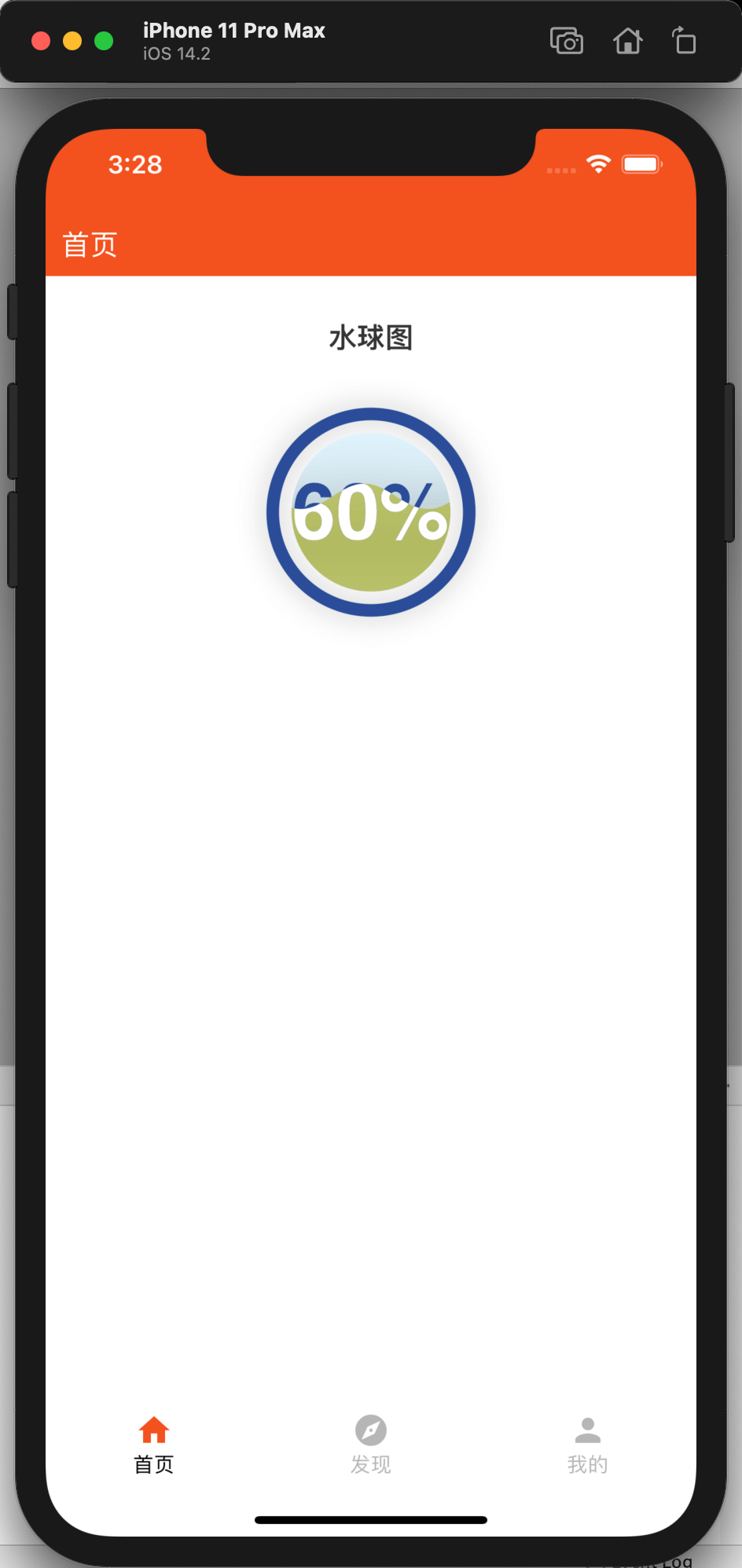
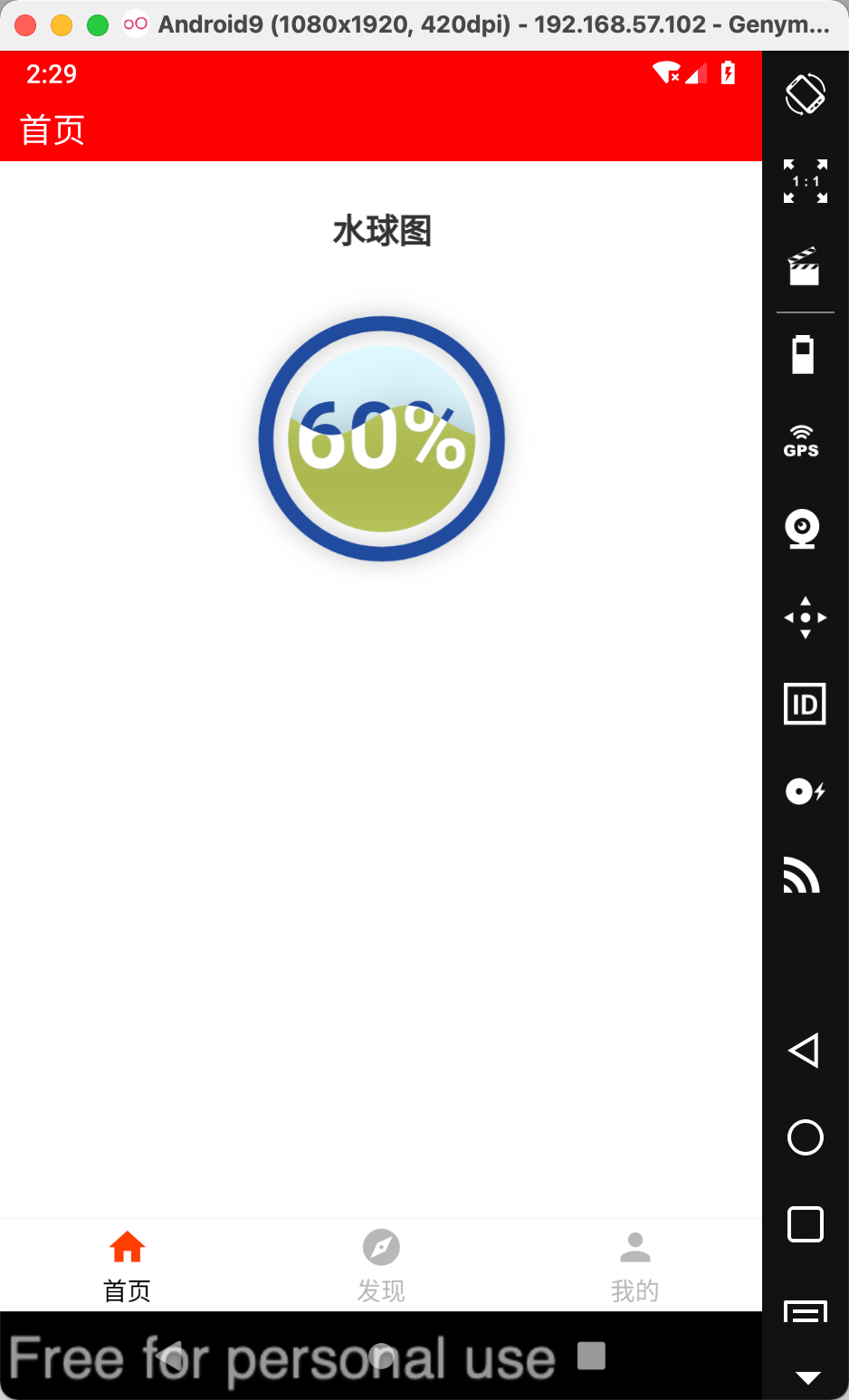
``javascript
import React from 'react';
import { View } from 'react-native';
import RNEChartsLiquidFill from 'react-native-echarts-liquidfill';
export default function ChartsComponent() {
const pieOption = {
title: {
text: '水球图',
left: 'center'
},
series: [
{
type: 'liquidFill',
data: [0.6],
color: ['#afb11b'],
itemStyle: {
//普通样式
opacity: 0.6
},
emphasis: {
itemStyle: {
//悬停样式
opacity: 0.9
}
}
}
]
};
return (
);
}
``
$3
Please visit Echarts-Gallery
Props
| Prop | Type | Default | Description |
| :-------------: | :----: | :---------: | ------------------------------------------------------------ |
| height | number | 400 | Chart area height |
| option | object | null | Chart data configuration items, see details:https://echarts.apache.org/zh/option.html#title |
| backgroundColor | string | transparent | Chart background color |
| themeName | string | - | There are only six officially available themes:
vintage \|\| dark \|\| macarons \|\| infographic \|\| shine \|\| roma |
Method
| Method name | Params | Description |
| :----------: | :----------: | :-------------------------------------------------: |
| setNewOption | option | Reassign and render the chart |
| onPress | callbackData | Chart click event, callbackData is the clicked data |