react-native-effects-view
v0.4.0
ReactNative Component that makes easy to use iOS8 UIVisualEffect
0/weekUpdated 3 years agoMIT
Published by Dmitri Voronianski
npm install react-native-effects-viewReactNativeEffectsView
> Component to make easy use of iOS8 UIVisualEffectViews with UIBlurEffect and UIVibrancyEffect in ReactNative.
Install
``bash`
npm install react-native-effects-view --save
- In XCode right click on project's name and choose Add Files to..
- Go to and select DVEffects folderrequire('react-native-effects-view')
- Now you're ready to inside your app!
Props
- blurStyle _(String)_ - choose one of the following:"light"
- (_default_)"extraLight"
-
-
- _(ReactElement)_ - render vibrant content inside blurred view.
Children
All children of will be blurred, however you can use it without children and position element on top of background images and other views.
Example
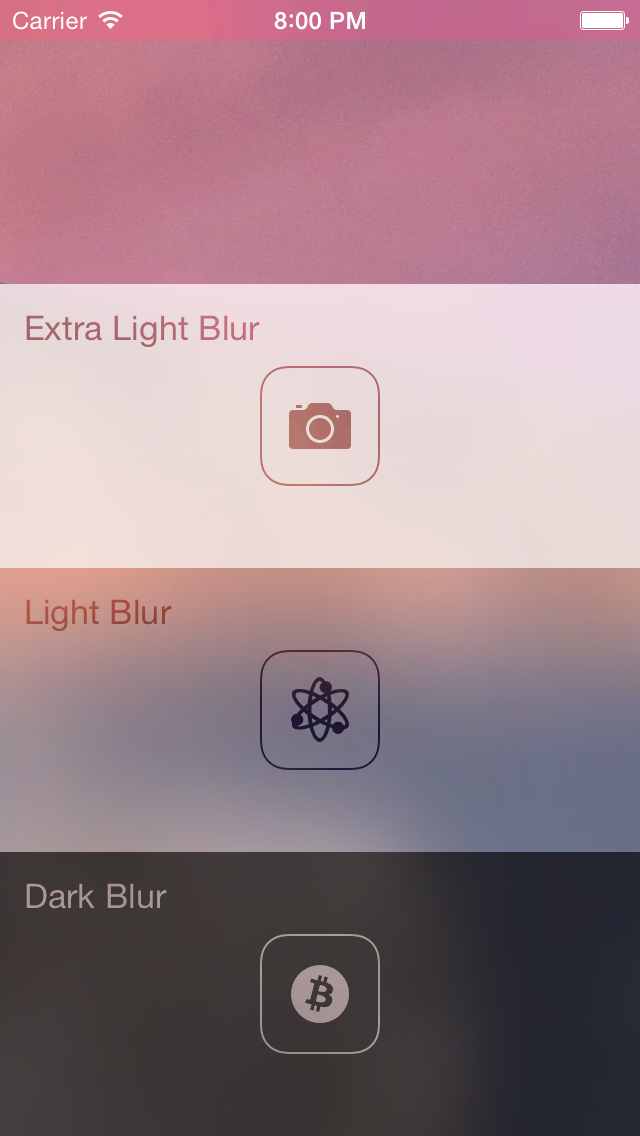
In order to see usage example check example/EffectsApp folder in XCode (don't forget to run npm install inside). It contains the app presented by screenshot.
`javascript
var React = require('react-native');
var EffectsView = require('react-native-effects-view');
var { AppRegistry, StyleSheet, View } = React;
var App = React.createClass({
renderVibrant() {
return (
);
},
render() {
return (
blurStyle="dark"
vibrantContent={this.renderVibrant()}
>
);
}
});
var styles = StyleSheet.create({
bg: {
flex: 1,
position: 'absolute',
bottom: 0,
left: 0,
right: 0,
top: 0,
justifyContent: 'center',
alignItems: 'center',
},
view: {
flex: 1
},
text: {
fontSize: 20,
color: 'white',
textAlign: 'center',
},
});
AppRegistry.registerComponent('App', () => App);
``
References
Demo app is inspired by UIVisualEffects repo.
---
MIT Licensed