react-native-in-app-message
v1.0.33TypeScript
React Native in-app native-like notifications.
0/weekUpdated 3 years agoISCUnpacked: 37.0 KB
Published by Kirill Gudkov
npm install react-native-in-app-messageReact Native in-app notifications.


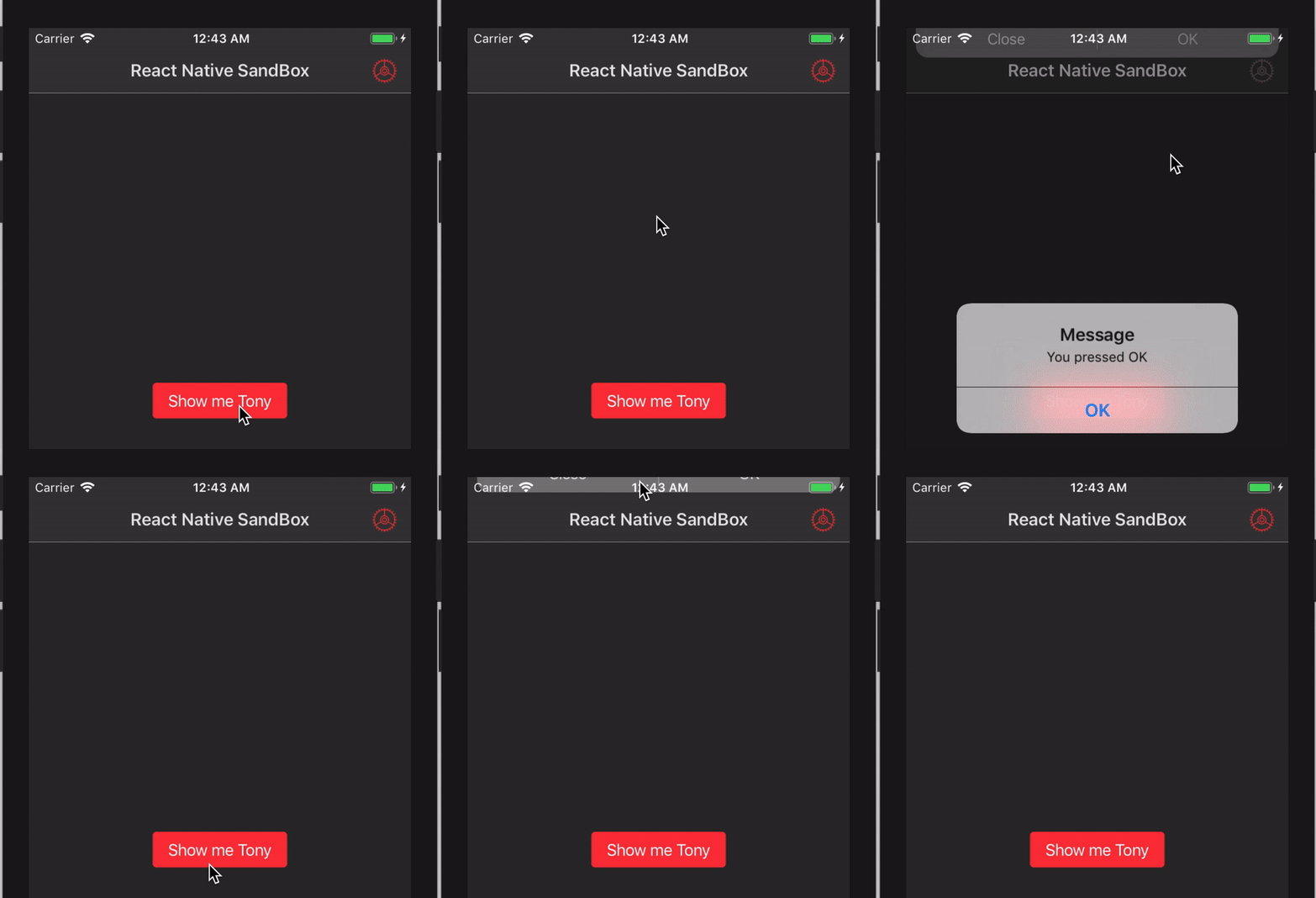
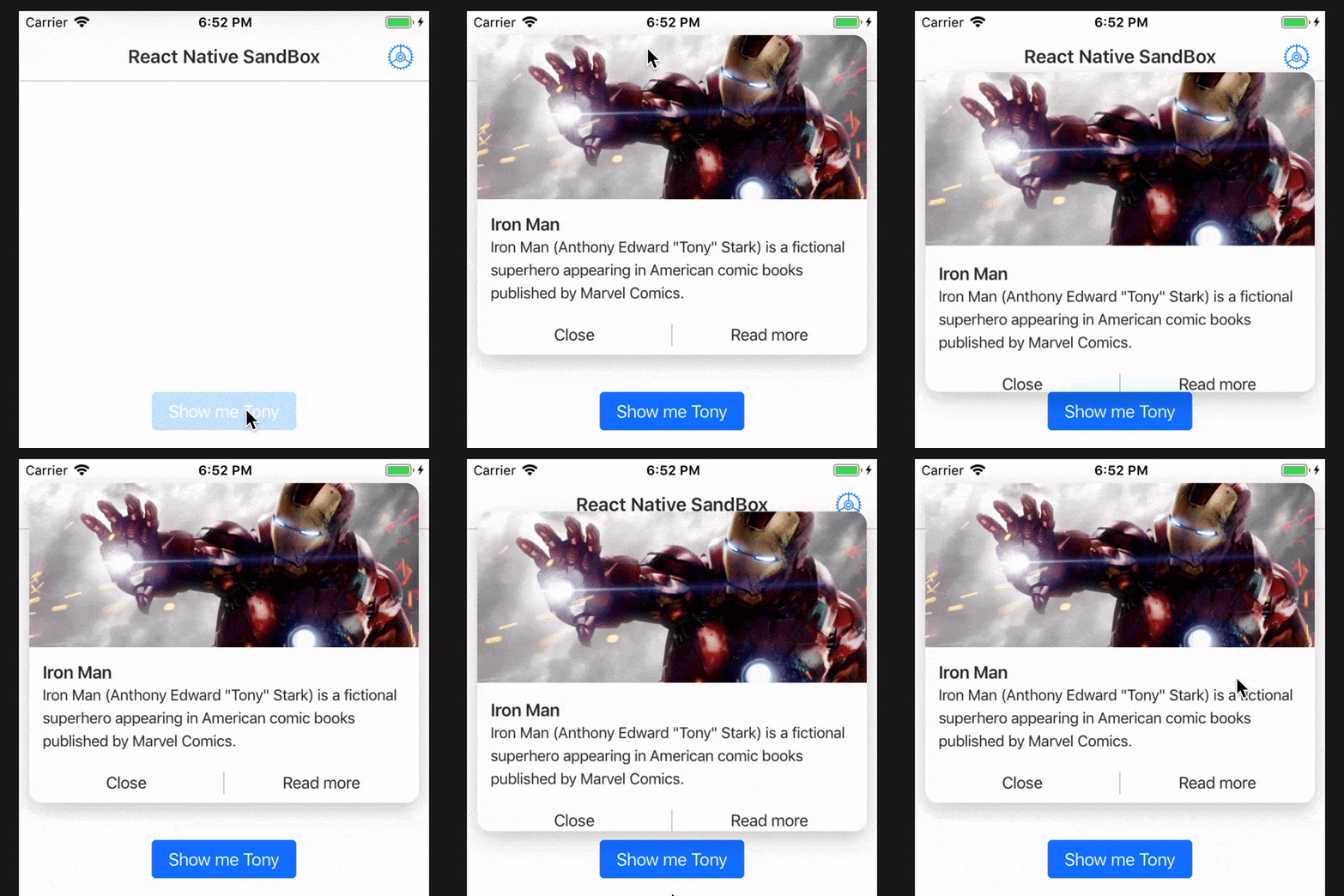

- Compatible with iPhone X, XR, XS, XS Max.
- Allows you to use your own components.
- Swipeable
- Force Touch support
- Taptic Engine feedback support
- onDrag gesture event support
Installation
- Run npm install react-native-in-app-message
- Run react-native link react-native-in-app-message - required for iOS
- Run npm install react-native-gesture-handler and follow the linking guide. Required for both platforms
Usage
``javascript
import {Notification} from "react-native-in-app-message";
...
this.ref.current?.show();
...
//It's important to declare Notification component next to root component
//otherwise component will be shown inside the navigator
render() {
return (
)
}
`
There is an example of usage
Methods
- show()
- Props
-
- must be one of 'xlight' | 'light' | 'dark'. iOS Only
- blurAmount - number. iOS Only
- tapticFeedback - boolean. iOS 10 and upper
- showKnob - boolean. iOS Only
- duration - number
- - boolean
- - boolean
- - string. The text for the message. Required if customComponent is not used.
- textColor - string.
- customComponent - ReactNode.
- onPress - () => void.
- onDragGestureEvent - (event: PanGestureHandlerGestureEvent) => void.
- onDragGestureHandlerStateChange - (event: PanGestureHandlerGestureEvent) => void.
- onForceTouchGestureEvent - (event: ForceTouchGestureHandlerGestureEvent) => void. iOS Only and iPhone 6s and upper
- onForceTouchHandlerStateChange - (event: ForceTouchGestureHandlerStateChangeEvent) => void. iOS Only and iPhone 6s and upper
- useForceTouch - boolean. iOS Only and iPhone 6s and upper (default - false)Modules
- Notification import {Notification} from "react-native-in-app-message";
- Blur
- TapticFeedback
>Usage: TapticFeedback.impact();`