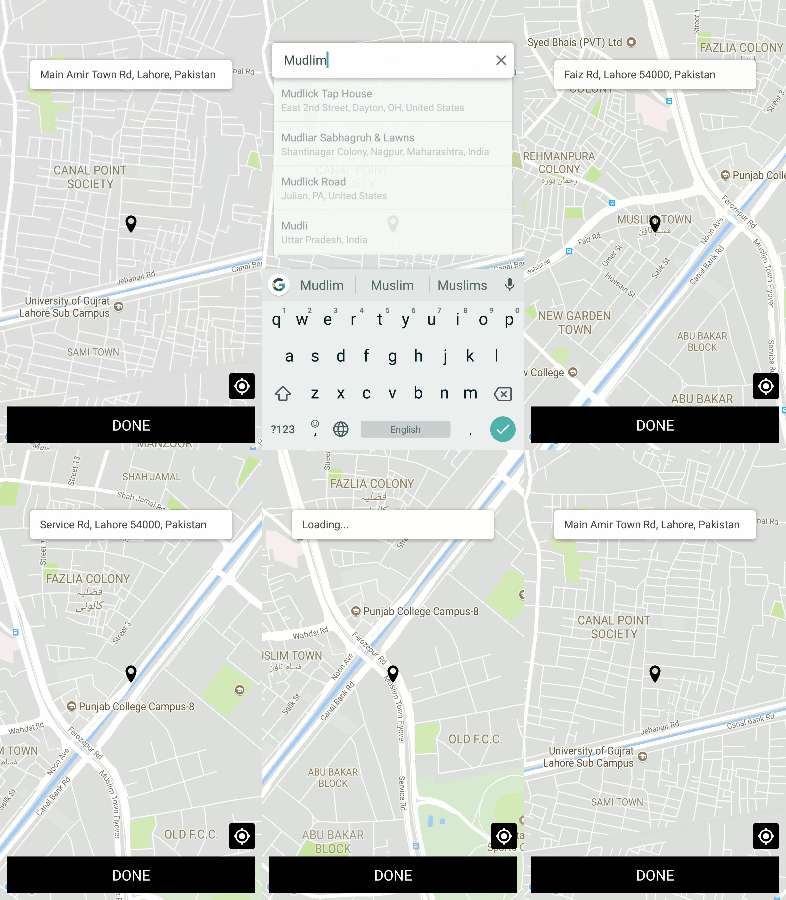
A package to help pick user location with autocomplete and current location support. Uses react-native-maps
npm install react-native-location-viewSimple location picker with maps and Google Places API support.
Download an install the library
``npm install react-native-location-view --save`
Or if you are using yarn
`yarn add react-native-location-view`
This library depends upon 2 other native libraries
1. react-native-maps
2. react-native-vector-icons
Make sure to install these before you install react-native-location-view
For Google Places API go to this page and enable "Google Places API Web Service" (NOT Android or iOS) in the console.
`jsx
import React from 'react';
import LocationView from "react-native-location-view";
import {View} from "react-native";
export default class SelectLocationScreen extends React.Component {
state = {
};
render() {
return(
initialLocation={{
latitude: 37.78825,
longitude: -122.4324,
}}
/>
);
}
}
``
| Prop | Type | Required |
| ---- | ---- | -------- |
| apiKey | string | Yes |
| initialLocation | object | Yes |
| markerColor | string | No |
| actionButtonStyle | object (style) | No |
| actionTextStyle | object (style) | No
| actionText | string | No |
| onLocationSelect | function | No |
| debounceDuration | number | No |