react-native-progress-webview
v1.2.0
React Native Progress WebView is a wrapper of React Native WebView to provide the loading status.
0/weekUpdated 3 years agoMITUnpacked: 8.8 KB
Published by Di Wang
npm install react-native-progress-webviewReact Native Progress WebView
!npm !npm  !GitHub
React Native Progress WebView is a wrapper of React Native WebView to provide a loading bar on the top of the browser.
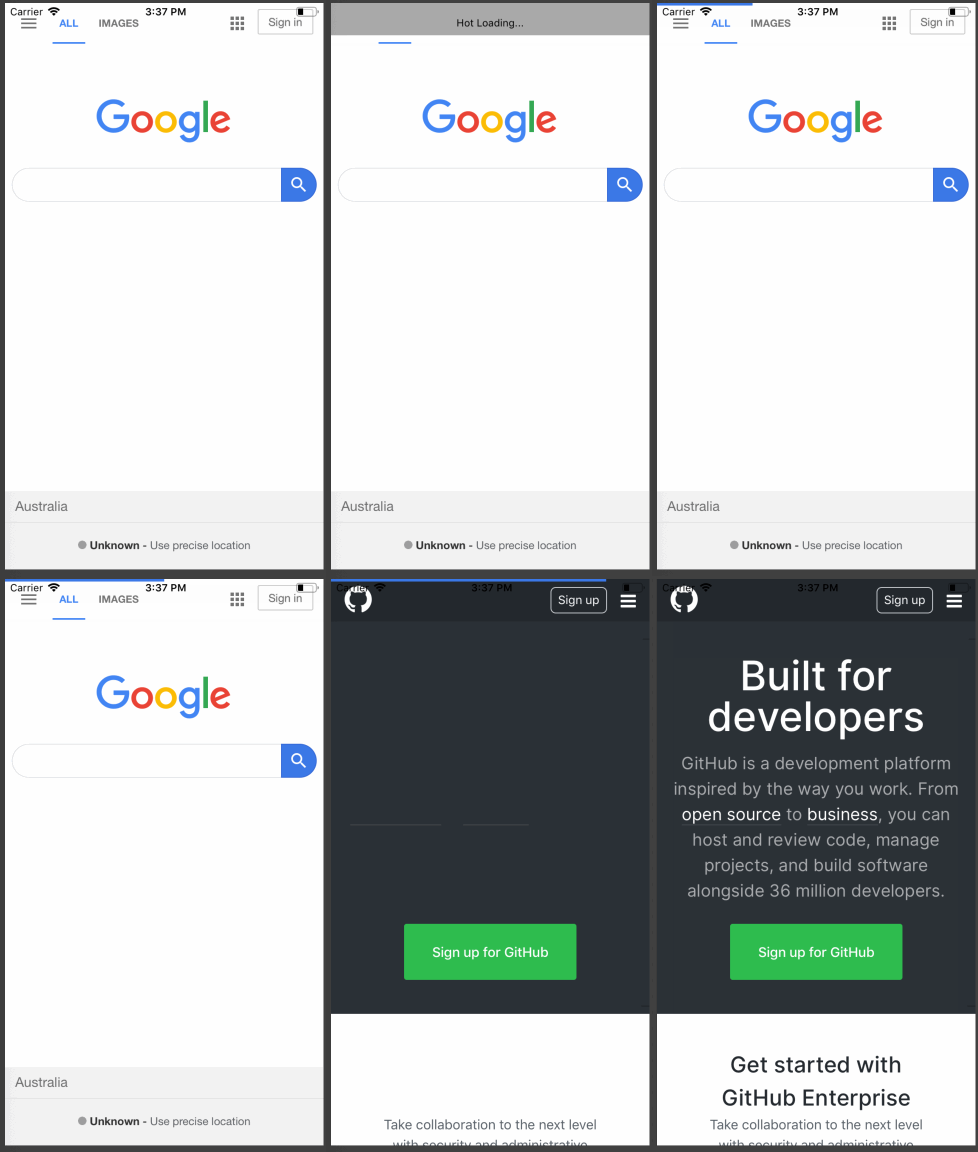
Platforms Supported
- [x] iOS (both UIWebView and WKWebView)
- [x] Android
Getting Started
Firstly, read the Getting Started Guide on React Native WebView page to configure the webview component.
Then
``bash`
$ npm install --save react-native-progress-webview
Usage
Import the ProgressWebView component from react-native-progress-webview and use it like so:
`jsx
import React, { Component } from 'react';
import { StyleSheet, Text, View } from 'react-native';
import ProgressWebView from "react-native-progess-webview";
// ...
class App extends Component {
render() {
return (
);
}
}
`
API
React Native Progress Webview supports all React Native Webview props. Read the API Reference to explore. There are a couple of exclusive props related to the loading bar.
| prop | type | default | description |
| ----------------- | ------ | ------- | ----------------------------------------------------------- |
| height | number | 3 | the height of loading bar |
| color | string | #3B78E7 | the normal color of loading bar |
| errorColor | string | #f30 | the error color of loading bar |
| disappearDuration | number | 300 | the visible duration after the webview finishes the loading |
Common issues
#### How can I use ref to get WebView methods?
It's same as using raw WebView. You can just pass a ref prop to get the instance.
`jsx
class App extends Component {
constructor(props){
super(props);
this.ref = React.createRef();
}
componentDidMount() {
console.log(this.ref.current);
}
render() {
return (
source={{ uri: 'https://facebook.github.io/react-native/' }}
/>
);
}
}
``
License
MIT