react-native-supervons-custom-keyboard
v1.4.7
A JS keyboard with uppercase and lowercase letters, numbers and some symbols.
0/weekUpdated 11 months agoUnpacked: 53.7 KB
Published by supervons
npm install react-native-supervons-custom-keyboardreact-native-supervons-custom-keyboard


English 简体中文
github(welcome star━(`∀´)ノ亻!)
https://github.com/supervons/react-native-supervons-custom-keyboard
Summary
``
Developed based on react-native-security-keyboard,add:
1. Uppercase and lowercase letters
2. Character
3. Key response
4. Switch keyboard type
5. Randomly arrange the keyboardThanks yanzhandong source sharing
Preview gif
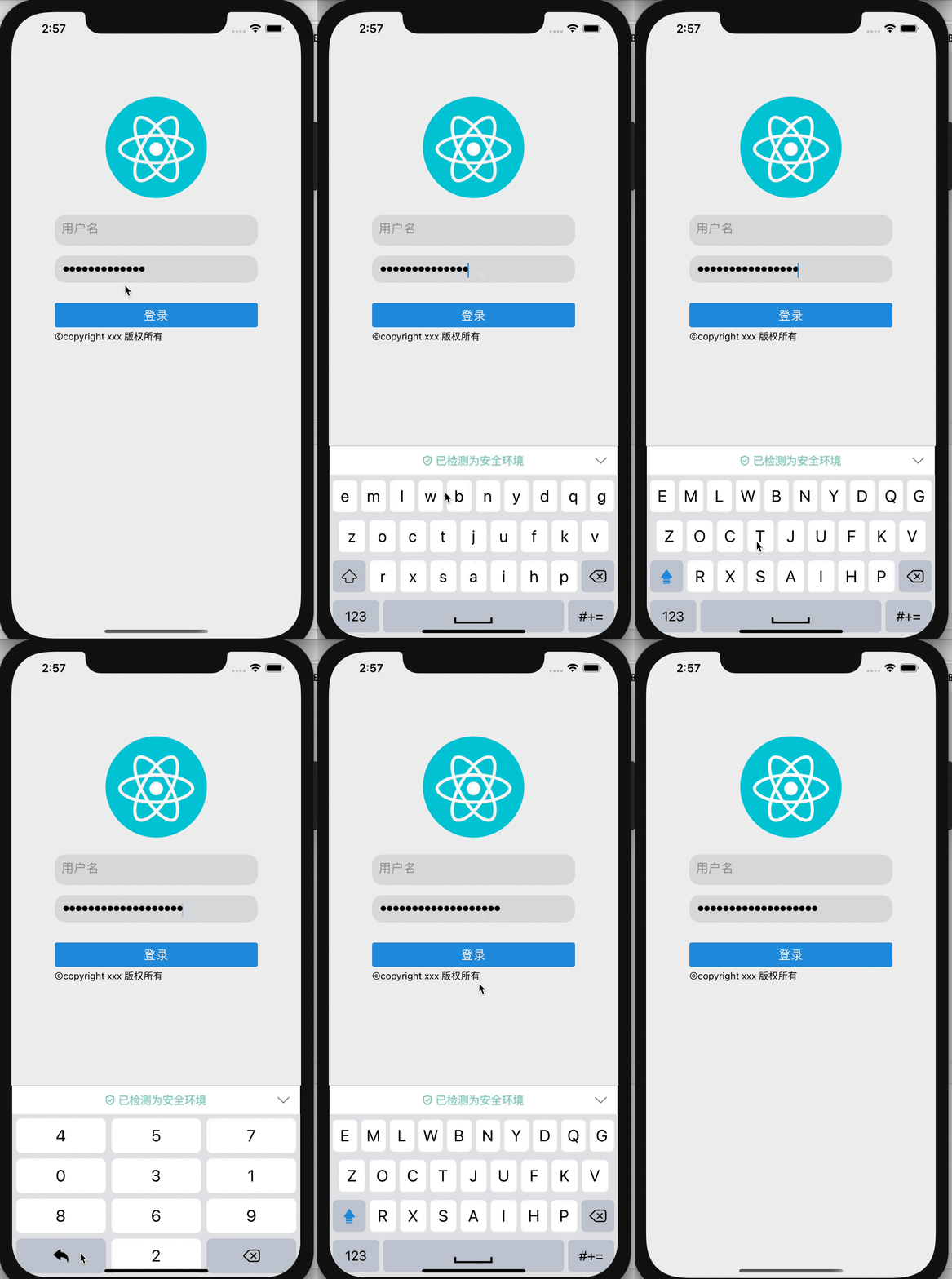
Preview
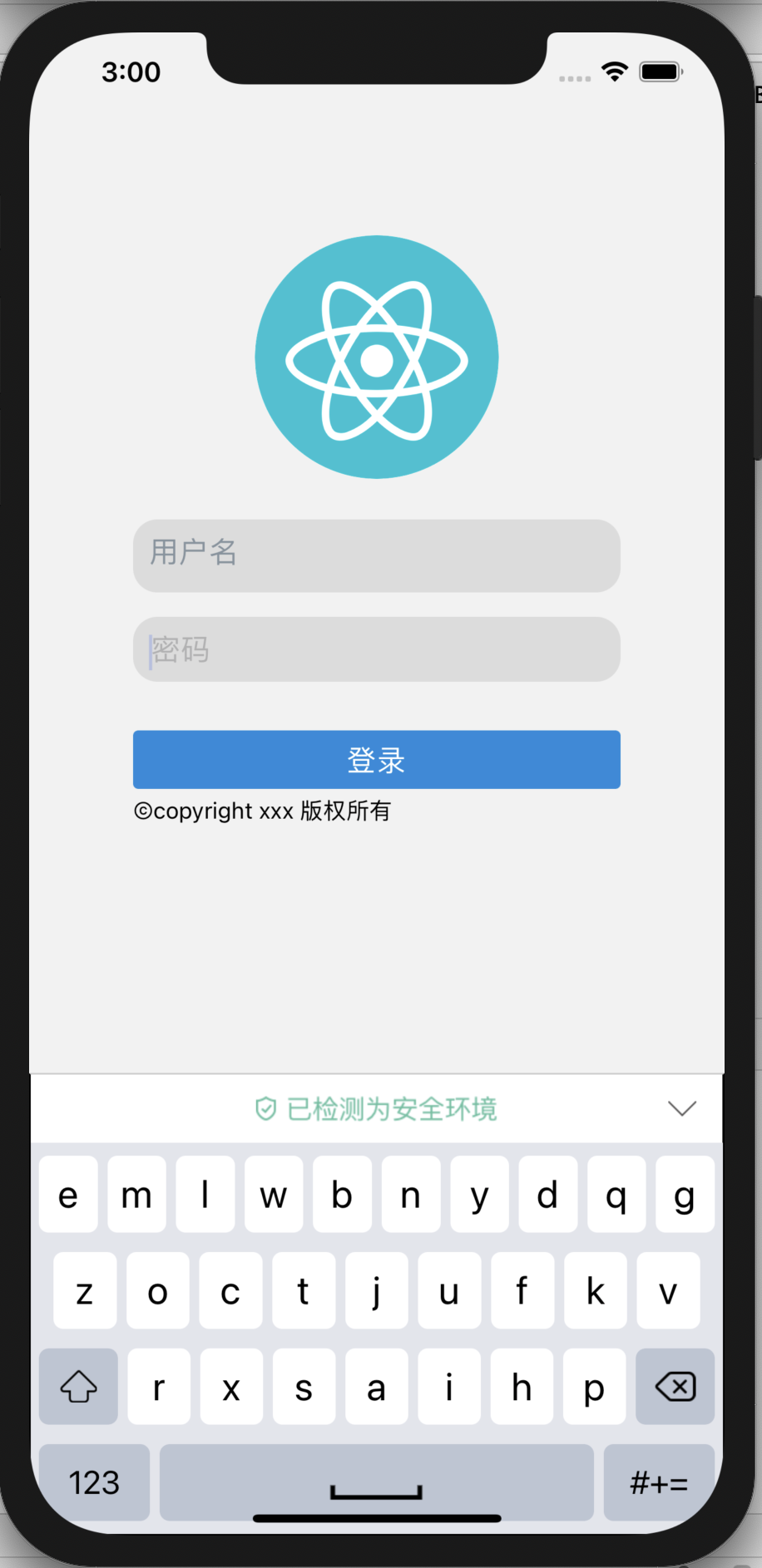
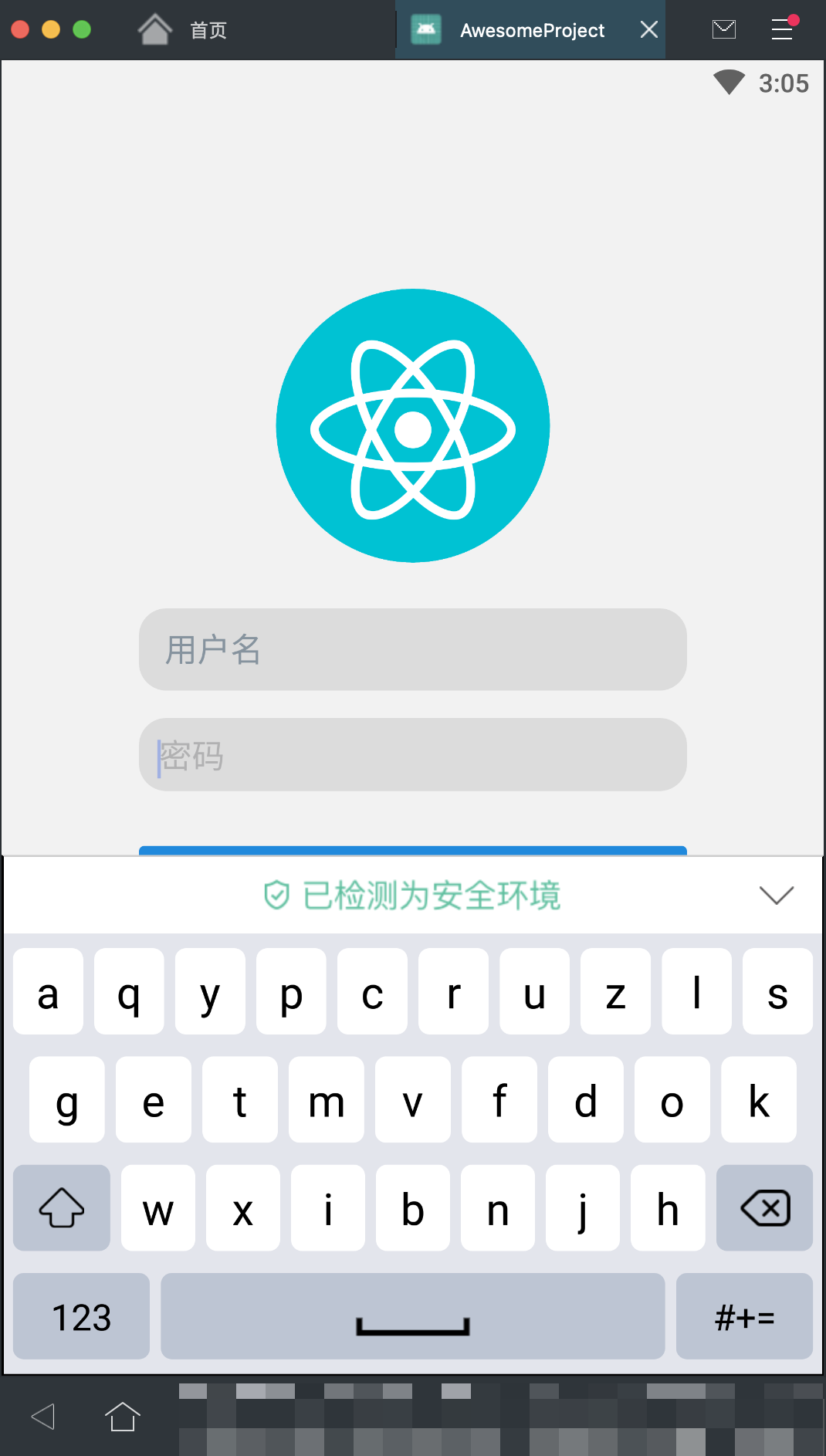
DEMO
https://github.com/supervons/ExploreRN/blob/master/src/screens/login/index.jsGetting started
Usage
js
import React, { Component } from 'react';
import { View, Button } from 'react-native';
import { SecurityKeyboardInput } from 'react-native-supervons-custom-keyboard';
`
jsx
export default class MainPage extends Component {
constructor(props) {
super(props);
this.state = {
inputValue: ''
};
} render() {
return (
style={{ width: width * 0.96, borderBottomColor: '#939DA6', borderBottomWidth: 1 }}
secureTextEntry={true}
random={true}
valueStyle={{ fontSize: 18, left: 1 }}
secureTextStyle={{ fontSize: 10 }}
keyboardType={'string'}
placeholder={'密码'}
placeholderTextColor={'#CACACB'}
onChangeText={text => this.setState({ inputValue: text })}
/>
);
}
}
`$3
Please add property: keyName, it's unique .
jsx
`$3
| Prop | Type | Description |
|----------|----------|-----------------|
|
| String | Keep the keyboard unique, required. |
| disabled | Boolean | prohibit input, The default is false. |
| random | Boolean | random keyboard layout, The default is false. |
| caretHidden | Boolean | hide cursor, The default is false. |
| secureTextEntry | String |password modal, The default is false.. |
| placeholderTextColor | String | The color of the text displayed by the placeholder string. |
| style | Object | custom TextInput external style Style, does not support font Style. |
| valueStyle | Object | Text content style.|
| keyboardHeader | element | Customizing the top of the keyboard.|
| regs | Func(value) | value check, need to return the check after the value out. |
| onChangeText | Func(value) | Value modified callback. |
| onFocus | Func | The callback function of the focus. |
| onBlur | Func | A callback function that loses focus |$3
| Method | Parameter | Description |
|------------|---------------|-----------------|
|
clear | none | Clear all the content |
| isFocused | none |The return value indicates whether the current input box has got the focus. |
| blur | none | Lose focus. |
| focus` | none | Get the focus. |TODO-LIST
- [ ] Support typescript
- [ ] Change to hooks