react-native-swiper-animated
v1.5.3
Tinder-like swiper for react-native
0/weekUpdated 3 years agoMITUnpacked: 29.7 KB
Published by Kingsley Ochu
npm install react-native-swiper-animatedreact-native-swiper-animated
Tinder like animations swiper for React Native
ATTENTION! THIS PACKAGE IS CURRENTLY UNMAINTAINED!!
I am currently working on the v2, it's based on
react-native-gesture-handler instead of RN's PanResponder. I will be more performant, cleaner and tested.$3
``bash`
$ npm i react-native-swiper-animated --save
$3
Basic | Stack | Extended
:-------------------------:|:-------------------------:|:-------------------------: |
|  |
| 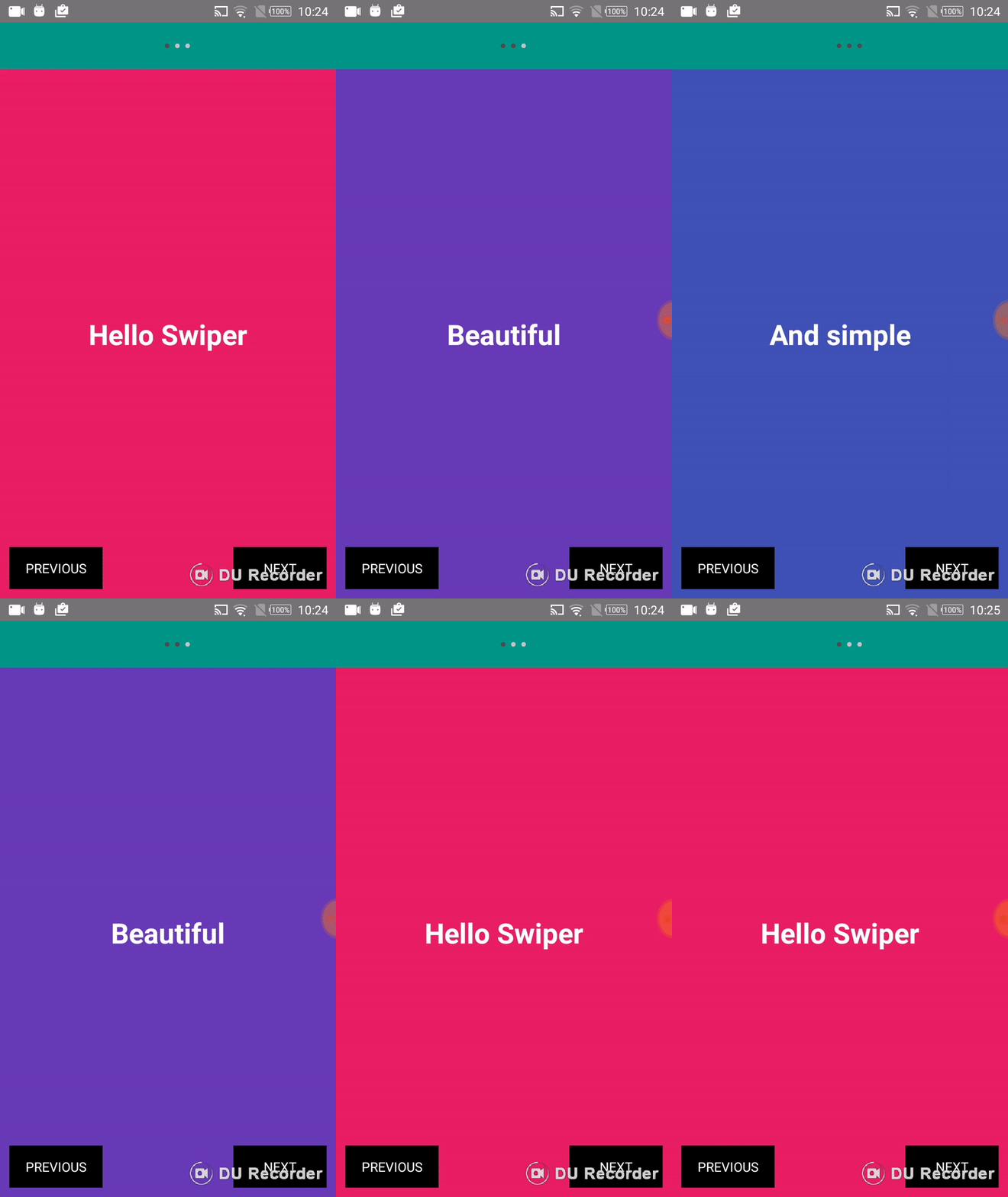
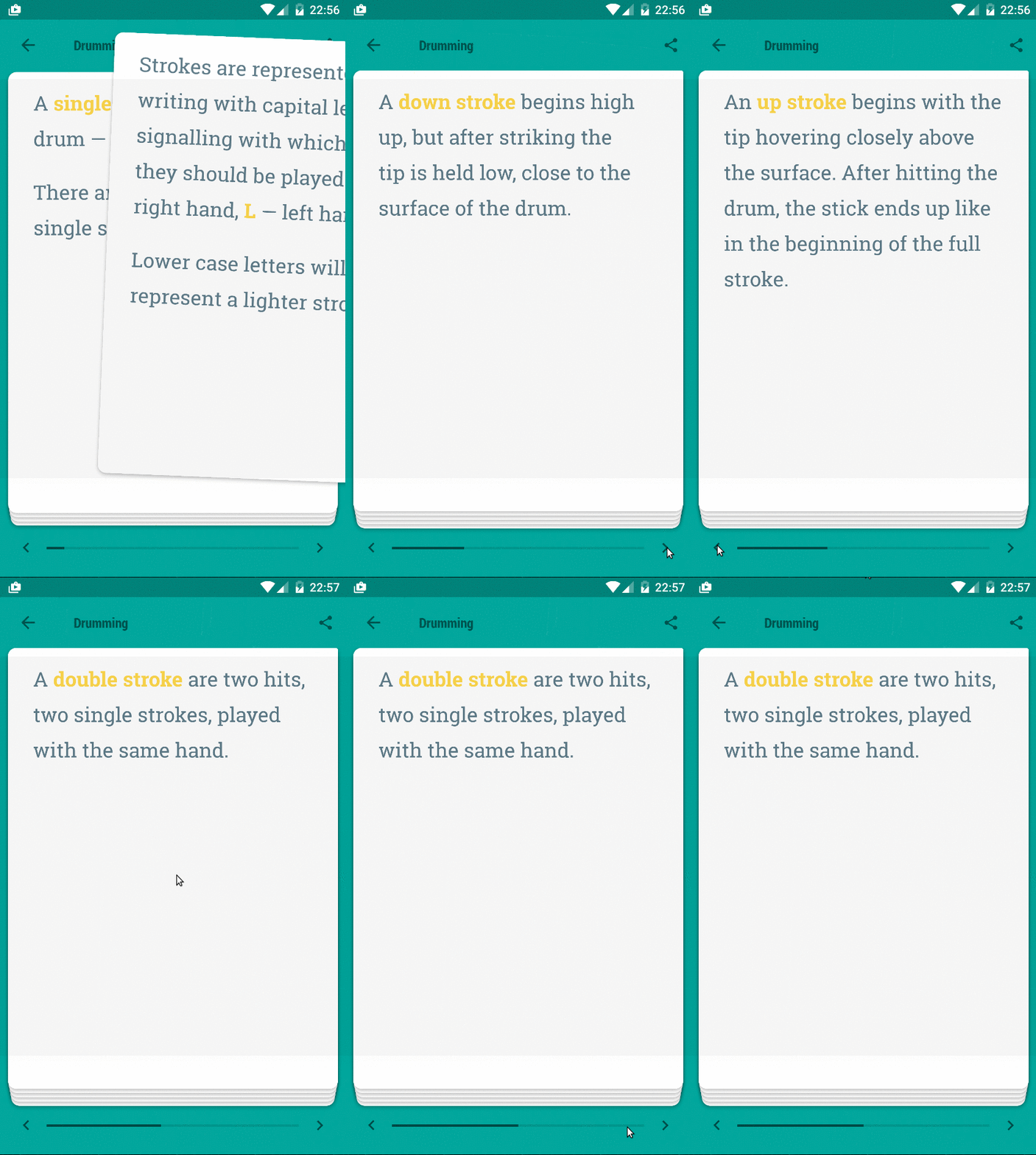
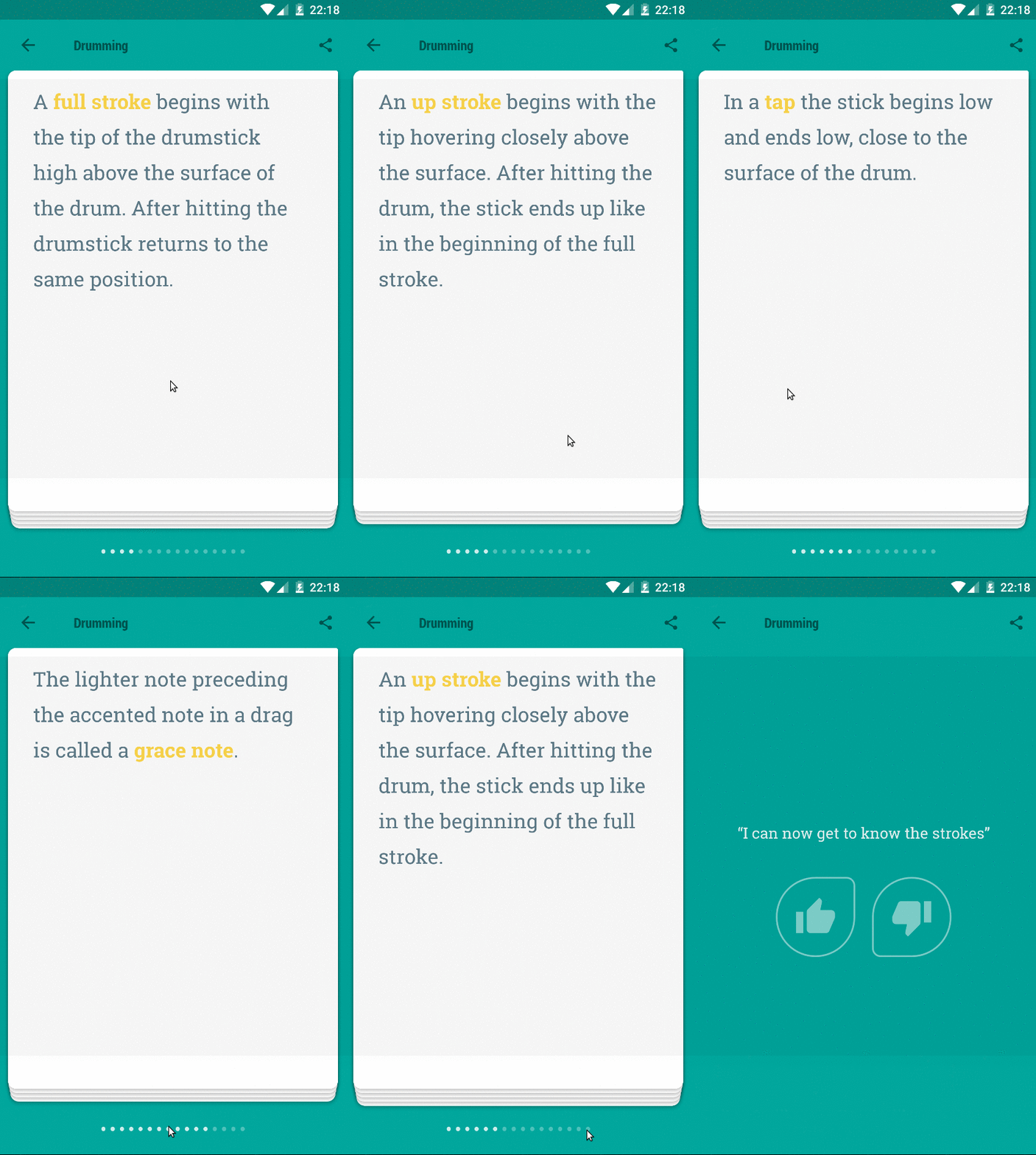
#### In Action
Basic | Stack | Stack with default navigation
:-------------------------:|:-------------------------:|:-------------------------: |
|  |
| 
$3
`
import React from 'react';
import {
  Text,
  View,
} from 'react-native';
import Swiper from 'react-native-swiper-animated';
const styles = {
wrapper: {
backgroundColor: '#009688',
},
slide1: {
flex: 1,
justifyContent: 'center',
alignItems: 'center',
backgroundColor: '#e91e63',
},
slide2: {
flex: 1,
justifyContent: 'center',
alignItems: 'center',
backgroundColor: '#673ab7',
},
slide3: {
flex: 1,
justifyContent: 'center',
alignItems: 'center',
backgroundColor: '#3f51b5',
},
text: {
color: '#fff',
fontSize: 30,
fontWeight: 'bold',
},
};
export default () =>
smoothTransition
loop
>
;
`
$3
`bash`
$ cd examples
$ npm i
$ react-native run-android
> Quick start with examples.
$3
#### Basic
| Prop | Default | Type | Description |
| :------------ |:---------------:| :---------------:| :-----|
| smoothTransition | false | bool | If true, Swiper will only transit with minimal animationsbool
| loop | true | | Set to false to disable continuous loop mode. |number
| index | 0 | | Index number of initial slide. |bool
| stack | false | | Set to true to stack views |bool
| swiper | true | | Set to false to disable swiper (used when navigating using methods only)|string
| swipeDirection | right | | Set to left to move to next card on left swipe |
#### Custom
| Prop | Default | Type | Description |
| :------------ |:---------------:| :---------------:| :-----|
| style | {...} | style | See default style in source. |number
| swiperThreshold | 120 | | Used to set swiper distance before transition |bool
| backPressToBack | true | | Set to false to disable previous card nagivation on back press |number
| stackOffsetY | 3 | | Set vertical offset |number
| stackDepth | 5 | | Set number of cards to display in card stack |bool
| scaleOthers | true | | Set to false to disable scaling of cards below the top card |
#### Pagination
| Prop | Default | Type | Description |
| :------------ |:---------------:| :---------------:| :-----|
| showPagination | true | bool | Set to false to disable pagination |#C5C5C5
| paginationDotColor | | string | In active pagination bullet color |#4D4D4E
| paginationActiveDotColor | | string | Active pagination bullet color |false
| showPaginationBelow | | bool | Set to true to render pagination below content |false
| hidePaginationOnLast | | bool | Set to true to hide pagination on last card |null
| renderPagination | | func | render custom pagination - calls func with (total, currentIndex) |
#### Toolbar
| Prop | Default | Type | Description |
| :------------ |:---------------:| :---------------:| :-----|
| renderHeader | () => {} | func | called with the current index |
react-native-material-ui was removed in version 1.5.0, you will have to call renderHeader to render a custom header
$3
#### forceLeftSwipe()
Swiper to left
#### forceRightSwipe()
Swiper to right
#### jumpToIndex(index: number)
Jump to a particular index
$3
`bash``
$ cd examples
$ npm i
$ npm run watch
$ react-native run-android
Contribution
- @chitezh The main author.
Questions
Feel free to contact me or create an issue
> Inspired by leecade/Swiper and Tinder swiper by @brentvatne