React native cross platform picker.
npm install react-native-wheel-pickerSince picker is originally supported by ios while Android only supports a ugly Spinner component. If you want to have the same user behaviour, you can use this.
The android component is based on https://github.com/AigeStudio/WheelPicker which runs super fast and smoothly. It also supports curved effect which make it exactly the same looking and feel as the ios picker.
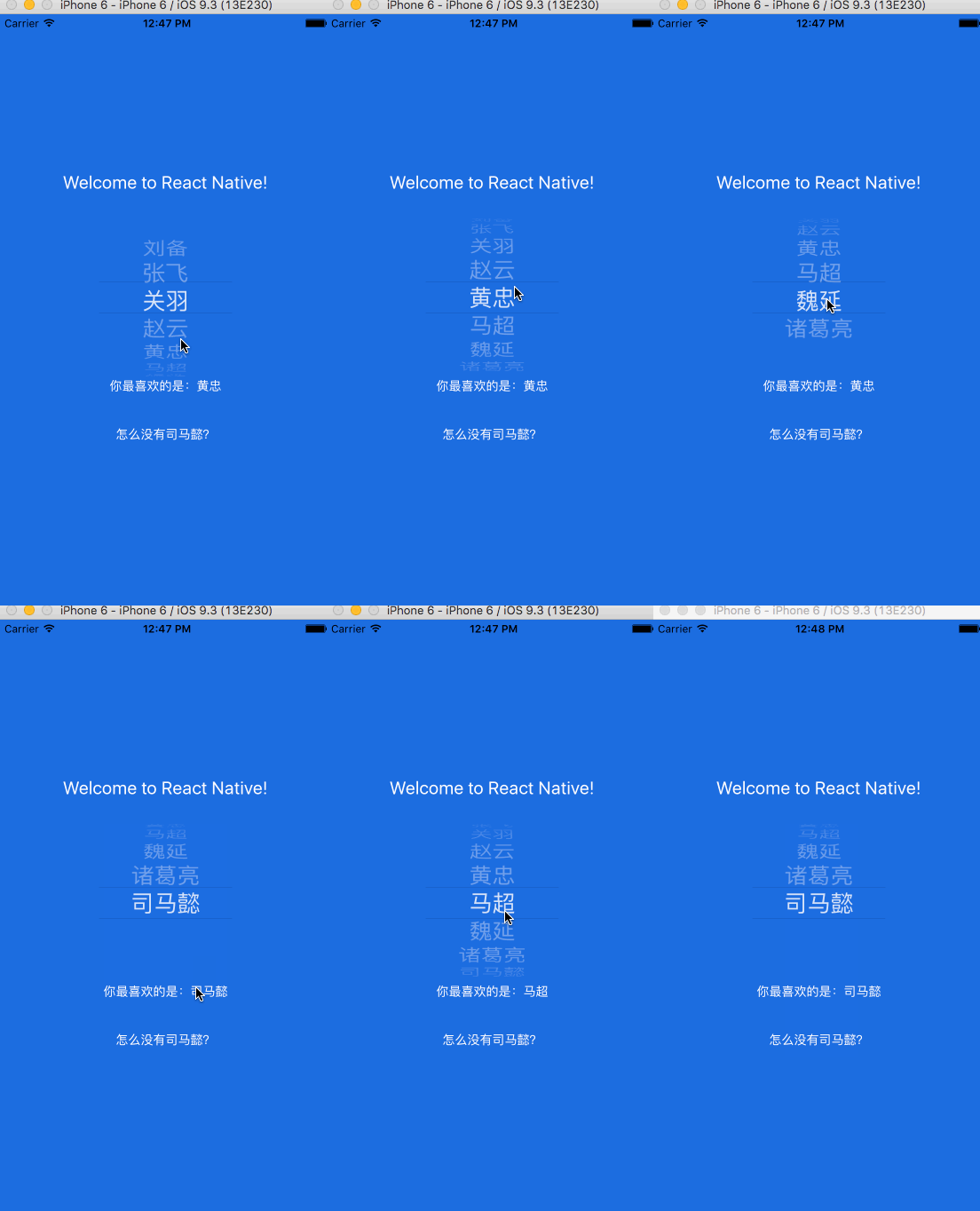
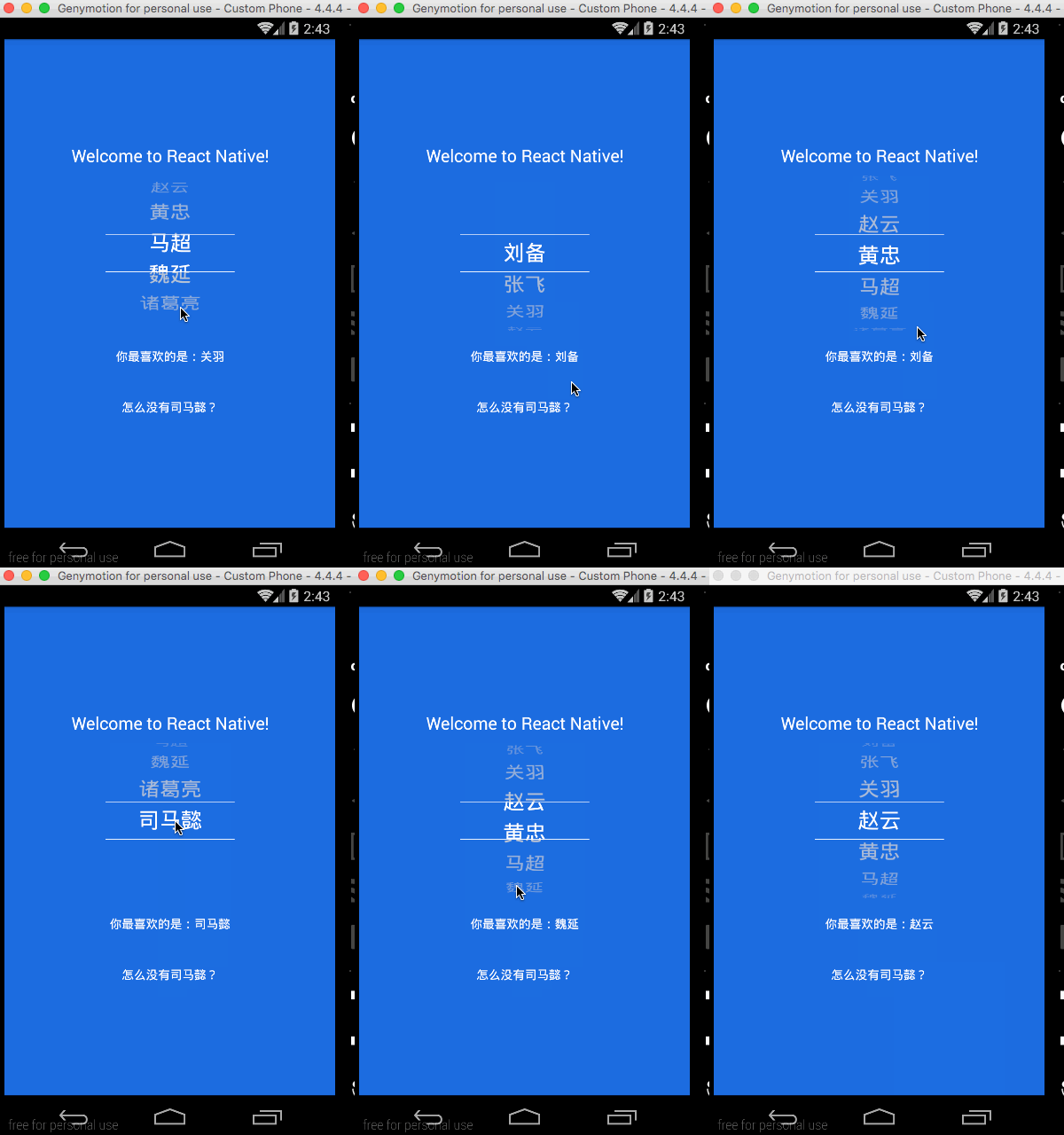
Run command
For apps using RN 0.32 or higher, please run
``
npm i react-native-wheel-picker --save
For apps using RN 0.31 or less, please run
npm install --save --save-exact react-native-wheel-picker@1.0.1
Add in settings.gradle
include ':react-native-wheel-picker'
project(':react-native-wheel-picker').projectDir = new File(settingsDir, '../node_modules/react-native-wheel-picker/android')
Add in app/build.gradle
compile project(':react-native-wheel-picker')
Modify MainApplication
    import com.zyu.ReactNativeWheelPickerPackage;
    ......
protected List
return Arrays.
new MainReactPackage(), new ReactNativeWheelPickerPackage()
);
}
`
import React, { Component } from 'react';
import {
Platform,
StyleSheet,
Text,
View,
} from 'react-native';
import Picker from 'react-native-wheel-picker'
var PickerItem = Picker.Item;
export default class App extends Component<{}> {
constructor(props) {
super(props);
this.state = {
selectedItem : 2,
itemList: ['刘备', '张飞', '关羽', '赵云', '黄忠', '马超', '魏延', '诸葛亮']
};
}
onPickerSelect (index) {
this.setState({
selectedItem: index,
})
}
onAddItem = () => {
var name = '司马懿'
if (this.state.itemList.indexOf(name) == -1) {
this.state.itemList.push(name)
}
this.setState({
selectedItem: this.state.itemList.indexOf(name),
})
}
render () {
return (
Welcome to React Native!
itemStyle={{color:"white", fontSize:26}}
onValueChange={(index) => this.onPickerSelect(index)}>
{this.state.itemList.map((value, i) => (
))}
你最喜欢的是:{this.state.itemList[this.state.selectedItem]}
怎么没有司马懿?
);
}
}
const styles = StyleSheet.create({
container: {
flex: 1,
justifyContent: 'center',
alignItems: 'center',
backgroundColor: '#1962dd',
},
welcome: {
fontSize: 20,
textAlign: 'center',
margin: 10,
color: '#ffffff',
},
instructions: {
textAlign: 'center',
color: '#333333',
marginBottom: 5,
},
});