react-read-pdf
v2.0.9
a mobile-friendly PDF Reader in browser for React
0/weekUpdated 3 years agoMITUnpacked: 5.0 MB
Published by yuxl
npm install react-read-pdfReact-read-pdf
Chinese Document
> a mobile-friendly PDF Reader in browser for React 16.x
Features
* Simple: It is very easy to use
* Mobile-friendly: Support all mobile terminal devices including mobile,pad and others
Browser Support
* IE 10+
* Firefox 3.6+
* Chrome 6+
* Safari 6+
* Opera 11.5+
* iOS Safari 6.1+
* Android Browser 3+
Quick Start
$3
(You should import react firt,The version of react must be more than 16.x)
Using build tools:
``bash`
npm install --save react-read-pdf
Using PDFReader in PC:js`
import React from 'react';
import { PDFReader } from 'react-read-pdf';
Using MobilePDFReader in mobile terminal devices:js
import React from 'react';
import { MobilePDFReader } from 'react-read-pdf';
`$3
`js`
import { MobilePDFReader } from 'react-read-pdf';
export default class Test extends Component{
render(){
return
}
}
`js`
import ReactDOM from 'react-dom';
import Test from './test'
ReactDOM.render(
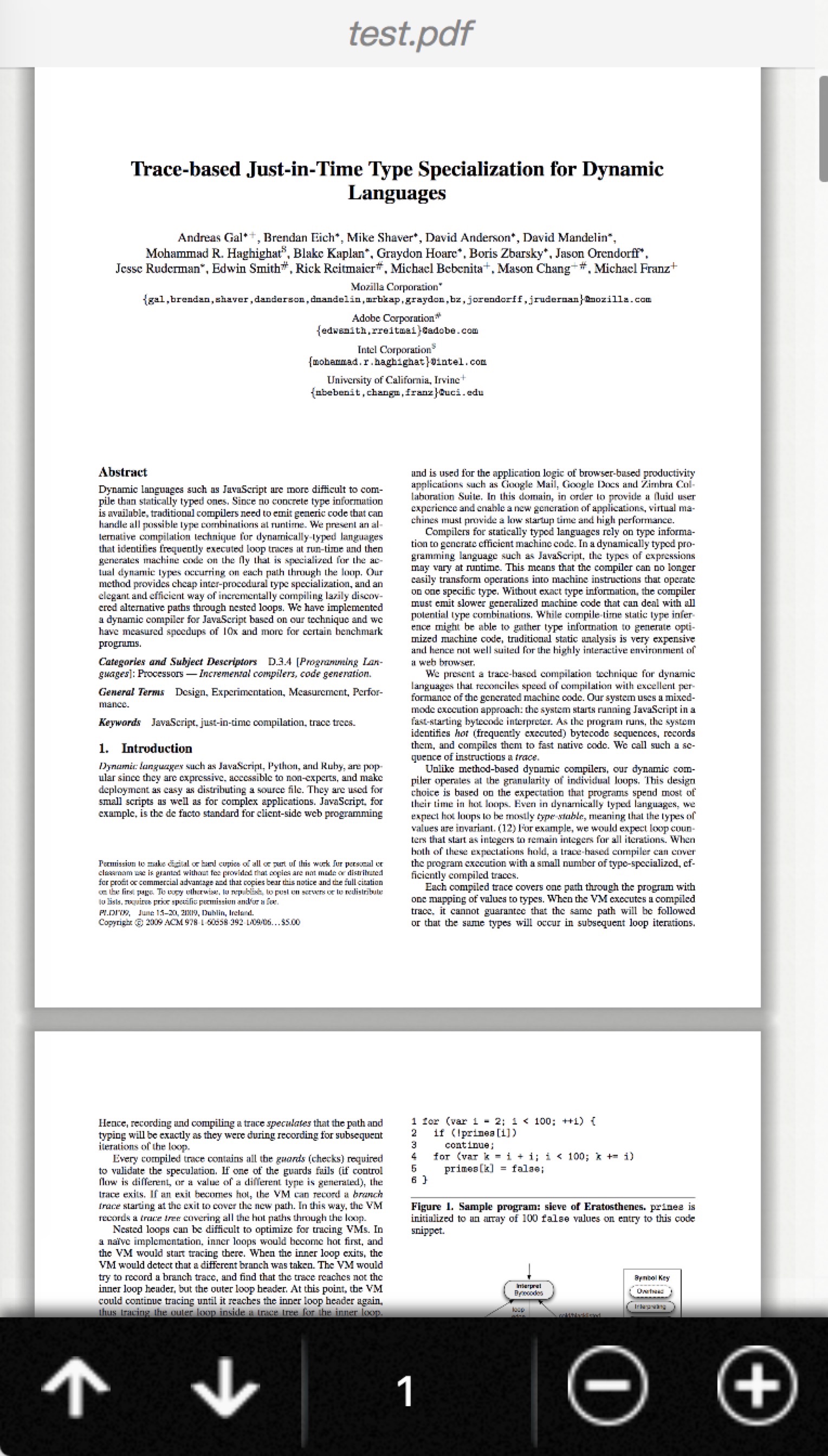
It supports all mobile terminal devices including mobile,pad and others,the next image is a lively example in iphoneX
Documentation
react-read-pdf mainly consists of two different components. PDFReader and MobilePDFReader.
$3
`js
import { PDFReader } from 'react-read-pdf'
...
`
#### Props in PDFReader Component
| Props name | Type | Description |
|---|---|---|
| url | string | object | if url is a string, it represents absolute address or relative address of PDF files. if url is a object, you can see this url object type for details |
| data | string | binary-like data of PDF.For example,in javascript, you can use the method "atob" to convert base64 encoded PDF to binary-like data. |
| page | number | default value is 1 ,decides that which page to show in PDF file. |
| scale | number | decides the viewport in render |
| width | number | decides the width of viewport |
| showAllPage | boolean | default value is false , if it is true , it will render all pages of the pdf file. if it is false ,it will only show the "currentPage" according to the page props's value. |
| onDocumentComplete | function | after load the PDF file, in this function ,you can get some informations of the PDF file you can see this function type for details |
url
the url property of PDFReader
Type:
- string : it represents absolute address or relative address of PDF files
- object :
Properties:
Property Name| type |Description
--- | --- | ---
url | string | it represents absolute address or relative address of PDF files
withCredentials | boolean | is allow requests to carry cookie or not
onDocumentComplete
the onDocumentComplete property of PDFReader
Type:
- function(totalPage)
onDocumentComplete's type is a function, the fisrt default parameter is totalPage of the PDF file
#### Notes
The url of props can be string or object.
The following two ways are the same.
One is :
`js
`
the other is :js
`$3
`js
import { MobilePDFReader } from 'react-read-pdf'
...
`
#### Props in MobilePDFReader Component
| Props name | Type | Description |
|---|---|---|
| url | string | object | it represents absolute address or relative address of PDF files. |
| page | number | default value is 1 ,decides that which page to show in PDF file. |
| scale | 'auto' | number | defaut value is 'auto', react-react-pdf use pdfjs-viewer,so if the scale is 'auto' , it can Adaptive mobile device .This property decides the viewport in render |
| minScale | number | defaut value is 0.25, decides the minimum value of scale |
| maxScale | number | defaut value is 10, decides the max value of scale |
| isShowHeader | boolean | defaut value is true, in order to show lively example.'react-react-pdf' added default style to special header, you can remove this style ,if you change this value to false |
| isShowFooter | boolean | defaut value is true, in order to show lively example.'react-react-pdf' added default style to special footer, you can remove this style ,if you change this value to false |
| onDocumentComplete | function | after load the PDF file, in this function ,you can get some informations of the PDF file you can see this function type for details |
onDocumentComplete
the onDocumentComplete property of MobilePDFReader
Type:
- function(totalPage,title,otherObj)
Properties:
Property Name| type |Description
--- | --- | ---
totalPage | number | the totalPage of the PDF file
title | title | the title of the PDF file
otherObj | object | other coding information of the PDF file
#### Notes
I strongly recommend you to set initial value of scale is 'auto',the default is 'auto' too
Development
* React (16.x)
* Webpack (4.x)
* Typescript (3.x)
* Hot Module Replacement (HMR) using React Hot Loader (4.x)
* Babel (7.x)
* Less
* React-css-modulesusing css-modules
* Jest - Testing framework for React applications
* Production build script
* Image loading/minification using Image Webpack Loader
* Typescript compiling using Typescript Loader (5.x)
* Code quality (linting) for Typescript and LESS/CSS.
Installation
1. Clone/download repo
2. yarn install
(or npm install for npm)Usage
Developmentyarn run start-dev* Build app continuously (HMR enabled)
* App served @
Production
* Build app once (HMR disabled)
* App served @
---
All commands
Command | Description
--- | ---
| Build app continuously (HMR enabled) and serve @ http://localhost:8080
| Build app once (HMR disabled) and serve @ http://localhost:3000
| Build app to /dist/
| Run tests
yarn run lint | Run Typescript and SASS linter
yarn run lint:ts | Run Typescript linter
yarn run lint:sass | Run SASS linter
yarn run start | (alias of yarn run start-dev)Note: replace
yarn with npm` if you use npm.
[1]: https://raw.githubusercontent.com/wiki/forthealllight/react-read-pdf/ip.jpeg