A hook based multistep wizard library for React.js to have more control over the user's customization & logic.
npm install react-step-machineA hooks-based multistep wizard (what I call it a machine 😻) built for React which is flexible and easy to use.
Huge shout out to jcmcneal for the React Step Wizard. I took inspiration from his work and built this library with hooks and functional components.
I felt that I had to prop drill into the step components and for accessing the props outside the wrapper I needed to write some boilerplate code. I also wanted to make it easy to get access via hooks in any place in my scope of StepMachine.

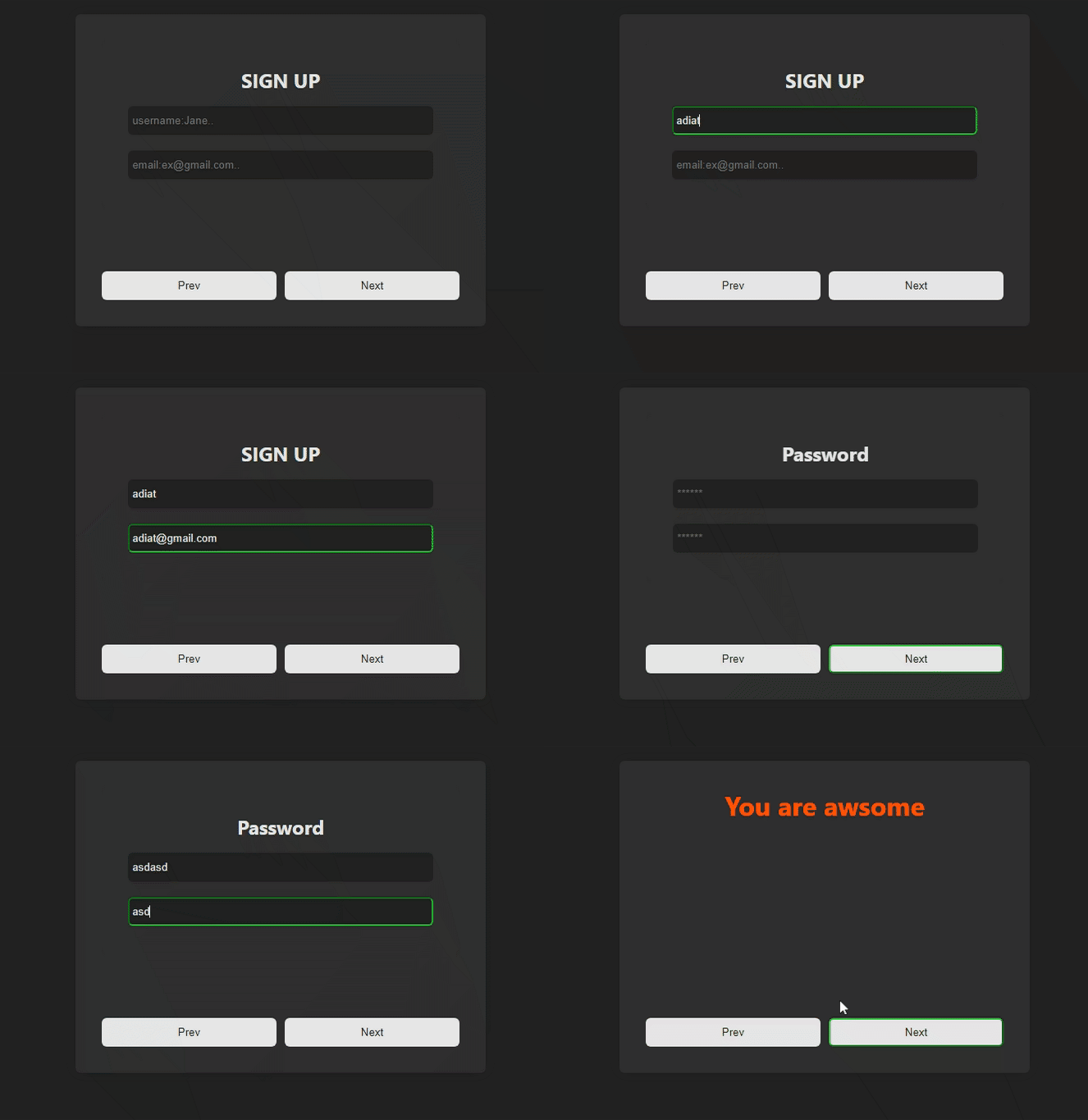
Click here to see a live example! See example source code:
``source-shell`
npm install react-step-machine
----or----
yarn add react-step-machine
`tsx`
// import StepMachine from 'react-step-machine'; (You can also import the default export and name it whatever you want)
import { StepMachine, StepContainer, Step } from 'react-step-machine';
1. Add a wrapper with .
2. For steps add another wrapper called .
3. Add to the eachone will be treated as steps.
4. Done for now!
`tsx
{/ Steps /}
{/ You will have more control with our special hooks inside components /}
`
Get methods and store props in the ActionBtn/NavigationPreview/CustomComponent with useStepActions & useStepStore hooks.
`tsx
import { StepMachine, StepContainer, Step } from 'react-step-machine';
const ActionBtn = () => {
const {
goToNamedStep,
goToStep,
firstStep,
lastStep,
nextStep,
previousStep,
} = useStepActions({
/**
* On Step change you can do something here
*/
onStepChange: (prevStep, activeStep) => {
console.log(prevStep, activeStep);
},
});
const {activeNamedStep, totalSteps, activeStep} = useStepStore();
return ....TO BE CONTINUED...
};
`
You have access to the following props:
` Total Steps: {totalSteps}tsx`
Step {activeStep}
Step {activeNamedStep}
#### [](https://www.npmjs.com/package/react-step-machine#user-defined-props-in-stepmachine)User-Defined Props In StepMachine
| Prop | Data Type | Default | Required | Description |
| ----------- | --------- | ------- | -------- | ------------------------------------------- |
| transitions | object | | false | CSS classes for transitioning between steps |
#### [](https://www.npmjs.com/package/react-step-machine#user-defined-props-in-stepcontainer)User-Defined Props In StepContainer
| Prop | Data Type | Default | Required | Description |
| ----------- | --------------- | ------- | -------- | ----------------------------- |
| initialStep | integer | 1 | false | The initial step to start at. |CSSProperties
| Style | | | false | Style objects css in js. |string
| className | | | false | ClassNames. |
#### [](https://www.npmjs.com/package/react-step-machine#user-defined-props-in-step)User-Defined Props In Step
| Prop | Data Type | Default | Required | Description |
| ----- | --------- | ------- | -------- | ----------------------------------------- |
| order | integer | | true | It is required for maintaining the order. |string
| name | | | false | Name prop for name based navigation. |
#### [](https://www.npmjs.com/package/react-step-machine#props-accessible-on-each-child-component-of-stepmachine-with-usestepstore-hook)Props Accessible On Each Child Component of StepMachine with useStepStore hook
| Prop | Data Type | Desrciption |
| --------------- | --------- | ---------------------------------------- |
| classes | object | All classess being applied to each step |object
| namedSteps | | All steps with names and orders |object
| activatedSteps | | Steps That are activated with navigation |integer
| totalSteps | | Total number of steps |integer
| activeStep | | Step Number That is active |string
| activeNamedStep | | Step Name That is active |
#### [](https://www.npmjs.com/package/react-step-machine#props-accessible-on-each-child-component-of-stepmachine-with-usestepactions-hook)Props Accessible On Each Child Component of StepMachine with useStepActions hook
| Prop | Data Type | Parameters |
| ------------- | ---------- | ------------------------------------- |
| firstStep | function | N/A |function
| lastStep | | N/A |function
| nextStep | | N/A |function
| previousStep | | N/A |function
| goToStep | | integer : goToStep(3) |function
| goToNamedStep | | string : goToNamedStep('contact') |
The default transitions are using CSS taken from animate.css. You can override the transitions by passing in custom CSS classes to the transitions prop in .
`tsx`
let custom = {
enterRight: 'your custom css transition classes',
enterLeft: 'your custom css transition classes',
exitRight: 'your custom css transition classes',
exitLeft: 'your custom css transition classes',
};
The order of your steps in tsx/jsx will be loaded in the same order in the browser. However, you may specify which step to start on page load by using the initialStep prop. It accepts a numeric value corresponding to the step order.
`tsx`
Switch steps by their names we can use name.
`tsx``