react-stopwatch
v2.0.4
React Stopwatch component using Render Props
0/weekUpdated 3 years agoMITUnpacked: 29.2 KB
Published by Sebastian Lorenzo
npm install react-stopwatchreact-stopwatch
> A Stopwatch Component built on top of React.
[![Travis][build-badge]][build] [![npm package][npm-badge]][npm] [![Coveralls][codecov-badge]][codecov]
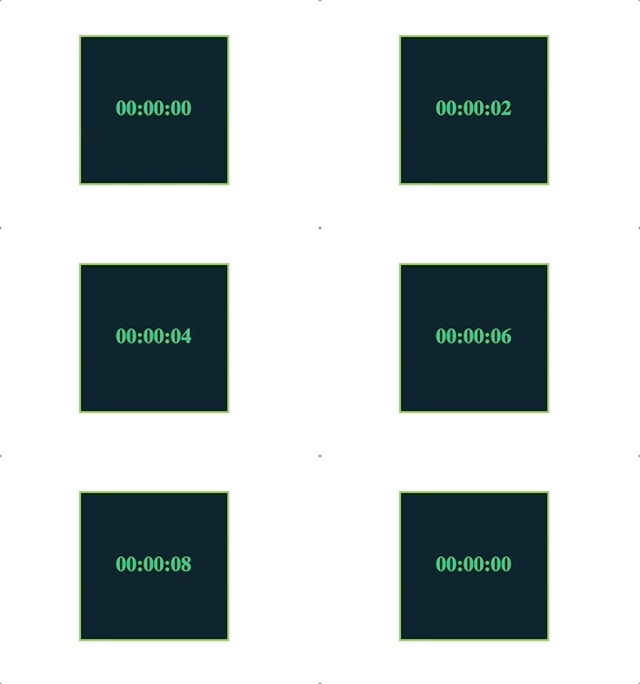
Installation
First, install the component:
``bash`
yarn add react-stopwatch
orbash`
npm install react-stopwatch --save
$3
`js
import * as React from 'react';
import ReactStopwatch from 'react-stopwatch';
const Stopwatch = () => (
minutes={0}
hours={0}
limit="00:00:10"
onChange={({ hours, minutes, seconds }) => {
// do something
}}
onCallback={() => console.log('Finish')}
render={({ formatted, hours, minutes, seconds }) => {
return (
Formatted: { formatted }
Hours: { hours }
Minutes: { minutes }
Seconds: { seconds }
);
}}
/>
);
export default Stopwatch;
`
$3
- seconds
: Integer. Needs to be between 0 >= seconds <= 60. (Required)
- minutes: Integer. Needs to be between 0 >= minutes <= 60. (Required)
- hours: Integer. Needs to be 0 >= hours. (Required)
- limit: String. Need to have the following format XX:XX:XX. (Optional)
- withLoop: Boolean. If it is true when the watch is equal to limit, it makes a loop. (Optional)
- autoStart: Boolean. Start counting time. Default: true (Optional)
- onCallback: Function. If you need to do something when the watch is equal to limit. (Optional)
- onChange`: Function. It returns the values each second. (Optional)Made with ❤ by
- Sebastian Lorenzo (Javascript developer)
- E-mail: SebastianLorenzo@gmail.com
- StackOverflow: sebastian-lorenzo
License
MIT license. Copyright © 2018.
[build-badge]: https://travis-ci.org/slorenzo/react-stopwatch.svg?branch=master
[build]: https://travis-ci.org/slorenzo/react-stopwatch
[npm-badge]: https://img.shields.io/npm/v/react-stopwatch.svg
[npm]: https://www.npmjs.org/package/react-stopwatch
[codecov-badge]: https://codecov.io/gh/slorenzo/react-stopwatch/branch/master/graph/badge.svg
[codecov]: https://codecov.io/gh/slorenzo/react-stopwatch