regular-table
v0.8.1TypeScript
A regular `<table>`, for an async and virtual data model.
0/weekUpdated 5 days agoApache-2.0Unpacked: 404.5 KB
Published by texodus
npm install regular-table



#
A Javascript library for the browser, - Just a regular - 2d_array.md What follows functions as a quick-start guide, and will explain the basics of - QuickStart - API Docs - Annotated Examples Include via a CDN like JSDelivr: `` Or, add to your project via npm ` ... then import into your asset bundle. ` regular-table ` ... or from regular HTML: ` ... or from your library of choice, as long as it supports regular HTML! Here's ` Let's start with with a simple data model, a two dimensional Array ` When clipped by the scrollable viewport, you may end up with a Here's a an implementation for this simple _virtual_ data model, the function regularTable.setDataListener(getDataSlice); This will render your regular HTML #### - "both" (default) virtualizes scrolling on both axes. Note that in the rendered HTML, for these Row and Column Header merging can be disabled with the A Additional rendering options which can be set on the object returned by a - With an let callback; worker.addEventListener("message", (event) => { regularTable.setDataListener((...viewport) => { self.addEventListener("message", async (event) => { However, CSS alone cannot select on properties of your _data_ - if you scroll - Styling a specific column in the virtual data set, as To make CSS that is virtual-data-model-aware, you'll need to use Once you've selected the table.addEventListener("mousedown", (event) => { table.addStyleListener(() => { Because of the structure of the HTML First install Build the library Run the test suite #### OpenSSF The Regular Table project achieves the This software is licensed under the Apache 2.0 license. See theregular-table exports a
custom element
named to a
sticky
position within a scollable viewport. Only visible cells are rendered and
queried from a natively async virtual data model, making regular-table ideal
for enormous or remote data sets. Use it to build Data Grids, Spreadsheets,
Pivot Tables, File Trees, or anytime you need:.
- Virtually rendered for high-performance.
- async data model handles slow, remote, enormous, and/or distributed
backends.
- Easy to style, works with any regular CSS for .
- Small bundle size, no dependencies.Examples
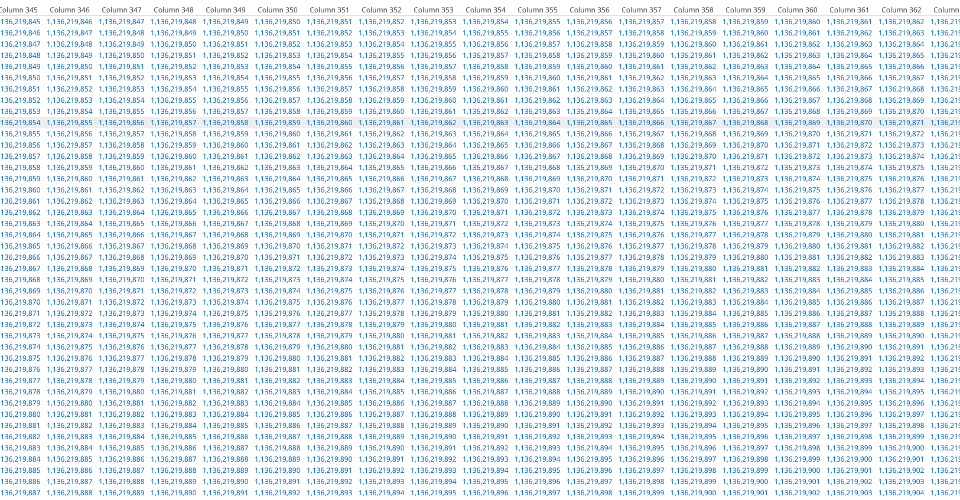

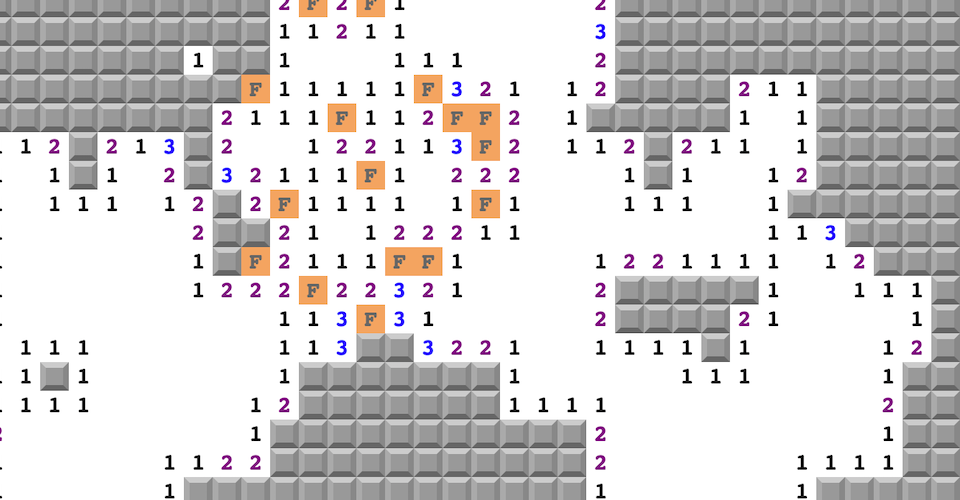
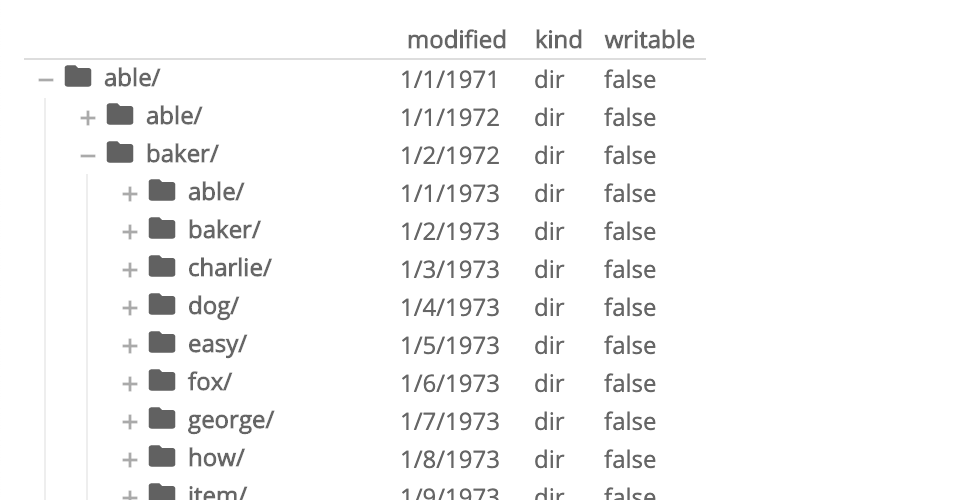
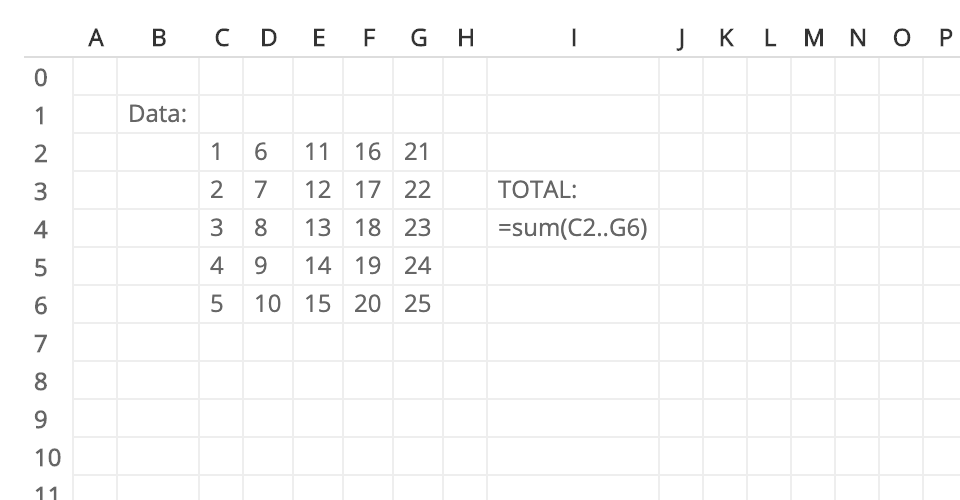
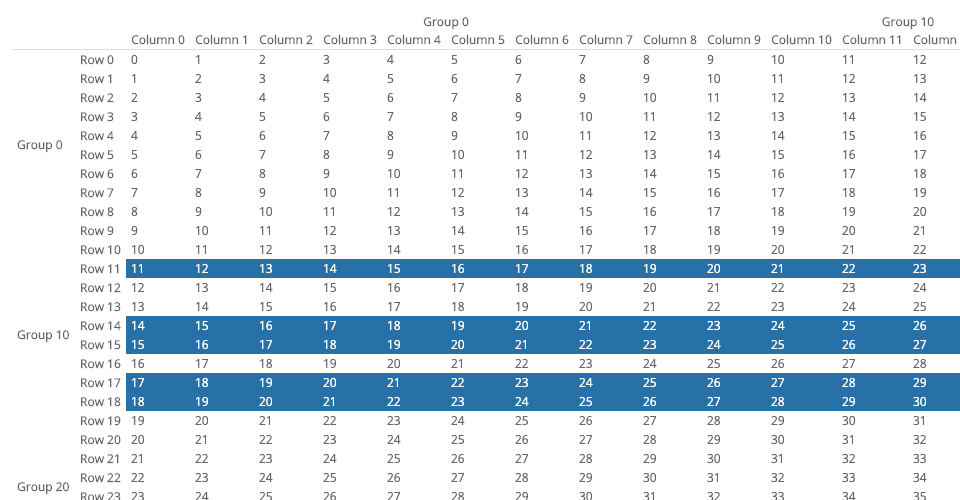
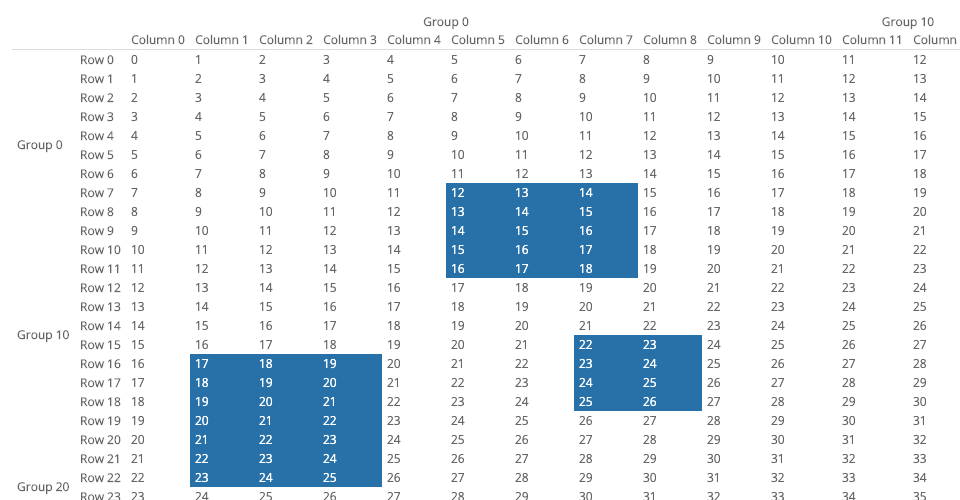
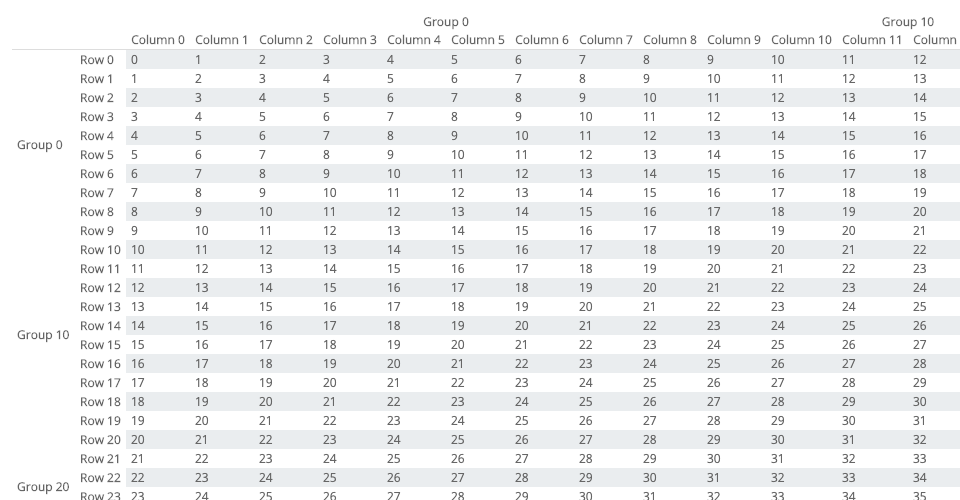
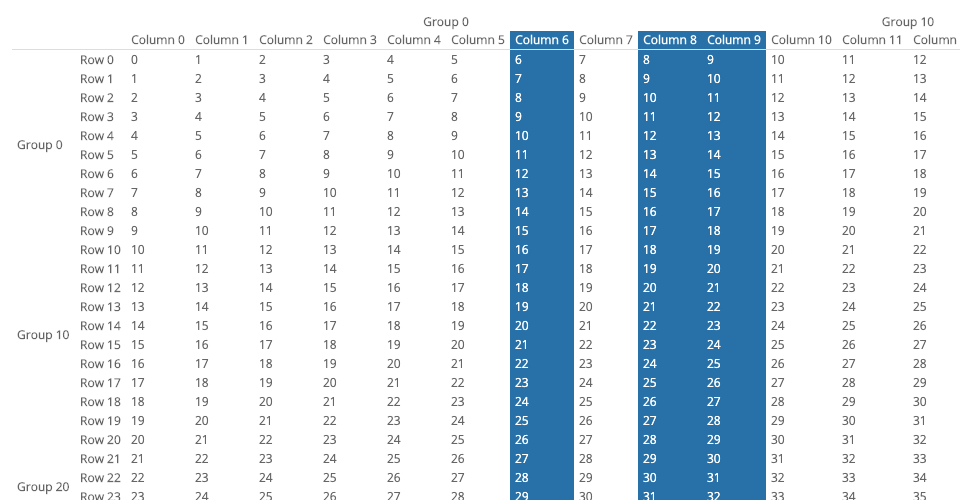
- canvas_data_model.md
- file_browser.md
- minesweeper.md
- react.md
- spreadsheet.md
- two_billion_rows.mdDocumentation
the Virtual Data Models, Styling and Interaction APIs. Complete
API docs and
documented
examples are also
available.
- Installation
-
- .setDataListener() Virtual Data Model
- Column and Row Headers
- Hierarchial/Group Headers
- async Data Models
- .addStyleListener() and getMeta() Styling
- .addEventListener() Interaction
- Scrolling
- Pivots, Filters, Sorts, and Column Expressions with perspective
- Development
- 2d_array.md
- canvas_data_model.md
- file_browser.md
- minesweeper.md
- react.md
- spreadsheet.md
- two_billion_rows.mdInstallation
html`
href="https://cdn.jsdelivr.net/npm/regular-table/dist/css/material.css"
/>:bash`
npm add regular-tablejavascript`
import "regular-table";
import "regular-table/dist/css/material.css"; Custom Element exports no symbols, only the Custom Element
which is registered as a module import side-effect. Once loaded, can be used just like any other HTMLElement, using regular
browser APIs:javascript`
const regularTable = document.createElement("regular-table");
document.body.appendChild(regularTable);html`
an example for React/JSX:javascript`
const App = () =>
ReactDOM.render(.setDataListener()
Virtual Data Model. This oneregular-table
is very small at 3 columns x 6 rows, but even for very small data sets, won't read your entire dataset at once. Instead, we'll need toDATA
write a simple _virtual_ data model to access and COLUMN_NAMES
indirectly.javascript`
const DATA = [
[0, 1, 2, 3, 4, 5],
["A", "B", "C", "D", "E", "F"],
[true, false, true, false, true, false],
]; of justDATA
a rectangular region of , rather than the entire set. A simple viewport
2x2 may yield this :`0 A 1 B json`
{
"num_rows": 26,
"num_columns": 3,
"data": [
[0, 1],
["A", "B"]
]
}. This function is called by your whenever it(x0, y0)
needs more data, with coordinate arguments, to (x1, y1). Only thisgetDataSlice()
region is needed to render the viewport, so returns thisslice
rectangular of DATA. For the window (0, 0) to (2, 2), getDataSlice()
would generate an Object as above, containing the slice, as well as theDATA
overall dimensions of itself ( num_rows, num_columns), for sizing the
scroll area. To render this virtual data model to a regular HTML ,setDataListener()
register this data model via the method:`javascript`
function getDataSlice(x0, y0, x1, y1) {
return {
num_rows: (num_rows = DATA[0].length),
num_columns: DATA.length,
data: DATA.slice(x0, x1).map((col) => col.slice(y0, y1)),
};
} ! Your DOM will look something likeColumn 3 (boolean)
this, depending on the size of your viewport. Notice there are fewer rows and
columns in the resulting HTML, e.g. the column - as yougetDataSlice()
scroll, more data will be fetched from , and parts of the will redrawn or extended as needed.`html`
0
A
1
B
Optionregular-table supports four modes of virtual scrolling, which can bevirtual_mode
configured via the optional argument. Note that using avirtual_mode other than the default "both" will render the _entire_ along the non-virtual axis(es), and may cause rendering performance`
degradation.
- "vertical" only virtualizes vertical (y) scrolling.
- "horizontal" only virtualizes horizontal (x) scrolling.
- "none" disable all scroll virtualization.javascript`
table.setDataListener(listener, { virtual_mode: "vertical" });$3
can also generate Hierarchial Row and Column Headers, using elements which layout in a fixed position within the virtual table. It
can generate Column Headers (within the ), or Row Headers (the firsttbody tr
children of each ), via the column_headers and row_headers
properties (respectively) of your data model's object. This can becolumn_headers
renderered with , a two dimensional Array which must be ofx1 - x0
length , one Array for every column in your data window.`Column 1 (number) Column 2 (string) 0 A 1 B json`
{
"num_rows": 26,
"num_columns": 3,
"data": [
[0, 1],
["A", "B"]
],
"column_headers": [["Column 1 (number)"], ["Column 2 (string)"]]
}$3
supports multiple of , and also uses colspan androwspan to merge simple consecutive names, which allows description of simple`
Row and Column Group Hierarchies such as this:Colgroup 1 Column 1 Column 2 Rowgroup 1 Row 1 0 A Row 2 1 B json`
{
"num_rows": 26,
"num_columns": 3,
"data": [
[0, 1],
["A", "B"]
],
"row_headers": [
["Rowgroup 1", "Row 1"],
["Rowgroup 1", "Row 2"]
],
"column_headers": [
["Colgroup 1", "Column 1"],
["Colgroup 1", "Column 2"]
]
}, repeatedrowspan
elements in a sequence will be automatically merged via and colspan
attributes. In this example, e.g. will only output to one
node in the resulting .merge_headers option.dataListener$3
may also optionally provide a metadata field in its response,Array
a two dimensional of the same dimensions as data. The values in thisregular-table
field will accompany the metadata records returned by 'sgetMeta() method (as described in the next section).`json`
{
"num_rows": 26,
"num_columns": 3,
"data": [
[-1, 1],
["A", "B"]
],
"metadata": [
["pos", "neg"],
["green", "red"]
]
}$3
callback include:column_header_merge_depth: number configures the number of rows to includecolspan
from merging. This defaults to header_length - 1.row_height: number
- configures the pixel height of a row for virtualmerge_headers: "column" | "row" | "both" | "none"
scrolling calculation. This is typically auto-detected from the DOM, but can
be overridden if needed.
- configures whether
equivalent, contiguous elements are merged via rowspan or colspan
for and "column" respectively (defaults to "both").async$3
data model, it's easy to serve getDataSlice() remotely fromnode.js or re-implement the JSON response protocol in any language. JustPromise()
return a from, or use an async function as an argument to,setDataListener(). Your won't render until the Promise isasync
resolved, nor will it call your data model function again until the current call
is resolved or rejected. The following example uses a Web Worker, butreadFile()
the same principle applies to Web Sockets, or any otherPromise
asynchronous source. Returning a blocks rendering until the Web Worker`
replies:javascript`
// Browser
callback(event.data);
});
return new Promise(function (resolve) {
callback = resolve;
worker.postMessage(viewport);
});
});`javascript`
// Web Worker
const response = await getDataSlice.apply(null, event.data);
self.postMessage(response);
});.addStyleListener() and getMeta() Stylingregular-table can be styled trivially with just regular CSS for .`css`
// Zebra striping!
regular-table tr:nth-child(even) td {
background: rgba(0, 0, 0, 0.2);
}
this example, the 2nd row will always be the striped one. Some other
data-reliant style examples include: may represent aaddStyleListener()
different column based on horizontal scroll position.
- Styling cells by value, +/-, heatmaps, categories, etc.
- Styling cells based on data within-or-outside of the virtual viewport,
grouping depth, grouping categories, etc., which invokes a callback whenever the isdraw()
re-rendered, such as through API invocations of and user-initiatedasync
events such as scrolling. Within this optionally callback, you can
select , , etc. elements via regular DOM API methods likequerySelectorAll().`javascript`
// Only select row_headers!
table.addStyleListener(() => {
for (const th of table.querySelectorAll("tbody th")) {
style_th(th);
}
}); and you want to paint, getMeta() willMetaData
return a record of information about the HTMLElement's virtualmeta.x
position. This example uses , the position in data-space, to make`
virtual-scroll-aware zebra striping.javascript`
function style_th(th) {
const meta = table.getMeta(th);
th.classList.toggle("zebra-striped", meta.x % 2 === 0);
}`css`
.zebra-striped {
background-color: rgba(0, 0, 0, 0.2);
}.addEventListener() Interaction is a normal HTMLElement! Use the regular-table API inHTMLElement
concert with regular DOM API methods that work on other to create`
advanced functionality, such as this example of virtual row select:javascript`
const selected_rows = [];
const meta = table.getMeta(event.target);
if (meta && meta.y >= 0) {
selected_rows.push(meta.y);
table.draw();
}
});
for (const td of table.querySelectorAll("td")) {
const meta = table.getMeta(td);
td.classList.toggle("row-selected", selected_rows.includes(meta.y));
}
});examples
directory, and in the example gallery.Scrolling
element, elements must be
aligned with their respective row/column, which causes default
to only be able to scroll in increments of a cell, which can be irregular when
column data is of different lengths. Optionally, you may implement _sub-cell
scrolling_ in CSS via slotted CSS variables. The providedmaterial.css theme does exactly this, or you can implement this in any customsub_cell_scrollling.css
style by importing the stylesheet explicitly:`html`
href="https://cdn.jsdelivr.net/npm/regular-table/dist/css/sub-cell-scrolling.css"
/>Pivots, Filters, Sorts, and Column Expressions with
regular-table is natively compatible withperspective, a WebAssembly streamingperspective.Table
visualization engine. By using a as a Virtual Data Nodel, itdev_dependencies
becomes simple to achieve user-driven row and column pivots, filters, sorts, and
column expressions, as well as charts and persistent layouts, from
high-frequency updating data.Development
:`bash`
pnpm installbash`
pnpm run buildbash`
pnpm run testhttp://localhost:8080/examples/`bash``
pnpm run start
"Passing" Open Source Security Foundation (OpenSSF) Best Practices status.License
LICENSE file for details.