rn-camera-roll
v0.0.5
Camera Roll for react native Android
0/weekUpdated 3 years agoMIT
Published by Almouro
npm install rn-camera-rollReact Native Camera Roll
UPDATE:
As of react-native 0.19, the CameraRoll module is now available on Android too!
Table of contents
Example
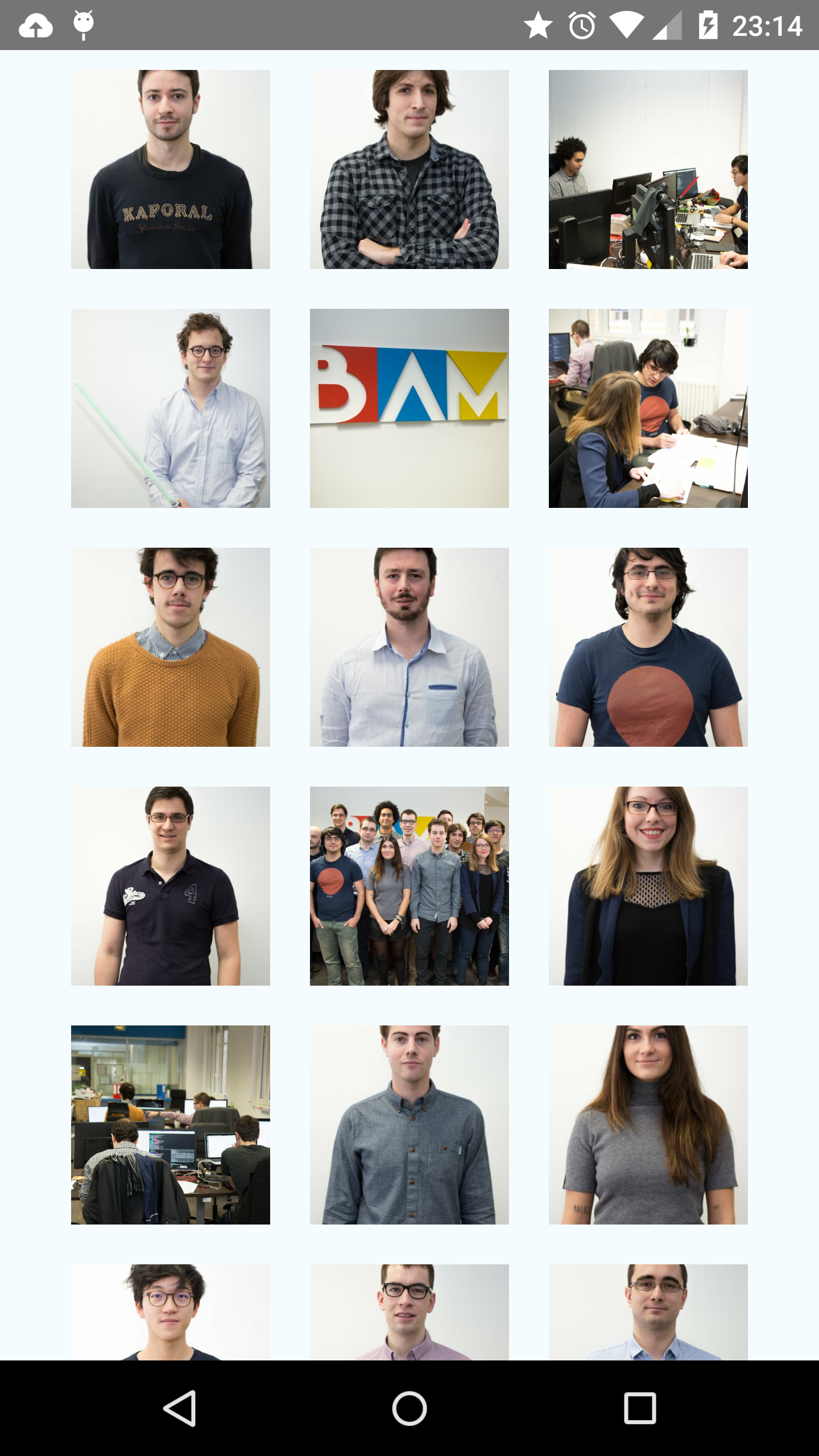
Checkout this example of a basic gallery app with infinite scroll:
https://github.com/bamlab/rn-camera-roll/tree/master/example
Setup
First, install the package:
``
npm install rn-camera-roll
Then, follow those instructions:
$3
The Camera Roll iOS API is part of react-native.node_modules/react-native/Libraries/CameraRoll/RCTCameraRoll.xcodeproj
You have to import
by following the libraries linking instructions.
$3
#### Update your gradle files
For react-native >= v0.15, this command will do it automatically:
`
react-native link rn-camera-roll
For react-native = v0.14
You will have to update them manually:
In android/settings.gradle, add:`
include ':rn-camera-roll'
project(':rn-camera-roll').projectDir = new File(settingsDir, '../node_modules/rn-camera-roll/android')
In android/app/build.gradle add:`
dependencies {
  ...
  compile project(':rn-camera-roll')
}
#### Register the package into your MainActivityjava
package com.example;
import android.app.Activity;
import android.os.Bundle;
import android.view.KeyEvent;
import com.facebook.react.LifecycleState;
import com.facebook.react.ReactInstanceManager;
import com.facebook.react.ReactRootView;
import com.facebook.react.modules.core.DefaultHardwareBackBtnHandler;
import com.facebook.react.shell.MainReactPackage;
import com.facebook.soloader.SoLoader;
// IMPORT HERE
import fr.bamlab.rncameraroll.CameraRollPackage;
// ---
public class MainActivity extends Activity implements DefaultHardwareBackBtnHandler {
private ReactInstanceManager mReactInstanceManager;
private ReactRootView mReactRootView;
@Override
protected void onCreate(Bundle savedInstanceState) {
super.onCreate(savedInstanceState);
mReactRootView = new ReactRootView(this);
mReactInstanceManager = ReactInstanceManager.builder()
.setApplication(getApplication())
.setBundleAssetName("index.android.bundle")
.setJSMainModuleName("index.android")
.addPackage(new MainReactPackage())
// REGISTER PACKAGE HERE
.addPackage(new CameraRollPackage())
// ---
.setUseDeveloperSupport(BuildConfig.DEBUG)
.setInitialLifecycleState(LifecycleState.RESUMED)
.build();
mReactRootView.startReactApplication(mReactInstanceManager, "example", null);
setContentView(mReactRootView);
}
...
`
Usage
You can use the getPhotos API as you would with the iOS API with the after and the first params.promise
You can use both the syntax or the callback syntax.
`javascript
import CameraRoll from 'rn-camera-roll';
onPhotosFetchedSuccess(data) {
const photos = data.edges.map((asset) => {
return asset.node.image;
});
console.log(photos);
/**
On Android, this should log something like:
[
{
"uri": "file:/storage/emulated/0/DCIM/Camera/IMG_20160120_172426830.jpg",
"width":3006,
"height":5344,
"orientation": 90
},
{
"uri": "file:/storage/emulated/0/DCIM/Camera/IMG_20160116_153526816_TOP.jpg",
"width": 5344,
"height": 3006,
"orientation": 0
}
...
]
**/
}
onPhotosFetchError(err) {
// Handle error here
}
fetchPhotos(count = 10, after) {
CameraRoll.getPhotos({
// take the first n photos after given photo uri
first: count,
// after
after: "file:/storage/emulated/0/DCIM/Camera/IMG_20151126_115520477.jpg",
}, this.onPhotosFetchedSuccess.bind(this), this.onPhotosFetchError.bind(this));
}
``