rn-custom-alert-prompt
v1.1.6TypeScript
ReactNative Alert & Prompt with no dependencies
0/weekUpdated 4 months agoMITUnpacked: 60.4 KB
Published by FerRivera
npm install rn-custom-alert-promptReact Native custom Alert and Prompt
Installation
1. Install library
``bash
npm i rn-custom-alert-prompt
`
or
`bash`
yarn add rn-custom-alert-prompt
Configuration and personalization
2. Import and use AlertContainer
Now, we need to import the AlertContainer component. Normally you would do this in your input file, such as App.js or App.tsx.
`jsx
import {AlertContainer} from 'rn-custom-alert-prompt';
export const App = () => {
return (
{/ Rest of your app code /}
);
}
`
$3
You can send some optional properties in order to customize your alerts.
| Prop | Description | Type | Default |
| ------------------- | -------------------------------------------------------- | ----------------------------- | ------------------------ |
| animationType | Choose the animation with which your alert will appear. | 'none' \| 'fade' \| 'slide' | _'none'_ |appearance
| | Choose between light and dark appearance for your alert. | 'light' \| 'dark' | _Device appearance_ |personalTheme
| | Completely customize how your alert will appear. | PersonalTheme | _PersonalTheme defaults_ |theme
| | Choose the theme between iOS and Android for your alert. | 'ios' \| 'android' | _Auto detect OS_ |
#### PersonalTheme Props
| Prop | Description | Type | Default iOS | Default Android |
| -------------------------- | -------------------------------------------------------- | ------------ | ------------------------------------- | --------------------------------------------- |
| backgroundColor | Background color around your alert. | rgba color | _rgba(0,0,0,0.4)_ | _rgba(0,0,0,0.4)_ |backgroundInputColor
| | Background color of the text input in the prompt. | string | Light: '#1C1C1E' \| Dark: '#FFFFFF' | Light: 'transparent' \| Dark: 'transparent' |cardBackgroundColor
| | Alert color. | string | Light: '#EEEEEE' \| Dark: '#222222' | Light: '#282F2C'\| Dark: '#FFFFFF' |descriptionColor
| | Color of your alert description. | string | Light: '#000000' \| Dark: '#FFFFFF' | Light: '#000000'\| Dark: '#FFFFFF' |inputBorderColor
| | Border color for your prompt input. | string | Light: '#C3C3C3' \| Dark: '#616161' | Light: '#00D982'\| Dark: '#00D982' |inputColor
| | Color of the text input in the prompt. | string | Light: '#000000' \| Dark: '#FFFFFF' | Light: '#000000' \| Dark: '#FFFFFF' |lineColor
| | Color of the line border to separate buttons -iOS Only-. | string | Light: '#C3C3C3' \| Dark: '#616161' | N/A |placeholderColor
| | Color of the placeholder in the prompt. | string | Light: '#C3C3C3' \| Dark: '#666666' | Light: '#C3C3C3' \| Dark: '#666666' |textButtonColor
| | Color of the text on the buttons. | string | Light: '#4F87FF' \| Dark: '#4F87FF' | Light: '#00D982' \| Dark: '#00D982' |titleColor
| | Color of your alert title. | string | Light: '#000000' \| Dark: '#FFFFFF' | Light: '#000000' \| Dark: '#FFFFFF' |
Usage
3. Use components
$3
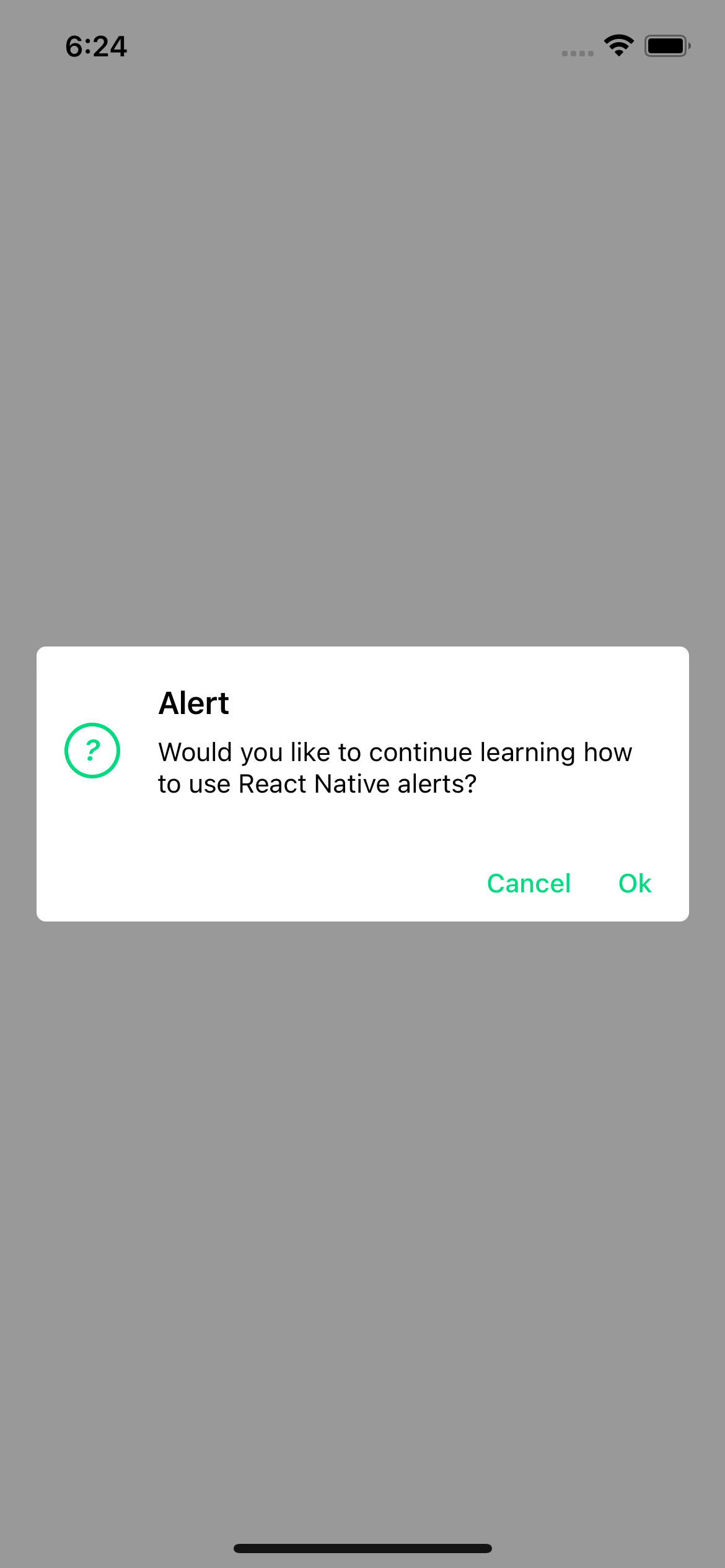
This is the typical system alert with the big difference that we can customize it and it returns a promise with the user's response.
#### Basic usage
`jsx
import {Text, TouchableOpacity, View} from 'react-native';
import {Alert} from 'rn-custom-alert-prompt';
const MyComponent = () => {
const handlePress = () => {
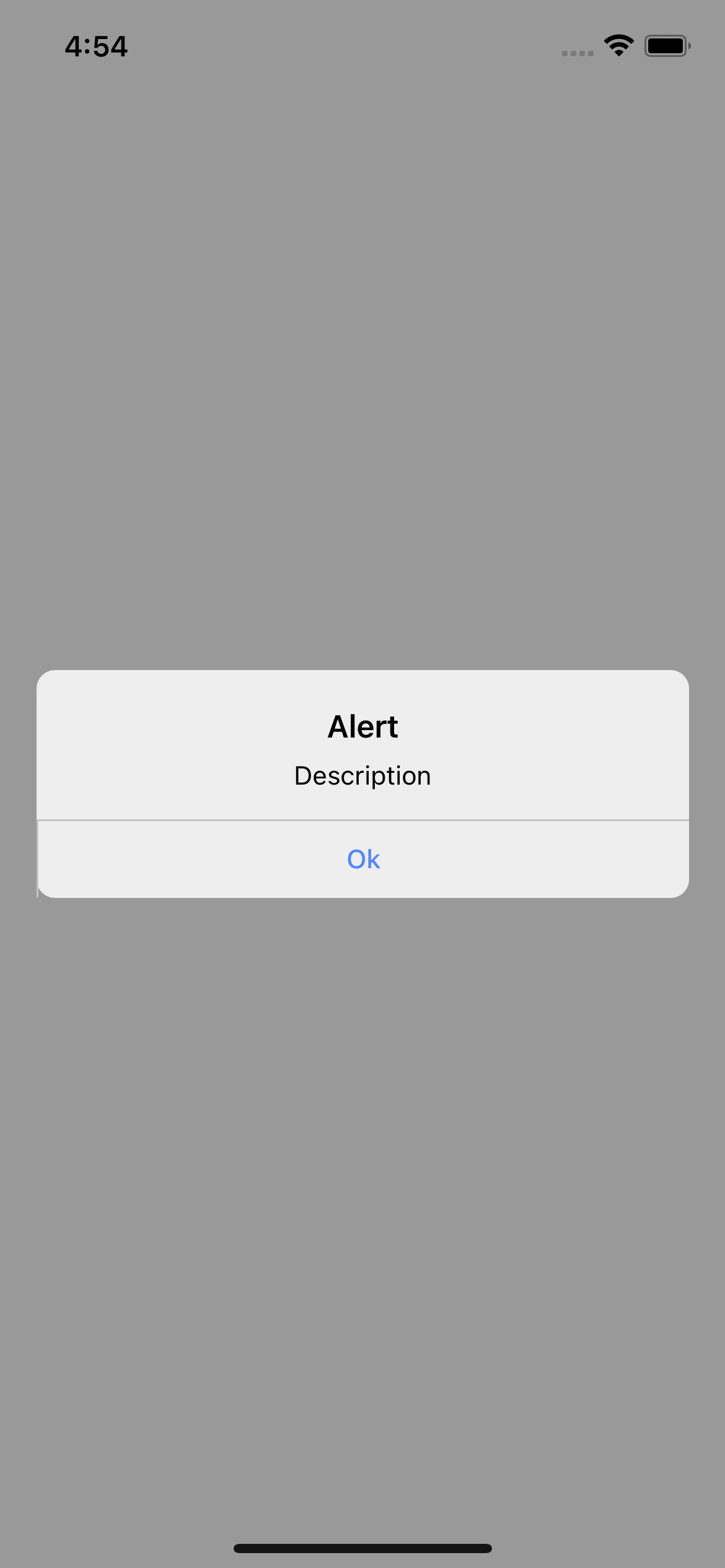
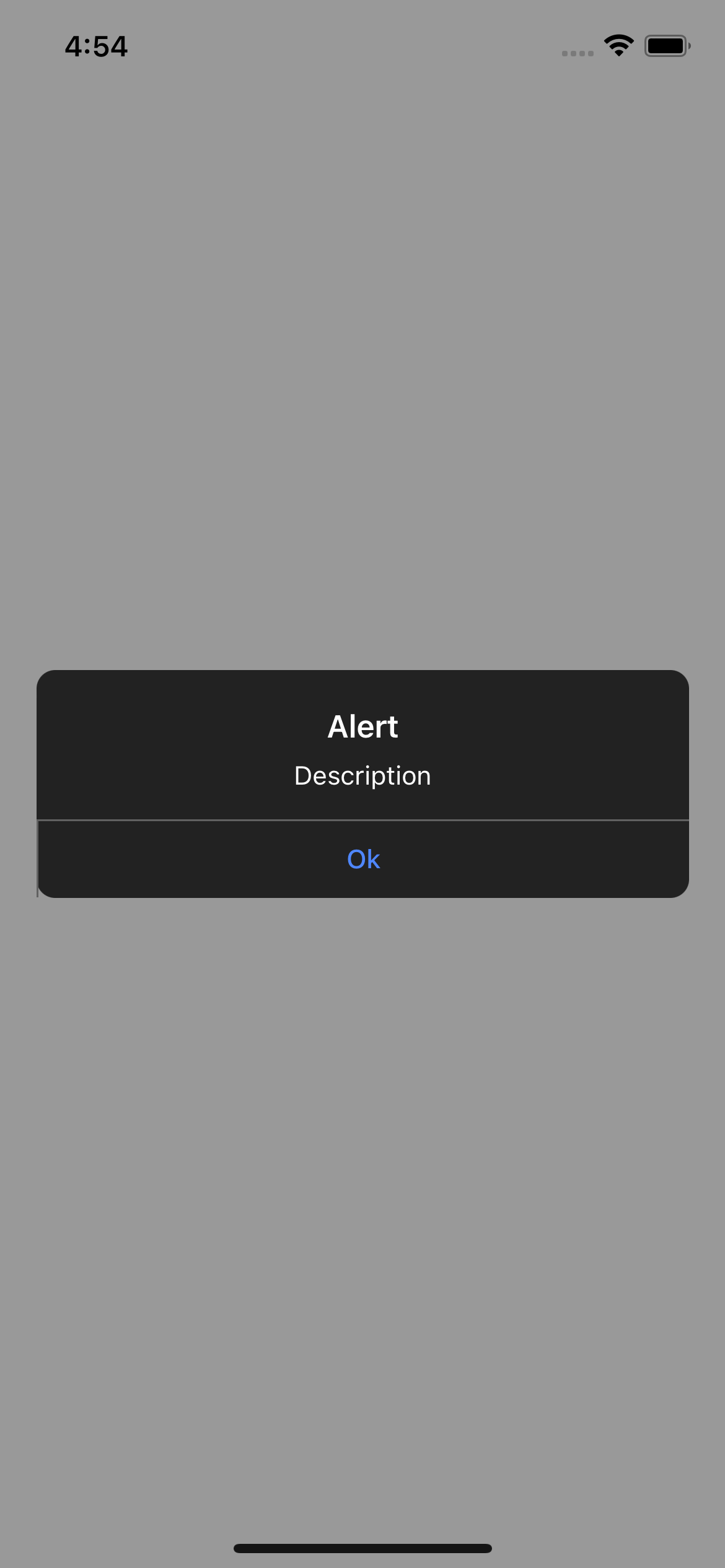
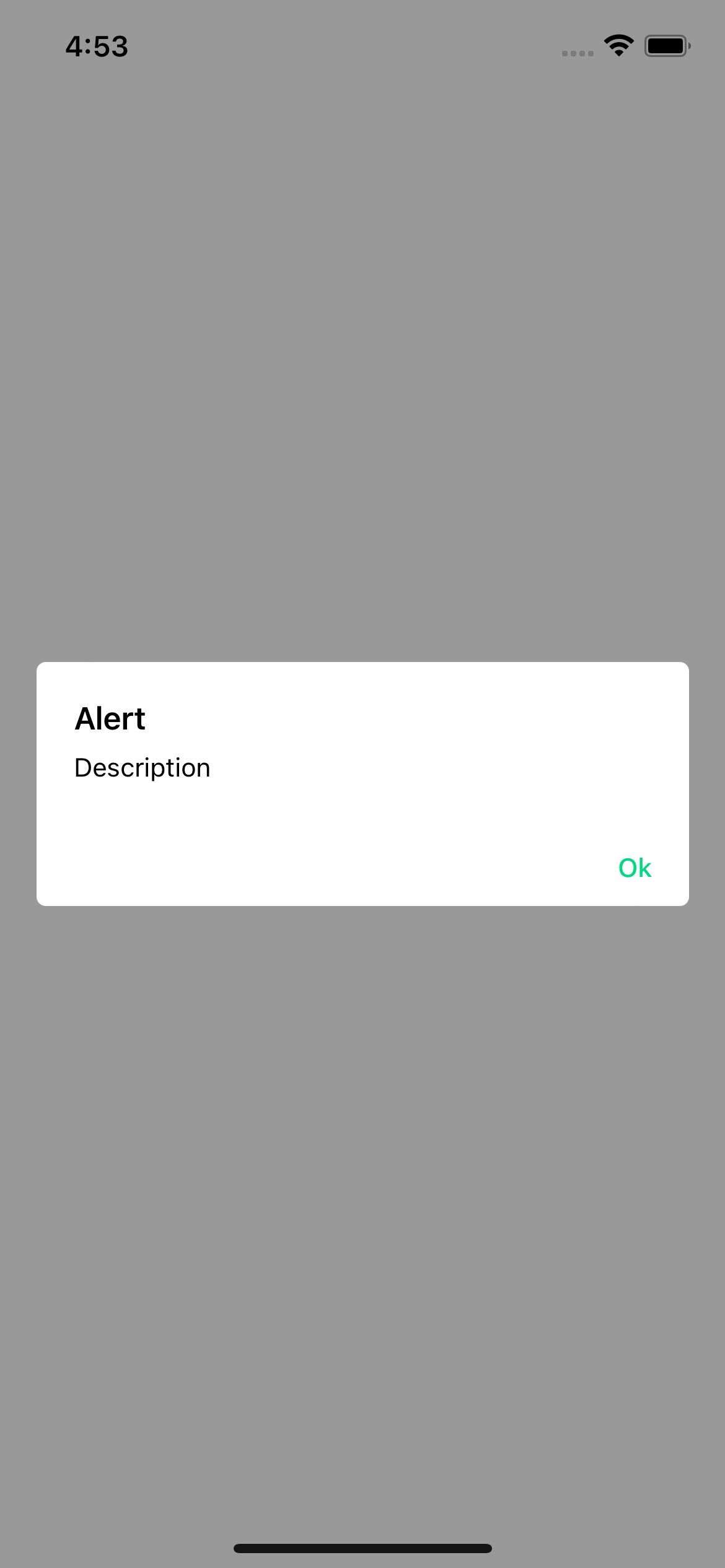
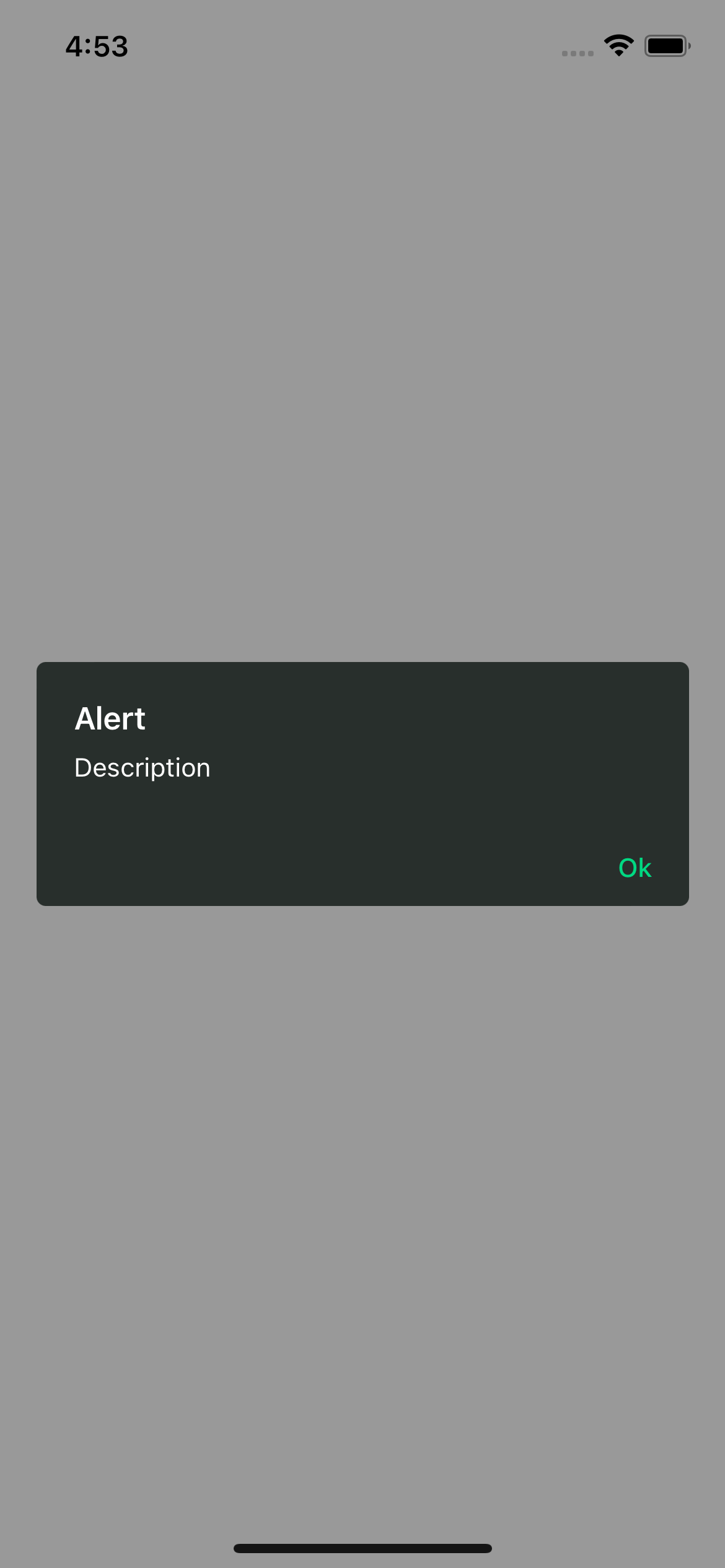
Alert.alert('Title', 'Description')
}
return (
)
}
`
#### Examples
> iOS
> Android
$3
`jsx
import {Text, TouchableOpacity, View} from 'react-native';
import {Alert} from 'rn-custom-alert-prompt';
const MyComponent = () => {
const handlePress = async () => {
const response = await Alert.alert({
title: 'Alert',
description: 'Would you like to continue learning how to use React Native alerts?',
showCancelButton: true,
})
console.log(response) // true or false
}
return (
)
}
`
#### Alert props
| Prop | Description | Type | Required |
| ---------------------- | ------------------------------------ | ---------------------------------------------- | -------- |
| title | Title for your alert. | string | Yes |buttons
| | Personalized buttons for your alert. | Button[] | _No_ |cancelColorText
| | Cancel button text color. | string | _No_ |cancelText
| | Cancel button text. | string | _No_ |confirmColorText
| | Confirm button text color. | string | _No_ |confirmText
| | Confirm button text. | string | _No_ |icon
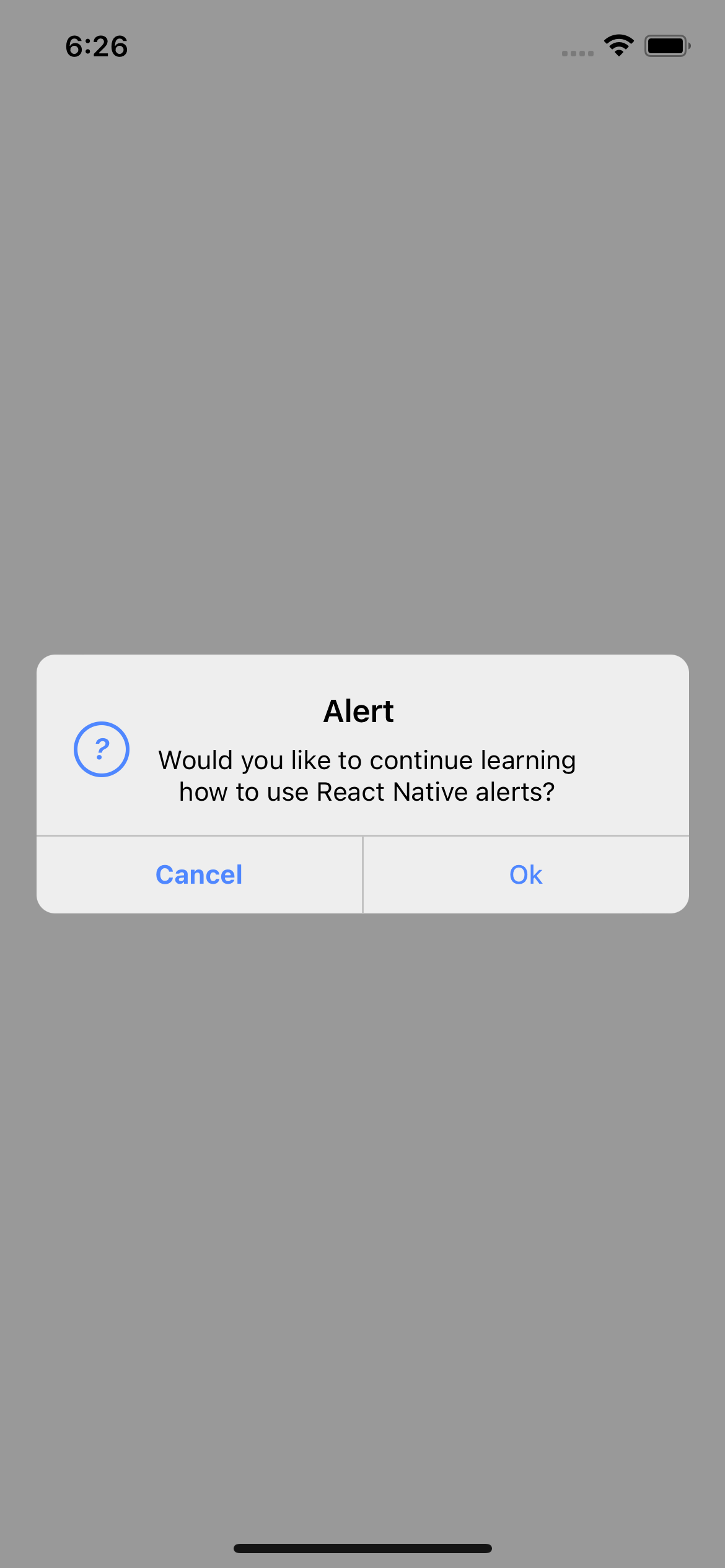
| | Alert icon. | 'error' \| 'info' \| 'success' \| 'question' | _No_ |iconColor
| | Icon color. | string | _No_ |showCancelButton
| | Shows the cancel button. | boolean | _No_ |
#### Button props
| Prop | Description | Type | Required |
| --------------- | ----------------------------------------------------- | ---------------------- | -------- |
| text | Button text. | string | Yes |textStyle
| | Personalized styles for your text button. | StyleProp | _No_ |onPress
| | Function that is executed when the button is pressed. | function | _No_ |
#### Examples
> iOS

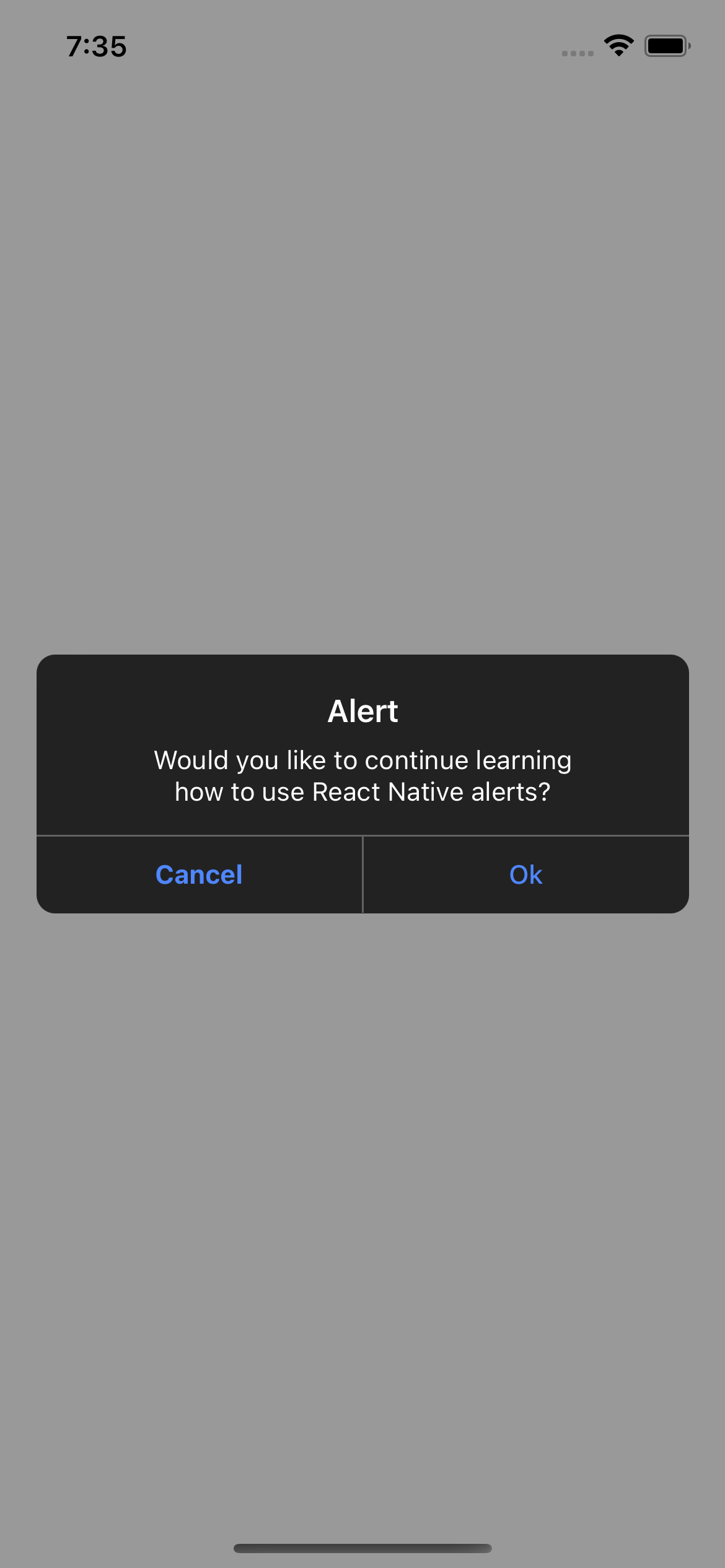
> Android
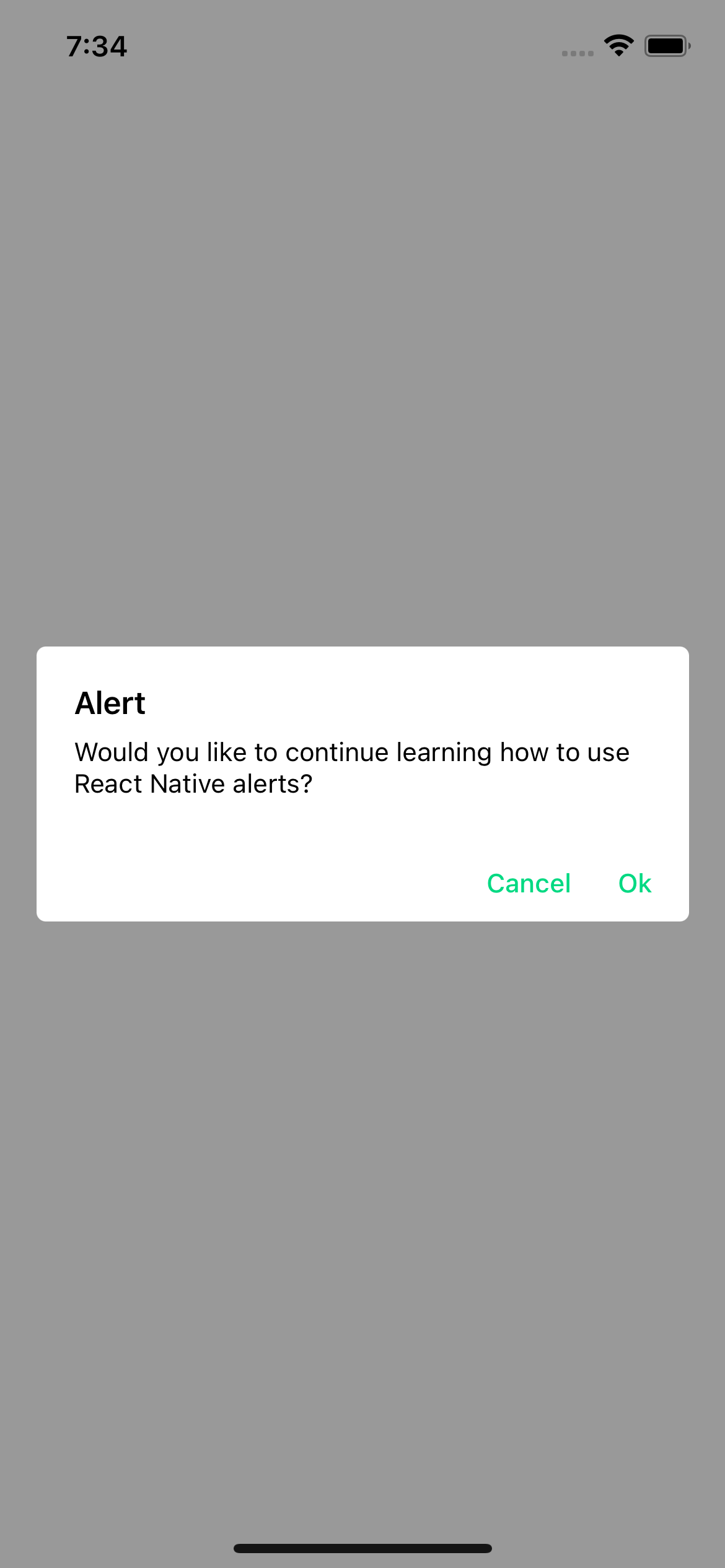
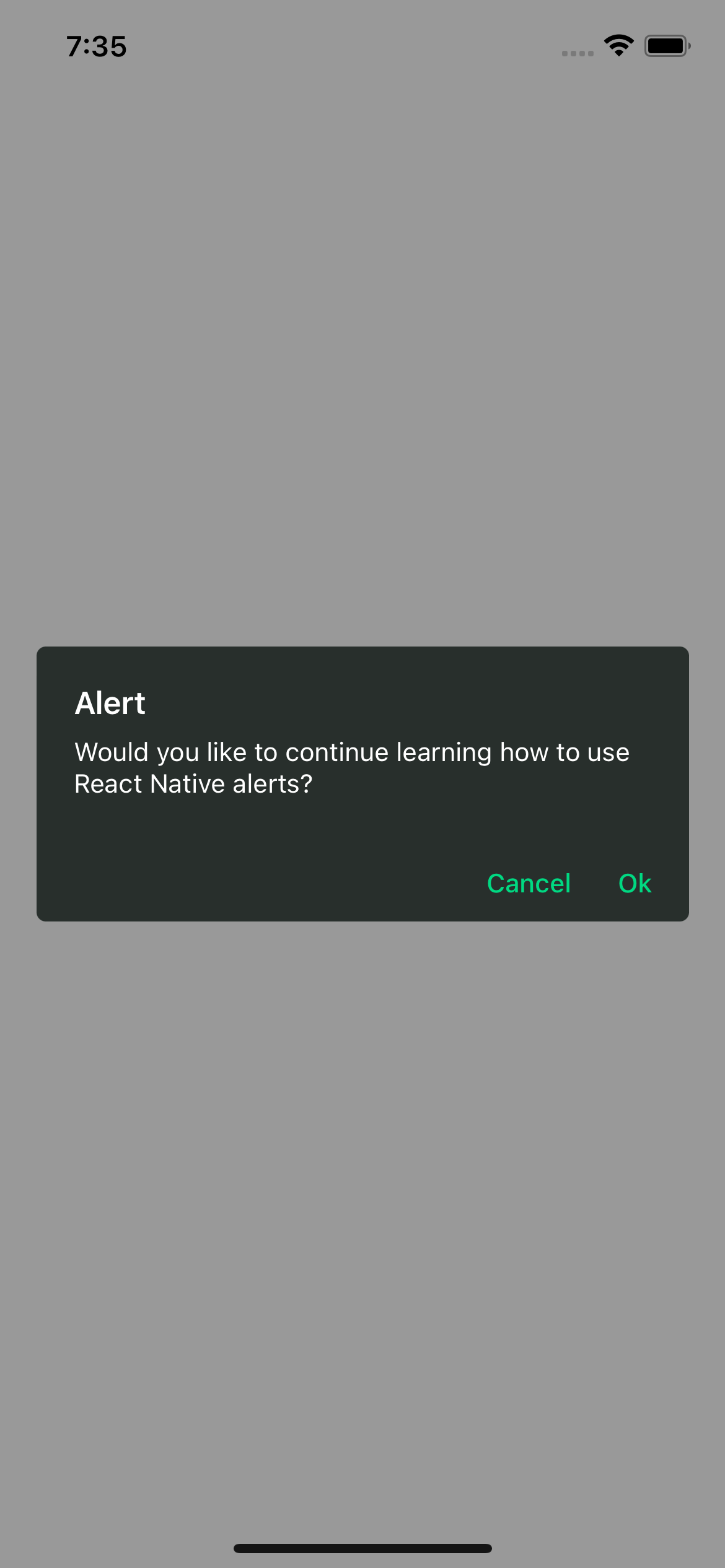
> With icon
Prompt
$3
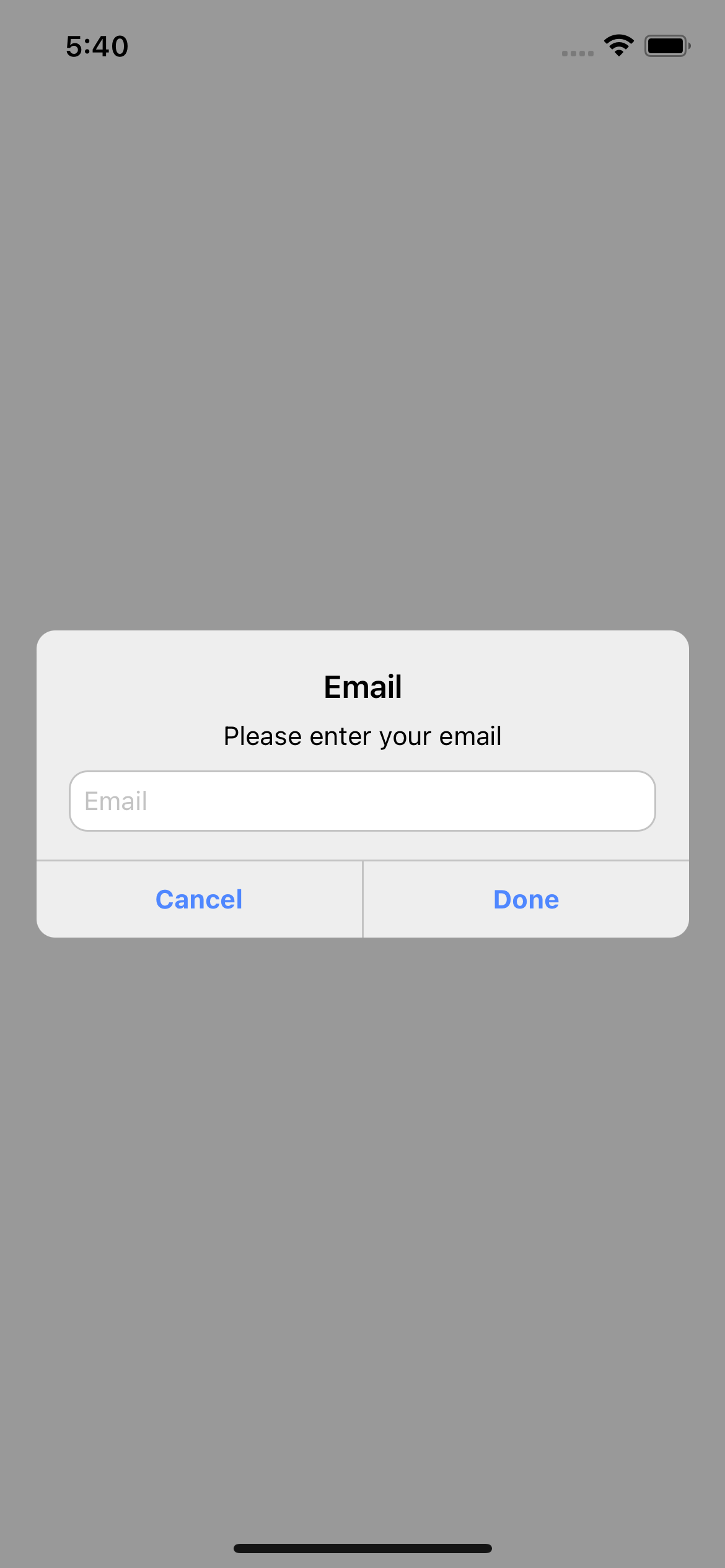
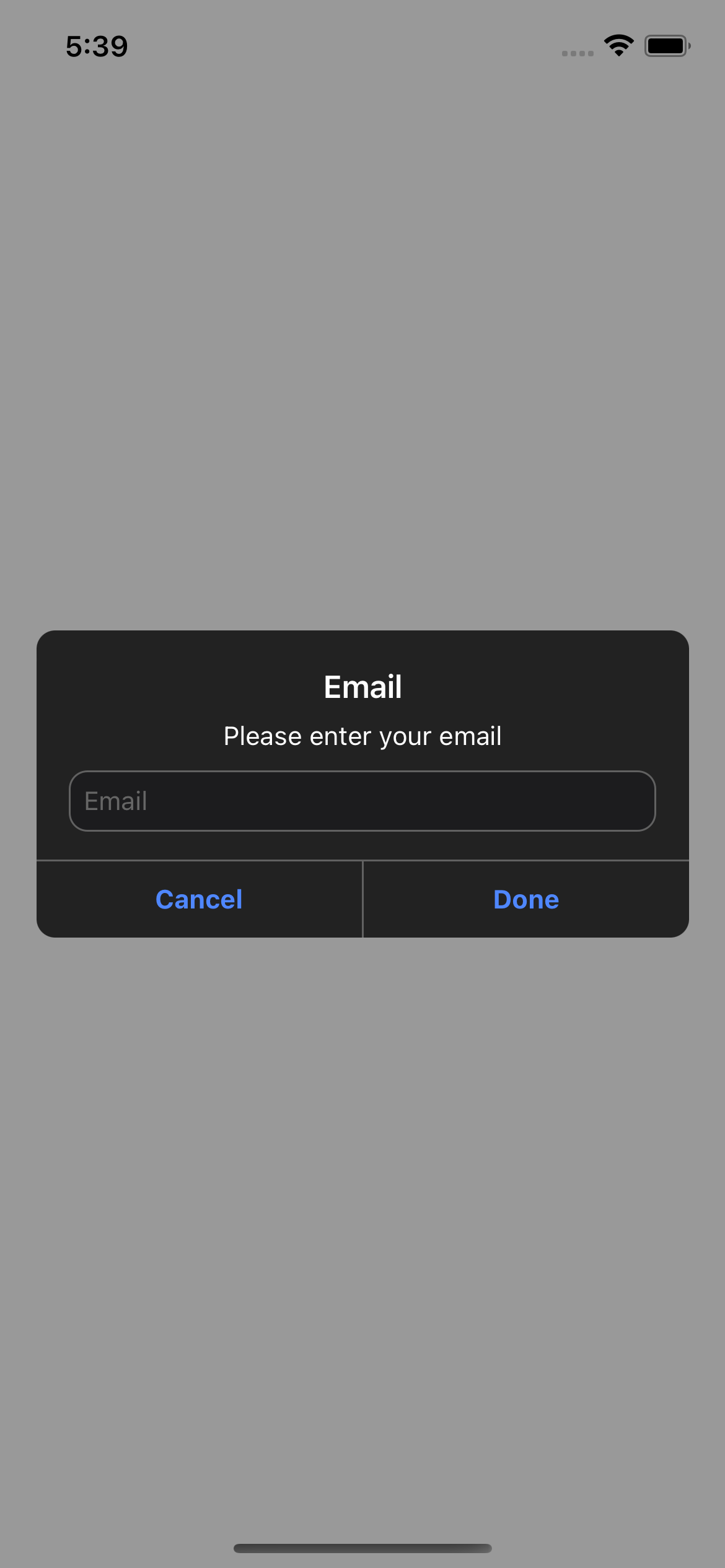
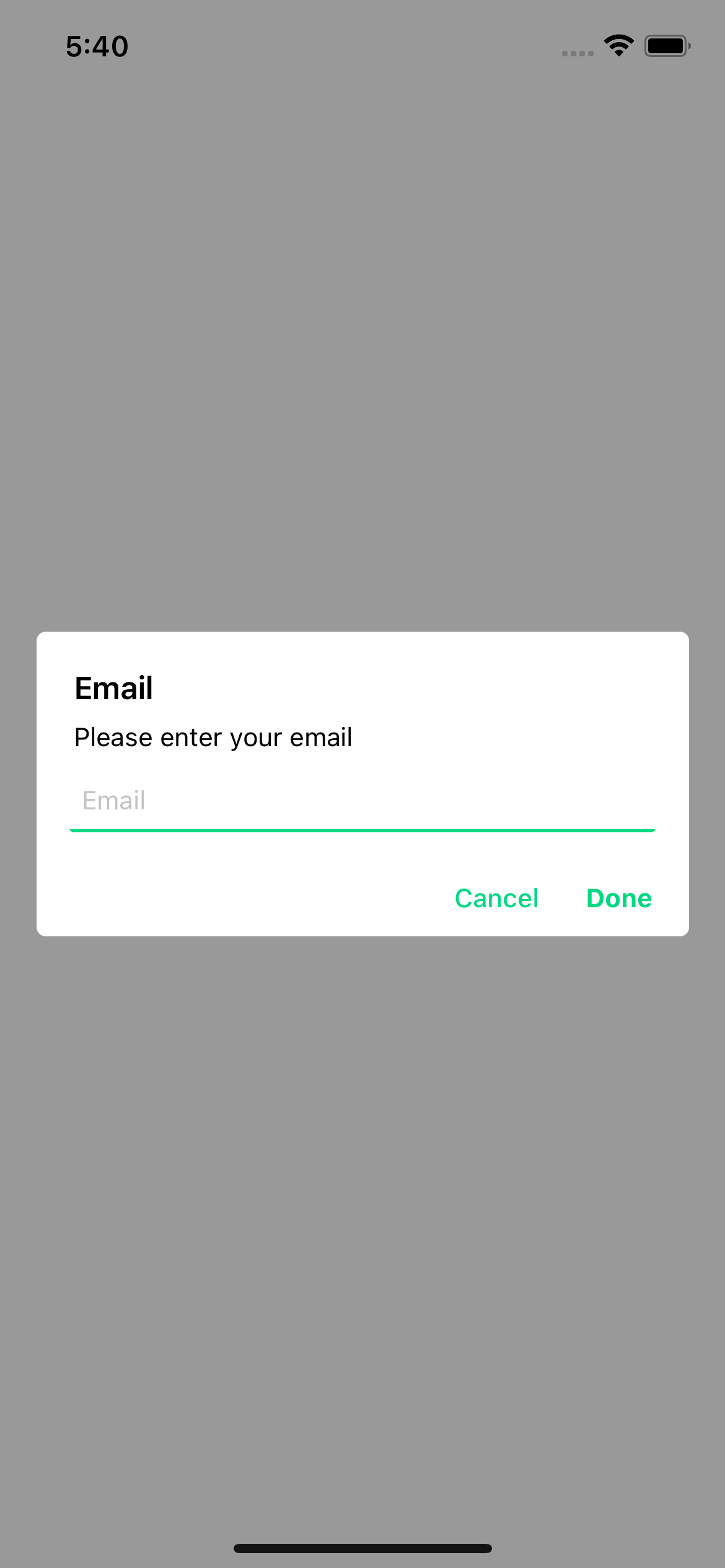
This is the system prompt that we can use in iOS, with the big difference that we can customize it and it returns a promise with the text entered by the user.
#### Basic usage
`jsx
import {Text, TouchableOpacity, View} from 'react-native';
import {Alert} from 'rn-custom-alert-prompt';
const MyComponent = () => {
const handlePress = () => {
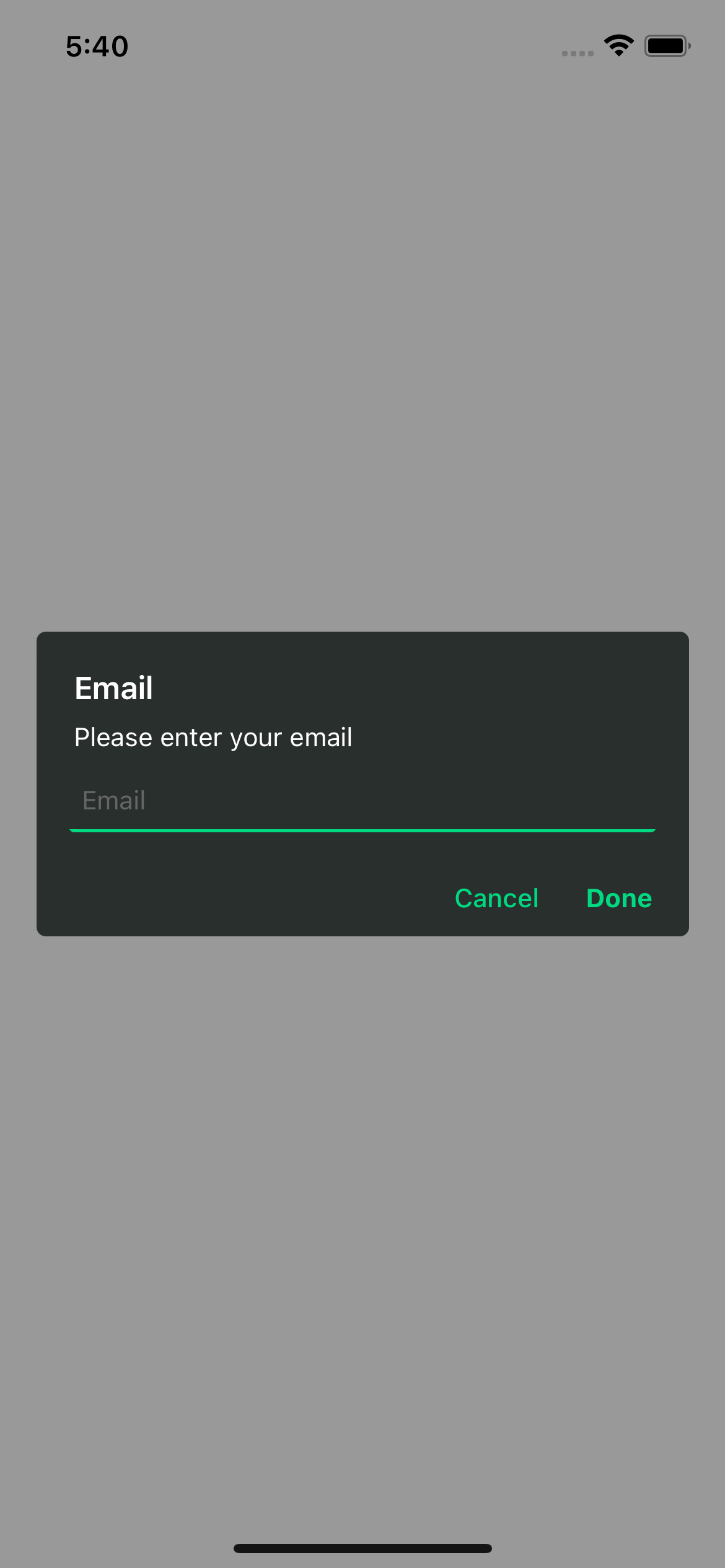
const response = await Alert.prompt('Email', 'Please enter your email');
console.log(response) // string | undefined
}
return (
)
}
`
#### Examples
> iOS
> Android
#### With props
`jsx
import {Text, TouchableOpacity, View} from 'react-native';
import {Alert} from 'rn-custom-alert-prompt';
const MyComponent = () => {
const handlePress = async () => {
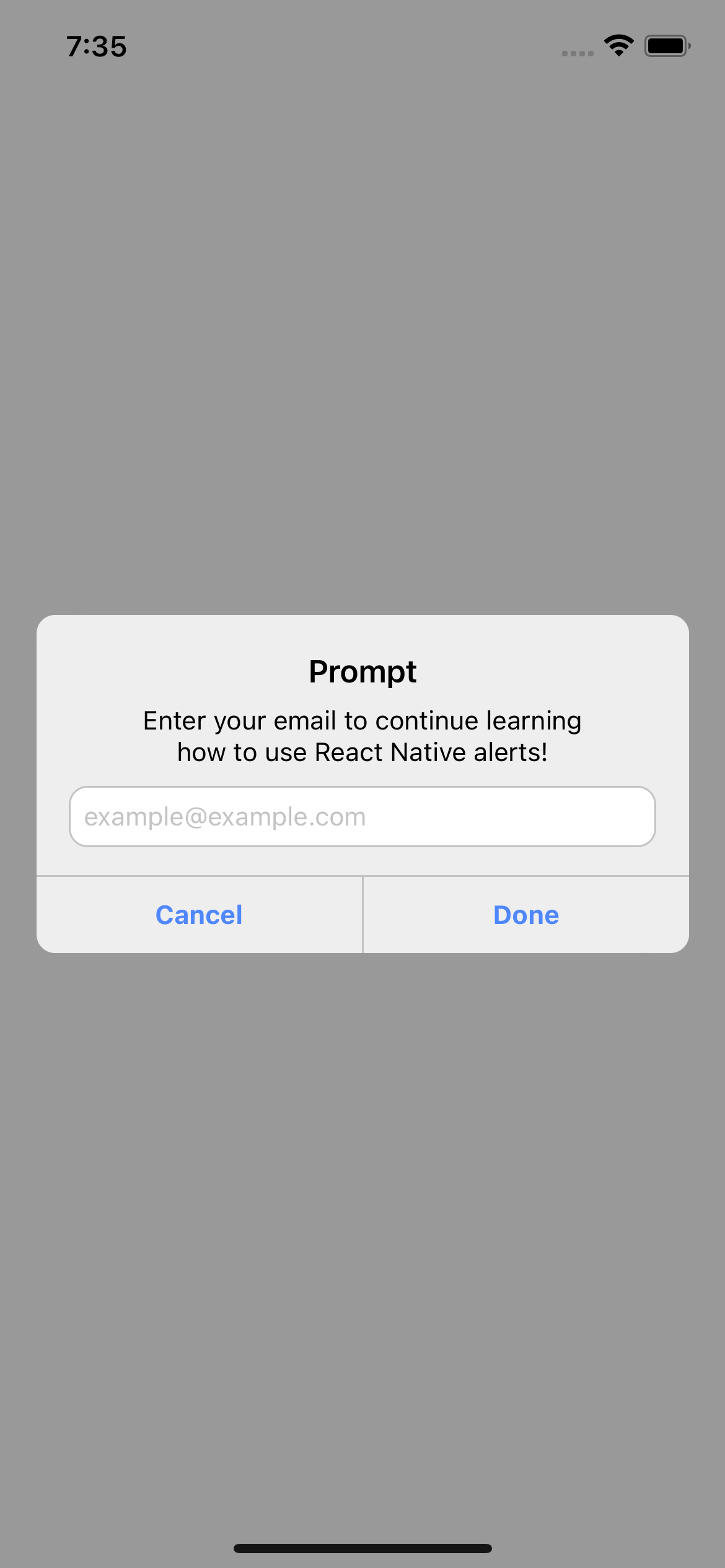
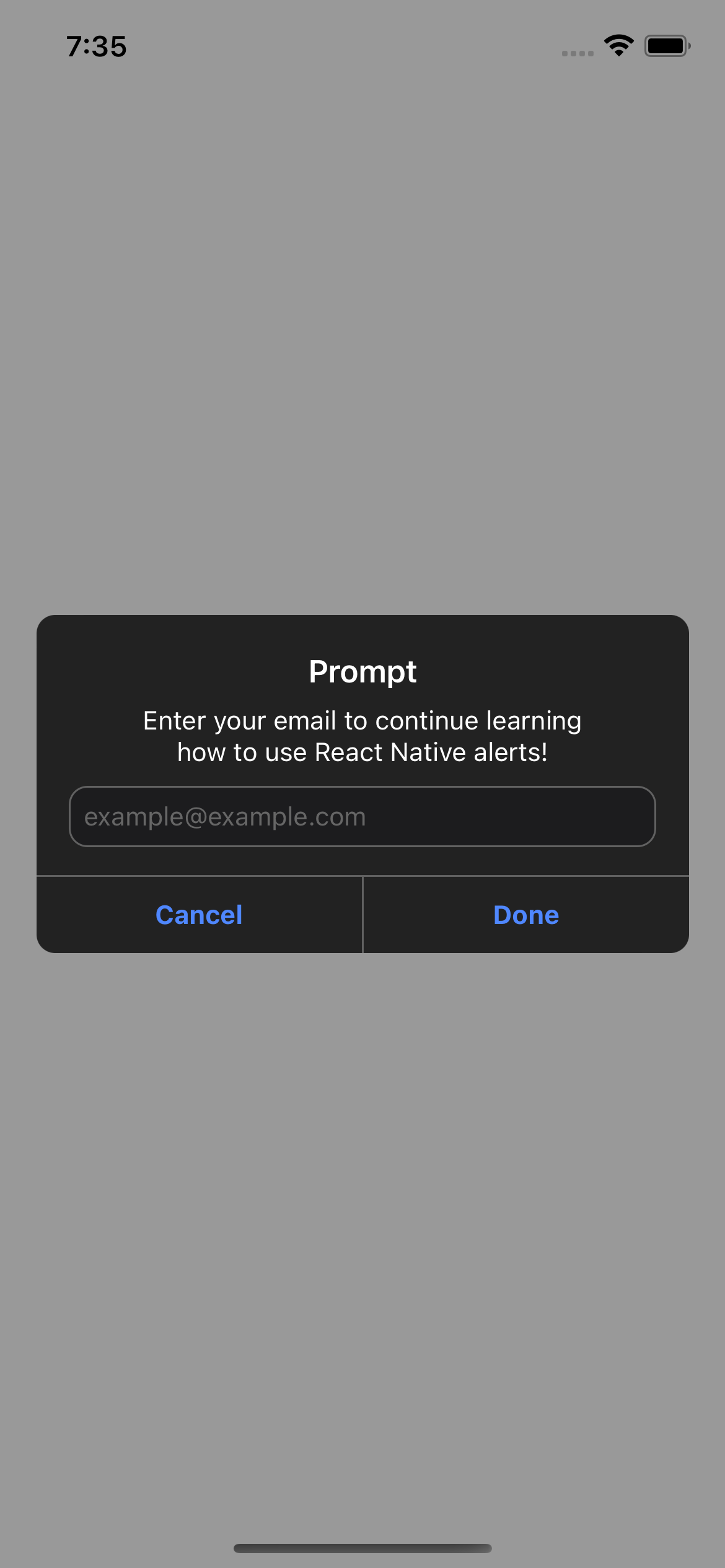
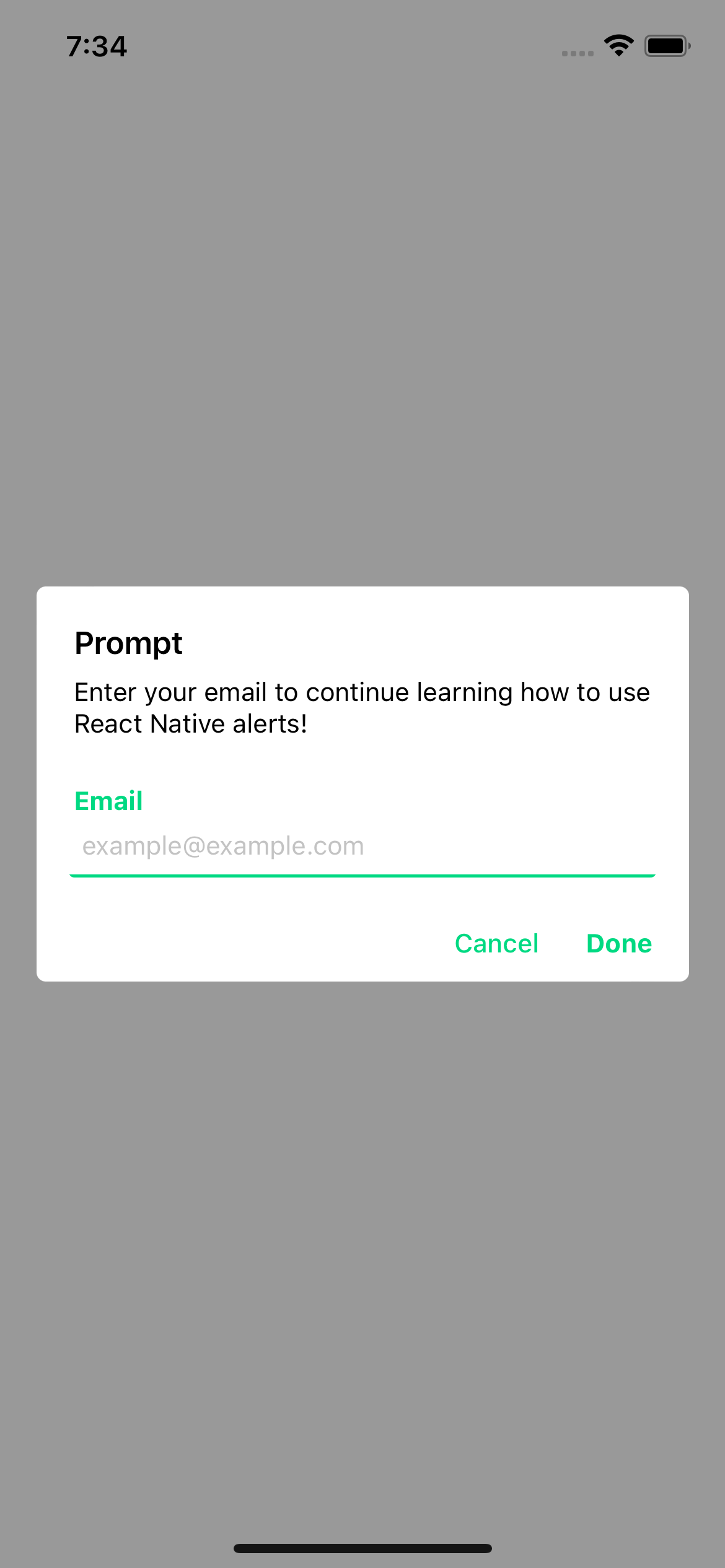
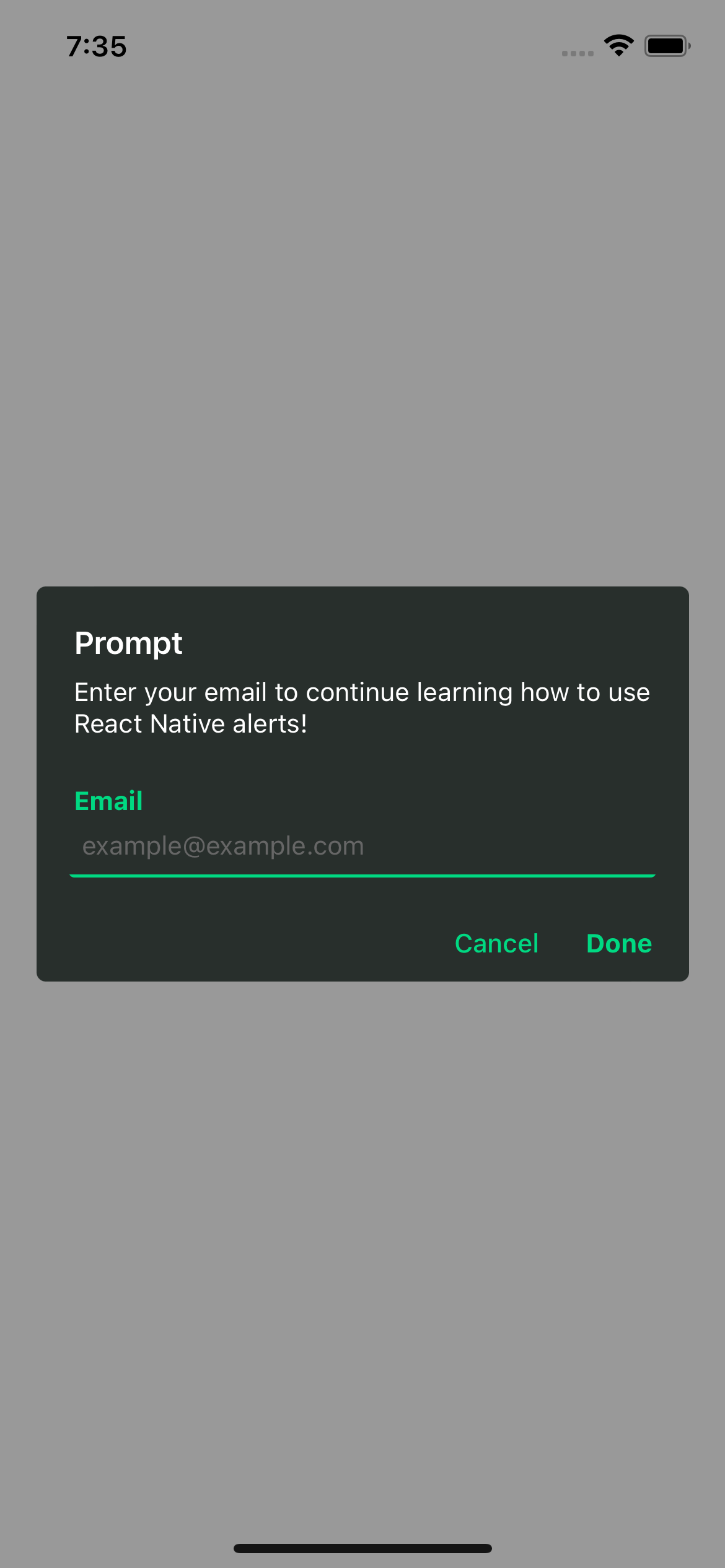
const response = await Alert.prompt({
title: 'Prompt',
description: 'Enter your email to continue learning how to use React Native alerts!',
label: 'Email',
placeholder: 'example@example.com',
})
console.log(response) // string | undefined
}
return (
)
}
`
#### With default value
`jsx
import {Text, TouchableOpacity, View} from 'react-native';
import {Alert} from 'rn-custom-alert-prompt';
const MyComponent = () => {
const handlePress = async () => {
const response = await Alert.prompt({
title: 'Prompt',
description: 'Enter your email to continue learning how to use React Native alerts!',
label: 'Email',
defaultValue: 'pre-filled@example.com',
})
console.log(response) // string | undefined
}
return (
)
}
`
$3
| Prop | Description | Type | Required |
| ---------------------- | --------------------------------------------- | -------- | -------- |
| title | Title for your alert. | string | Yes |cancelColorText
| | Cancel button text color. | string | _No_ |cancelText
| | Cancel button text. | string | _No_ |confirmColorText
| | Confirm button text color. | string | _No_ |confirmText
| | Confirm button text. | string | _No_ |label
| | Label for input -Android only-. | string | _No_ |placeholder
| | Input placeholder. default: _title value_ | string | _No_ |defaultValue
| | default value for the input field | string` | _No_ |
#### Examples
> iOS
> Android
License
This project is licenced under the MIT License.