slim-select-with-styles
v2.5.0TypeScript
Slim advanced select dropdown
0/weekUpdated 2 years agoMITUnpacked: 867.6 KB
Published by Brian Voelker
npm install slim-select-with-stylesSlim Select 2
slimselectjs.com
Advanced select dropdown

Support


Documentation and Examples
See website for the full list of settings, methods and event callbacks
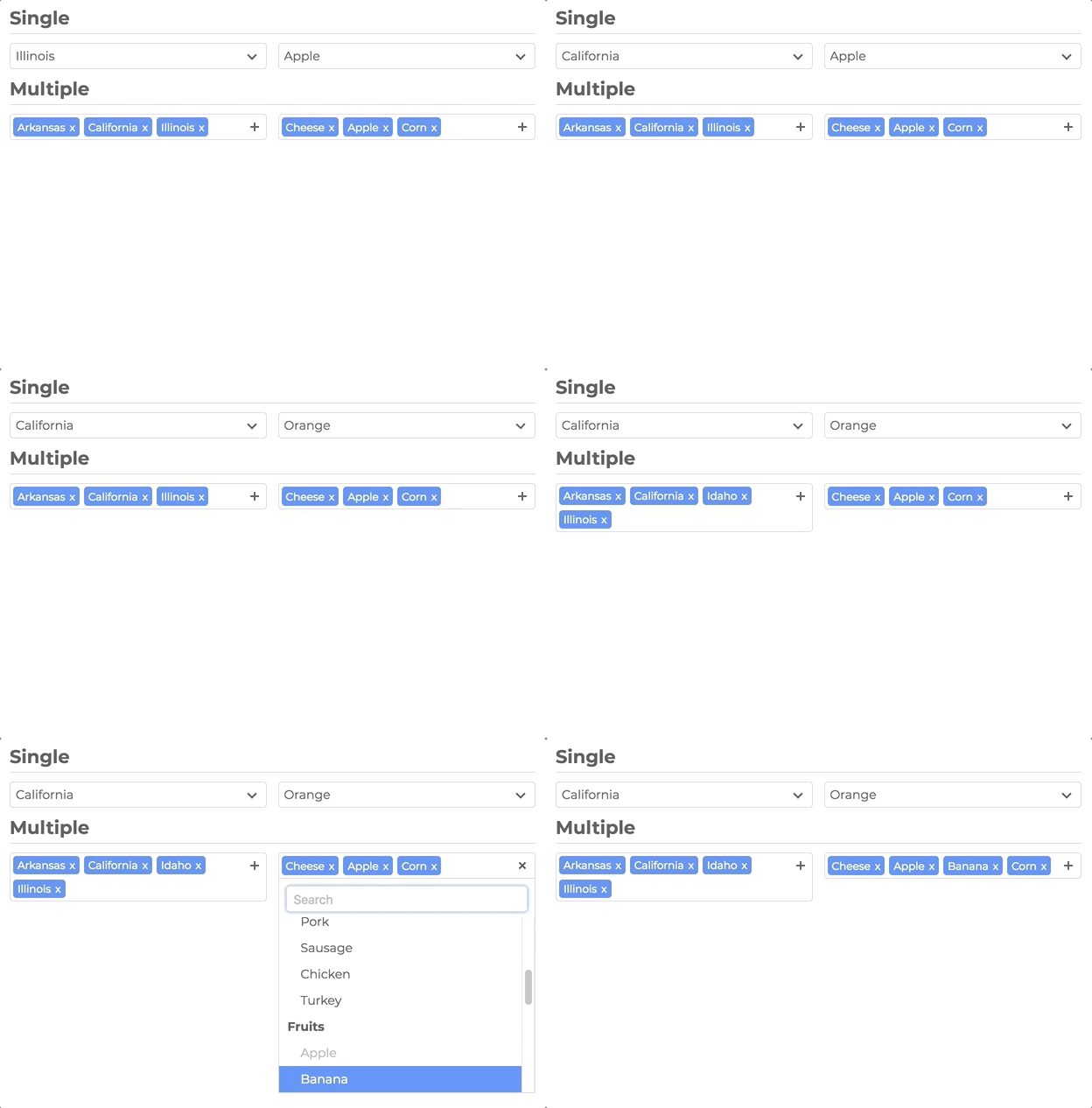
Features
- No Dependencies
- JS: 29kb - 5kb gzip
- CSS: 7kb - 1kb gzip
- Single Select
- Multi Select
- User Addable Options
- Html Options
- Settable Data
- Callback Events
- Placeholders
- Search
- Disable Options
- Light CSS
- Light Color Scheme
- Style and Class Inheritance
- Clean Animations
- Performant
- Typescript
Frameworks
- Vue
Installation
``bash`
npm install slim-select
$3
`html`
Simple Usage
`javascript
import SlimSelect from 'slim-select'
new SlimSelect({
select: '#selectElement',
})
`
`html`
Data
Data is an array of objects that represent both option and optgroups.
See below for list of data types
`javascript
new SlimSelect({
select: '#selectElement',
// Array of Option objects
data: [{ text: 'Value 1', value: 'value1' }],
// or
// Array of Optgroups and/or Options
data: [{ label: 'Optgroup Label', options: { text: 'Value 1', value: 'value1' } }],
})
`
Data Types
`javascript
//
//
Settings
Settings are a list of fields that help customize how SlimSelect operates
`javascript
new SlimSelect({
select: '#selectElement',
settings: {
// Below are a list of optional fields
// their values are the defaults
disabled: false,
alwaysOpen: false,
showSearch: true,
searchPlaceholder: 'Search',
searchText: 'No Results',
searchingText: 'Searching...',
searchHighlight: false,
closeOnSelect: true,
contentLocation: document.body,
contentPosition: 'absolute',
openPosition: 'auto', // options: auto, up, down
placeholderText: 'Select Value',
allowDeselect: false,
hideSelected: false,
showOptionTooltips: false,
minSelected: 0,
maxSelected: 1000,
timeoutDelay: 200,
maxValuesShown: 20,
maxValuesMessage: '{number} selected',
},
})
`
Events
Events are function callbacks for when certain actions happen
`javascript
new SlimSelect({
select: '#selectElement',
events: {
search: (searchValue: string, currentData: DataArray) => Promise
searchFilter: (option: Option, search: string) => boolean
addable: (value: string) => Promise
beforeChange: (newVal: Option[], oldVal: Option[]) => boolean | void
afterChange: (newVal: Option[]) => void
beforeOpen: () => void
afterOpen: () => void
beforeClose: () => void
afterClose: () => void
error: (err: Error) => void
},
})
``