spatial-design-system
v1.9.0
A set of reusable components and styles for AR and VR applications developed in A-FRAME. Primary focus is on mobile AR but general guidelines are applicable and goggles.
0/weekUpdated 3 weeks agoUnpacked: 1.7 MB
Published by spatialhub
npm install spatial-design-systemSpatial Design System
A set of reusable components and styles for AR and VR applications developed in A-FRAME.
Primary focus is on mobile AR but general guidelines are applicable and goggles.
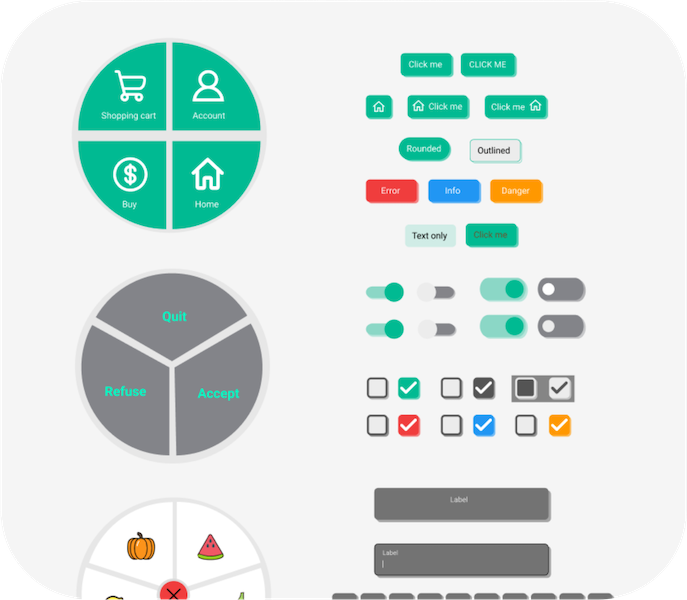
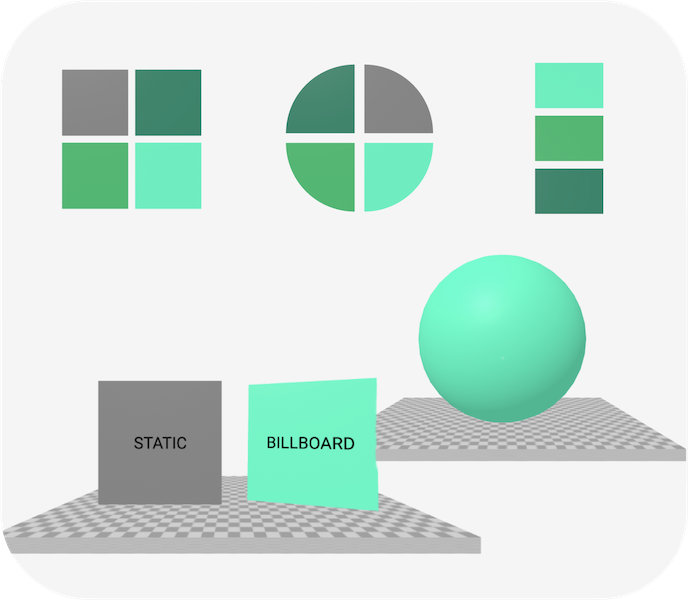
Documentation
See our documentation web with description of all components and also tutorials how to make things running.
It also includes how to combine our library with _Vue_.
Getting started
You must use a package manager and a build system like _Vite_ to use our library. Other options are not available yet.
Install our package via npm:
``bash`
npm install spatial-design-system
In your javascript file, like _main.js_, import components you want to use.
For example, import _ar-button_ primitive and billboard component that is a part of _position.js_:
`js`
import "spatial-design-system/primitives/ar-button.js";
import "spatial-design-system/components/position.js";
Use it in your A-FRAME scene:
`html`
size="medium"
content="Click me"
uppercase=true
rounded=true
outlined=true
billboard
>
Example project
See an example minimalistic _Vite_ project with _A-FRAME_ and _Spatial Design System_ installed.
1. Go to folder example-project (download it from GitHub repository)npm install
2. Run .npm run dev`.
3. Run
4. Open the displayed link in browser.
5. You should see a green button. Move left and right and the button will be always facing the user thanks to the _billboard_ component.