svelte-scrollbar
v1.0.0TypeScript
simple custom scrollbar made by svelte
0/weekUpdated 2 years agoMITUnpacked: 306.3 KB
Published by daylilyfield
npm install svelte-scrollbarForked from https://github.com/daylilyfield/svrollbar

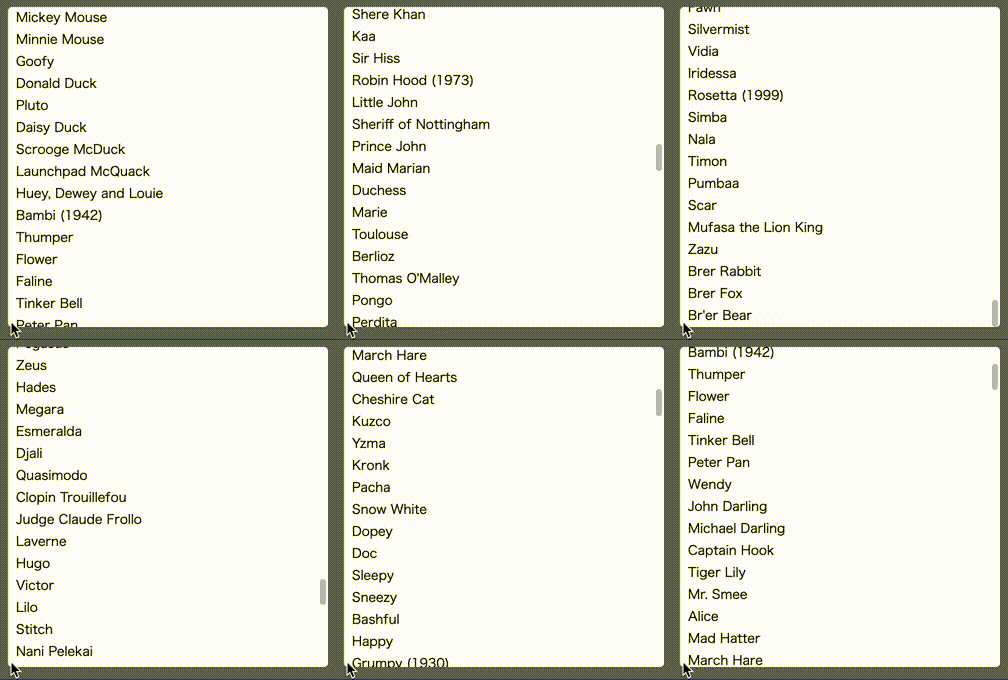
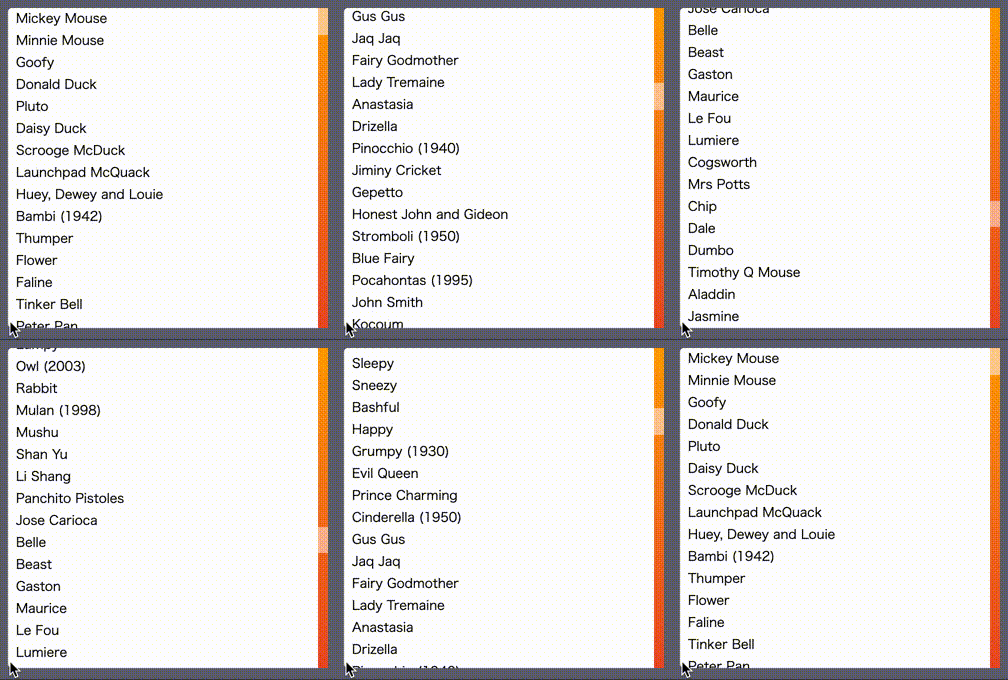
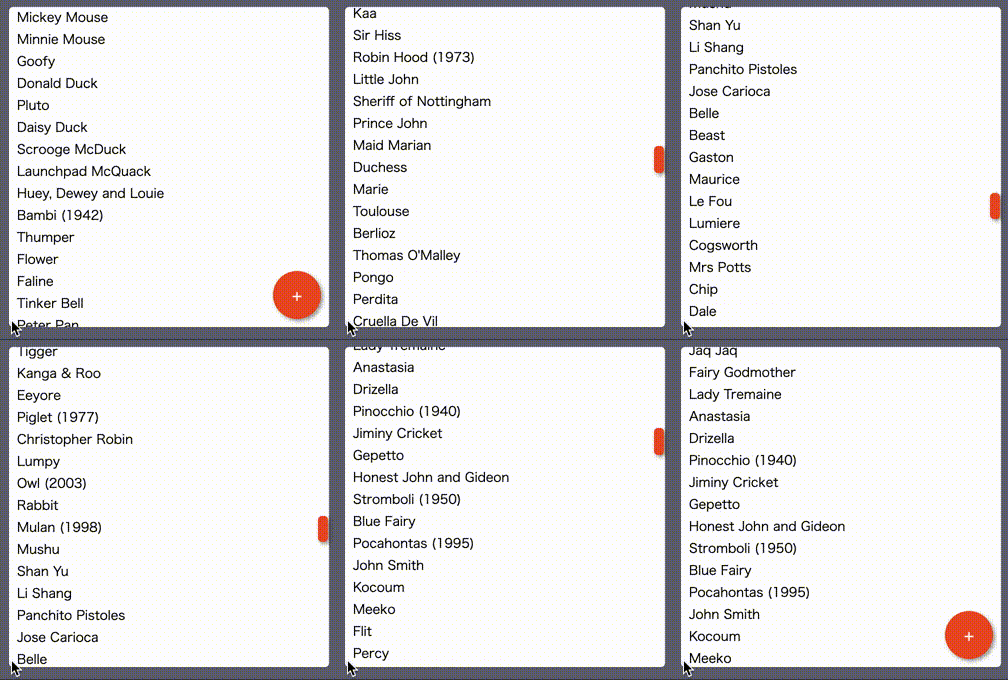
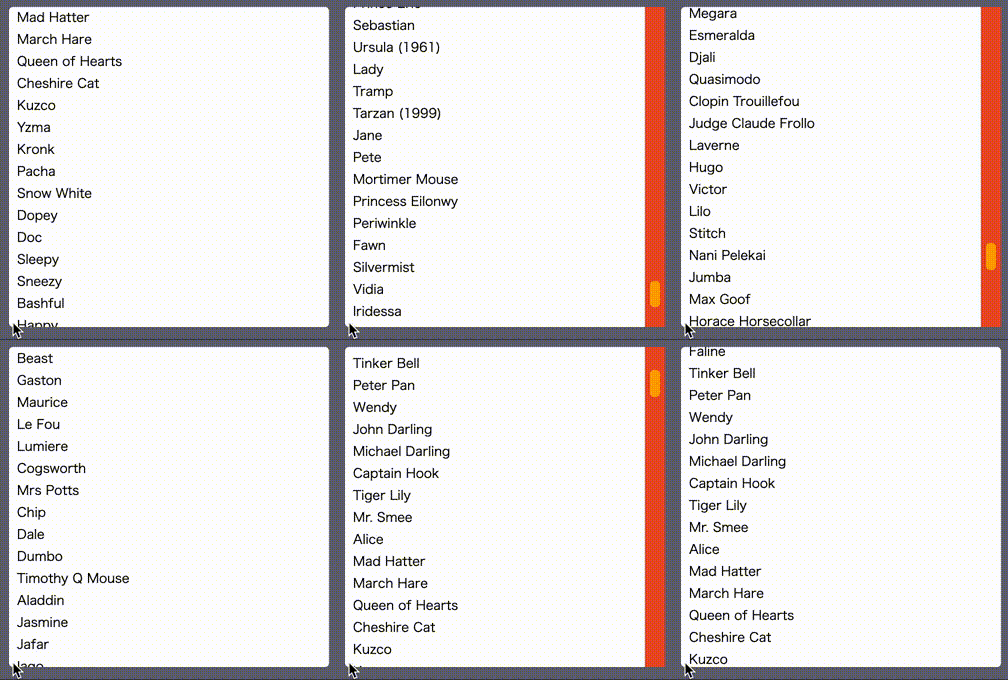
svrollbar


svrollbar is the custom scrollbar made by svelte.
- how to install
- examples
- how to use
- replace window scrollbar
- make scrollble area
- replace overflow-based scrollbar
- integrate 3rd party libraries
- components spec
- how to customize transition
- how to customize style
- how to customize scrollbar visibility
how to install
``bash`
npm install svrollbar
examples
example website is here
example svelte REPL is here.
how to use
svrollbar has two components; Svrollbar.svelte and Svroller.svelte.
svrollbar is supposed to use with svelte,
but if you want, you can use svrollbar without svelte.
$3
if you would like to customize your window scrollbar,
you simply write down Svrollbar.svelte with empty properties,
`svelte`
this is equivalent to:
`svelte`
yes, you can see the customized scrollbar on the right side of your browser window.
please watch out example website
to see the live example.
$3
if you try to make scrollable area within a part of your web site,
you may prefer to use Svroller.svelte.
the below example shows you the list which has 50 rows
in a 10rem x 10rem square scrollable area with the custom scrollbar.
`svelte
{#each items as item (item)}
{item}
{/each}
`
$3
on the other hand, it is better to use Svrollbar.svelte
if you already have a kind of scrollable viewport or contents.
`svelte
`
notice, you do not need to specify fixed value to width or height of viewport.
you can set min-\, max-\, and any dynamic and reactive value because
svrollbar observes both viewport size and its content size by ResizeObserver.
$3
if you would like to integrate svrollbar into some kind of virtual list
implemenation such as
svelte-virtual-list
or
svelte-tiny-virtual-list,
you can do that in the following way.
`svelte
{items[index]}
`
components spec
see here.
how to customize transition
since the simple fade animation is really a bore,
you can replace the default fade (show/hide) animation with your one.
the transition function is compatible with the svelte transition.
`svelte
height="10rem"
vTrackIn={flyLeft}
vTrackOut={flyLeft}
vThumbIn={flyRight}
vThumbOut={flyRight}>
{#each items as item (item)}
{item}
{/each}
`
how to customize style
you can customize svrollbar style with css variables.
| variable | default |
| ---------------------------- | ------- |
| --svrollbar-track-width | 10px |
| --svrollbar-track-background | initial |
| --svrollbar-track-radius | initial |
| --svrollbar-track-opacity | 1 |
| --svrollbar-track-shadow | initial |
| --svrollbar-thumb-width | 6px |
| --svrollbar-thumb-background | gray |
| --svrollbar-thumb-radius | 0.25rem |
| --svrollbar-thumb-opacity | 0.5 |
| --svrollbar-thumb-shadow | initial |
svelte
{#each items as item (item)}
{item}
{/each}
`how to customize scrollbar visibility
you can customize scrollbar visibility with
and initiallyVisible` properties.| property | default | description |
| ---------------- | ------- | ------------------------------------ |
| alwaysVisible | false | scrollbar is always visible |
| initiallyVisible | false | scrollbar is visible until scrolling |