three-inspect
v0.7.2
An inspector and debugger for Three.js
0/weekUpdated 1 years agoMITUnpacked: 1.6 MB
Published by micheal.parks
npm install three-inspectthree-inspect
> [!WARNING]
> three-inspect is a young project, and breaking changes will likely happen before 1.0.0. If you encounter problems please report them!
three-inspect is an inspector for Three.js projects. It is designed to be minimalistic, powerful, and extensible, with little boilerplate required.
``bash`
npm i --save-dev three-inspect
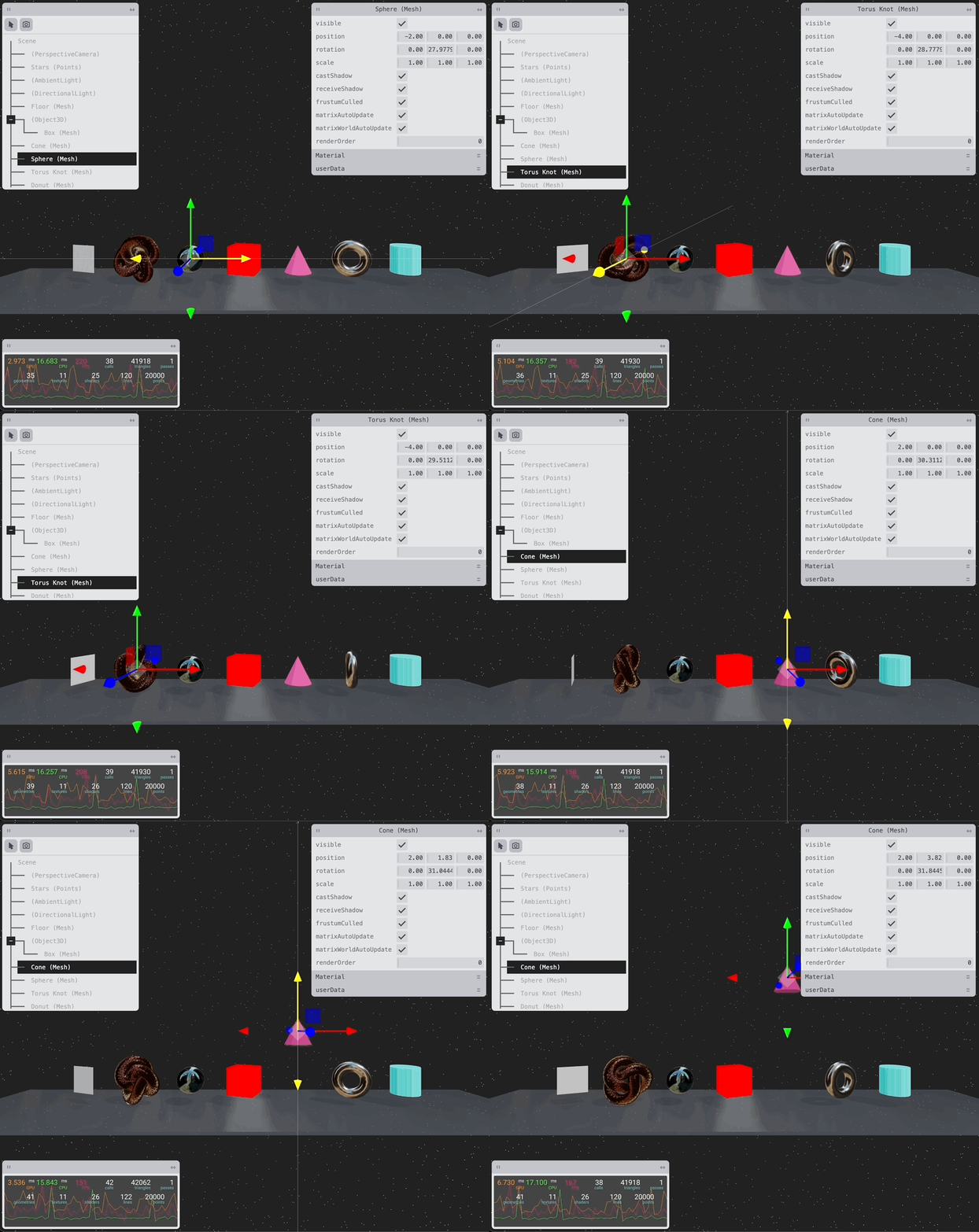
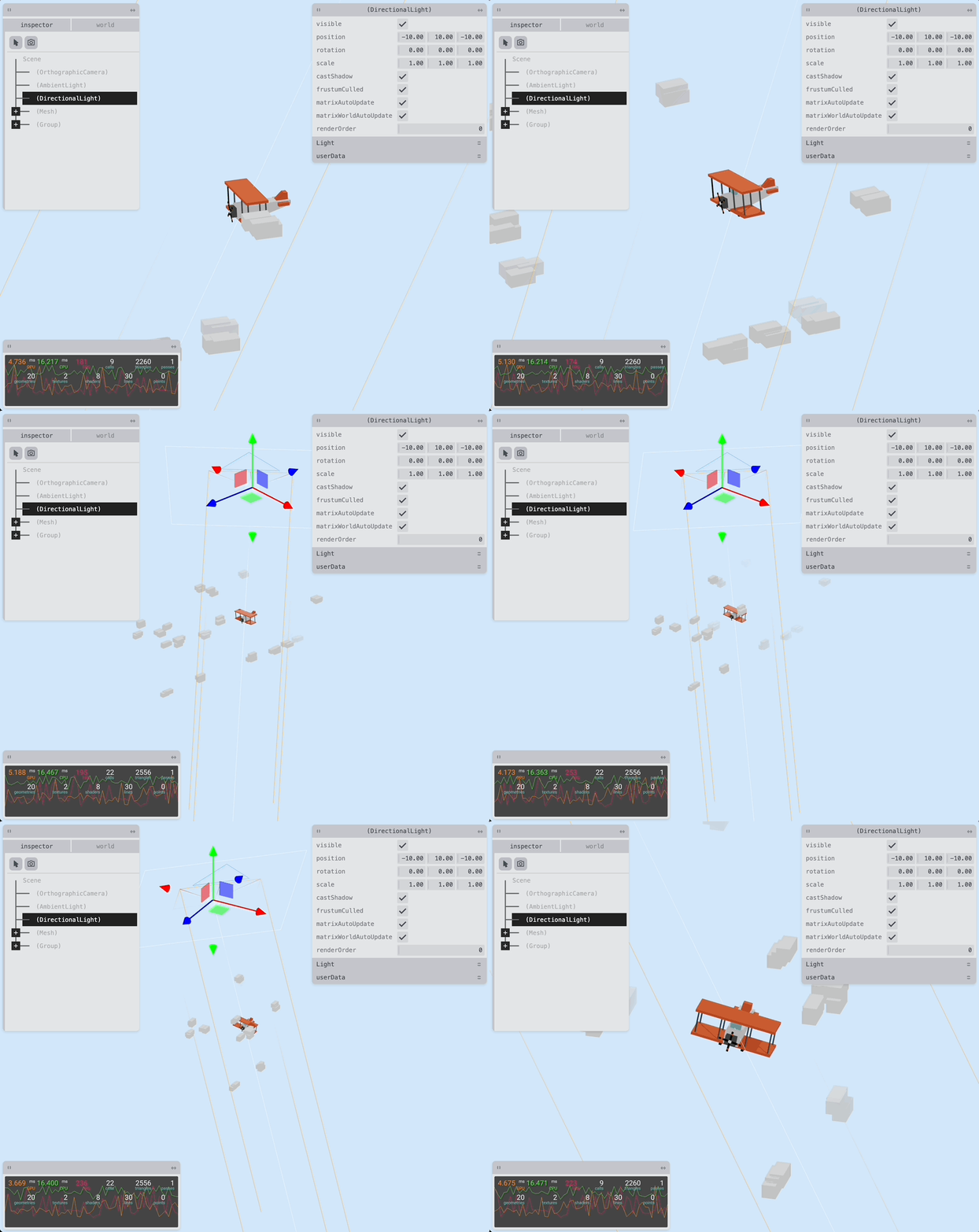
!A screenshot of three-inspect in action
Currently, it covers:
- Creating a view of the scene graph and editing object properties, such as materials, transforms, etc.
- Viewing / editing textures.
- Scene helpers (Grid / Axes), light helpers, shadow camera helpers.
- Performance monitoring (resources, framerate, memory, capabilities, misc. stats).
three-inspect uses Tweakpane <3 for its input UI .
$3
three-inspect is built with first-class support for Threlte, but can be used without a framework or with other Frameworks such as React Three Fiber, for this setup see the section below.
If you are using Threlte, simply create the inspector by importing the component. The component must be placed in a separate child component of your
`svelte
`
`svelte
`
Once running, the inspector can be toggled with the i key.
$3
three-inspect can be used in any Three.js-based environment by importing the createInspector function.
`ts
import { createInspector } from 'three-inspect/vanilla'
const targetElement = document.querySelector('div')
const inspector = createInspector(targetElement, {
scene,
camera,
renderer,
})
// When you're finished with the inspector...
inspector.dispose()
`
$3
three-inspect uses svelte-tweakpane-ui under the hood, and can be extended by adding additional tweakpane tabs or panes.
`svelte
title="world"
>
label="Foo"
min={1}
max={30}
/>
label="Bar"
min={0}
max={1}
/>
``
Note that some features, such as extending the UI, are not possible using this function.