Export an equirectangular panorama image from a three.js scene
npm install three.cubemap-to-equirectangularHelper to extract an equirectangular panorama PNG from any three.js scene.
Here's a demo with some cubes: Demo
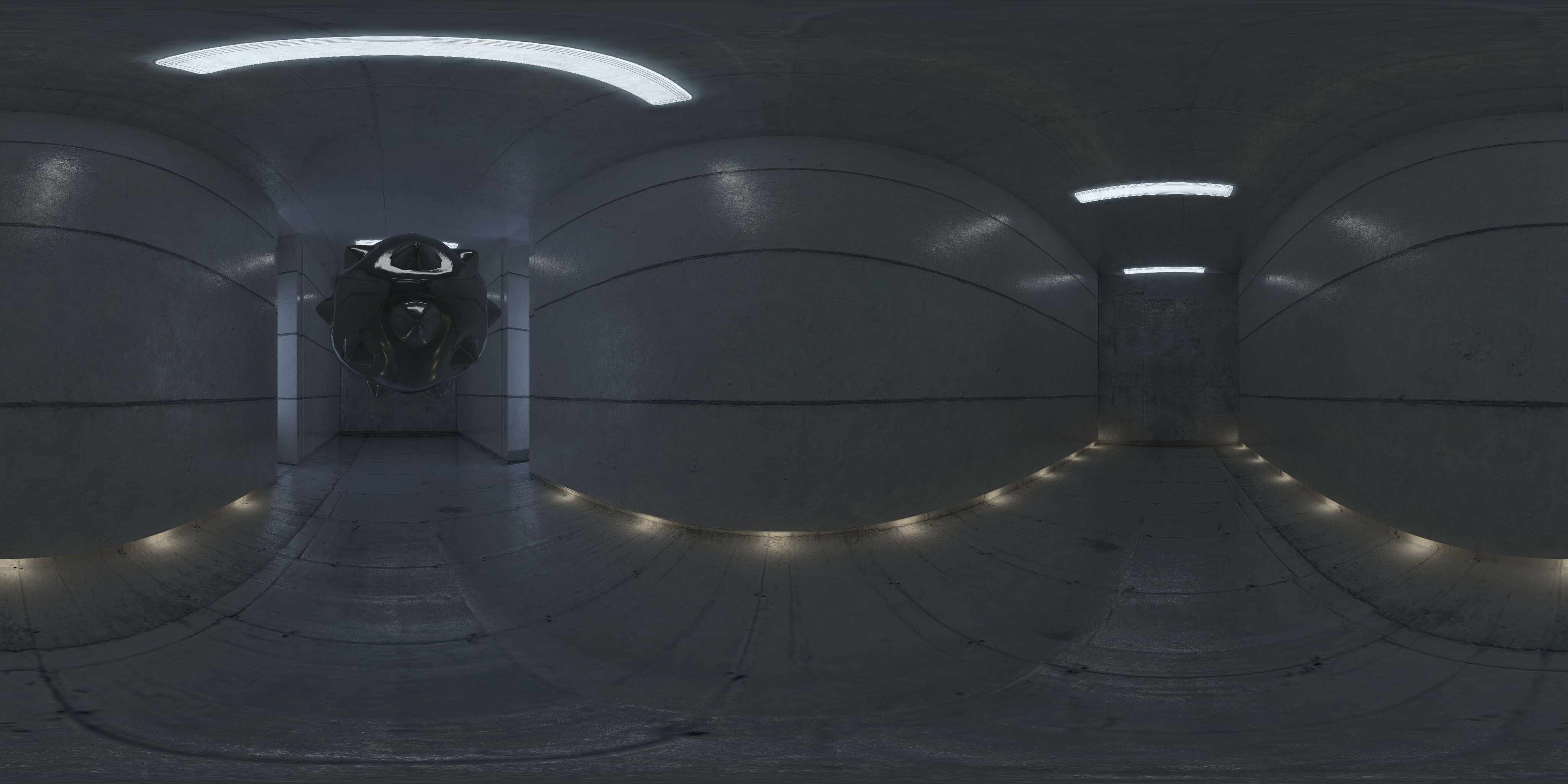
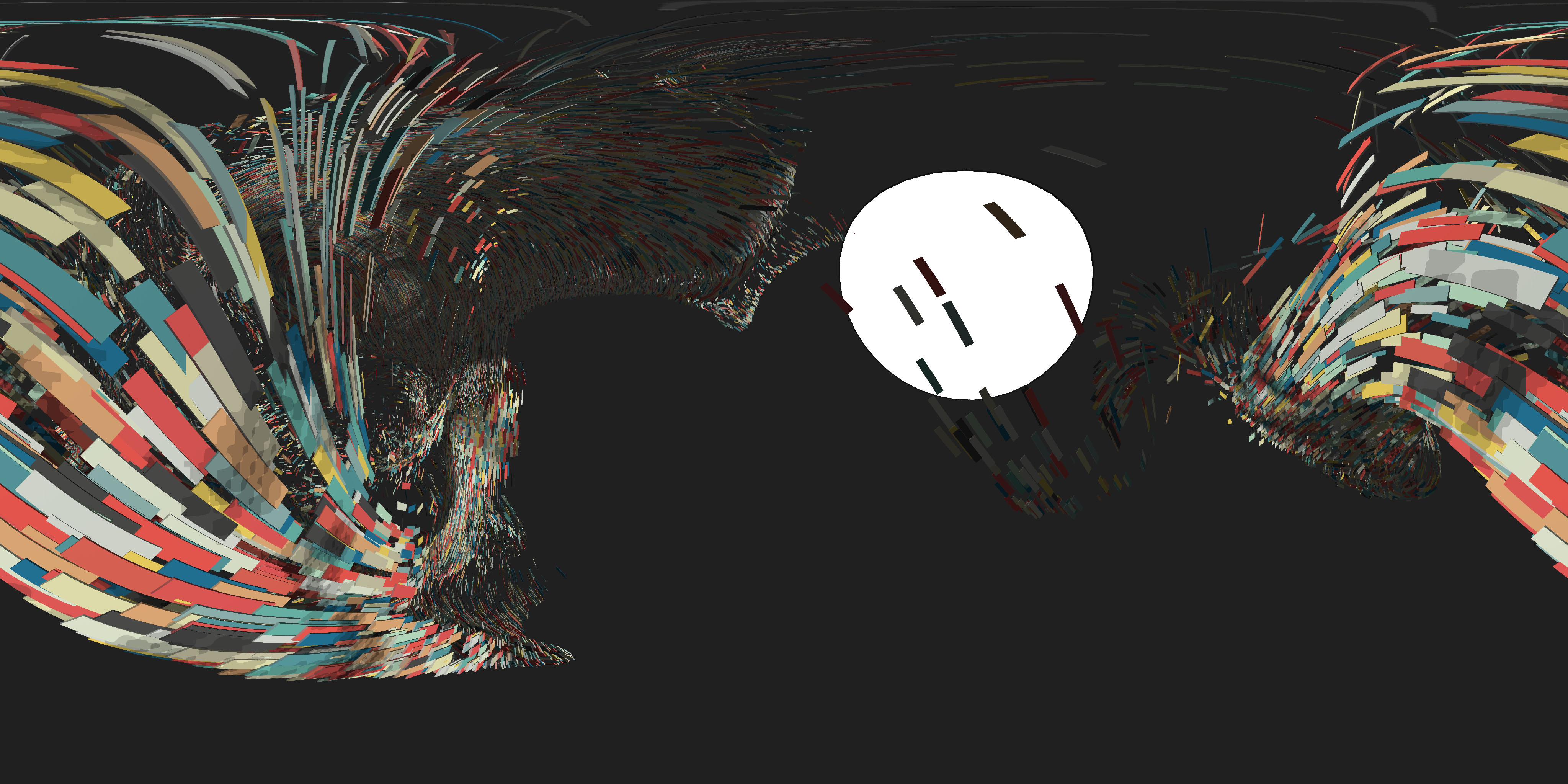
#### How to use ####
Include script after THREE is included
``js`
or use npm to install it
npm i three.cubemap-to-equirectangular
and include it in your code with (remember to require three.js)js`
var THREE = require('three');
var CubemapToEquirectangular = require('three.cubemap-to-equirectangular');
Define a new instance of THREE.CubemapToEquirectangular.
`js
// create renderer, scene, camera, etc.
var renderer = new THREE.WebGLRenderer();
var scene = new THREE.Scene();
var camera = new THREE.Camera( / ... / );
// Create a managed CubemapToEquirectangular
var equiManaged = new CubemapToEquirectangular( renderer, true );
// or create an unmanaged CubemapToEquirectangular
var equiUnmanaged = new CubemapToEquirectangular( renderer, false );
`
#### Managed CubemapToEquirectangular ####
With Managed mode, the THREE.CubeCamera creation, update, render, etc. is all taken care of. You only have to call:
`js`
equiManaged.update( camera, scene );
at any point in your code that you want to extract a panorama.
The cube map created will be 2048x2048 and the exported panorama will be 4096x2048.
Note: The cubemap can easily be 4096x4096, but that seems to work on most mobiles, too
Demo of Managed mode: Demo
#### Unmanaged CubemapToEquirectangular ####
If you want to use a different CubeMap camera, or do something custom with the render, you will have to set the Unmanaged mode.
You will have to create and manage your THREE.CubeCamera:
`js`
var cubeCamera = new THREE.CubeCamera( .1, 1000, 4096 );
and manage all your scene update and rendering. When you want to export a panorama, call:js
// this is where the developer updates the scene and creates a cubemap of the scene
cubeCamera.position.copy( camera.position );
cubeCamera.updateCubeMap( renderer, scene );
// call this to convert the cubemap rendertarget to a panorama
equiUnmanaged.convert( cubeCamera );
`
Demo of Unmanaged mode: Demo
#### Changing output size ####
To export a different size, call `setSize( width, height )`:`js``
equi.setSize( 2048, 1024 );
#### Notes ###
Built using ES6 template strings.
Needs canvas.toBlob, polyfill in the examples folder
#### TODO ####
- ~~Fix for Android (if it's a relevant use case)~~ (seems to work with 2048x2048)
- Check for mobile (if it's a relevant use case)
- Add importance sampling (improves quality of output)
- Handle postprocessing
- Handle Safari not supporting download attribute
- Let users have more control over file name, callbacks, progress
#### License ####
MIT licensed
Copyright (C) 2016 Jaume Sanchez Elias, http://www.clicktorelease.com