Convert an equirectangular panorama into a three.js cubemap texture
npm install three.equirectangular-to-cubemapHere's a demo loading an equirectangular panorama and converting it to two different cubemaps: Demo
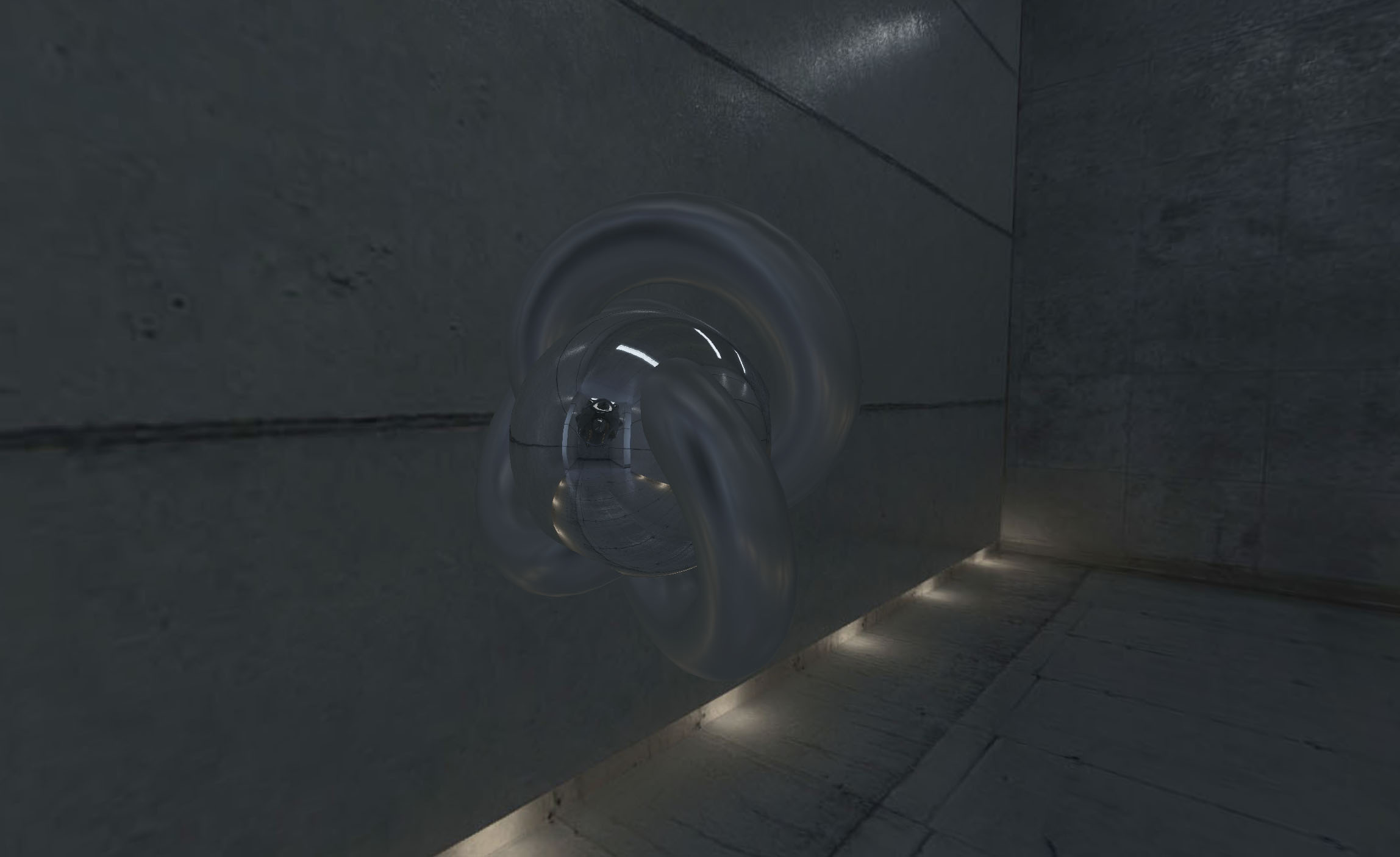
#### How to use ####
Include script after THREE is included
``js`
or use npm to install it
npm i three.equirectangular-to-cubemap
and include it in your code (don't forget to require three.js)js`
var THREE = require( 'three' );
var EquirectangularToCubemap = require( 'three.equirectangular-to-cubemap' );
Define a new instance of THREE.EquirectangularToCubemap and call .convertjs
// create your renderer, scene, etc.
renderer = new THREE.WebGLRenderer();
// load the image you want to convert
var loader = new THREE.TextureLoader();
loader.load( 'equirectangular-panorama.jpg', function( res ) {
// once it's loaded, create the helper and use it
var equiToCube = new EquirectangularToCubemap( renderer );
// convert the image, in this case it's been used as environment map
mesh = new THREE.Mesh(
new THREE.TorusKnotGeometry( 10, 3, 100, 32 ),
new THREE.MeshBasicMaterial( { envMap: equiToCube.convert( res, 1024 ) } )
);
scene.add( mesh );
} );
`
So `.convert()` accepts a texture as source and a number (power of two) as size (with and height) of the cube map.`THREE.EquirectangularToCubemap`` automatically checks for the maximum possible size for cube maps, and clamps the size provided (there seems to be a bug with Android, at least in Nexus 5 Android 6)
#### License ####
MIT licensed
Copyright (C) 2016 Jaume Sanchez Elias, http://www.clicktorelease.com