a simple tool to debug and observe functions
npm install treis> treɪs | a simple tool to debug and observe functions
treis will answer the question "what arguments is this function called with
and what does it return?".
It can be particularly useful when programming in point-free
style.
If you want to know what a function does in the middle of a compose
pipeline, just do:
``js`
compose(h, treis(g), f);
`sh`
$ npm install treis
#### treis(label?, Function) → Function
Returns a decorated version of fn that prints the arguments given to fn
and its return value.
You can _optionally_ label functions by passing a name before the function to
be decorated, if not, treis will try to use fn.name.
Writes output to stderr.
`js
const R = require('ramda');
const treis = require('treis');
// greet ∷ String → String
const greet = (name) =>
Hello, ${name}!
// greetPeople ∷ [String] → String
const greetPeople =
R.compose(R.join('\n'),
R.map(treis(greet)));
const people = ['John', 'Jill', 'Bruce'];
console.log(treis(greetPeople)(people));
`
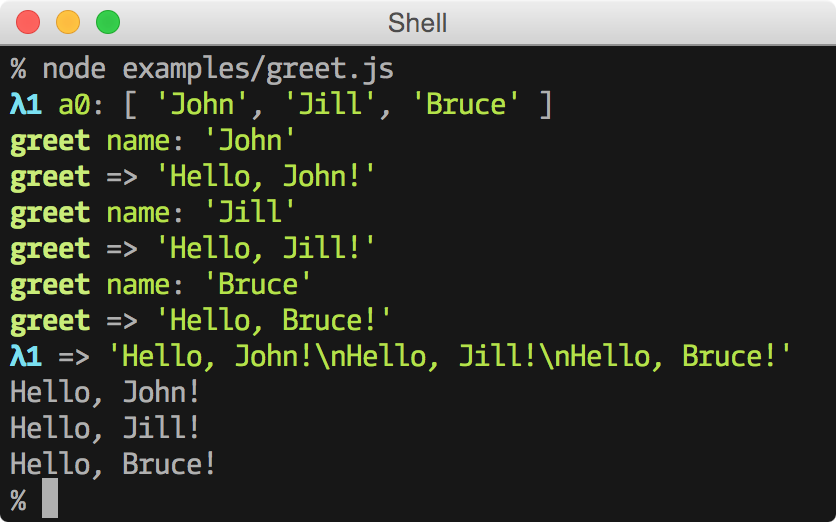
#### output
Works with browserify.
These require surround.vim:
`viml
" Surround a word with treis()
nmap
" Surround a visual selection with treis()
vmap
nmap
vmap
``