try-firefly
v1.0.4
A command line tool for the Firefly observability framework
0/weekUpdated 3 years agoISCUnpacked: 6.8 MB
Published by Firefly
npm install try-fireflyPrerequisites
1. AWS account
2. A Lambda function to monitor
- Lambda function handler should be named handler and exported from a index.js or index.mjs file in the Lambda's default root diretory
3. AWS credentials in a shared file
4. Node.js
5. Terraform
6. Server accessible via an HTTPS address
Your AWS accout needs to have IAM permissions to create the following resources:
- aws_cloudwatch_metric_stream
- aws_iam_role
- aws_iam_role_policy
- aws_kinesis_firehose_delivery_stream
- aws_lambda
- aws_s3_bucket
- aws_s3_bucket_public_access_block
Install
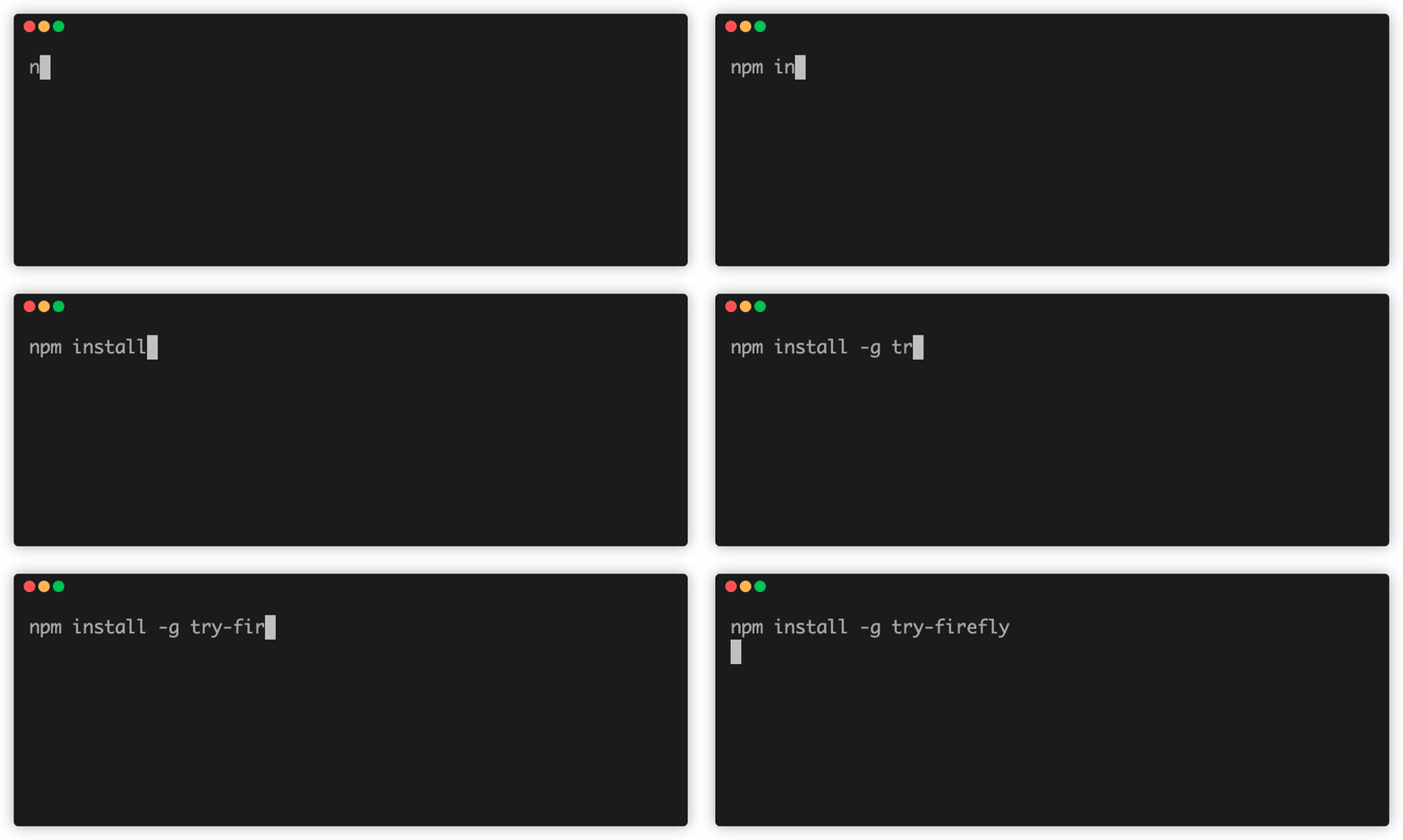
Install the firefly cli using npm. Run npm install -g try-firefly
If using Ubuntu, also run the following command replacing username with your username:
``
sudo chown -R username:username /usr/local/lib/node_modules/try-firefly/
- This will make the user the owner of the global Firefly installation
Getting started
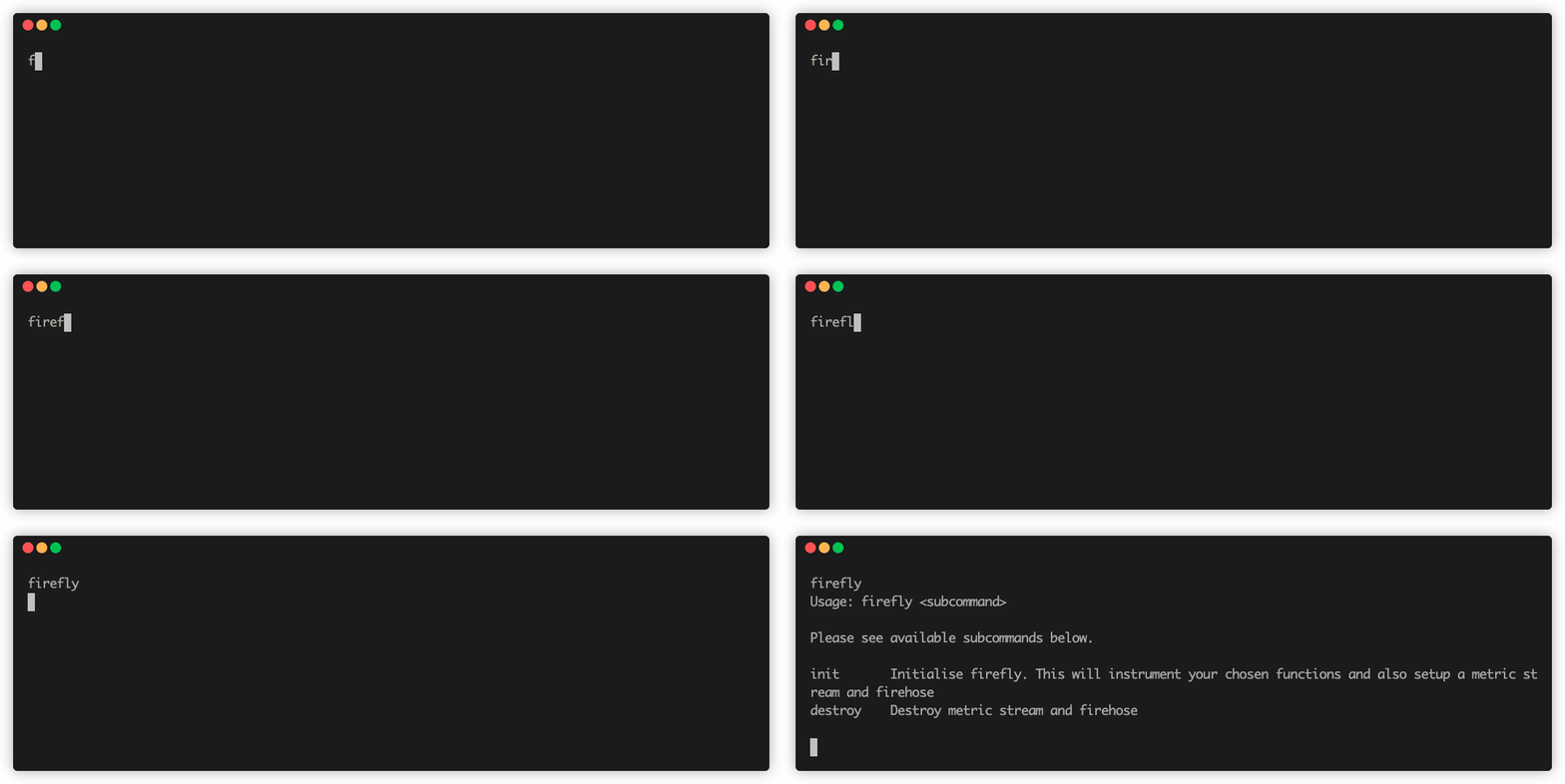
1. Run firefly to see available commands
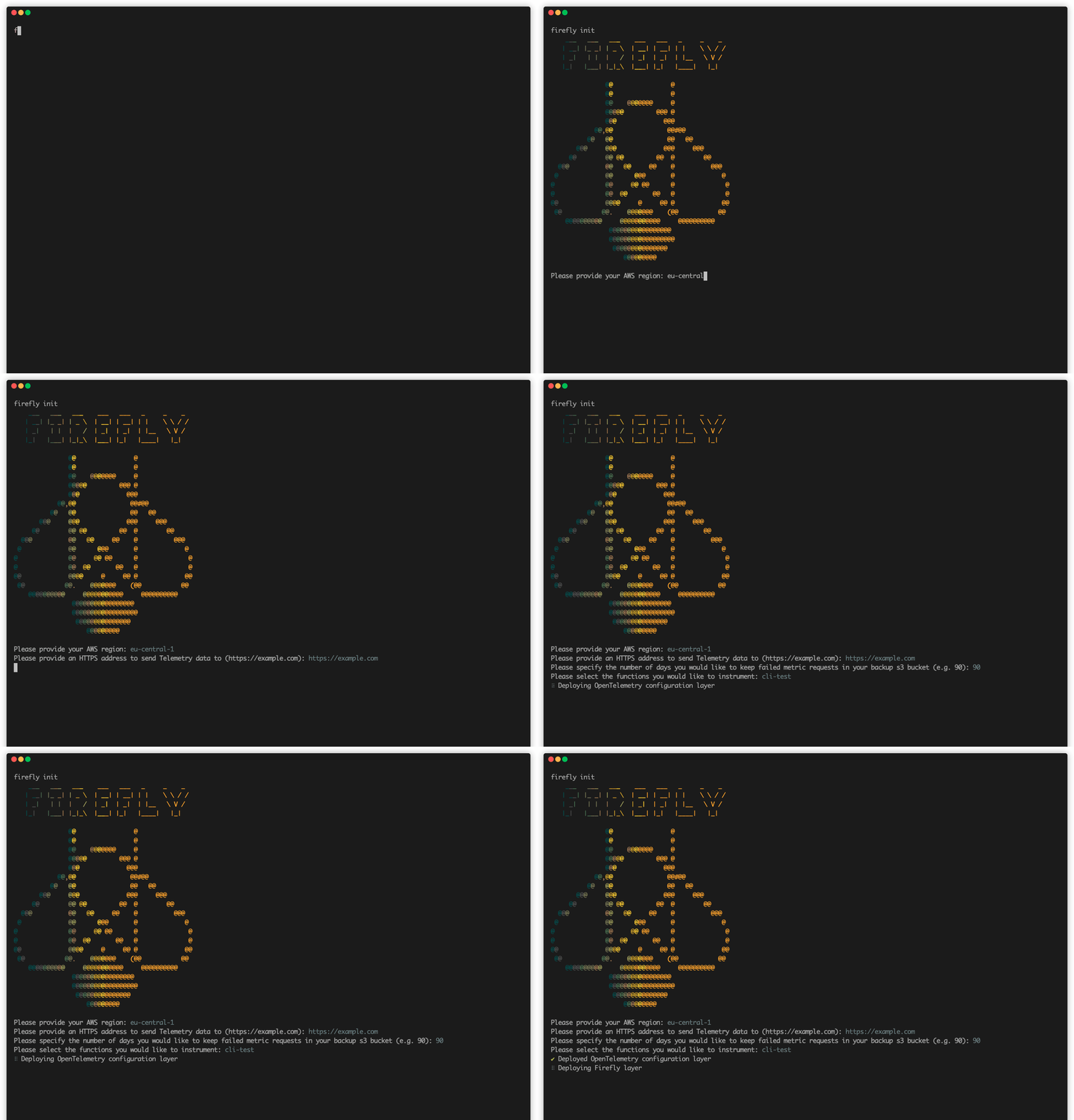
2. Run firefly init to instrument your Lambda functions and setup a metric stream and firehose
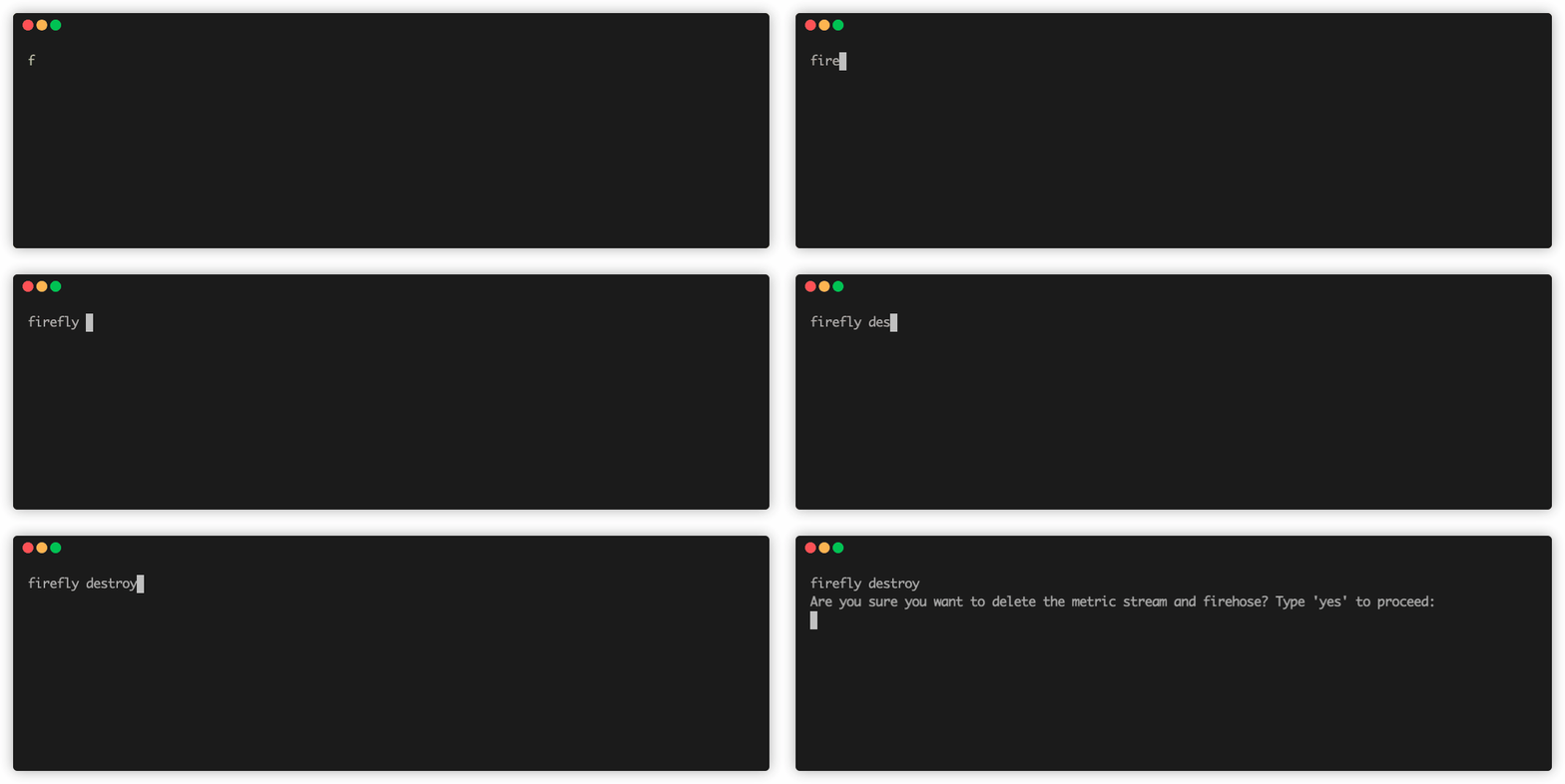
3. Run firefly destroy to teardown the metric stream and firehose
The cli` instruments functions based on region. If you have functions residing in different regions, simply run the CLI again to setup the necessary infrastructure in that region.
Instrumentation:
The instrumentation of a Lambda will add the following Lambda Layers to Lambda:
- AWS managed Open Telemetry Layer for JavaScript
- Firefly Layer
- Open Telemetry configuration layer
- AWS Lambda Insights layer
For more info, check out Firefly's GitHub here!