vue-filepond
v7.0.4TypeScript
A handy FilePond adapter component for Vue
47.5K/weekUpdated 2 years agoMITUnpacked: 26.8 KB
Published by PQINA
npm install vue-filepondVue FilePond
Vue FilePond is a handy adapter component for FilePond, a JavaScript library that can upload anything you throw at it, optimizes images for faster uploads, and offers a great, accessible, silky smooth user experience.
If you want to use Vue FilePond with Vue 2, please use v6 of this plugin.


!npm
---

Buy me a Coffee / Use FilePond with Pintura / Dev updates on Twitter
---
$3
- Accepts directories, files, blobs, local URLs, remote URLs and Data URIs.
- Drop files, select on filesystem, copy and paste files, or add files using the API.
- Async uploading with AJAX, or encode files as base64 data and send along form post.
- Accessible, tested with AT software like VoiceOver and JAWS, navigable by Keyboard.
- Image optimization, automatic image resizing, cropping, and fixes EXIF orientation.
- Responsive, automatically scales to available space, is functional on both mobile and desktop devices.
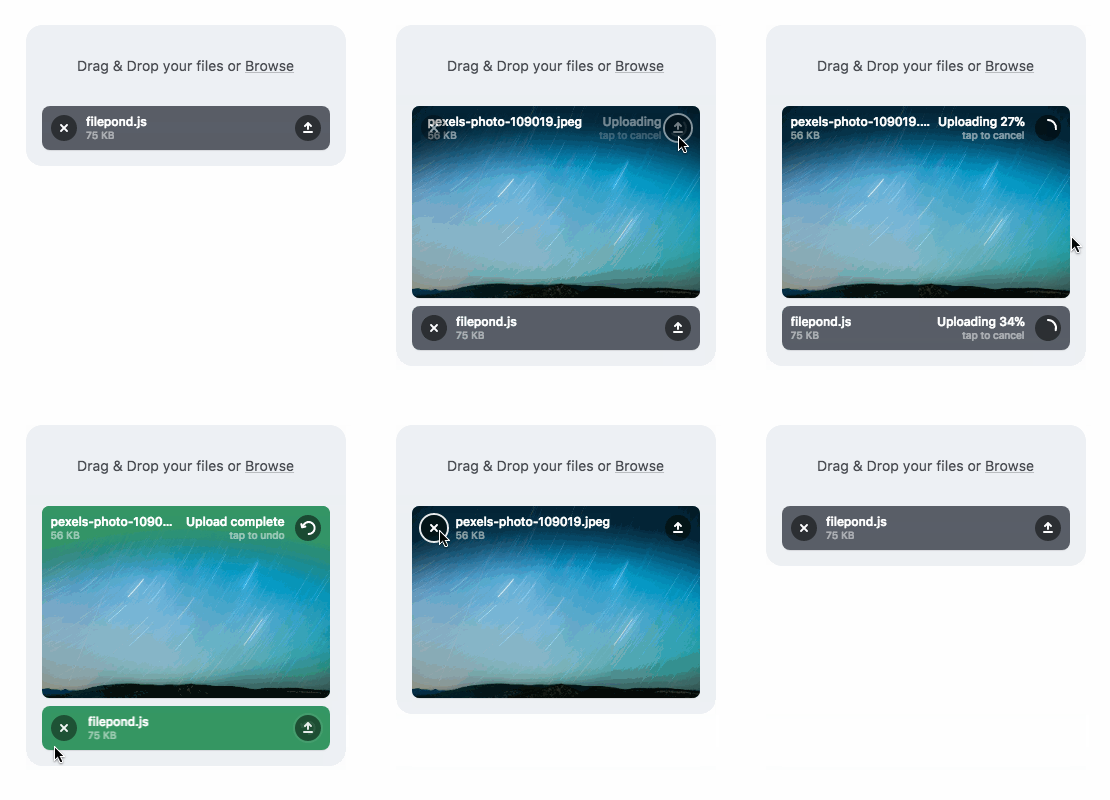
---
$3
Pintura the modern JavaScript Image Editor is what you're looking for. Pintura supports setting crop aspect ratios, resizing, rotating, cropping, and flipping images. Above all, it integrates beautifully with FilePond.

---
Installation:
If you're using Vue 2 please run npm install vue-filepond@^6.0.0
``bash`
npm install vue-filepond filepond
Usage:
`vue
ref="pond"
label-idle="Drop files here..."
v-bind:allow-multiple="true"
accepted-file-types="image/jpeg, image/png"
server="/api"
v-bind:files="myFiles"
v-on:init="handleFilePondInit"
/>
`
When using FilePond with an SSR configuration like Nuxt.js it's best to wrap it in tags.
`vue`
Usage in the browser:
`html
href="https://unpkg.com/filepond/dist/filepond.min.css"
/>
href="https://unpkg.com/filepond-plugin-image-preview/dist/filepond-plugin-image-preview.min.css"
/>
``