vue-full-loading
v1.2.1
Full overlay with spinner for Vue
0/weekUpdated 3 years agoMITUnpacked: 209.0 KB
Published by PygmySlowLoris Team
npm install vue-full-loadingVue Full Loading
Full overlay with spinner for Vue.
Perfect for performing a task in the background avoiding any other action on the screen.
Can be easily handled by your central event bus
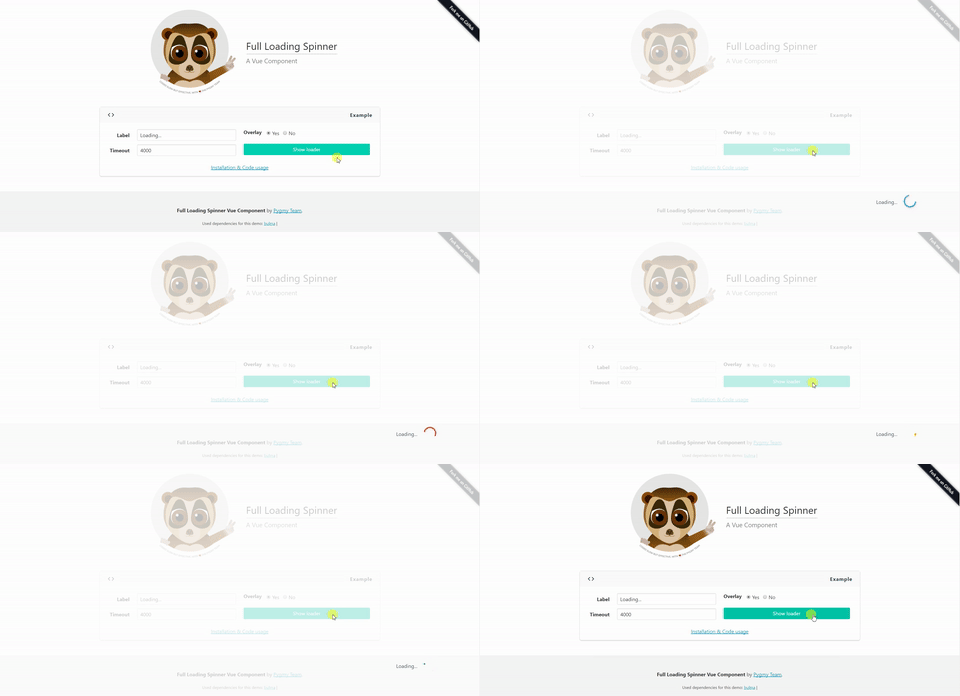
Installation
``
npm install vue-full-loading --save
Properties
| Properties | Type | Values |
| :--------------- | :------- | :--------- |
| label | String | Default 'Loading...' |show
| | Boolean | Default false overlay
Options: true or false. |
| | Boolean | Default true overlay-class
Options: true or false. |
| | String | Default 'white-overlay' |loader-class
| | String | Default 'loader-wrapper' |event-bus
| | Object | Default null event-show
Central event Bus |
| | String | Default 'show-full-loading'|event-hide
| | String | Default 'hide-full-loading'|
Slots
Want to add your own loading content/style? No problem, you can use the available slots to do so.
Available slots:
* loading-container - This is the container for the loading text/spinnerloading-text
* - Only for the loading textloading-spinner
* - Only for the spinner
Examples
Include the component in your .vue file. `
:label="label">
You also can manage this component by your eventBus with custom event names.
`
event-show="show-my-full-loading"
event-hide="hide-my-full-loading"
:label="label">
> Notice that if no event names passed it will use the default ones.
Match your data with your components props.
`