vue-multipane
v0.9.5
Resizable split panes for Vue.js.
1.3K/weekUpdated 3 years agoMIT
Published by Yan Sern
npm install vue-multipanevue-multipane !npm tag
> Resizable split panes for Vue.js.
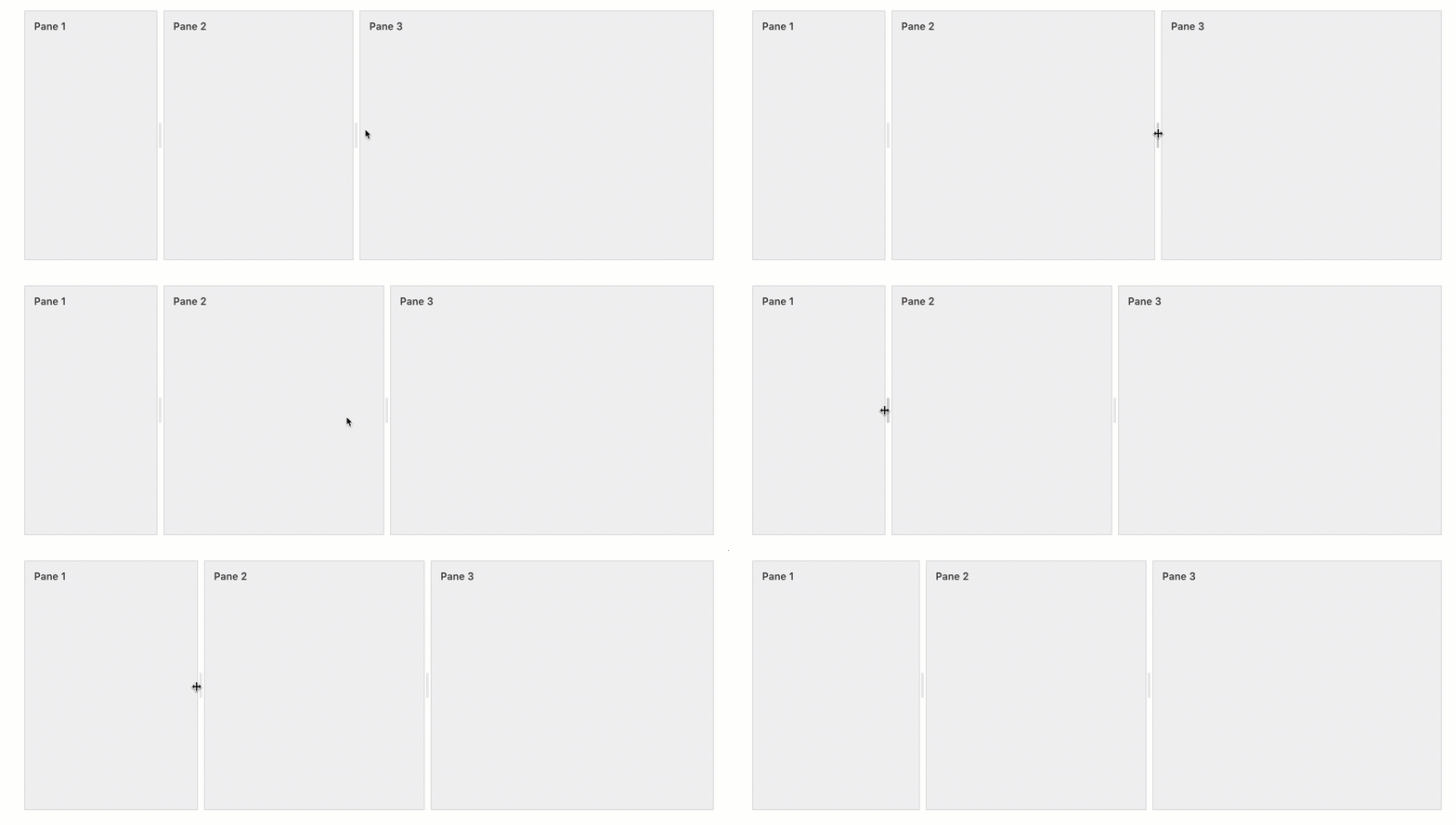
Check out the live demo.
Features
* Uses CSS3 Flexbox.
* Supports vertical & horizontal layouts.
* Supports fixed and fluid panes.
* Configure everything using CSS!
Installation
``
bash
$ npm install vue-multipane
`Using vue-multipane
First, import
into your Vue component.
`js
import { Multipane, MultipaneResizer } from 'vue-multipane';export default {
// ...
components: {
MultiPane,
MultiPaneResizer
}
}
`Then, construct your split pane layout using multipane component.
html

  Pane 1

  Pane 2

  Pane 3
`Customizing pane layout
You can customize pane layouts using CSS.* Create vertical/horizontal layouts using
 attribute.
* Set initial pane size using
width|height CSS property.
* Set pane size constraints using min-width|min-height|max-width|max-height CSS property.
* Create fixed/fluid combination panes by using px|% units.
* Use flex-grow: 1 for that one pane that should take all remaining space available on the multipane container.This example below shows a combination of different styling properties you can apply to make the panes render the way you want it to:
`html
Pane 1
Pane 2
Pane 3
`Customizing resize handle
By default, vue-multipane creates an invisible 10px resize handle that sits in between 2 panes. You can customize the appearance of the resize handle to fit your needs.This example below creates a 15px blue resize handle:
css
.multipane.foo.layout-v .multipane-resizer {
  margin: 0; left: 0; / reset default styling /
  width: 15px;
  background: blue;
}.multipane.foo.layout-h .multipane-resizer {
  margin: 0; top: 0; / reset default styling /
  height: 15px;
  background: blue;
}
`#### Optional resize handle
You can also add resize handle only specific panes by just adding
next it.`html
Pane 1
Pane 2
Pane 3
``Options
Multipane
| Property | Description | Type | Default |
| -------------- | ---------------- | :--------: | :----------: |
| layout | Determine layout of panes. | String [vertical, horizontal] |vertical |
Events
Multipane
| Event | Description | Returns |
| ------------------ | ---------------- | :--------: |
| paneresizestart | When user clicks on the resize handle to start resizing a pane. | pane, container, size |
| paneresize | When user is resizing a pane. | pane, container, size |
| paneresizestop | When user release the resize handle to stop resizing a pane. | pane, container, size |
License
vue-multipane by Yan Sern licensed under MIT.
> PS: I would love to know if you're using vue-multipane. Tweet to me at @yansernio.