Vue component used as an js/json object inspector/viewer
npm install vue-object-inspectorVue component used as an js/json object inspector/viewer, inspired by react-inspector .
> Nodes will not be rendered if parent is collapsed.
Online Playground:
https://codesandbox.io/s/vue-object-inspector-demo-gjs9h?file=/src/components/InspectorDemo.vue
https://codesandbox.io/s/vue-object-inspector-demo-dark-bouxd?file=/src/components/InspectorDemo.vue
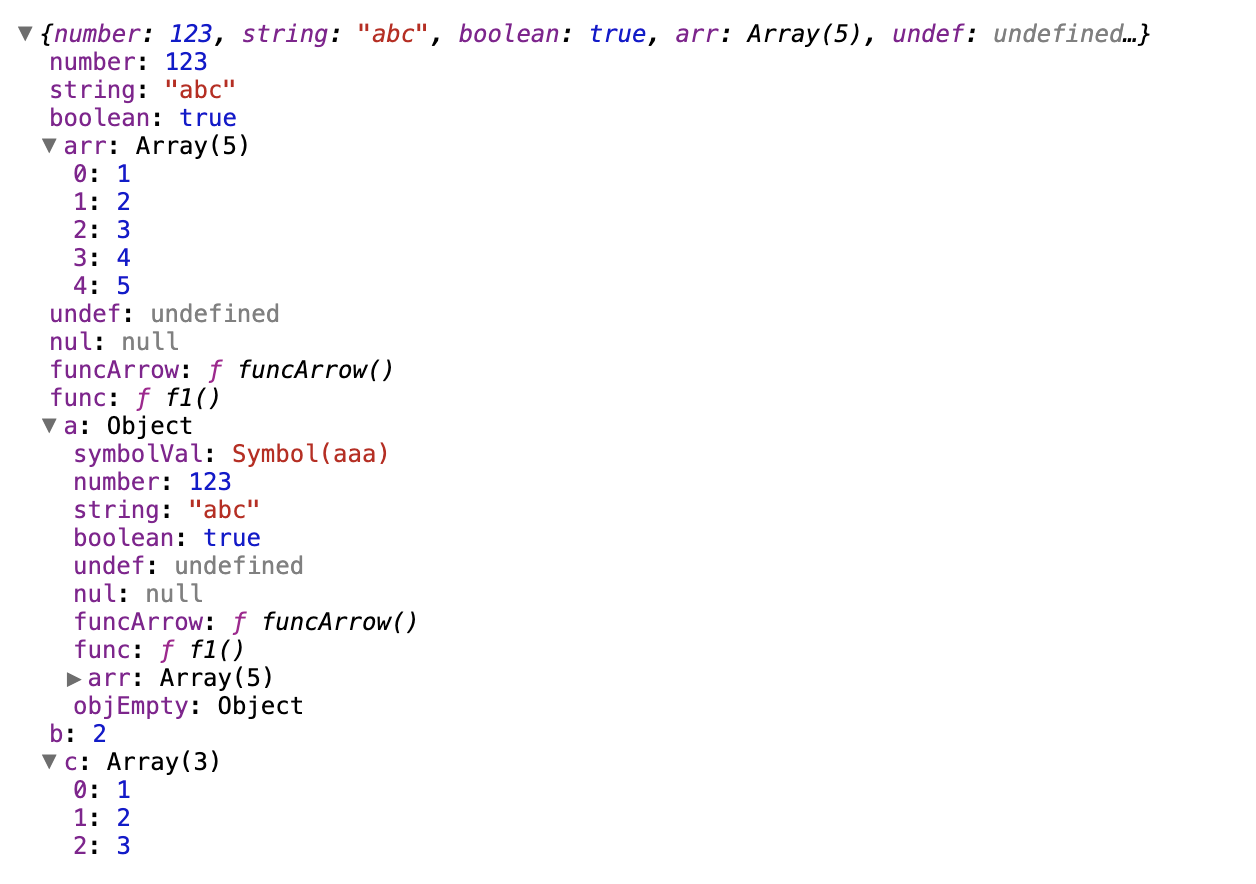
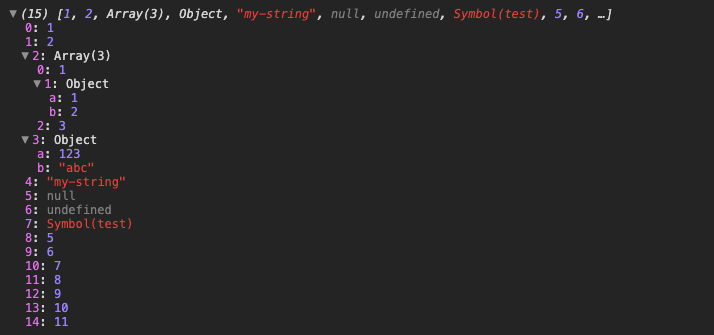
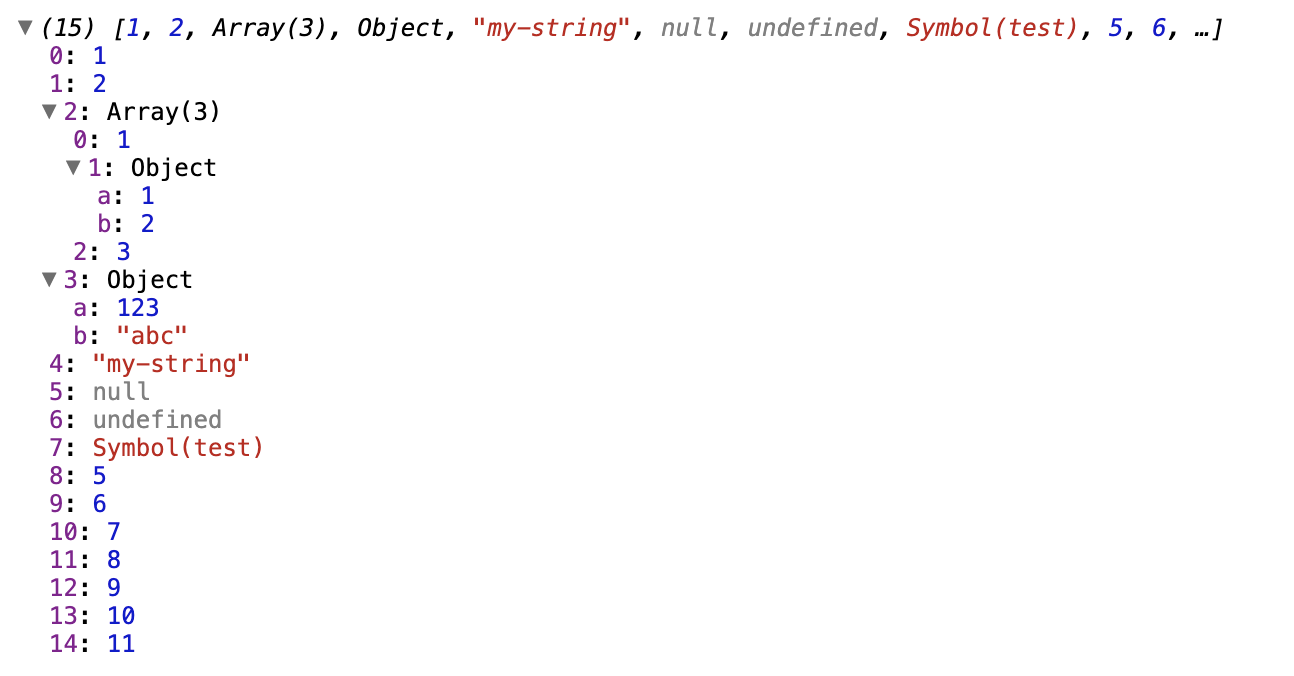
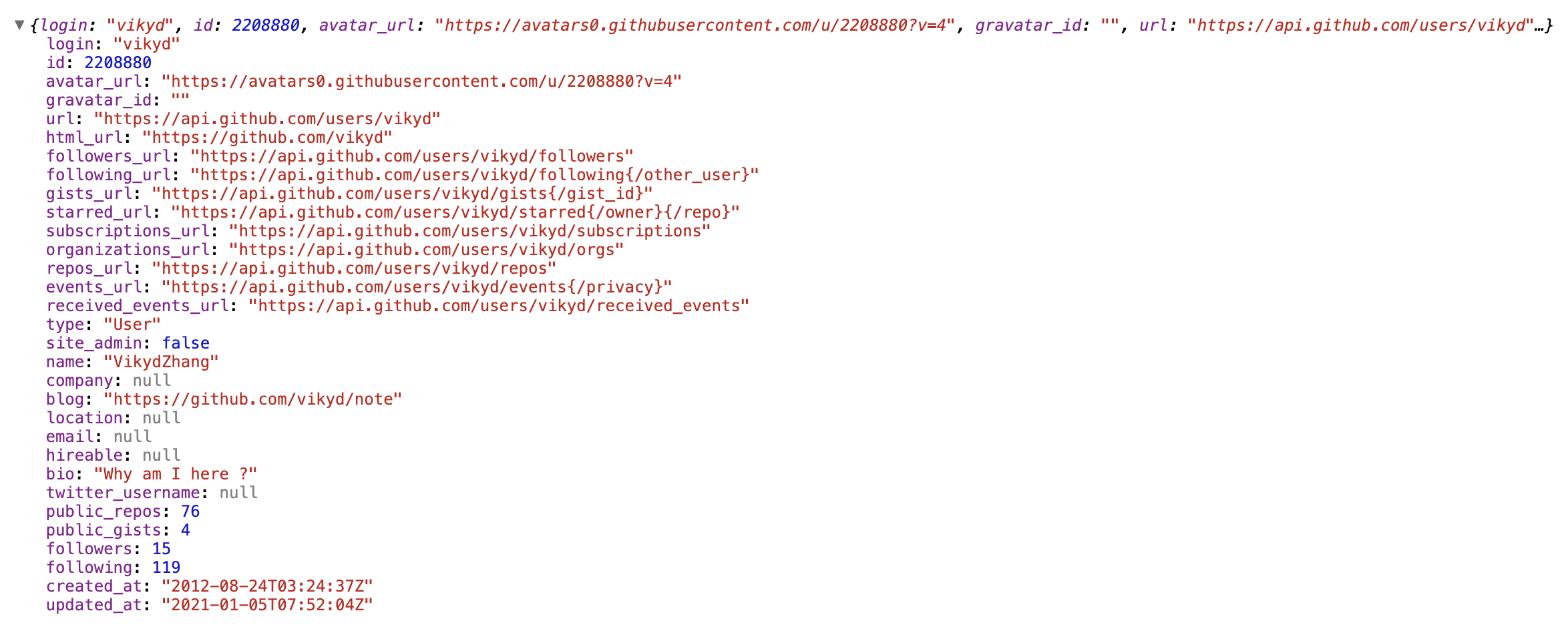
``sh`
npm install vue-object-inspector
In Vue component:
`vue
`
This component supports some Vue props, similar to react-inspector , just a bit different.
- what: JavaScript Object or any var you would like to inspect
- type: any
- mandatory: true
- what: root node prefix name
- type: String
- mandatory: false
- what: an integer specifying to which level the tree should be initially expanded
- type: Integer
- mandatory: false
- default: 0
- what: an array containing all the paths that should be expanded when the component is initialized, or a string of just one path
- type: Array of String
- mandatory: false
- details: syntax like JSONPath
- default: []
- examples:
- : expand root node, $ always refers to the root node['$.myKey']
- : expand to myKey node (will also expand all parent nodes)['$.myKey.myArr']
- this is different from react-inspector
- : expand to myArr node (will also expand all parent nodes)['$.a', '$.b']
- : expand first level nodes a and b
- : expand by array index['$.*']
- : wildcard, expand all level 2 nodes, equivalent to :expandLevel="2"
- : wildcard, expand all level 3 nodes, equivalent to :expandLevel="3"
Both are reactive.
In most case, don't use both at the same time.
One of them changes, only the changed one will take effect and ignore the other one.
If want to expand all level, change expandLevel to a very big number.
If want to collapse all level, change expandLevel to 0.
If already change expand by hand, change the expandLevel to a nagative number, then change it back in $nextTick.
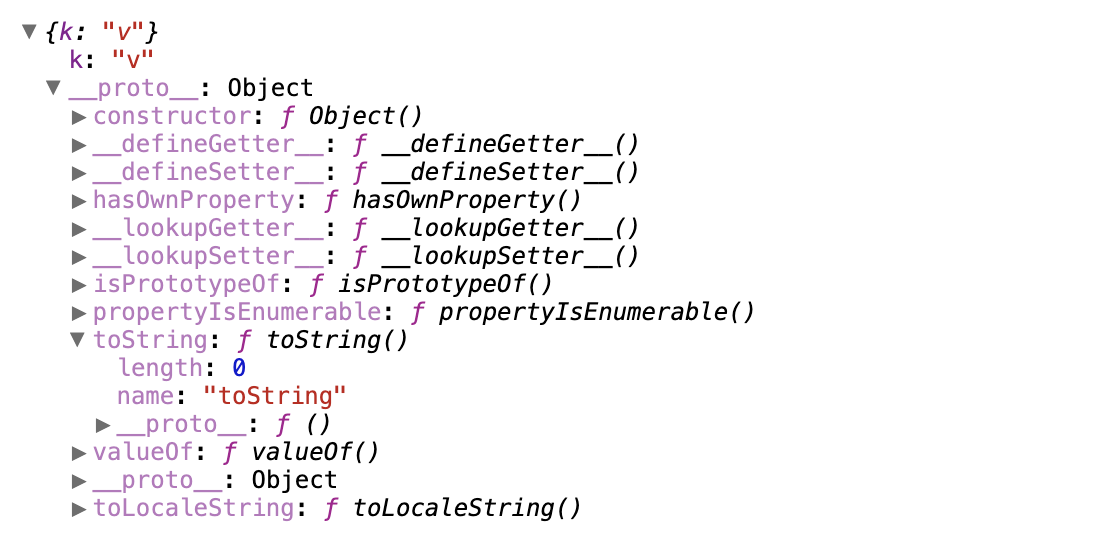
- what: show non-enumerable properties, like __proto__, length, constructor ...false
- type: Boolean
- mandatory: false
- default:
- what: sort object keys like Array.sort()
- type: Boolean or Function
- mandatory: false
- default: no sort
- examples:
- true: keys of objects are sorted in alphabetical order except for arrays`
- function in Vue component methods:
js`
reverseSortFunc(a, b) {
return b > a ? 1 : -1
}
- what: use a custom nodeRenderer to render the object propertiesdepth
- type: Function, should return JSX elements
- function parameters: , name, data, isNonenumerable
- refers to default hidden properties like __proto__, length ...nodeRenderer
- mandatory: false
- default: a default
- examples:
  - function in Vue component methods:
js`
myNodeRenderer(depth, name, data, isNonenumerable) {
return (
)
}
- what: max count object properties should be list in preview label
- type: Interger
- mandatory: false
- default: 5
- what: max count array properties should be list in preview label
- type: Interger
- mandatory: false
- default: 10
- what: use light or dark theme
- type: String
- mandatory: false
- default: light theme, keep this prop empty
- dark theme value: chromeDark
Local preview page is example/App.vue .
`shInstall dependencies
npm install
Storybook Preview
After
, you can also run this command to see lots of live examples.`sh
npm run storybook
`See